
01 · Retail checkout
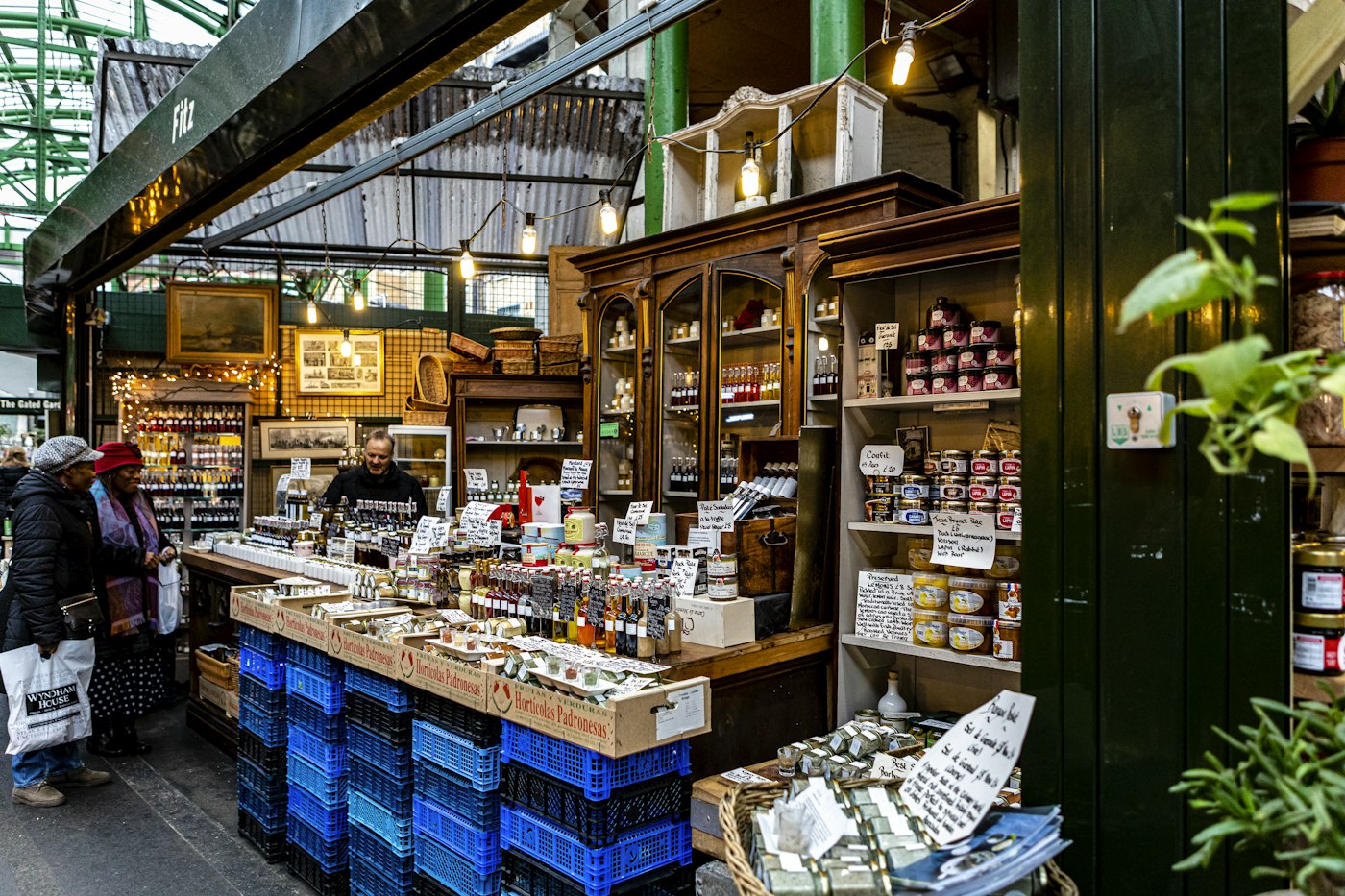
A retail till system that staff learn in minutes.
Scan a barcode or tap a product from the catalogue, adjust the quantity, apply a discount if you are giving one and choose how the customer paid. The sale is saved, stock falls and the invoice can be printed straight away if you have a receipt printer set up.
POS2026 is not a card processor. Take card payments on the card reader you already use, then record the payment method at the till so cash and card totals stay separate in your reports.
Scan or tap
Barcoded products scan in; everything else is a tap away in the catalogue.
Discounts kept with the sale
A reduction is stored with the transaction, so reports show what you really charged.
Invoices on the spot
Print or produce an invoice the moment the sale is complete.