Grocery store POS

The grocery store POS system that keeps shelves and tills in step.

POS2026 gives independent grocers a fast barcode checkout, live stock levels, supplier purchase records and a clear view of profit, all in one browser-based app with a free trial.

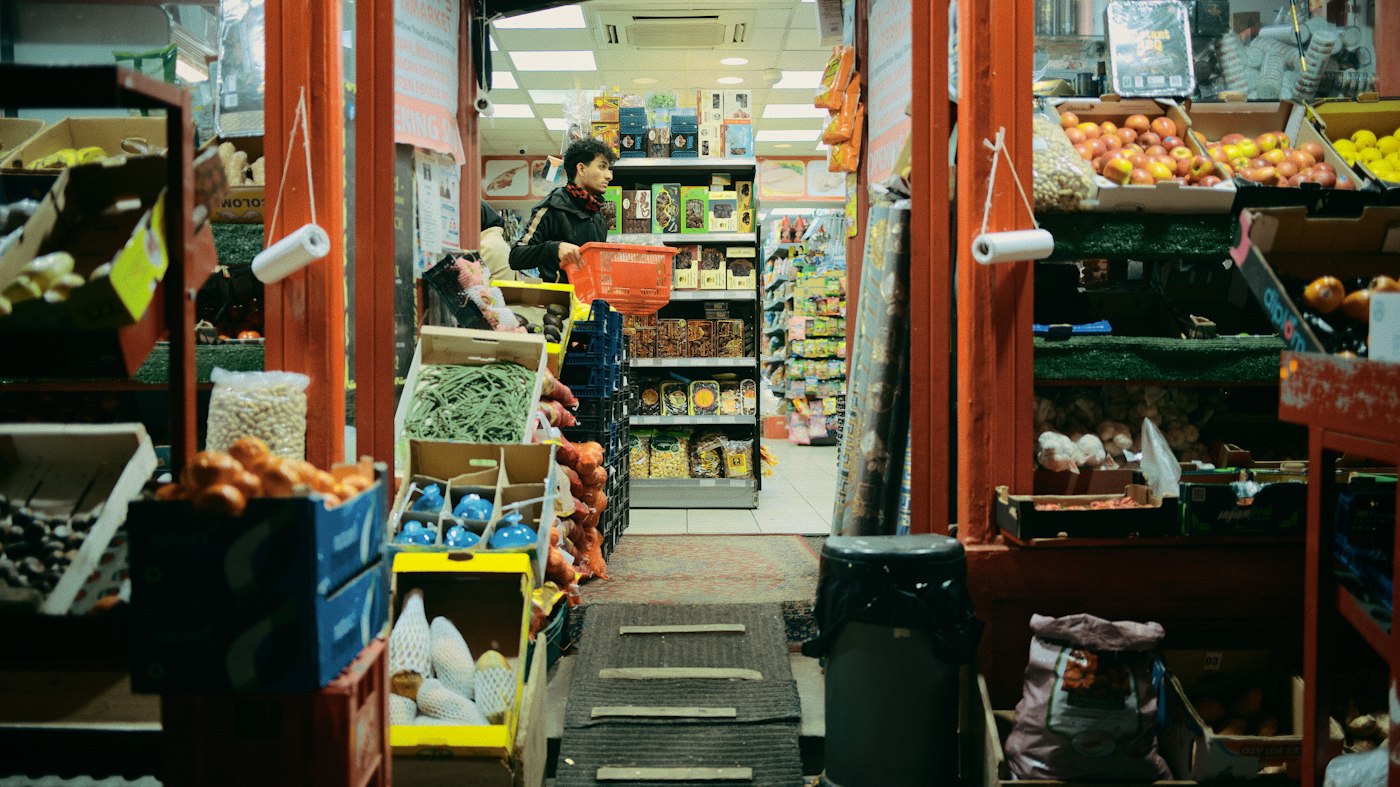
Inside a small independent grocery store with stocked shelves and fresh produce
Hundreds of lines, one catalogue, counted with every sale.

In short

A grocery store POS system is the till software that records each sale and updates stock at the same time. POS2026 adds the back office a grocer needs: barcode scanning, low-stock alerts, supplier purchases, money owed by regular customers, expenses and a profit report, so the shop runs from one set of records.

Grocery margins are thin and the range is wide. A single shop can carry hundreds of lines, from tins and dry goods to fresh produce that has to sell within days. That makes two things matter more than anything else at the till: speed, so the queue keeps moving, and accuracy, so the stock figures you reorder from are real.

POS2026 was built for exactly that kind of everyday retail. Every sale scanned at the counter reduces stock, adds to the sales history and is counted in income. Every delivery you record against a supplier adds stock back. The result is a stock level you can trust when you write the next order, and a profit figure that reflects what the shop actually made.

Why grocers switch

What independent grocers deal with every day.

Most grocery shops do not need more software. They need fewer gaps between the till, the stockroom and the books.

  • Running out of best sellers

    Milk, bread and the lines regulars come in for sell out before anyone notices. Low-stock alerts flag them while there is still time to reorder.

  • Orders written from memory

    Without accurate stock levels, orders are guesswork. Over-order and money sits on the shelf. Under-order and customers go elsewhere.

  • Regulars who pay later

    Many local grocers let trusted customers settle up at the end of the week. A notebook behind the counter is easy to lose and hard to total.

  • Not knowing the real margin

    Turnover looks healthy, but supplier price rises, waste and running costs quietly eat into profit. You need costs and sales in the same place.

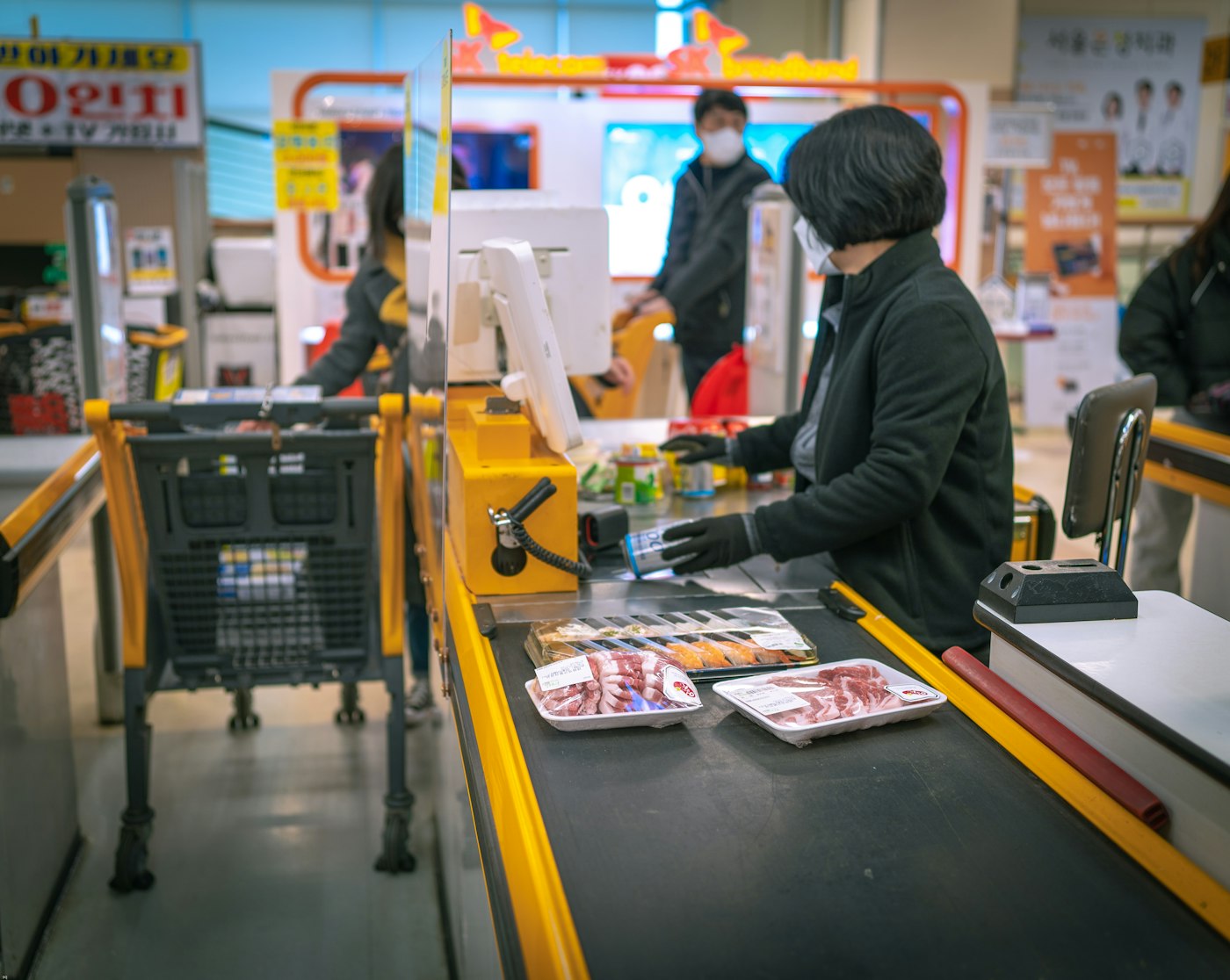
Shop assistant serving a customer at a grocery till
Scan, take payment, print, next customer.

01 · Barcode checkout

A till that keeps the queue moving.

Scan a barcode and the product is added to the sale with its price. Items without a barcode, such as loose fruit and vegetables, can be picked from the catalogue in a couple of taps. Apply a discount, take payment by the method the customer uses and print the invoice where a receipt printer is set up.

The checkout follows the same steps every time, so new staff learn it quickly and the busy hours stay calm.

Barcode scanning

Products with a barcode scan straight into the sale.

Discounts at the till

Reduce a price or a whole sale, and the discount is saved with the transaction.

Instant invoices

Print an invoice for the customer the moment the sale completes.
How POS Sales works
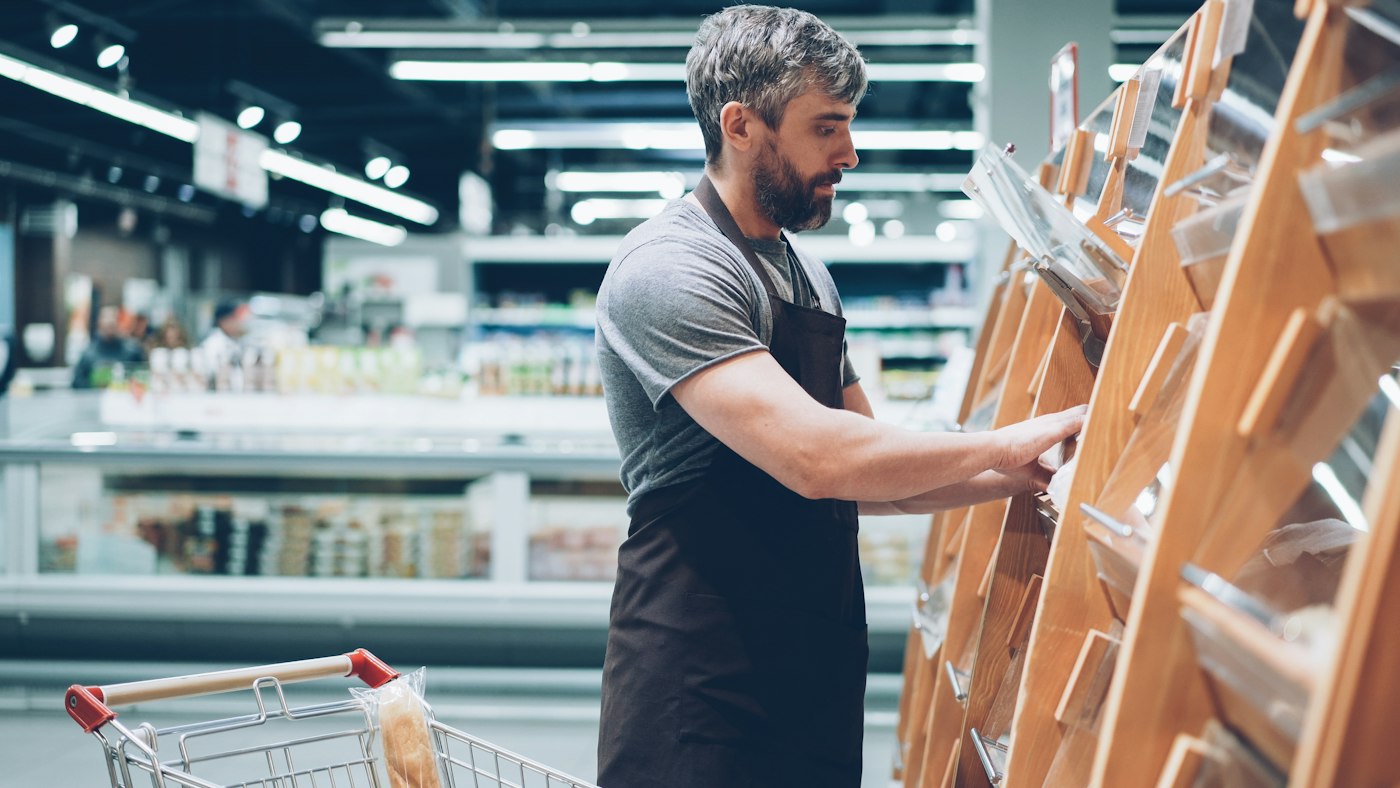
Grocery store worker sorting stock on the shop floor
Every sale and delivery updates the count.

02 · Stock control

Stock levels that match the shelves.

Each sale lowers stock automatically, and each purchase you record raises it. Set a low-stock level for the lines that matter and POS2026 flags them before the shelf is empty. When the count on the shelf and the count in the app differ, record an adjustment so the figures stay honest.

Products can carry a category, an image, a selling price, a barcode and a unit, so loose goods sold by the kilogram sit alongside packaged lines sold individually.

Low-stock alerts

Know what is running low without walking every aisle.

Stock adjustments

Correct the count after a stock take, breakage or waste.

Units per product

Sell by the piece, the pack or the kilogram.

How Stock works
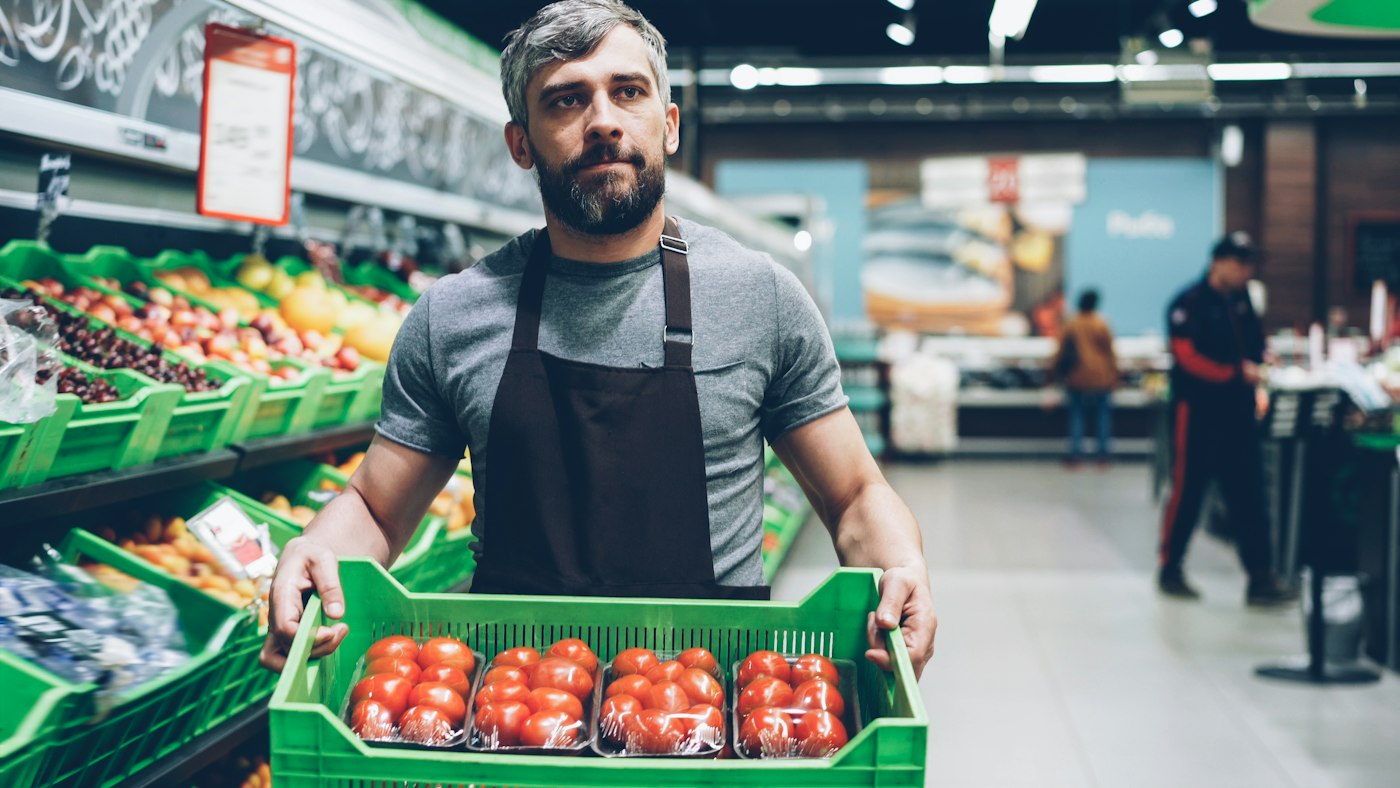
Grocery worker carrying a box of fresh tomatoes
Deliveries in, stock up, supplier balance updated.

03 · Suppliers and purchases

Every delivery recorded against its supplier.

Record each order from a wholesaler or local supplier as a purchase. The stock goes up, the purchase history builds over time and the supplier record shows what you have bought and what you still owe them. When a supplier changes their prices, you see it in your costs rather than months later.

Purchase history

See what you bought, from whom and when.

Supplier records

Contact details and the balance owed, per supplier.

Cost prices kept current

Accurate costs make the profit figure accurate.

How Purchase works
Lit mini market sign on a UK street at night
Know exactly who owes the shop money.

04 · Customer credit

The tab book, without the notebook.

When a regular takes shopping now and pays later, record the sale against their customer record. The Due List shows everyone who owes money, how much and since when, so nothing is forgotten and settling up takes seconds. When they pay, record the payment and the balance clears.

Due List

Every outstanding amount in one list, with dates.

Customer records

Contact details and full payment history for each regular.

Reminders

Keep track of when amounts fall due.

How Due List works
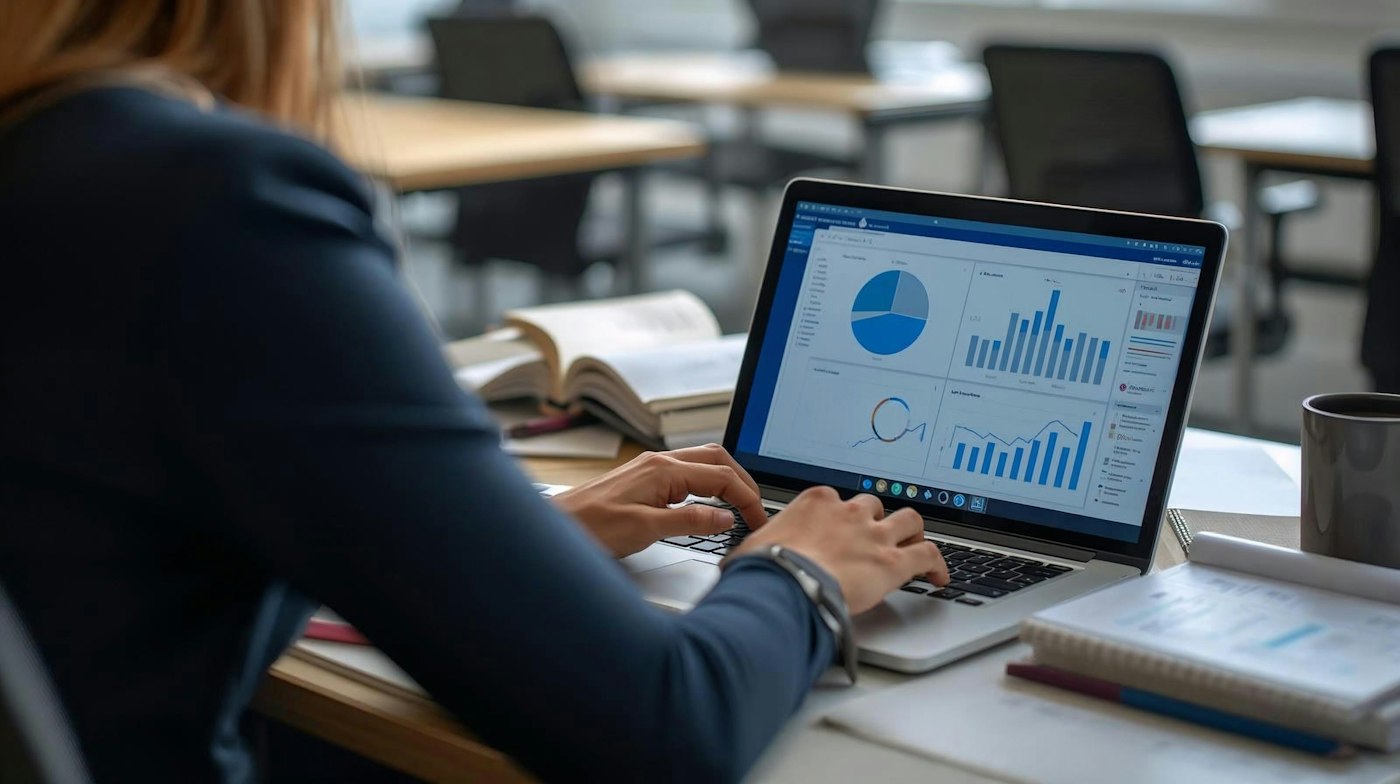
Shop owner reviewing sales charts on a laptop
Sales, costs and expenses in one report.

05 · Profit and reports

See what the shop really made.

Loss/Profit brings together what you sold, what those products cost you and what the shop spent on rent, wages and bills. Reports break sales down by product, customer and payment, with filters and export options, and the Dashboard shows the headline figures and trends each morning.

Loss/Profit

Profit after product costs and expenses.

Sales reports

By product, customer and payment, with filters and export.

Dashboard

Key metrics, sales charts and alerts on one screen.

How Loss/Profit works

Getting started

Set up your grocery store in an afternoon.

You can start with your best sellers and add the rest of the range as you go.

  1. Create your account and start the free trial.
  2. Choose your language and currency in the settings.
  3. Add products with their price, barcode, category and unit. Start with your fastest sellers.
  4. Record your current stock levels and set low-stock alerts on key lines.
  5. Add your main suppliers and regular customers.
  6. Open POS Sales and make your first sale.

Questions

Common questions.

Straight answers for shop owners, based on what POS2026 actually does.

Does POS2026 work with a barcode scanner?

Yes. Products that have a barcode set in the catalogue scan straight into a sale at checkout. Loose items without a barcode can be selected from the catalogue instead.

Can I sell fruit and vegetables by weight?

Each product can be given a unit, such as each, pack or kilogram, so you can record loose goods by quantity in the unit you sell them in. POS2026 does not claim integration with weighing scales.

Will it tell me when stock is running low?

Yes. Set a low-stock level on a product and POS2026 flags it when stock falls to that level. Alerts also appear on the Dashboard.

Can I track customers who pay at the end of the week?

Yes. Record the sale against the customer, and the amount appears on the Due List until they pay. Each customer record keeps their full payment history.

Do I need special hardware?

POS2026 runs in a web browser, so you can use the computer, laptop or tablet you already have. A barcode scanner and receipt printer are useful at a busy grocery counter but not required to start.

Is there a free trial?

Yes. You can start on a free trial, and new accounts are covered by a 30-day money-back guarantee on their first payment. Plans and prices are shown in the app when you create an account.

Run your grocery store from one connected POS.

Start your free trial, add your best sellers and scan your first sale today.

Explore Features Get Started