
Products and operations · Products

A catalogue that describes everything you sell.

Products is the master list behind checkout, purchasing and stock. Each product carries an image, a category, price options, a barcode and the unit it is sold in, so it is set up once and used everywhere.

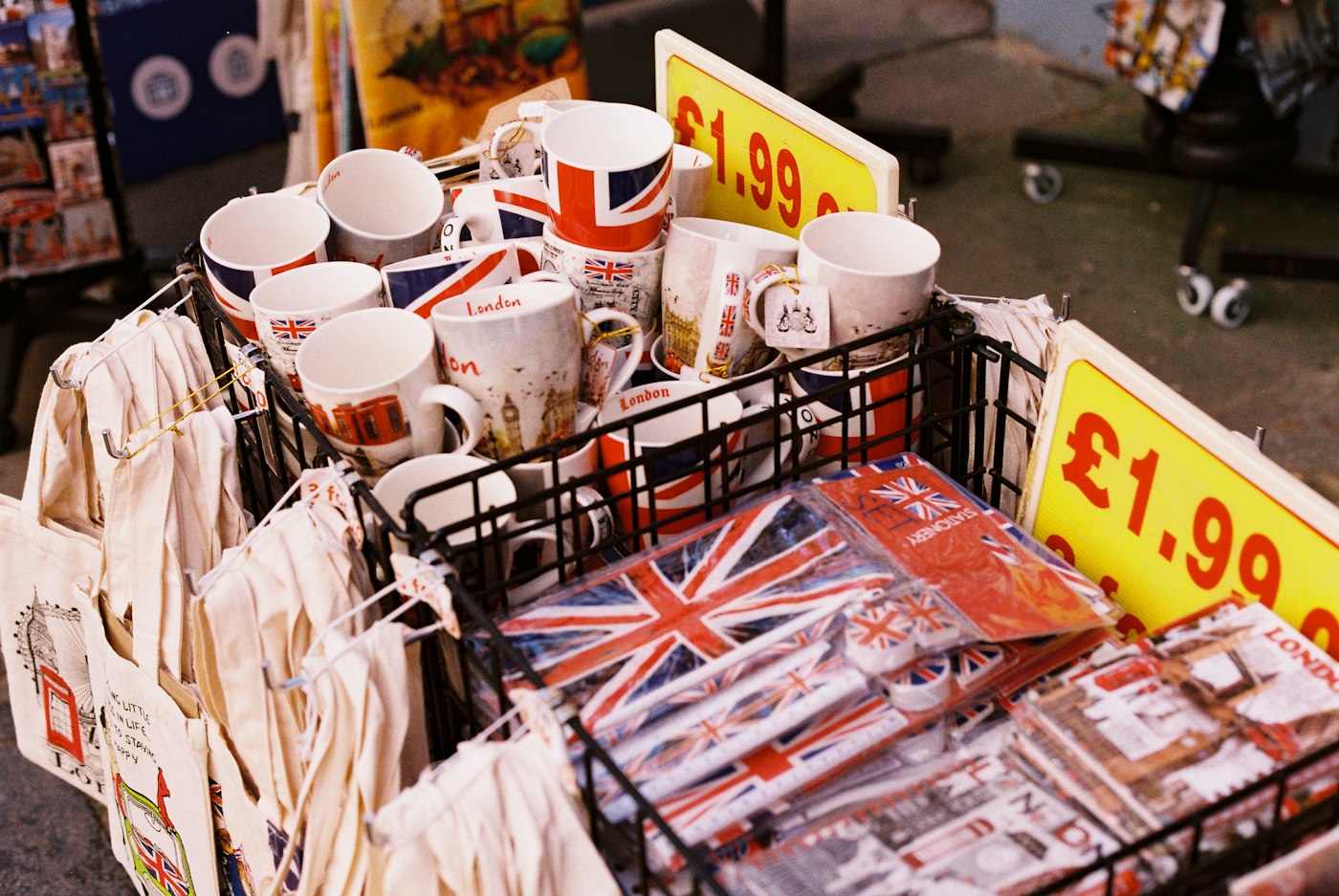
Mugs with Union Jack designs and a price label on a market stall
Every item with its image, category, price and barcode.

What Products does

Catalogue, images, prices, barcodes, units.

Create and manage your product catalogue with images, categories, price options, barcode support, and unit settings to keep your entire product information fully organised.

  1. 01

    Catalogue, images and categories

    Create and organise products with images and categories.

  2. 02

    Price options and barcodes

    Price options and barcode support.

Shop shelves stocked with packaged goods
Images and categories make a long catalogue easy to work with.

How you use it

  1. Create the product and add its image.
  2. Put it in a category.
  3. Set the unit it is sold in.

01 · Catalogue, images and categories

Organised the way your shop is.

Give each product a picture and a category so staff recognise it instantly and reports group the way your shelves do. The catalogue stays tidy as it grows.

Product images

A photo for each product, shown at checkout and in the catalogue.

Categories

Group products the way your shop is laid out, and report by category later.

Unit settings

Sell by piece, pack or weight, and keep stock in the same unit.
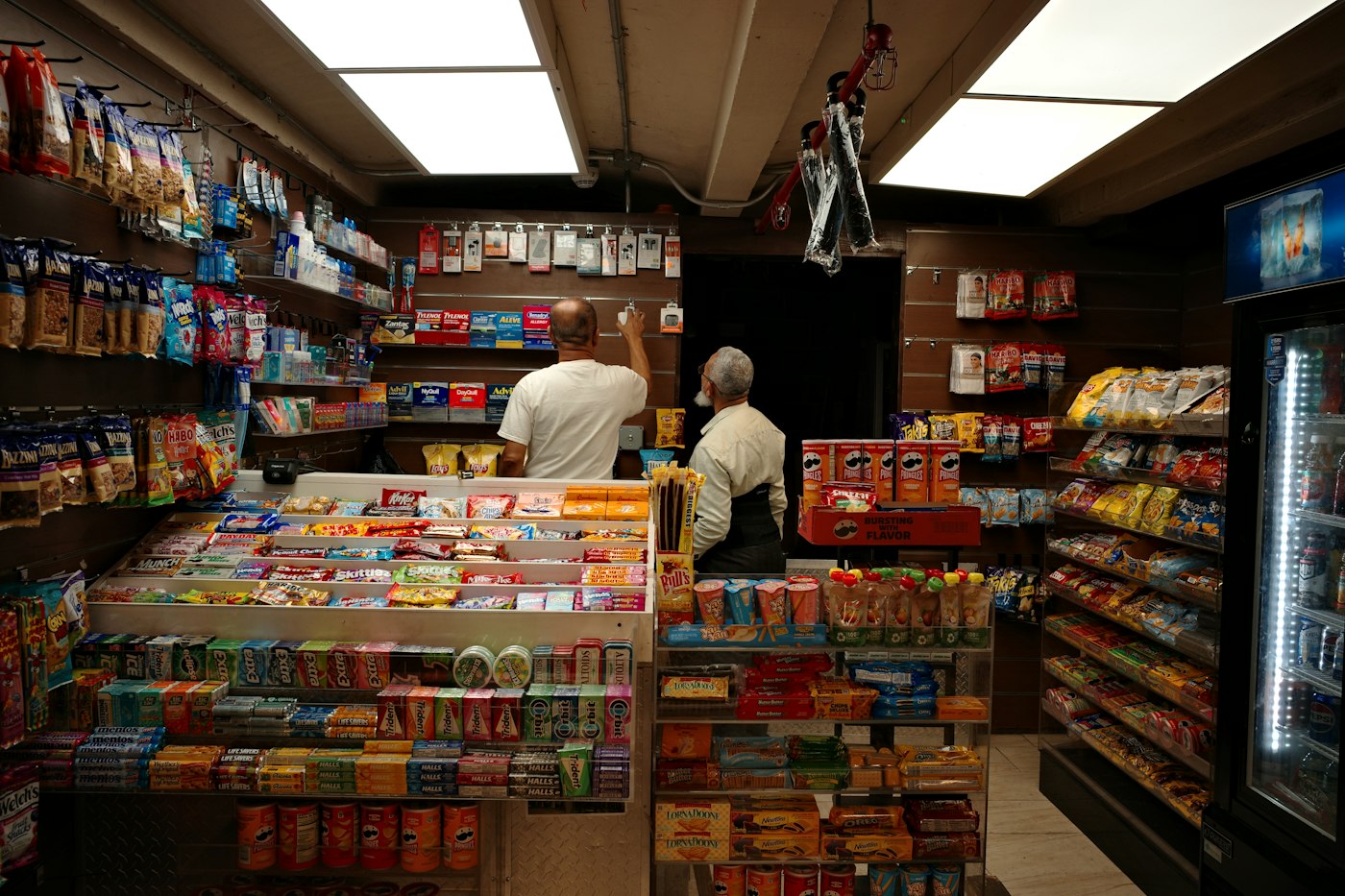
Inside a convenience store with shelves of snacks and drinks
Price options and barcodes flow straight into POS Sales.

How you use it

  1. Set the price options.
  2. Add the barcode if the product has one.
  3. The product is now ready in checkout, purchasing and stock.

02 · Price options and barcodes

Priced and scannable.

Set price options on the product so the right price comes through at the till, and attach a barcode so it scans straight into a sale. Product costs recorded here are what Loss/Profit uses.

Price options

Selling prices on the product, used by checkout and by profit calculations.

Barcode support

Store a barcode so the product can be scanned at the counter.

Cost for profit

The product cost sits alongside the price so Loss/Profit can compare them.

Questions

Common questions.

Straight answers about Products, based on what the module does.

Can I add images and categories?

Yes. Each product can carry an image and belong to a category.

Do products support barcodes?

Yes. Barcode support is built in, and POS Sales scans them at the counter.

Can I set more than one price?

Products have price options, so the price used at checkout comes from the product.

What are unit settings?

The unit a product is sold and stocked in, such as a piece, a pack or a weight.

Start with Products. The rest is already connected.

Create your account, add your products and run the day from one platform.

Explore Features Get Started

