Coffee shop POS

A coffee shop POS system for cafés where customers order at the counter.

POS2026 suits takeaway coffee shops, kiosks and counter-service cafés: a quick till for the morning queue, sales by product to show what earns its place on the menu, and a profit figure that includes every litre of milk and bag of beans.

A smiling woman standing in her coffee shop
Order at the counter, pay, and the sale is on record.

In short

A coffee shop POS system takes orders and payments at the counter and records what sold. POS2026 suits counter-service cafés: quick checkout from a menu of products, sales by product to show your best sellers, milk, beans and cups recorded as expenses, and a profit report. It has no table management or kitchen display, so it is not built for table-service restaurants.

A coffee shop lives on its morning peak. Commuters want a flat white in hand within minutes, and the queue sets the pace for everything behind the counter. After nine the rush eases into a steadier trade of meetings, laptops and lunchtime toasties. Each sale is small, so the café makes its money on volume and on keeping a close eye on what milk, beans and cups really cost.

Let us be clear about fit. POS2026 is for cafés where customers order and pay at the counter. It does not offer table plans, tabs per table or a kitchen display screen, so a full-service restaurant will be better served elsewhere. For a counter-service coffee shop, it covers checkout, reports, expenses and profit in one browser app. Many cafés also sell baked goods; our bakery POS page covers that side.

Why cafés switch

What makes running a coffee shop till hard.

The drinks are small, the queue is long and the costs are constant. A café till has to handle all three.

  • A queue that peaks before nine

    Commuters want coffee in hand fast. Every extra tap at the till adds to the line out of the door.

  • A short menu with many choices

    Sizes, milks, extra shots and syrups turn ten drinks into dozens of combinations, and each needs the right price.

  • Running costs that hide in plain sight

    Milk deliveries, beans, cups, lids and syrups are bought constantly in small amounts. Over a month, they decide whether the café makes money.

  • Menu items that never earn their place

    Is the lunchtime toastie worth the prep? Do the cakes sell or end up as staff treats? Without sales by product, the menu runs on habit.

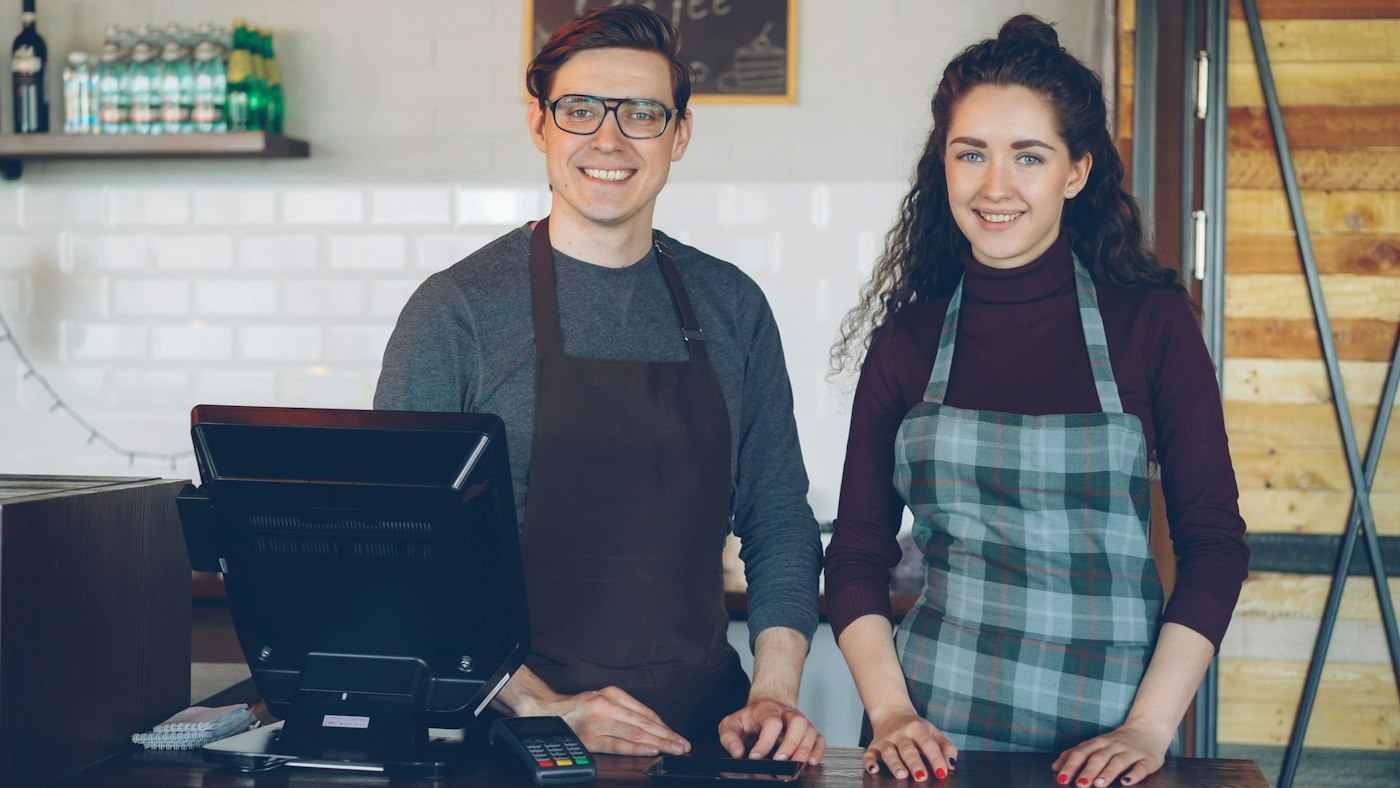
Two smiling café workers behind a counter
Counter service only: order, pay, next customer.

01 · Coffee shop till system

A café till system for the morning rush.

Set up your menu as products in categories such as hot drinks, cold drinks, food and cakes, each with a photo and price. Give each size its own product, for example a regular and a large latte, so the right price comes through with one tap. Extras such as oat milk, an extra shot or syrup can be small products of their own, added to the order alongside the drink.

Take card payments on your existing card reader and mark the payment method in POS2026, which does not process cards itself. Print a receipt only for the customers who want one.

One tap per drink

Each size set up as its own product and price.

Extras as add-ons

Oat milk, extra shots and syrups added as small products.

Payment method recorded

Cash and card totals kept apart for the cash-up.
How POS Sales works
A person working on a laptop with a cup of coffee
The menu decisions, made from what really sells.

02 · Best sellers

Best sellers by product, week by week.

A sales report by product shows how many lattes, cappuccinos and toasties sold over any period, and what each brought in. Compare this month with last to see whether the new iced drink is taking off, or whether that slice nobody orders should come off the counter.

The Dashboard puts the day's sales and recent trends on one screen, which is a quick check before the lunchtime push.

Sales by product

Units sold and revenue for every menu item.

Any period

This week, last month or the summer season.

Daily snapshot

Today's sales and trends at a glance.

How Report works
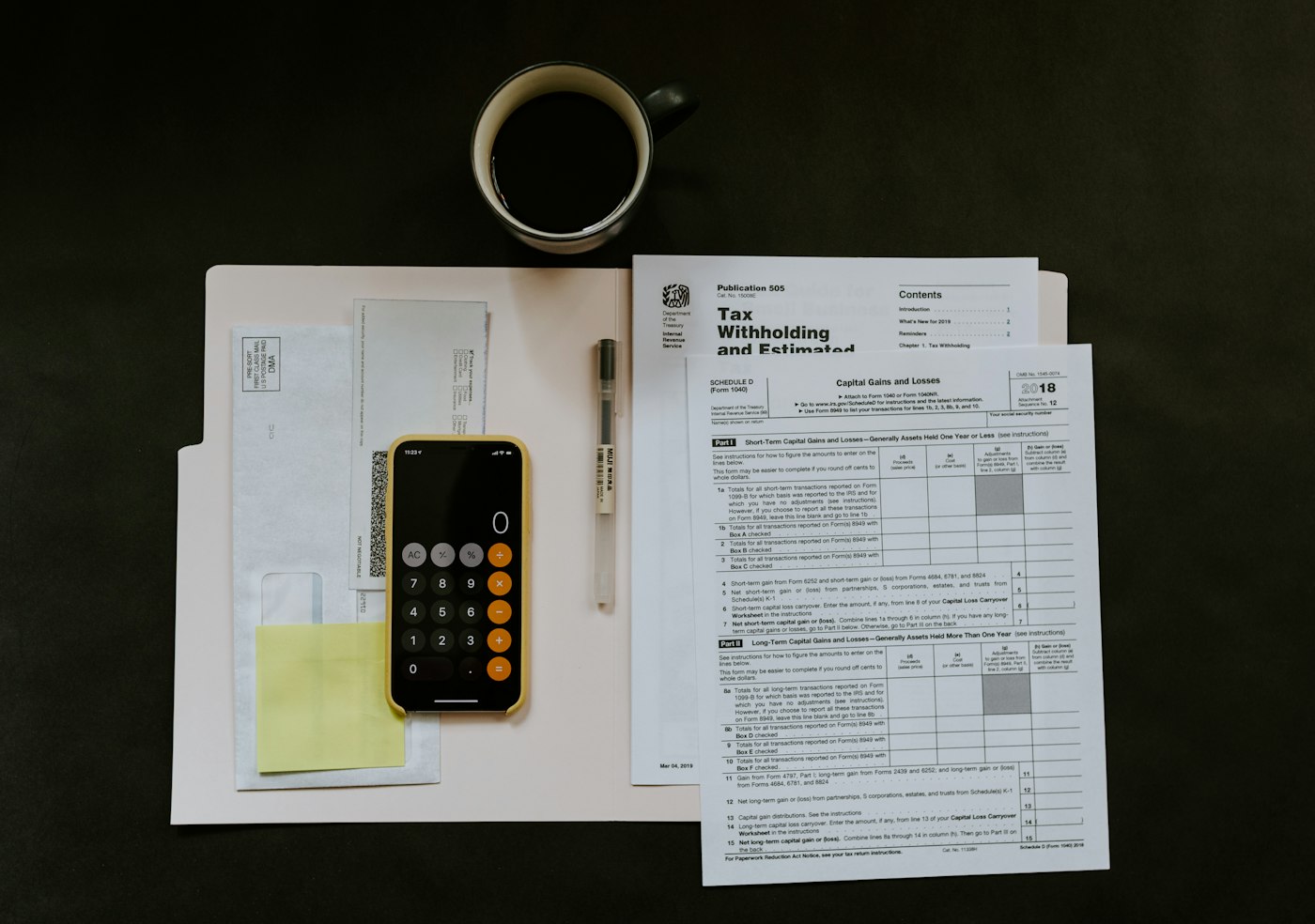
A phone and pen resting on paperwork and a white folder
Every milk delivery and box of cups on record.

03 · Milk, beans and cups

Ingredient and packaging costs as expenses.

For drinks made to order, the simplest honest set-up is to record milk, coffee beans, cups and lids, and syrups as expenses, each in its own category. Add rent, card reader fees and machine servicing too, and mark the regular ones as recurring so they are never missed.

For lines you buy in and resell, such as bottled drinks, crisps or wrapped cakes, record the delivery as a purchase and give the product a cost price instead. That way each cost is counted once.

Expense categories

Milk, beans, packaging and more, each tracked separately.

Recurring costs

Rent and servicing set to repeat on their cycle.

Resale lines as purchases

Bought-in items carry their own cost price.

How Expense works
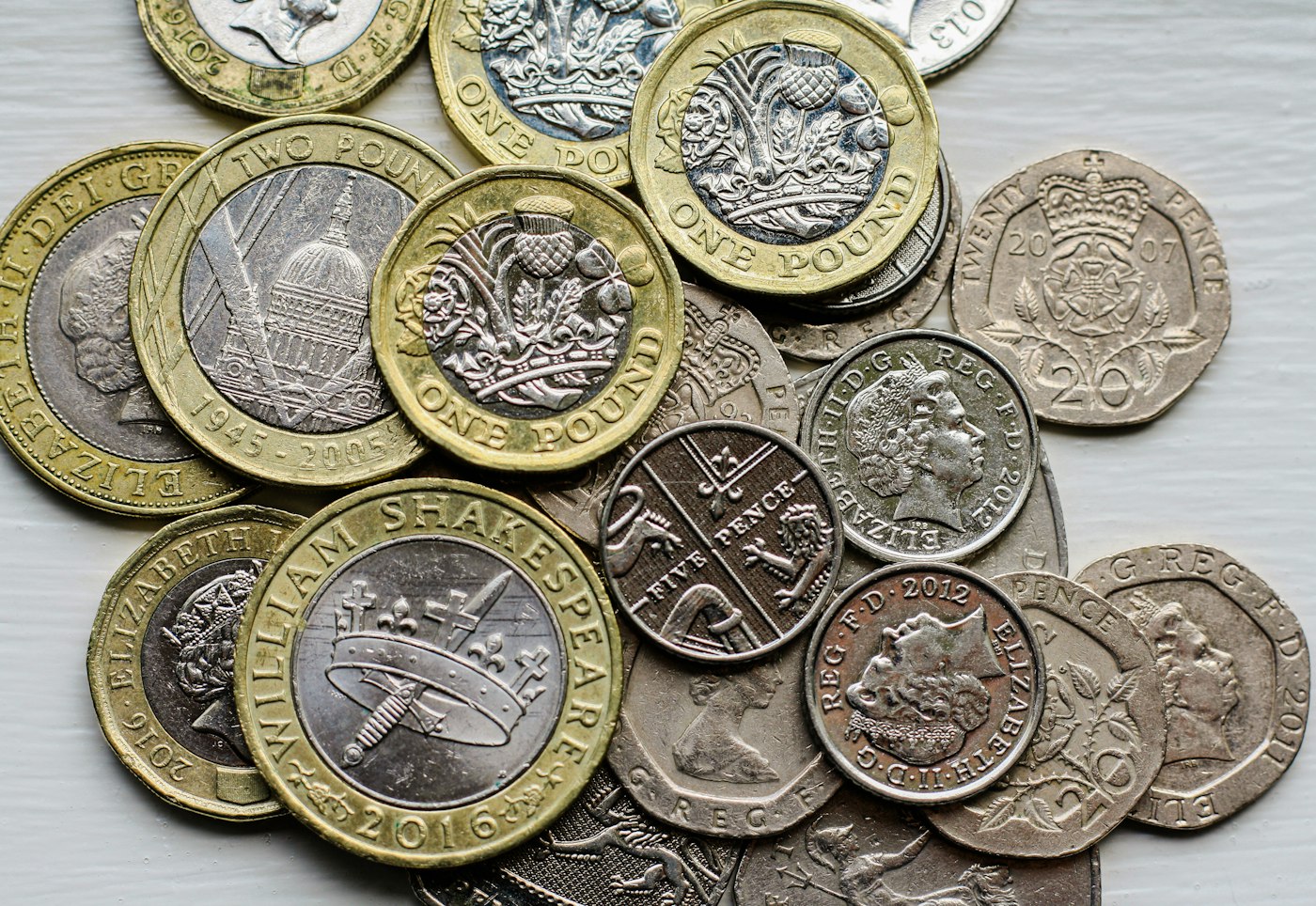
Loose British coins piled on a tabletop
Small sales add up; so do small costs.

04 · Profit

A profit figure you can act on.

Loss/Profit takes your sales, the cost of resale lines and your expenses and shows what the café actually made. Check it monthly, and when milk or bean prices rise you will see the effect on profit rather than guessing at it.

Before changing a price, try the free profit margin calculator to see what a few pence on a latte would do to your margin.

Monthly profit

Sales minus costs and expenses, worked out for you.

Price changes tested

See the margin effect before you reprint the menu.

How Loss/Profit works

Getting started

Put your café menu on POS2026.

You can be ready before tomorrow's first customer.

  1. Sign up for a free trial on the laptop or tablet you will use at the counter.
  2. Create menu categories, then add each drink size as its own product.
  3. Add extras such as oat milk and extra shots as small products.
  4. Set up expense categories for milk, beans, cups and other regular costs.
  5. Serve your first customers and check the sales by product at close.

Questions

Common questions.

Straight answers for shop owners, based on what POS2026 actually does.

Does POS2026 have table management?

No. There are no table plans, per-table tabs or kitchen display screens. It is designed for cafés and coffee shops where customers order and pay at the counter.

What is the best POS system for a small coffee shop?

For a counter-service café, look for quick checkout, sales by product and a clear view of costs and profit. POS2026 covers those in a browser. If you run table service or send orders to a kitchen screen, choose a hospitality system built for restaurants.

How do I handle sizes and milk options?

Set each size up as its own product, such as regular and large latte. Add extras like oat milk or an extra shot as small separate products that staff add to the order.

Can I track the cost of milk and coffee beans?

Yes. Record them as expenses in their own categories, and Loss/Profit includes them. POS2026 does not cost individual recipes, so it shows the total spend rather than the cost per cup.

Do I need special café hardware?

No. POS2026 runs in a web browser on a tablet, laptop or computer. A receipt printer and your existing card reader are all most cafés add.

Faster mornings, clearer margins.

Start a free trial, put your menu in tonight and see your best sellers by the end of the week.

Explore Features Get Started