
People and payments · Expense

A complete picture of where the money goes.

Expense records what the business spends, sorts it into categories you choose, handles costs that repeat every month, and reports on all of it so profit is calculated on the real cost of trading.

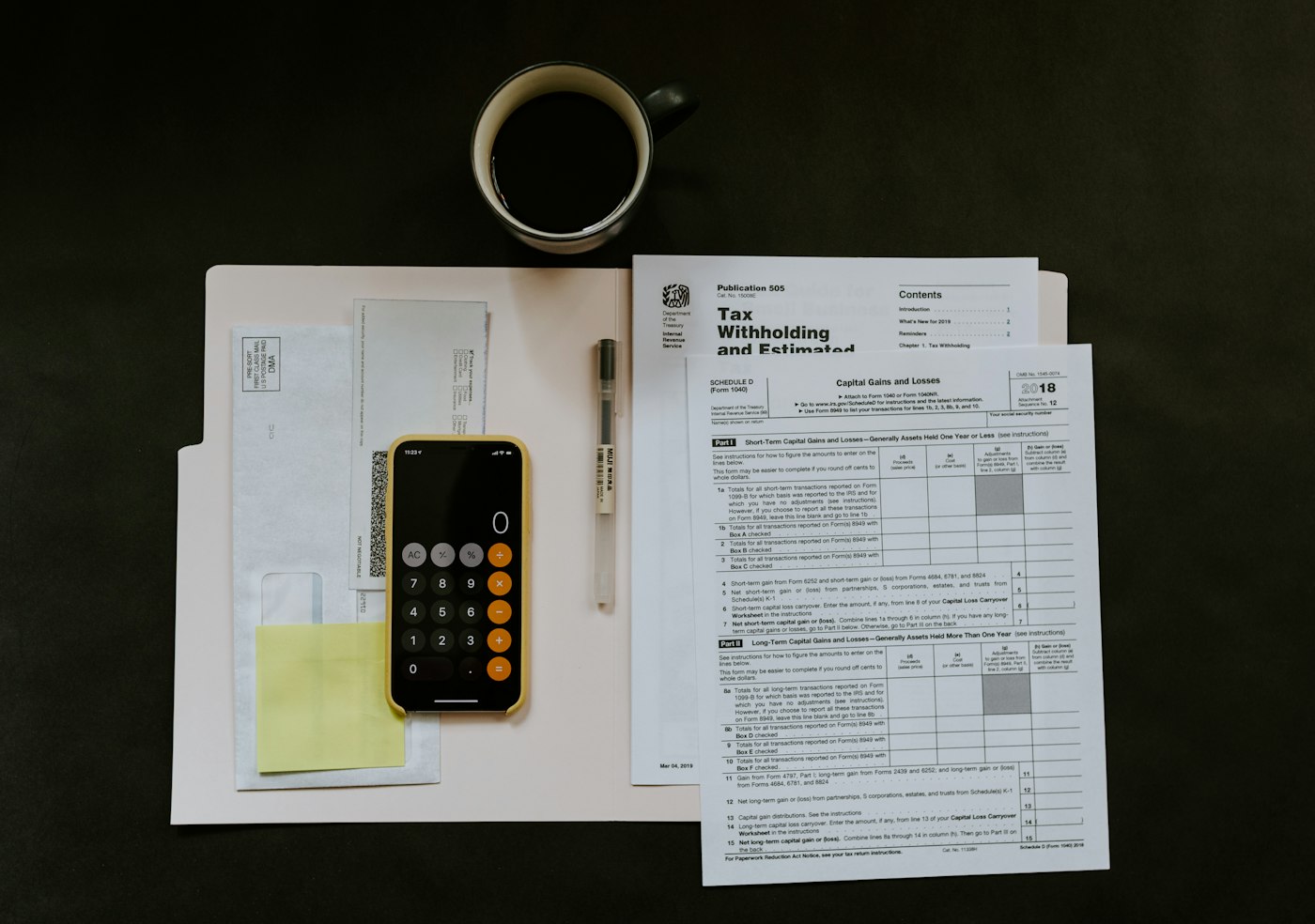
Smartphone, pen and paperwork laid out on a desk
Receipts become categorised expense records.

What Expense does

Categorised, recurring, reported.

Record and organise your business expenses with easy categorisation, recurring expense options, and clear reports that give you a complete picture of where your money is going.

  1. 01

    Record and categorise

    Easy categorisation of every expense.

  2. 02

    Recurring expenses and reports

    Recurring expense options and clear reports.

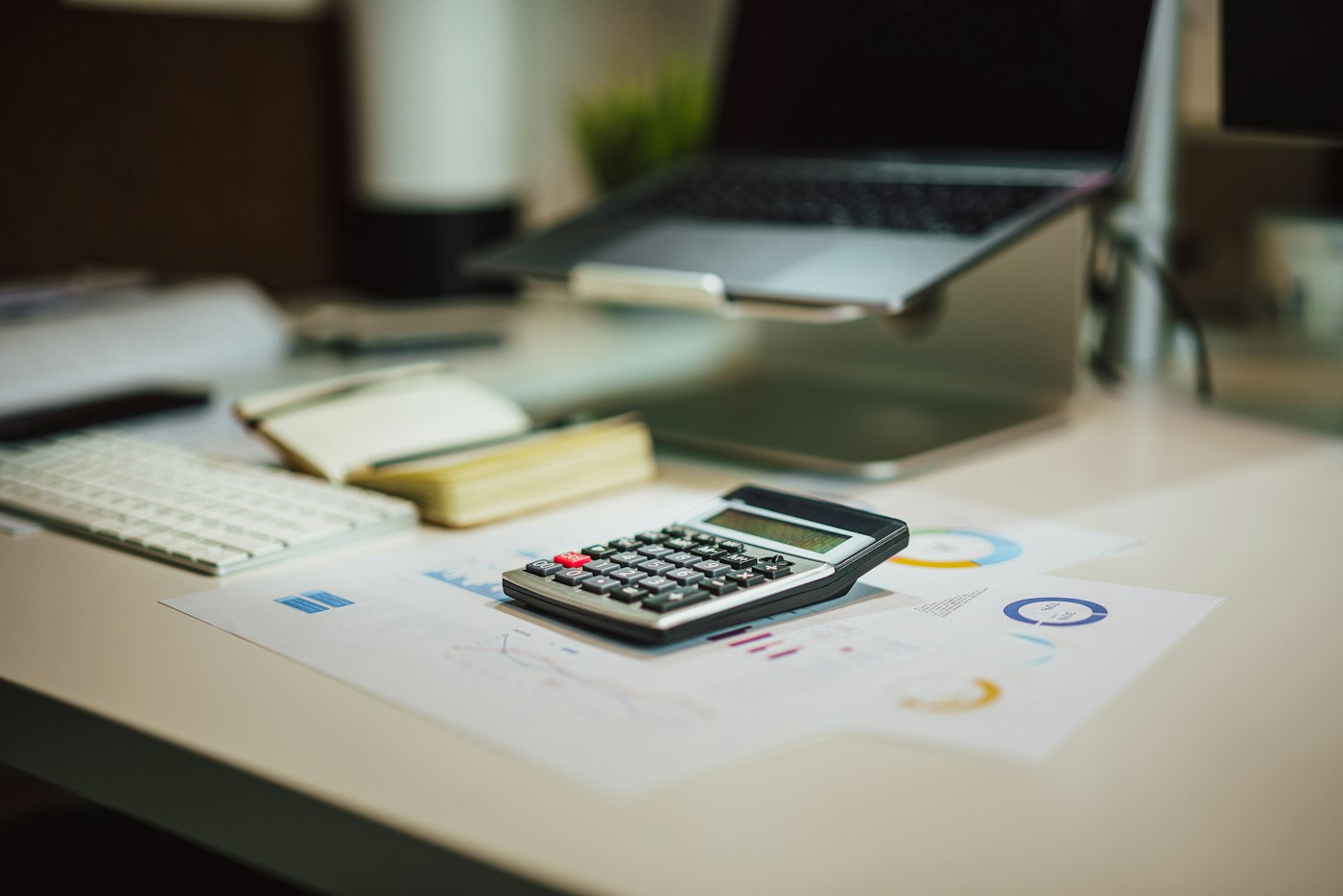
Calculator beside a laptop on a desk
Categories you define, applied as you go.

How you use it

  1. Record the expense with amount and date.
  2. Choose its category.
  3. It is included in reports and profit straight away.

01 · Record and categorise

Sorted into categories that make sense.

Enter an expense with its amount and date and place it in a category: rent, utilities, packaging, transport, wages or your own. Categories keep reports readable and comparisons fair.

Record expenses

Capture spending as it happens rather than reconstructing it later.

Easy categorisation

Categories that fit your business, so reports show where money goes.

Into profit

Every expense counts towards Loss/Profit automatically.

Person walking past a bright orange shop front on a UK street
Rent, utilities and other recurring costs, on schedule.

How you use it

  1. Mark repeating costs as recurring.
  2. Review the expense report by category.
  3. Export when you need to share it.

02 · Recurring expenses and reports

Repeating costs handled, reports ready.

Set an expense as recurring so monthly costs such as rent are not forgotten or entered twice. Expense reports then show spending by period and by category.

Recurring expense options

Mark an expense as recurring and let it repeat on its cycle.

Clear reports

Spending by period and category, so you see what is growing.

Export

Take expense data out for your accountant or records.

Questions

Common questions.

Straight answers about Expense, based on what the module does.

Can I create my own expense categories?

Yes. Categorisation uses categories that fit your business.

Are recurring expenses supported?

Yes. Recurring expense options let costs such as rent repeat on their cycle.

Do expenses affect profit?

Yes. Loss/Profit uses product costs, selling prices and expenses. Read about Loss/Profit.

Can I report by category?

Yes. Expense reports show spending by period and by category.

Start with Expense. The rest is already connected.

Create your account, add your products and run the day from one platform.

Explore Features Get Started

