01 · Phone or tablet till
A market trader till app, straight from the browser.
Sign in at my.pos2026.com on your phone or tablet and your products are there, each with its photo and price. Tap what the customer is buying, change the quantity, give a discount for two or more if that is your deal, and complete the sale.
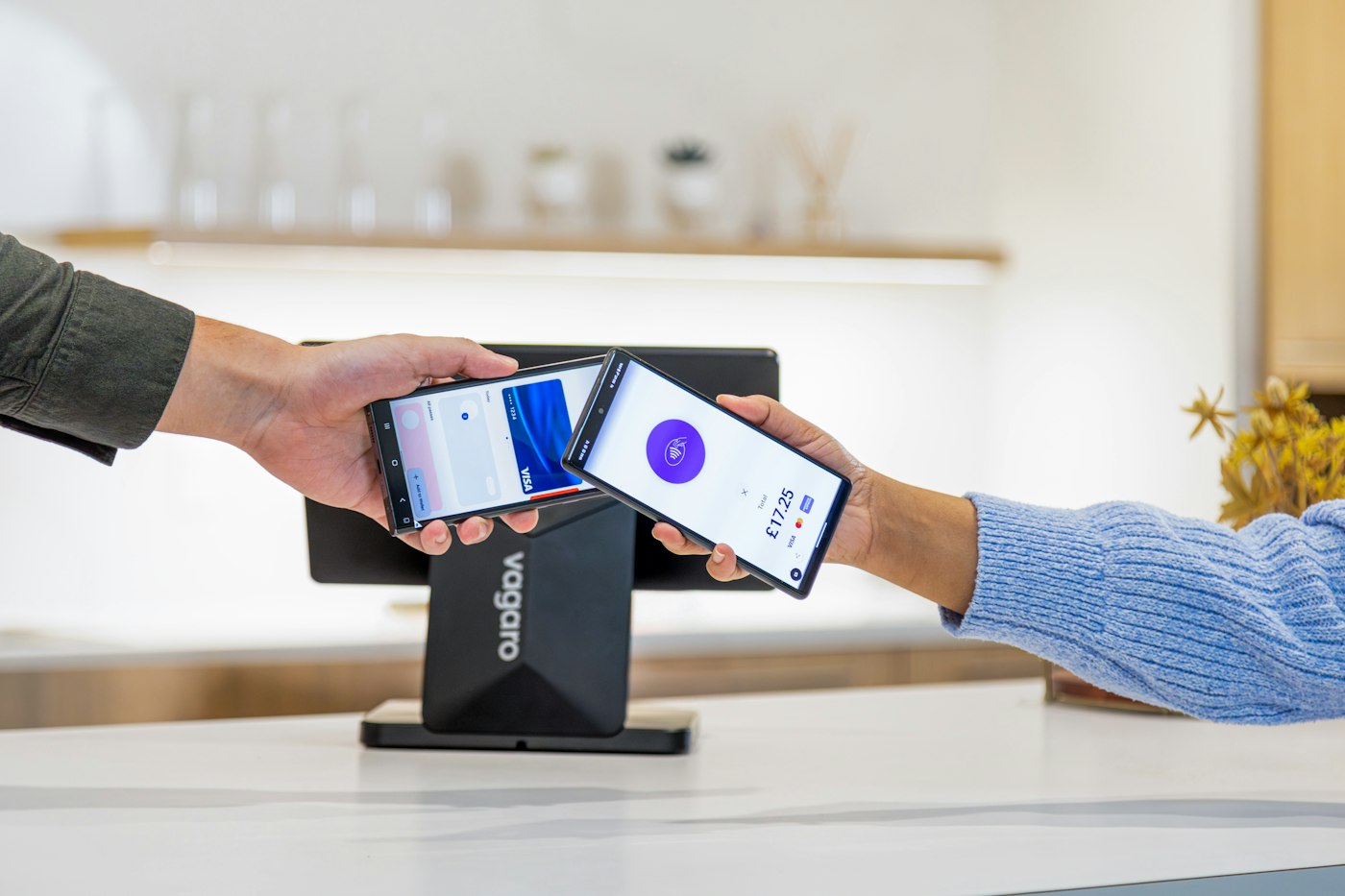
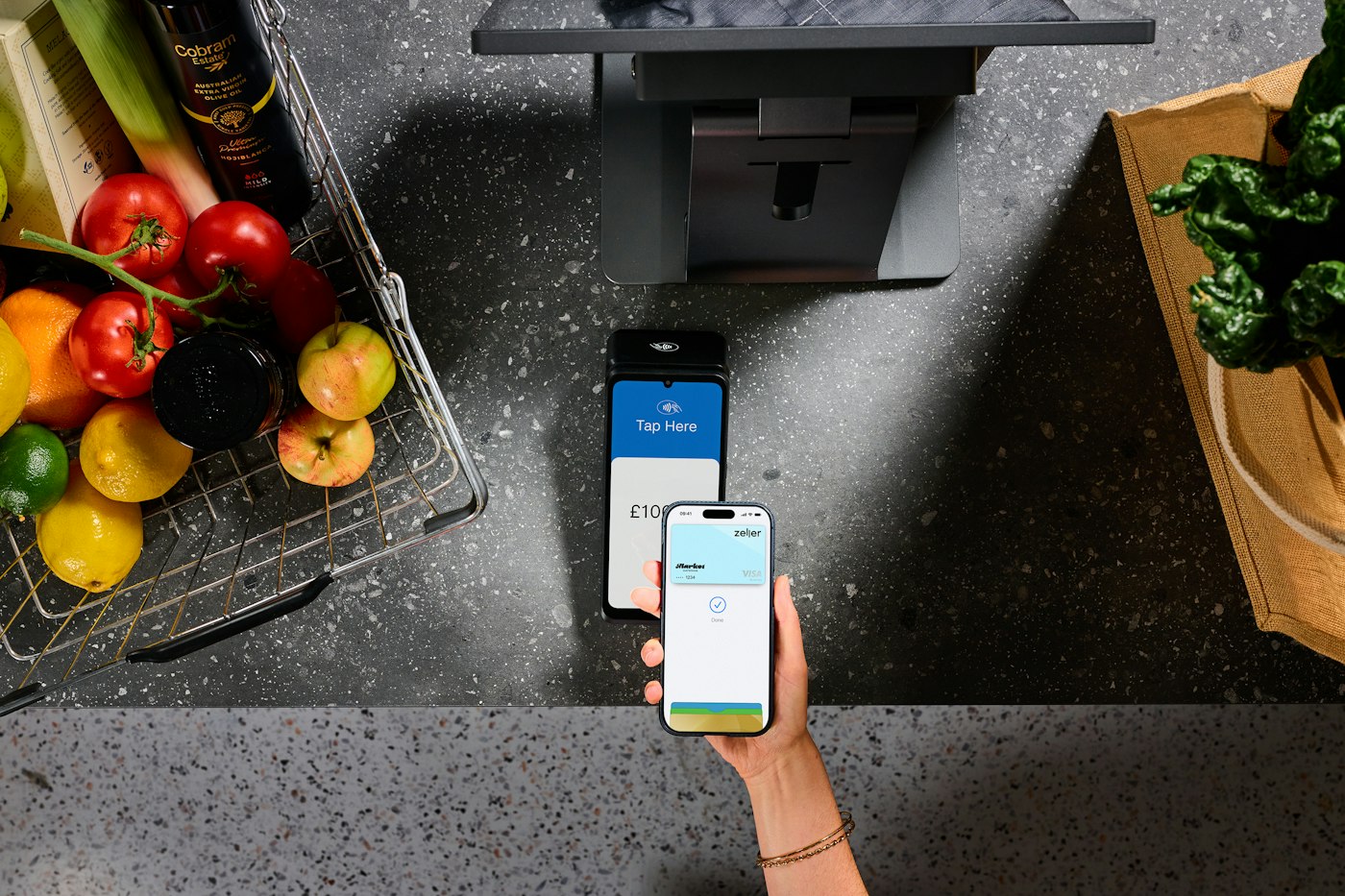
Card payments are taken on your own card reader, because POS2026 does not process cards. At the till you simply mark the sale as cash or card, so the two totals can be checked separately at the end of the day.
Tap to sell
Pick products quickly, even on a small screen.
Product photos
Find the right candle, print or jar of chutney by its picture.
Cash or card, recorded
Each sale carries its payment method for an easy cash-up.