
Sales and checkout · POS Sales

Checkout built for a queue.

POS Sales is the screen your staff use all day: a fast checkout that scans barcodes, takes many payment methods and prints the invoice instantly, with every sale recorded automatically.

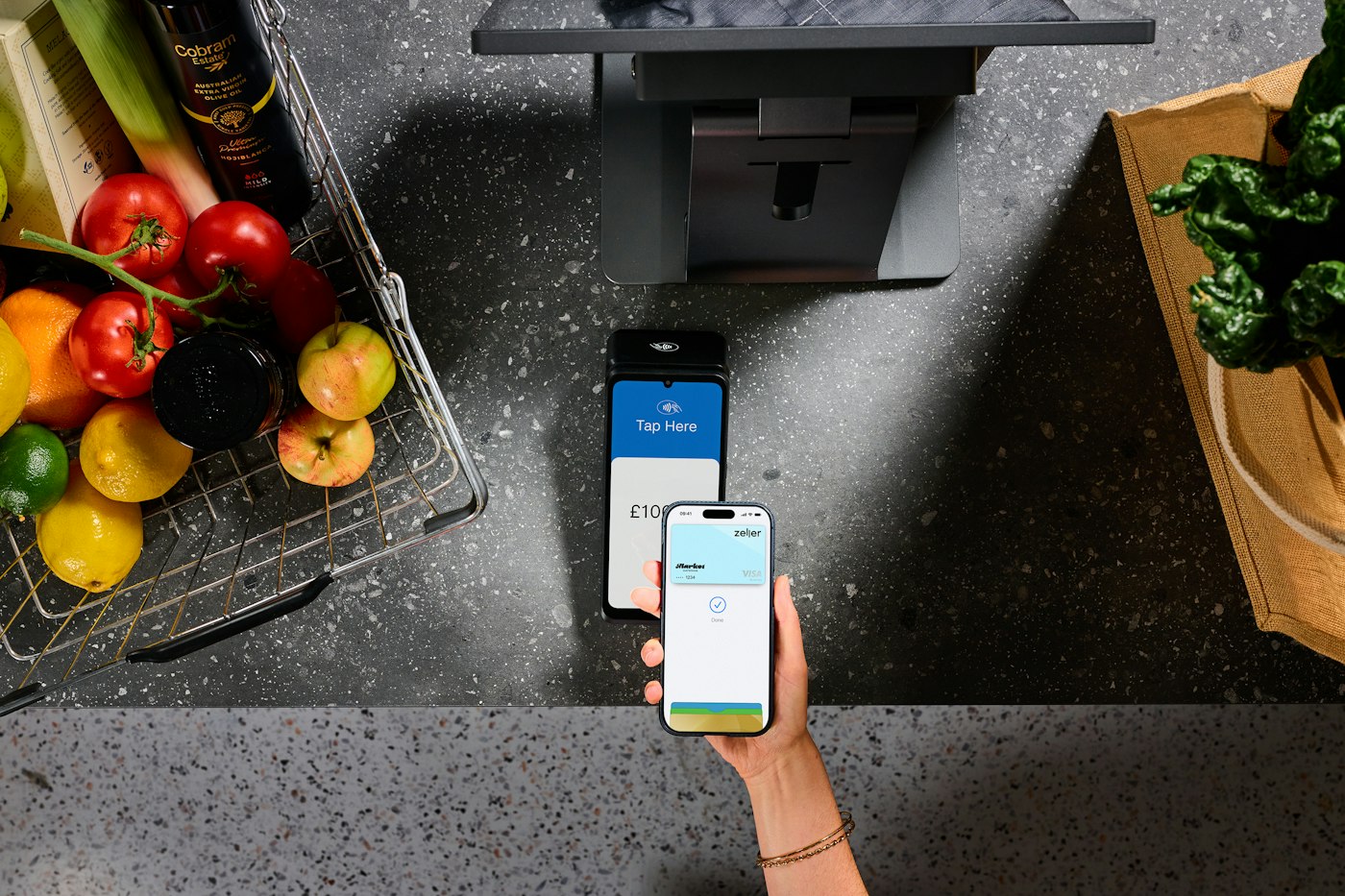
Customer paying with a smartphone at a contactless terminal on a shop counter
Scan, take payment, print, next customer.

What POS Sales does

Fast checkout, scanning, printing.

Handle point of sale transactions quickly and accurately with a fast checkout system that supports many payment methods, barcode scanning, and instant invoice printing for your customers.

  1. 01

    Fast checkout and barcode scanning

    A quick, accurate checkout with barcode scanning.

  2. 02

    Payment methods and invoice printing

    Many payment methods and instant invoice printing.

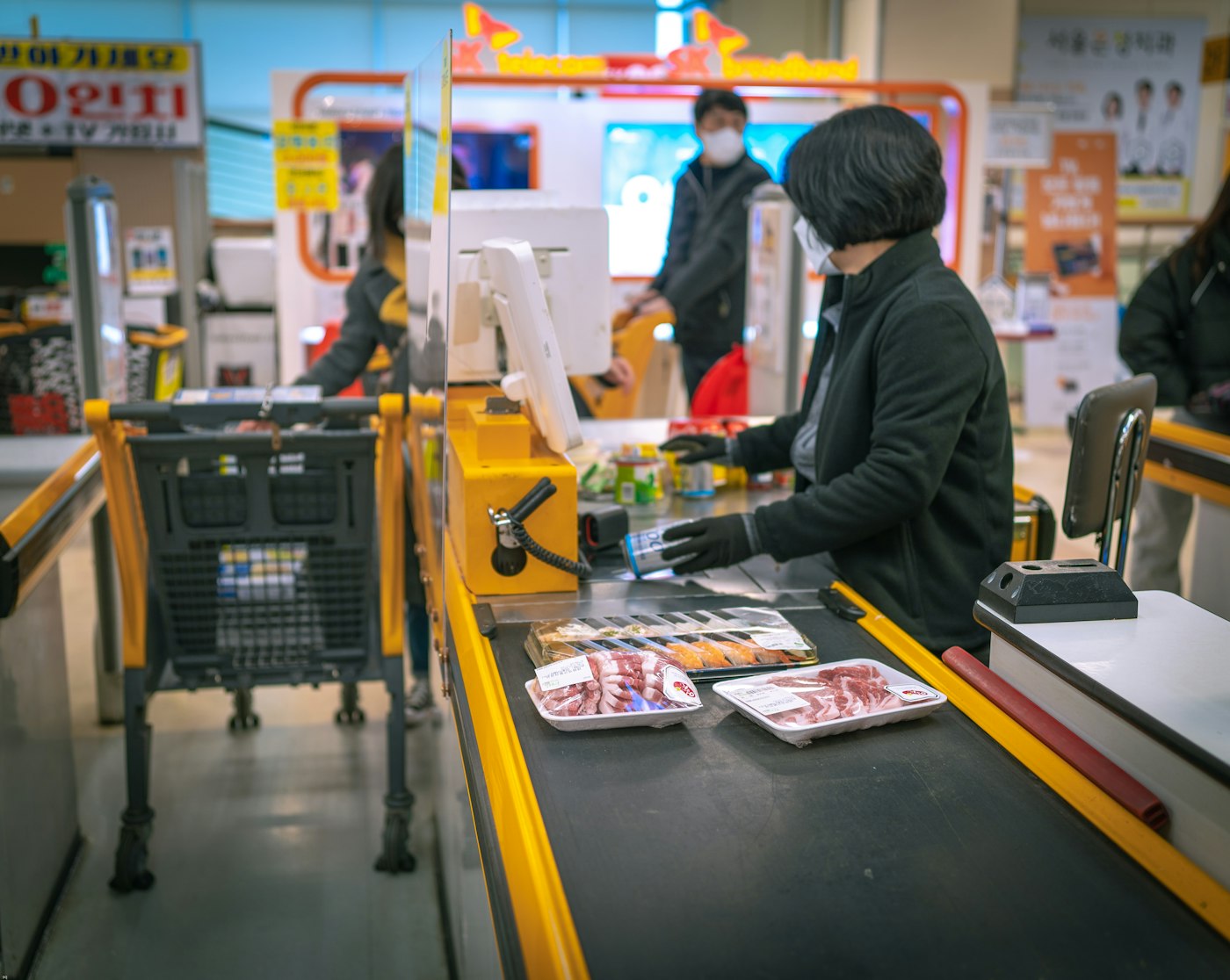
Shop assistant at a cash register serving a customer
The same steps every sale, so it is fast and accurate.

How you use it

  1. Open POS Sales.
  2. Scan or select each product.
  3. Check the total and apply any discount.

01 · Fast checkout and barcode scanning

Quick and accurate, every time.

Scan a barcode to add a product, or pick it from the catalogue. The total, any discount and the payment follow in a fixed sequence that new staff learn in minutes.

Fast checkout system

A checkout designed for speed and repetition.

Barcode scanning

Scan products straight into the sale from the barcodes on your catalogue.

Discounts at the till

Apply a discount before taking payment; it is saved with the sale.
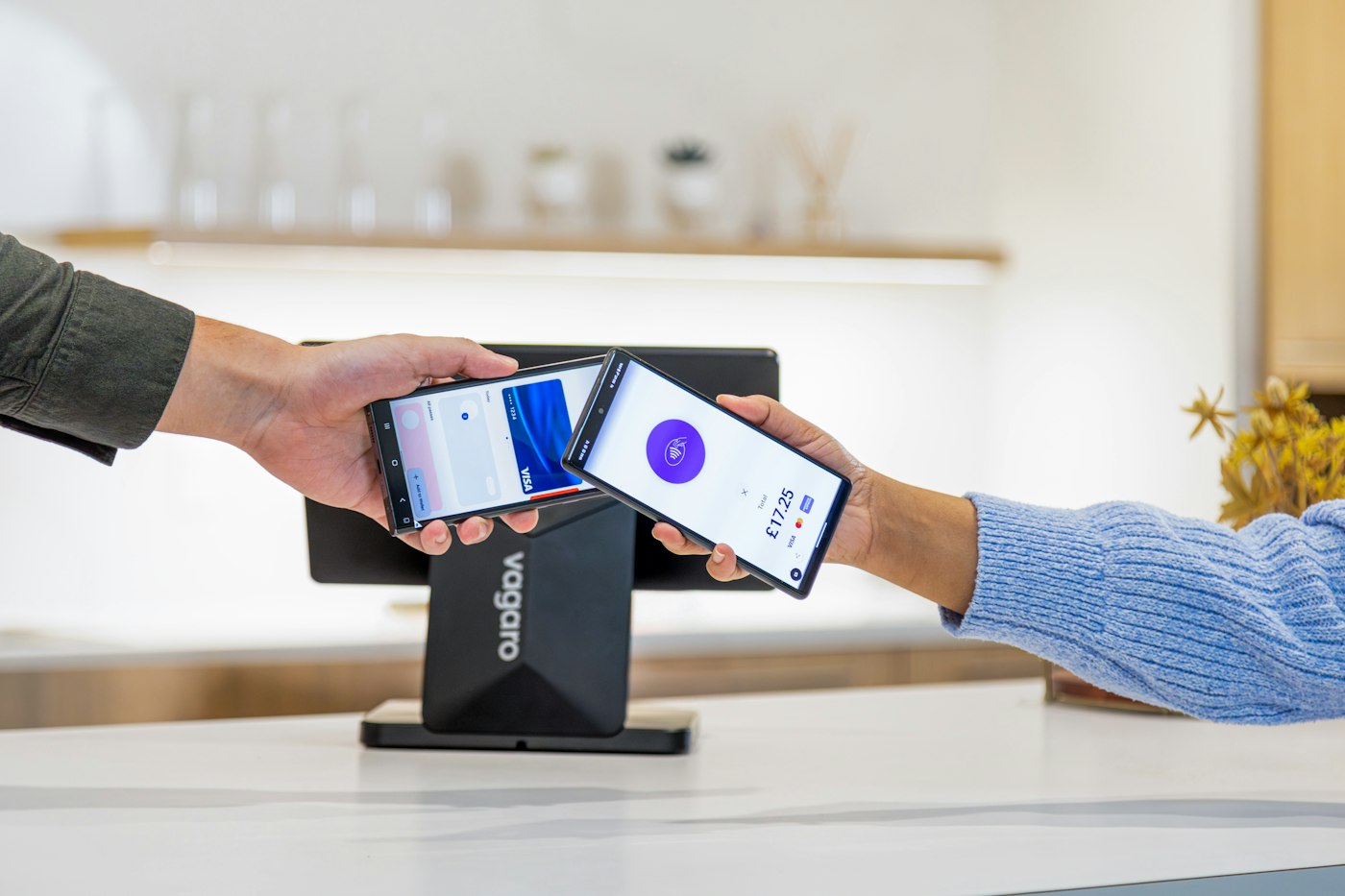
Mobile payment being completed on a card terminal at a shop counter
Card, cash or mobile, with the invoice printed instantly.

How you use it

  1. Choose the payment method and take payment.
  2. Print the invoice.
  3. Serve the next customer; the records are already updated.

02 · Payment methods and invoice printing

Paid their way, invoice in hand.

Take payment using the many payment methods supported, then print the invoice instantly for the customer. The sale is recorded in Sales, stock is adjusted and income is logged, all in the same moment.

Many payment methods

Record the payment the way the customer paid.

Instant invoice printing

Print the invoice at the counter the moment the sale completes.

Everything updated

Sales history, stock and income update automatically.

Questions

Common questions.

Straight answers about POS Sales, based on what the module does.

Does POS Sales support barcode scanning?

Yes. Barcodes set on products scan straight into a sale.

Which payment methods can I take?

POS Sales supports many payment methods; the ones available depend on your account setup.

Can I print invoices instantly?

Yes. Instant invoice printing is built into checkout where a printer is set up.

Does checkout update stock?

Yes. Each sale adjusts stock automatically. Read about Stock.

Start with POS Sales. The rest is already connected.

Create your account, add your products and run the day from one platform.

Explore Features Get Started

