Farm shop EPOS

A farm shop EPOS that keeps up with the changing seasons.

POS2026 gives farm shops and farm stores a till that handles loose produce by weight, a catalogue that changes with the seasons, accounts for every local supplier you buy from, and reports that show how each month really compares.

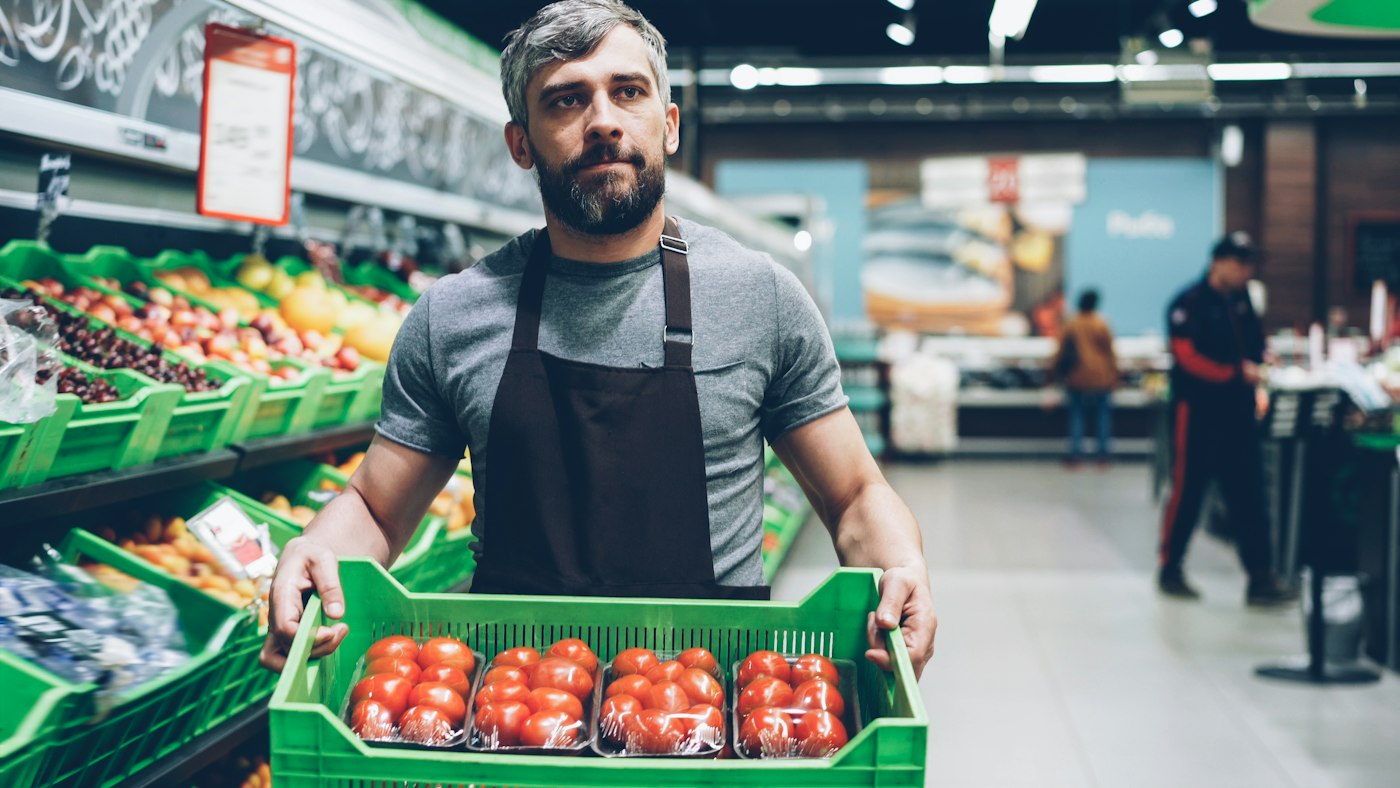
A worker holding a box of fresh tomatoes
This week's harvest, on the shelf and in the catalogue.

In short

A farm shop EPOS is the till and stock system for selling your own and local produce. POS2026 handles loose goods by weight, seasonal lines that come and go, purchases from many small local suppliers with the balance owed to each, and reports you can compare month by month. It runs in a browser, so the same account can follow you to a farmers market.

A farm shop is part grocer, part deli and part showcase for the farm and its neighbours. The range follows the calendar: asparagus and new potatoes in late spring, soft fruit in summer, squash and apples in autumn, then turkeys, hampers and Christmas trees. Alongside your own produce sit eggs, honey, cheese, preserves and bread from small producers nearby, each of whom expects to be paid accurately and on time.

POS2026 keeps the till, the stock and the supplier ledger together. Many farm shops also run a butchery or bakery counter; our butcher shop EPOS and bakery POS pages cover those in more detail. If you sell at markets as well, the same account comes with you.

Why farm shops switch

What makes a farm shop harder to run than it looks.

Fresh, local and seasonal is what customers love about a farm shop. It is also what makes the records difficult.

  • A range that changes every few weeks

    Lines arrive with the season and disappear just as quickly. The till has to keep up with a catalogue that never stands still.

  • Many small local suppliers

    Honey from one neighbour, eggs from another, cheese from a dairy down the road. Each needs paying, often monthly, for exactly what you bought.

  • Loose produce sold by weight

    Potatoes, apples and pick-your-own fruit are weighed, not scanned, and every weight has to become an accurate price.

  • Busy months hiding quiet ones

    Summer and Christmas carry the year. Without month-by-month figures, it is hard to plan stock and staffing for January.

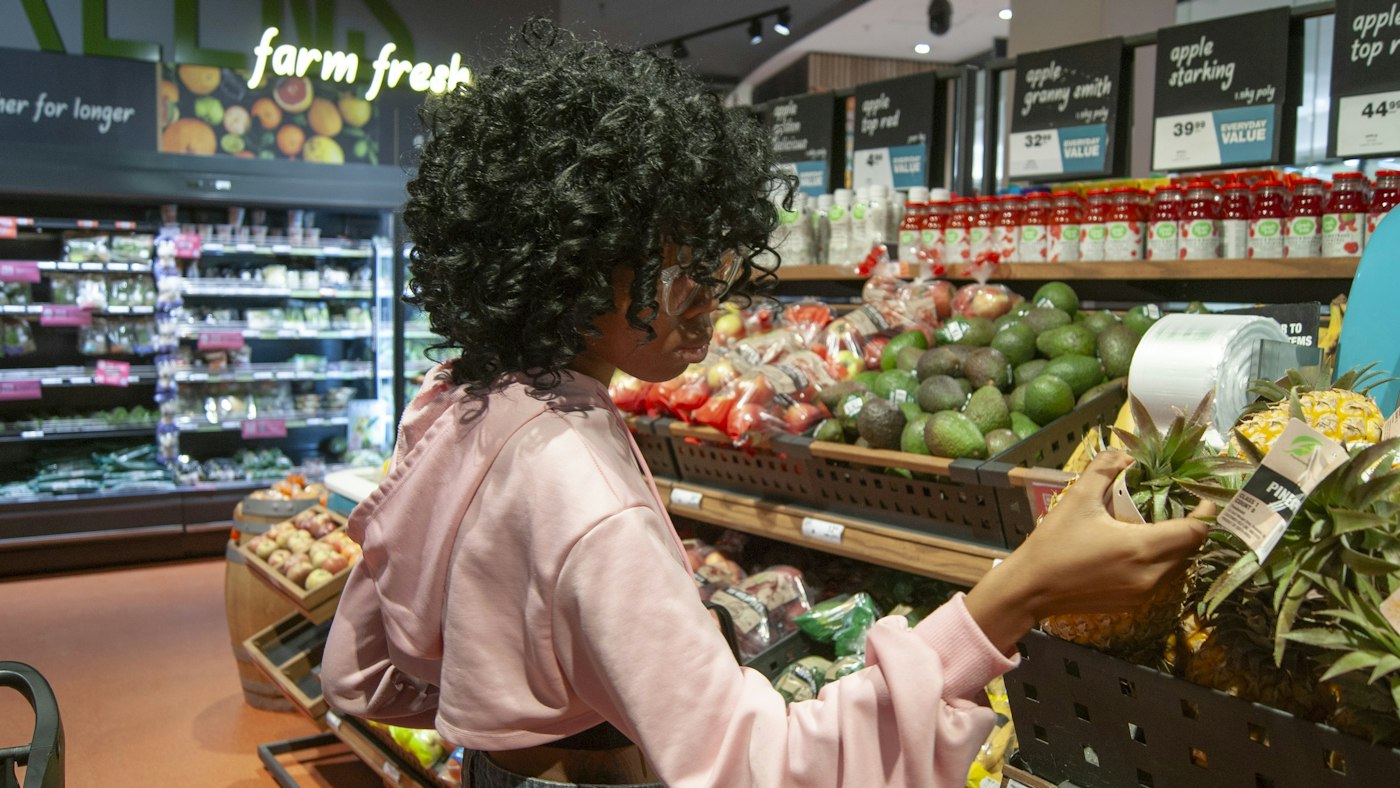
A shopper picking up a pineapple in a produce section
New lines in with the season, old ones waiting for next year.

01 · Seasonal produce

A catalogue that follows the seasons.

Organise products into categories such as vegetables, fruit, dairy and eggs, meat, bakery, deli and gifts. Add seasonal lines as they come in, each with a photo so staff can tell the varieties apart. When a season ends, the stock runs down to zero and the product waits in the catalogue for next year, with last year's sales history attached.

Christmas hampers, gift boxes and pre-orders can be set up as products of their own, priced separately from their contents.

Categories by type

Vegetables, fruit, dairy, meat, deli and gifts.

Photos for varieties

Tell the heritage tomatoes from the salad ones.

Last season on record

Each returning line keeps its sales history.
How Products works
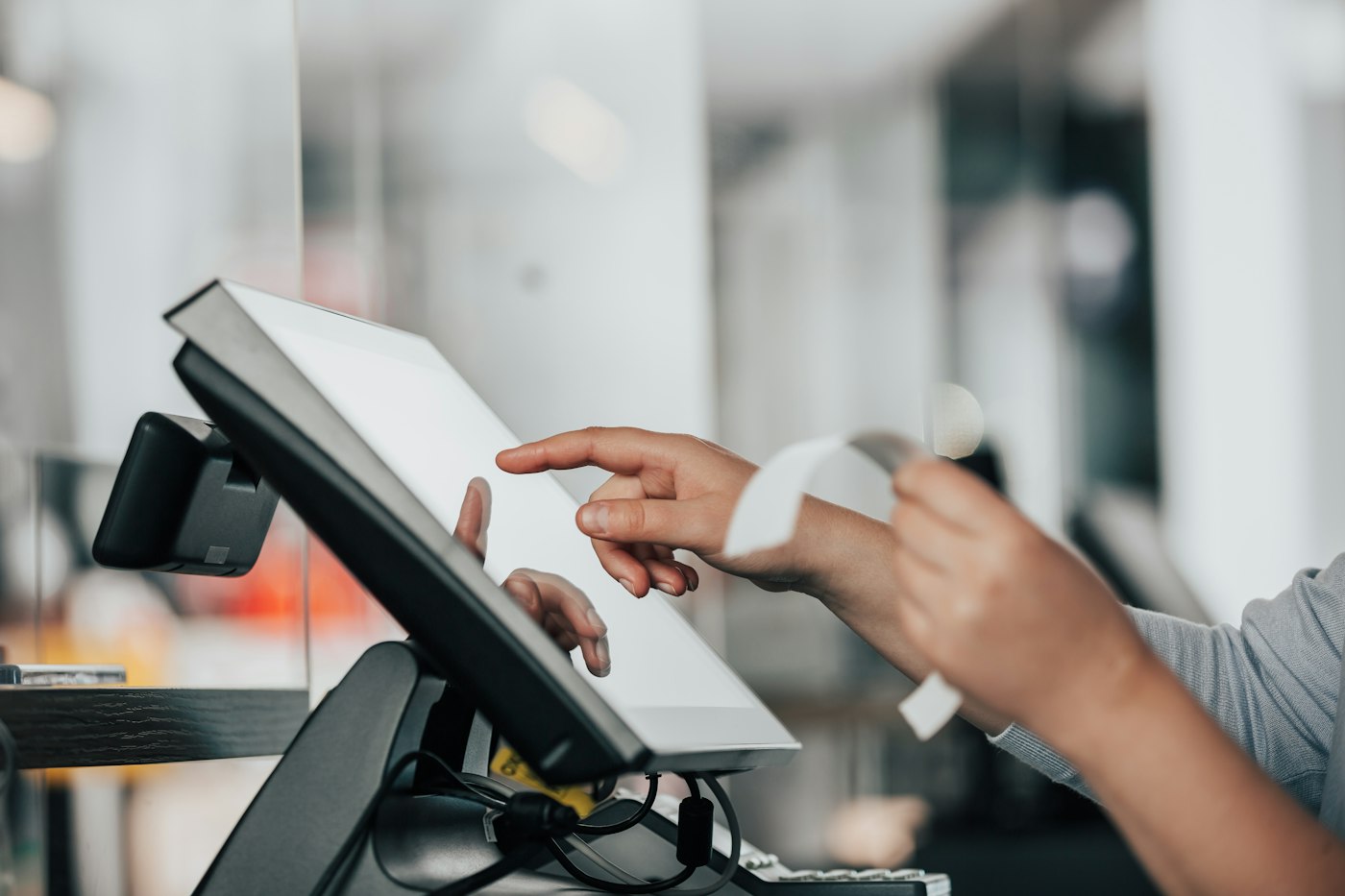
A POS machine being used in a shop
Weigh, enter the weight, and the price is right.

02 · Loose goods by weight

A farm shop till system for loose goods.

Give loose produce a kilogram unit and a price per kilo. At the till, weigh it on your own scale and enter the weight as the quantity. Pick-your-own fruit works the same way at the exit. Punnets, bags and boxes sell as single items, and packaged goods from other producers scan by barcode.

POS2026 does not connect to weighing scales, so the weight is typed in rather than sent automatically.

Priced per kilo

Loose vegetables and fruit sold by weight.

Punnets and boxes

Fixed-price packs sold as single items.

Producer barcodes

Jars, bottles and packs scanned as normal.

How POS Sales works
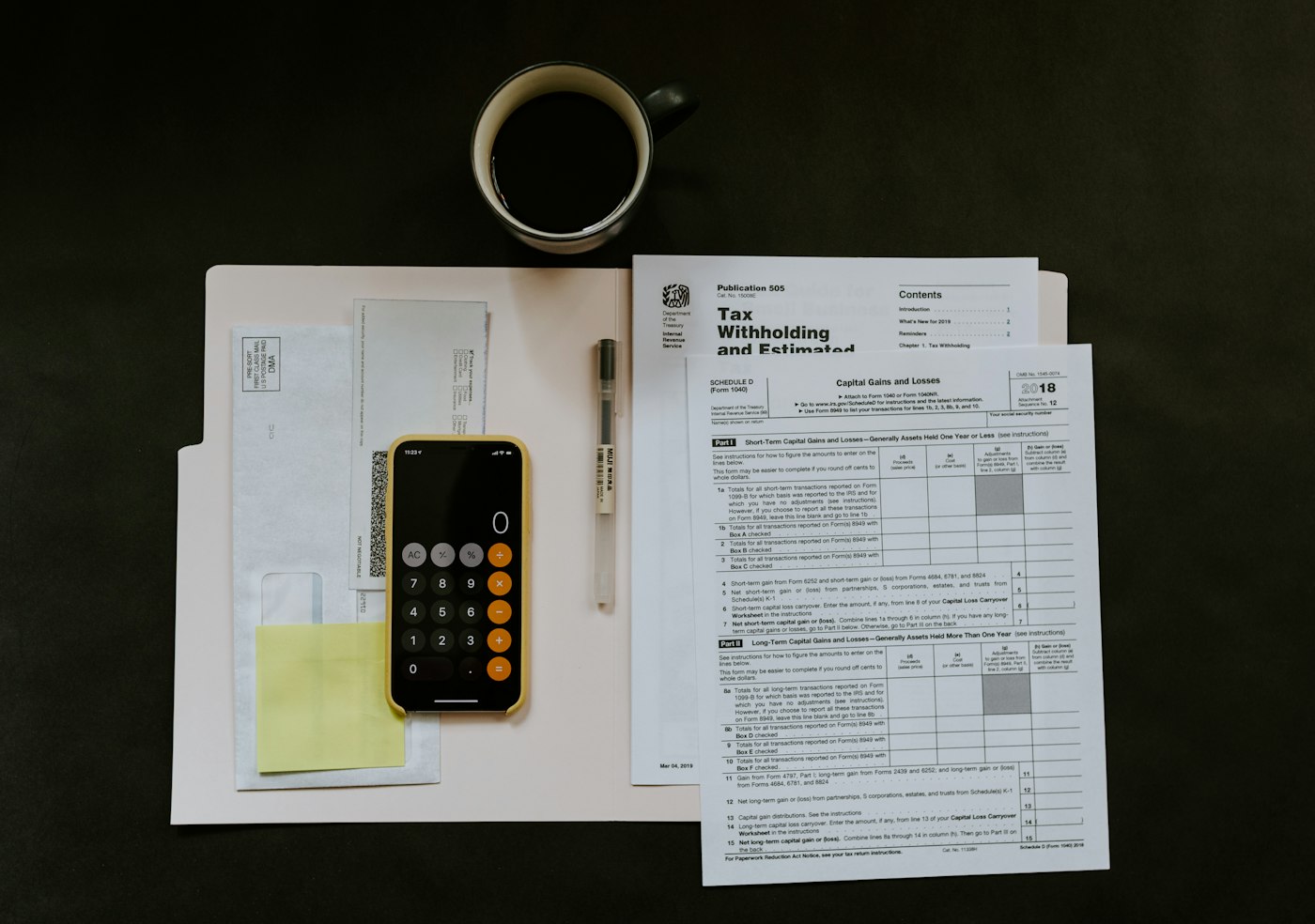
Paperwork on a white folder with a pen and a phone on top
Each producer's account, ready for the monthly payment run.

03 · Local suppliers on account

Every local supplier, paid for what you really bought.

Add each producer to Parties and record their deliveries as purchases: thirty dozen eggs on Tuesday, a case of honey on Friday. Their record builds into a running account showing what you have bought and what you owe, so the monthly payment run takes minutes and matches their own figures.

If you take some goods on sale-or-return, POS2026 does not run those accounts for you, but a sales report by product for that producer's lines shows exactly what sold.

Deliveries recorded

Each producer's deliveries as purchases.

Balances owed

What you owe each supplier, ready for the payment run.

Sales by producer's lines

What sold, for sale-or-return conversations.

How Parties works
A laptop and a calculator side by side on a table
Summer, Christmas and the quiet weeks, side by side.

04 · Seasonality in reports

See the seasons in your figures.

Filter sales reports by month to compare June with December, or this October with last. Break the figures down by category to see whether the deli carries the quiet months and how much of the year depends on Christmas. Export the reports when you plan the year with your accountant.

Record seasonal costs, such as extra summer staff or Christmas packaging, as expenses so Loss/Profit shows what each season really earned.

Month by month

Compare any month with any other.

By category

See which departments carry the quiet weeks.

Profit by season

Seasonal costs included, not forgotten.

How Report works
A small town street with shops, restaurants and parked cars
From the farm gate to the town market, one set of records.

05 · Farmers markets

A farmers market POS from the same account.

Open POS2026 in the browser on a tablet or phone at the market, and you sell from the same catalogue as the shop. Sales are recorded with their date, so market days can be compared with shop days in your reports.

It needs an internet connection, with no offline mode, so use a phone hotspot where the pitch has weak signal. Our market stall POS page has practical tips for trading away from the shop.

Same catalogue, any pitch

Shop and market sales in one set of records.

Market days compared

Filter by date to see what each market earned.

How Sales works

Getting started

Get your farm shop running on POS2026.

Start with what is on the shelves this month. Next season's lines can wait until they arrive.

  1. Try POS2026 free and choose your currency in the settings.
  2. Create categories for each part of the shop.
  3. Add this season's products, giving loose produce a kilogram unit.
  4. Add your local producers as suppliers and record their next deliveries.
  5. Set up your regular costs, including seasonal ones, as expenses.
  6. Open the till, and at month end run your first report by category.

Questions

Common questions.

Straight answers for shop owners, based on what POS2026 actually does.

Does POS2026 connect to my farm shop scales?

No. There is no scale integration. Weigh on your own scale, enter the weight as the quantity, and the price is calculated from the price per kilo.

What is the best POS system for a farmers market?

One that runs on a tablet or phone, uses the same products as your shop and gives clear daily totals. POS2026 does all three, provided you have an internet connection at the pitch. Where there is no signal at all, you will need a system with an offline mode.

Can I track what I owe each local supplier?

Yes. Record deliveries as purchases against each producer, and their record shows what you bought and the balance owed.

How do I handle products that are only in season for a few weeks?

Add them when they arrive and let stock run down to zero when the season ends. The product stays in your catalogue with its sales history, ready for next year.

Can I run a farm shop and a café through it?

For a counter-service café, yes: coffee and cakes are simply more products. POS2026 has no table management, so table-service restaurants need a different system.

Run the farm shop by the seasons, with the figures to match.

Start a free trial, add this month's produce and record your first local delivery today.

Explore Features Get Started