
Clothing store POS

The clothing store POS system built for new seasons and markdowns.

POS2026 helps independent clothes shops sell, discount and restock through every season, with each size and colour counted on its own. It runs in your browser, and you can try it free.

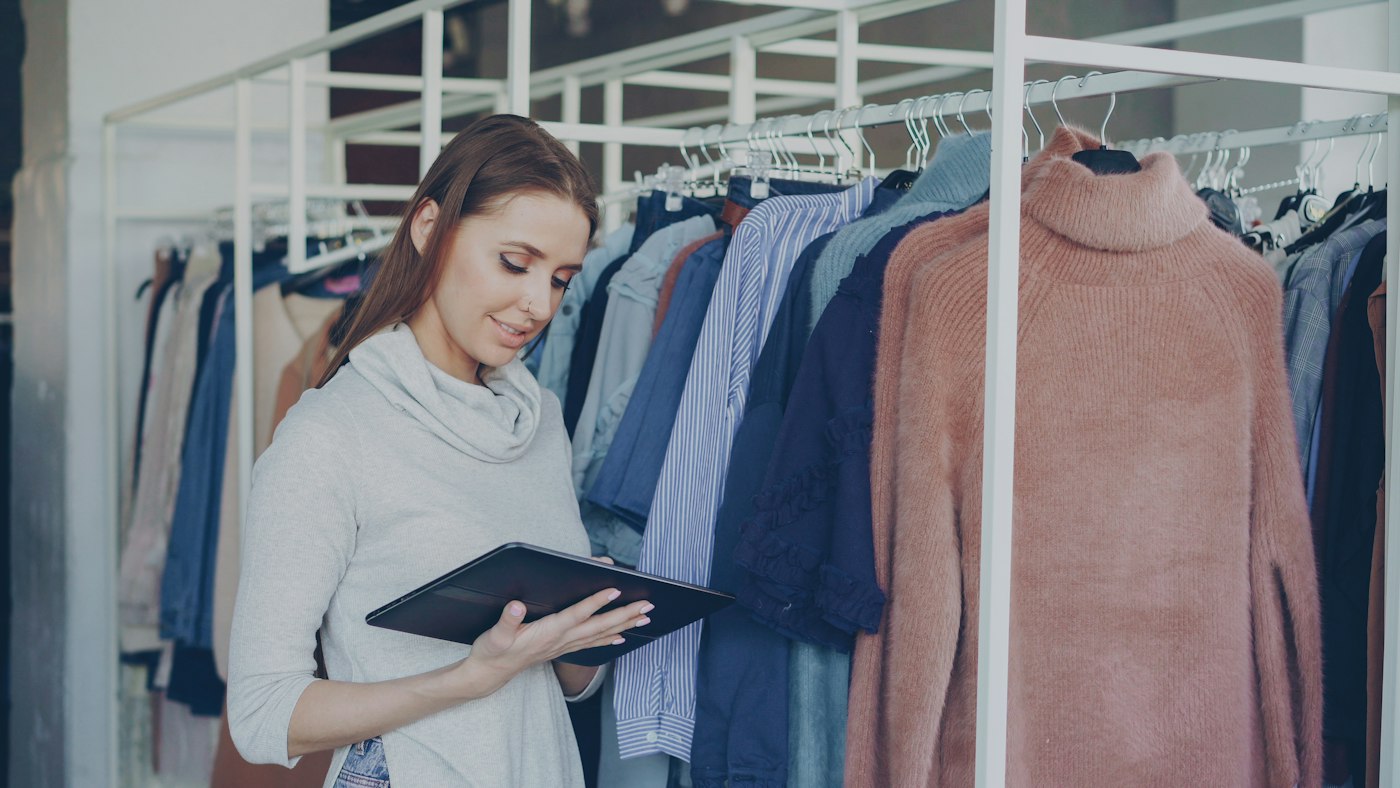
Woman using a tablet inside a clothing store
New range on the rails, every size on the system.

In short

A clothing store POS system records each sale, applies markdowns at the till and keeps a stock count for every size and colour you carry. POS2026 handles that from a web browser, with sizes and colours set up as separate products, supplier purchases for each new range, and sales reports by category that show which lines earn their rail space.

Fashion retail moves in seasons. A spring range lands, sells hard for a few weeks, slows, then gets marked down to make room for summer. Along the way customers bring things back and ask for sizes you have just sold out of. A clothes shop till system has to keep up with all of that without holding up the queue.

POS2026 keeps pace with that cycle. Products carry a category, a price, a barcode and an image, so a rail of new stock is quick to add. Sales lower stock as they happen, deliveries raise it, and reports show what each category really sold. One thing to know up front: there is no size-by-colour matrix. Each size or colour is its own product, which keeps every count exact and every barcode unique.

Why clothing shops switch

Where a fashion shop loses money without noticing.

Usually it is stock in the wrong size, the wrong season or the wrong place on the system.

  • Seasons that end with full rails

    Buy too deep in a range and the end of season arrives with racks still full. Buy too shallow and the best pieces are gone in week two.

  • Sizes that sell unevenly

    Middle sizes sell first and the extremes linger. Without a count per size, you find out when a customer asks for one you no longer have.

  • Returns that scramble the count

    A dress that goes back on the rail without being recorded leaves the stock figure wrong, and the next stock check starts with a puzzle.

  • Markdowns no one can measure

    Reductions given at the till vanish into the day's takings, so it is hard to tell whether a sale cleared stock or simply gave margin away.

Woman checking a delivered package with her phone beside a laptop and boxes
New season stock in: set it up once, then sell it by size.

01 · Ranges, sizes and colours

Every size and colour, counted on its own.

Clothing shops think in styles, but stock is held in sizes. In POS2026 you set up each size, or each size and colour, as a separate product: a linen shirt in navy, size M, for example. Give them a shared category such as Shirts or Spring dresses so they sit together at the till and in reports.

Every product then has its own barcode, stock level and sales history, so you can see that the navy medium has sold through and the extra-large has not. Record the season's order with the supplier in Purchase and its delivery status shows when the range is due.

Categories for each range

Group sizes and colours by range, department or season.

A barcode per size

Scan the swing tag and the exact size comes up at the till.

Product images

Staff can tell navy from black at a glance on the till screen.
How Products works
A woman standing at a cash register in a shop
The discount stays with the sale, so reports tell the truth.

02 · Discounts and markdowns

Markdowns at the till, recorded properly.

Take money off a single item or the whole basket at the point of sale, and the reduction stays on the record of that sale, however many different offers a sale weekend brings.

When a whole line goes into the end-of-season sale, change its selling price on the product so every till charges the new price. Because the discount or new price is on record, Loss/Profit works from what customers really paid, not the original ticket.

Item or basket discounts

Reduce one piece or the full sale.

New prices for the sale

Update the selling price on a line when it is reduced.

Margin you can still see

Profit is worked out from the price actually charged.

How POS Sales works
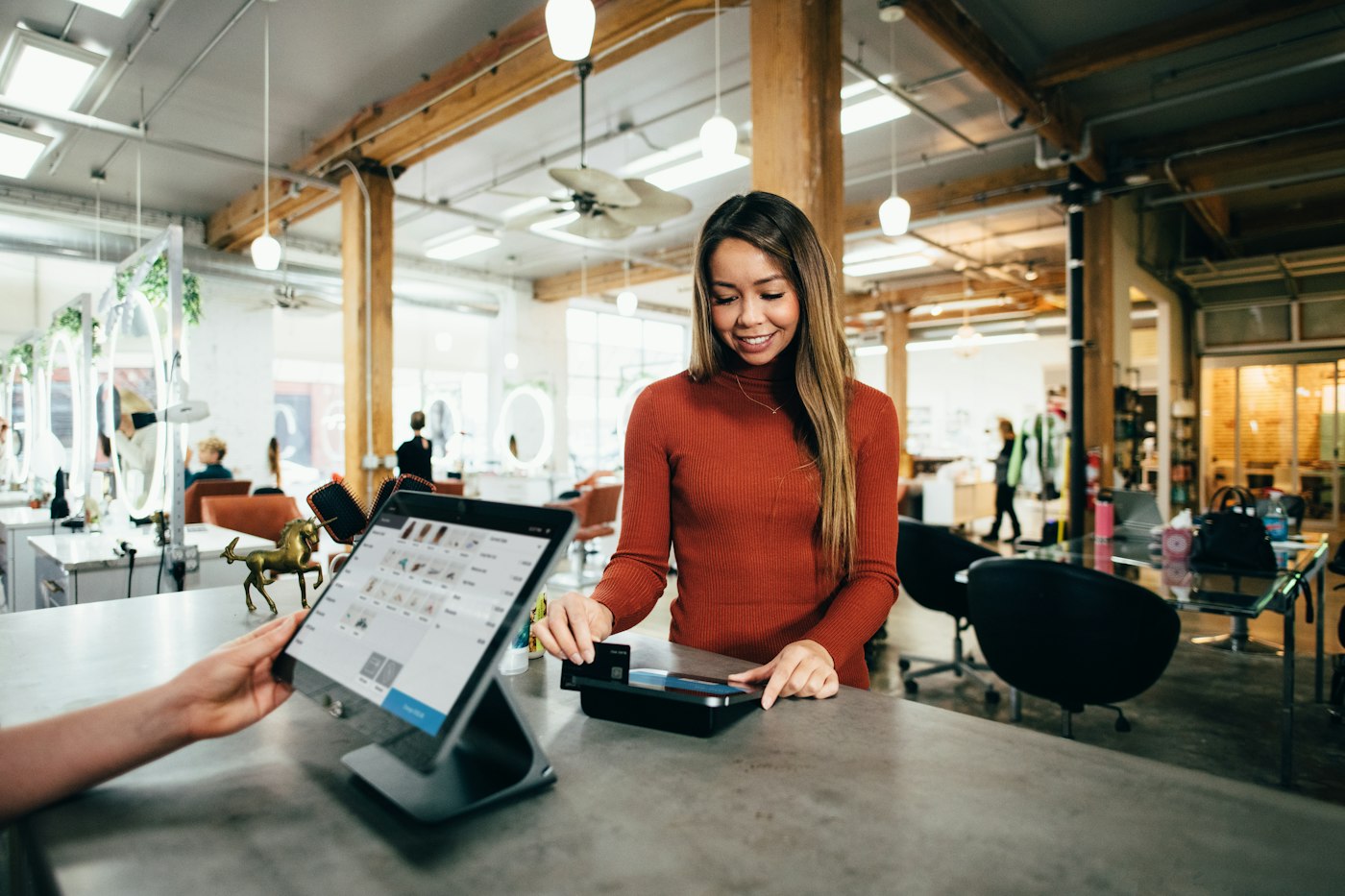
Customer paying by card at a shop counter
Check the sale, put the item back, keep the count honest.

03 · Returns and exchanges

A simple routine for a returns-heavy trade.

Clothing sees more returns than most retail, because fit is hard to judge until something is tried on at home. POS2026 does not have a dedicated returns or exchange screen, so it pays to agree a routine with staff.

Find the original sale in the sales history to confirm what was bought, when and at what price. When the item goes back on the rail, record a stock adjustment so the count is right. For an exchange, ring the new size through as a normal sale. Card refunds are made on your card terminal, as POS2026 is not a card processor.

Look up the original sale

Sales history shows the items, prices and date.

Put it back in stock

A stock adjustment returns the piece to the count.

Refunds in the books

Some shops record refunds under their own expense category so profit reflects them.

How Sales works
Woman working on a laptop showing charts and graphs
Sell-through by category, ready for the next buying trip.

04 · Category sales reports

See which ranges earn their rail space.

Every product sits in a category, so the reports can show a whole range as well as each size in it, for whatever dates you choose. Compare this spring's dresses with last spring's, or see which sizes in a style sold through and which ended up in the sale.

That makes the next buying appointment easier: go deeper where lines sold at full price, and more carefully where markdowns did the selling.

Filter by date range

Compare one season or month with another.

Sales by product and category

See exactly which sizes and colours sold.

Export

Take the figures into a spreadsheet for buying plans.

How Report works

Getting started

Put this season's range on POS2026.

Start with the current season. Older stock can be added as you count it.

  1. Begin a free trial, then pick the language and currency the shop trades in.
  2. Create categories for your ranges, departments or seasons.
  3. Add each style in the sizes and colours you stock, with a barcode and image for each.
  4. Count what is on the rails and enter a figure for every size, with low-stock levels on core lines.
  5. Add the labels and wholesalers you buy from, then log the next season's order.
  6. Open POS Sales, scan a swing tag and make your first sale.

Questions

Common questions.

Straight answers for shop owners, based on what POS2026 actually does.

What is the best POS system for a clothing store?

It depends on how you trade, but look for barcode checkout, discounts at the till, a stock count for every size, supplier purchases and sales reports by category. All of those are part of POS2026. It does not offer a size-by-colour matrix or a till linked to an online shop.

Does POS2026 handle sizes and colours?

Yes, as separate products. A shirt in three colours and five sizes becomes fifteen products, every one scannable and counted, grouped by a shared category. It is more set-up work, but every size has an exact count.

Can I process returns and exchanges?

There is no dedicated returns screen. Check the original purchase in the sales history, use a stock adjustment to put the item back, and ring up the replacement as a normal sale. Card refunds are made on your card terminal.

Does it include inventory management for a clothing store?

Yes. Stock is part of the same app: sales take pieces off the count, deliveries put them on, alerts warn you when a size is nearly gone and an adjustment fixes any gap a stock check reveals.

Does it connect to my online shop?

No. POS2026 does not integrate with ecommerce platforms. Its focus is the shop floor and the stockroom behind it. Smaller fashion shops may also like our boutique POS page.

Sell the new season, clear the old one, count every size.

Try POS2026 free with this season's range on the rails.

Explore Features Get Started