

Sales and checkout · Sales

Every sale recorded, every invoice ready.

Sales is the record behind the counter. Every transaction is saved with its items, discount and total, the full history is there to browse, and any sale can be turned into an invoice in a moment.

Shop worker at a counter completing a sale with a customer
Each sale becomes a transaction record the moment it is made.

What Sales does

Sales history, discounts and invoices.

Record and manage all your sales transactions quickly, view complete sales history, apply discounts, and generate invoices that keep your entire selling process organised.

  1. 01

    Record transactions

    Record and manage all your sales transactions quickly.

  2. 02

    Discounts and invoices

    Apply discounts and generate invoices.

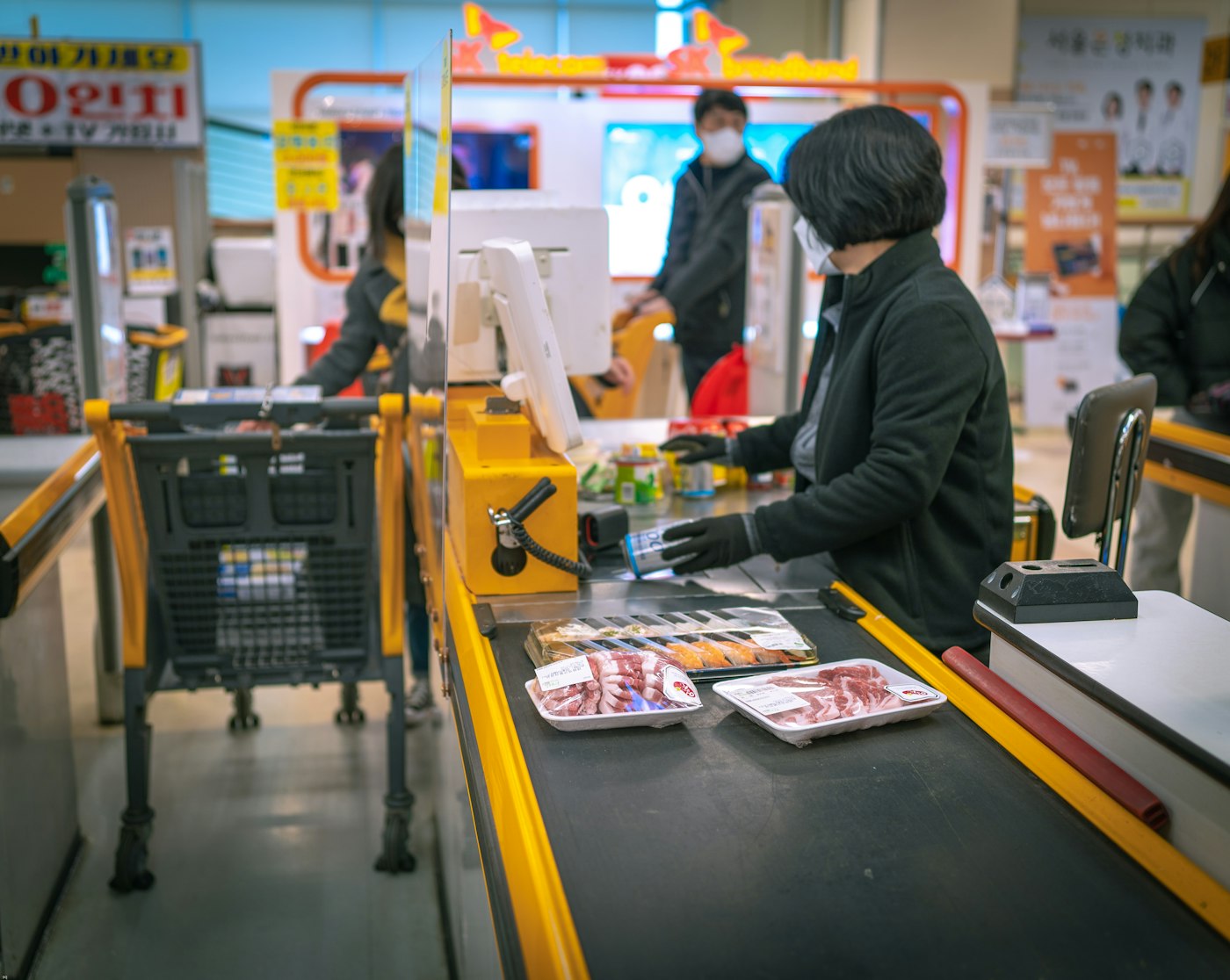
Shop assistant at a cash register serving a customer
Items, quantities, prices and total, saved with every sale.

How you use it

  1. Add the products the customer is buying.
  2. Confirm quantities and the total.
  3. Complete the sale; it is saved to the history.
  4. Find it later in the sales history whenever you need to.

01 · Record transactions

Fast to record, easy to manage.

A sale is captured in seconds: the products, the quantities, the prices and the total. Once recorded it can be reviewed, found again and managed from one place, so the selling process stays organised however busy the day gets.

Line-by-line records

Each product sold is stored with its quantity and price, so the record matches what left the shelf.

Complete sales history

View every past sale, by day, week or month, and find a specific transaction when a customer asks.

Linked to the rest

A sale updates stock, the customer's record and your income, without re-typing anything.
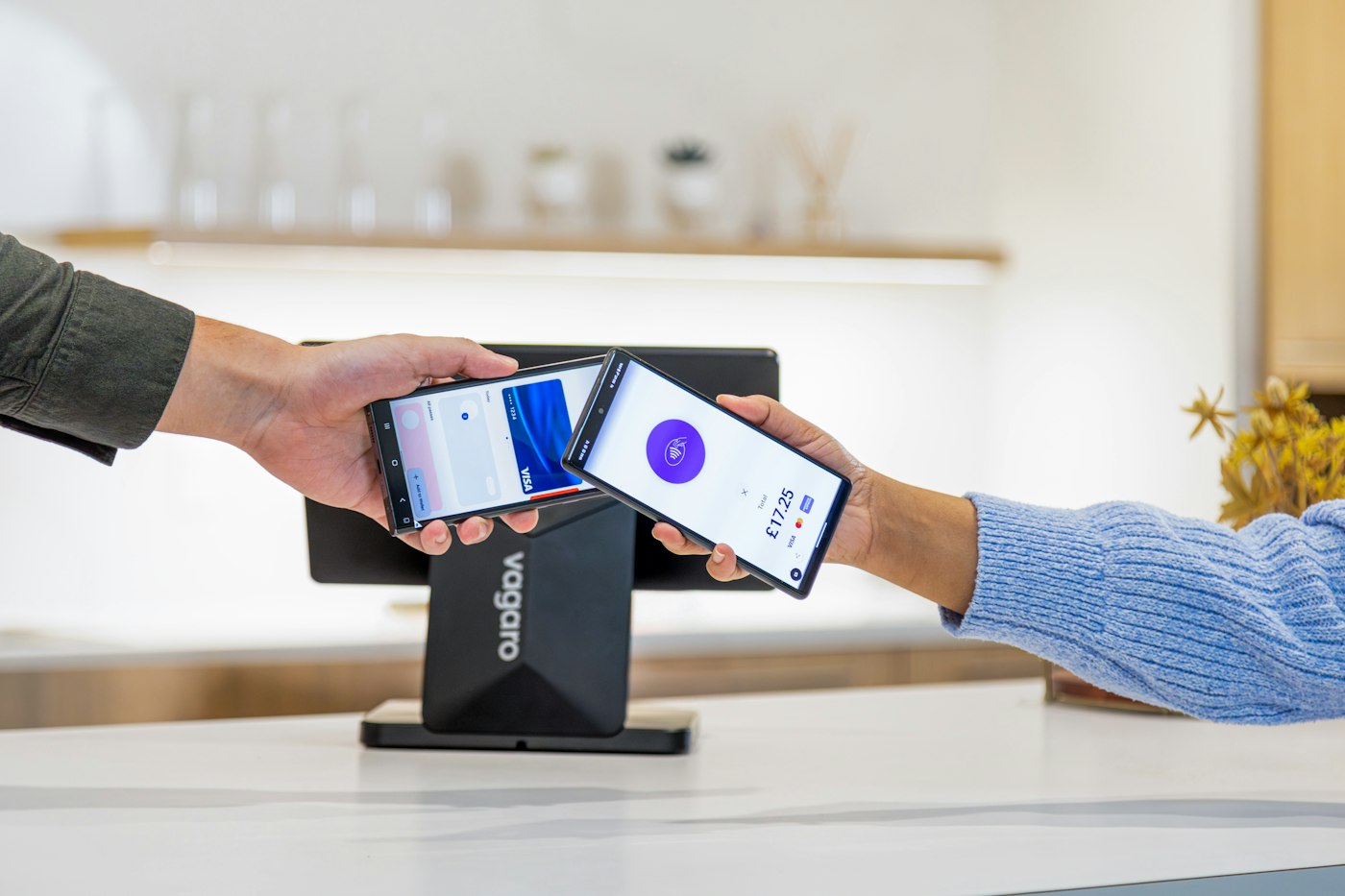
Mobile payment being completed on a card terminal at a shop counter
The discount and the invoice both come from the same transaction.

How you use it

  1. Apply the discount before completing the sale.
  2. Complete the sale.
  3. Generate the invoice for the customer.

02 · Discounts and invoices

Discount at the till, invoice in hand.

Apply a discount at the moment of sale and it is stored with the transaction, so reports reflect what was really paid. Generate an invoice for the customer from the same record, with the paperwork always matching the sale.

Apply discounts

Give a discount on a sale and keep it on the record, so sales history and profit figures stay honest.

Generate invoices

Produce an invoice for any transaction, carrying its items, discount and total.

Print where supported

At the counter, POS Sales prints the invoice instantly where printing is set up.

Questions

Common questions.

Straight answers about Sales, based on what the module does.

Does every sale create a record?

Yes. Each transaction is saved with its items, quantities, prices, discount and total, and appears in the sales history.

Can I give a discount on a sale?

Yes. Discounts are applied at the point of sale and stored with the transaction.

Can I generate an invoice for a past sale?

Yes. Any transaction in the sales history can be turned into an invoice.

How is Sales different from POS Sales?

POS Sales is the checkout screen used at the counter; Sales is the record and history of those transactions. Read about POS Sales.

Start with Sales. The rest is already connected.

Create your account, add your products and run the day from one platform.

Explore Features Get Started

