Convenience store POS

A convenience store POS system built for long days and quick sales.

From the early newspaper-and-milk rush to the late-evening top-up shop, POS2026 keeps the till quick, the best sellers on the shelf and the regulars' tabs in order, for UK corner shops and US c-stores alike.

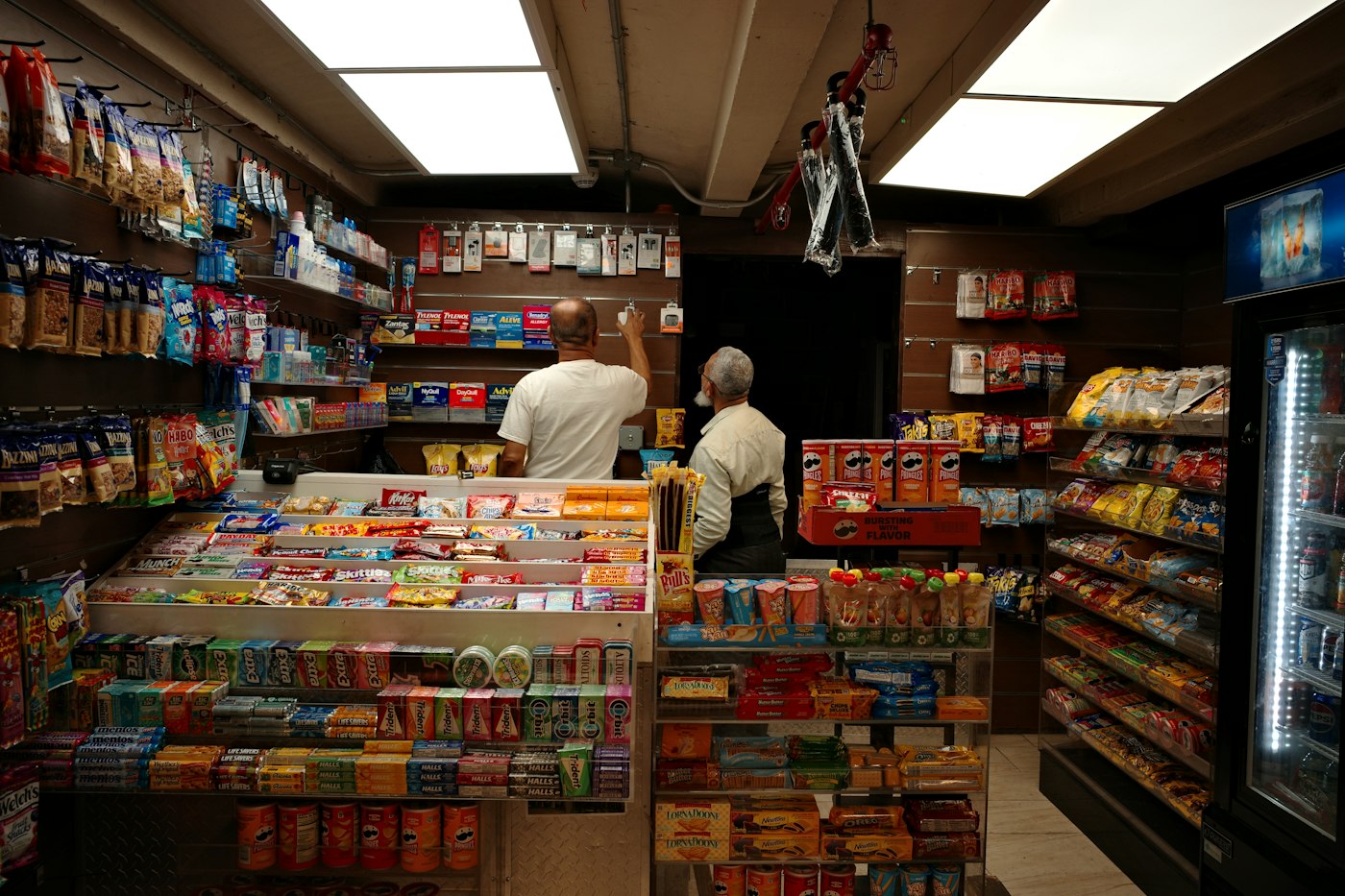
Inside a convenience store with shelves of snacks and drinks
A huge range of small lines, each one scanned, counted and reordered.

In short

A convenience store POS system is till software built for a high volume of small, fast sales across a very wide range of lines. POS2026 gives corner shops and c-stores barcode checkout, live stock with low-stock alerts on best sellers, supplier purchase records, a due list for regulars who pay later and daily sales reports, all in a browser-based app with a free trial.

A convenience store sells a little to a lot of people. Most baskets hold one to three items: a pint of milk, a meal deal, a bottle of pop, a pack of batteries. The doors open early and close late, so the till is busy for far longer than in most shops, and each sale earns only a small margin. Volume is what pays the rent, and volume depends on two things: a till that never slows the queue, and shelves that never run out of the lines people came in for.

Whether you call it a corner shop, a c-store or a bodega, the job is the same. POS2026 handles the counter, the stockroom and the back office in one place. If your range leans towards fresh food and a weekly shop, our grocery store POS page covers that side, and larger stores should look at the supermarket POS page.

Why c-stores switch

The pressures that come with being open all hours.

Convenience retail is a volume game, and small leaks add up quickly when they repeat all week.

  • Peaks that arrive all at once

    School-run mornings and after-work evenings bring queues of people buying one or two things. A slow till turns a quick visit into a walk-out.

  • A long tail of small lines

    Sweets, crisps, soft drinks, batteries, cleaning products and household basics. Each is cheap, and each needs a price, a barcode and a stock count.

  • Best sellers gone by teatime

    When milk, bread or the most popular energy drink runs out, customers do not wait. They go to the shop down the road and may not come back.

  • Regulars on the slate

    Many corner shops let known customers settle up on payday. Paper slates get smudged, lost or argued over.

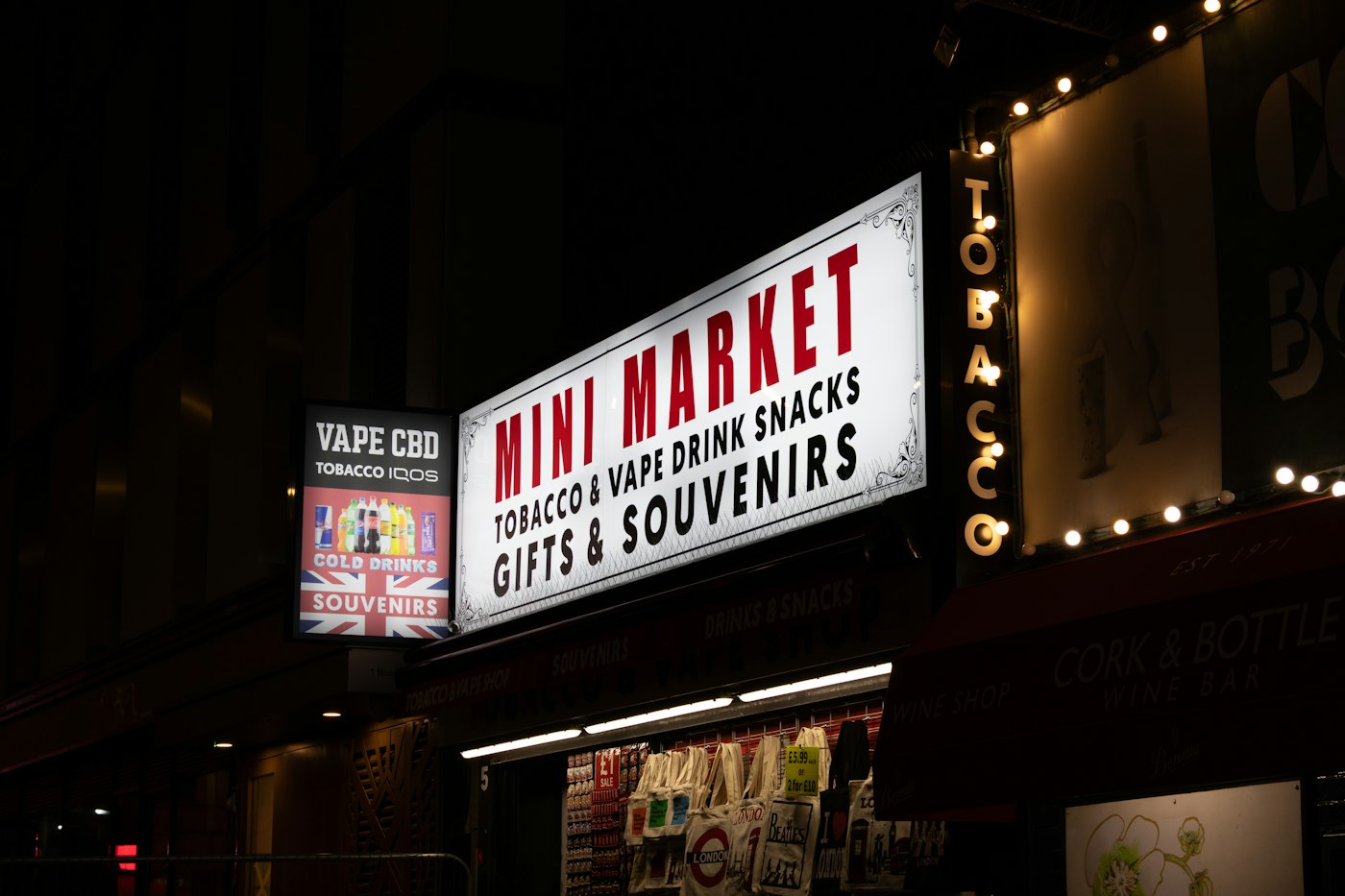
A mini market sign lit up with bulbs at night
Open early, close late: the till has to keep pace all day.

01 · Convenience store till system

A till that keeps pace from opening to closing.

Most convenience lines carry a barcode, so the bulk of each sale is a scan. Items without one, such as a single loose piece of fruit or a hot drink from the machine, can be added from the catalogue in a couple of taps. Choose the payment method, complete the sale and serve the next customer.

Print an invoice only when someone asks for one, if you have a receipt printer connected. The app runs in a browser, so the counter PC or a tablet you already own can be the till. A barcode scanner speeds things up but is optional.

Scan first

The fastest route through a one-item sale.

Unbarcoded items in two taps

Pick loose or own-made items straight from the catalogue.

Payment method recorded

Cash, card and other methods kept apart for the cash-up.
How POS Sales works
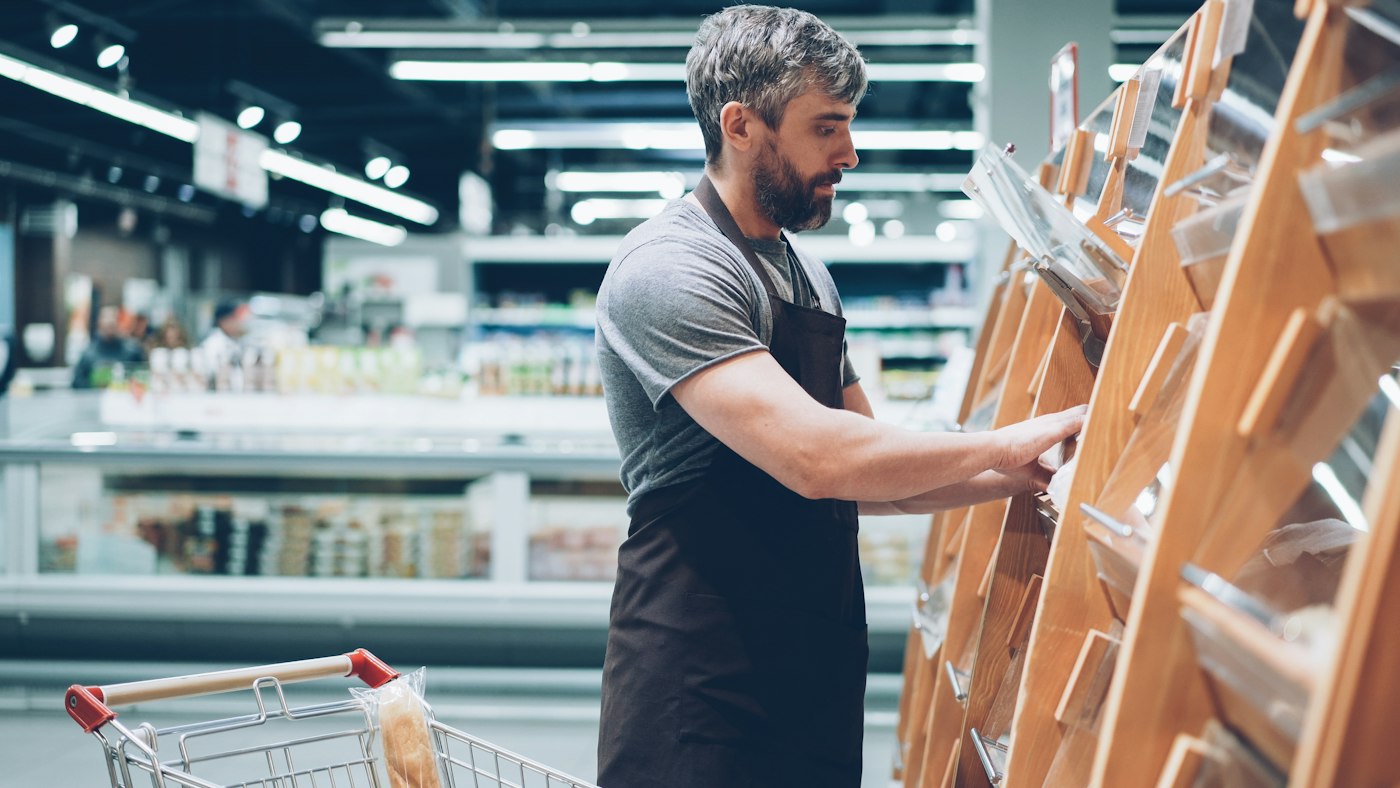
A man sorting items in a grocery store
The count in the app should match the count on the shelf.

02 · Stock and best sellers

Low-stock alerts on the lines that bring people in.

Pick the dozen or so products that drive footfall and give each one a low-stock level. When stock falls to it, POS2026 flags it, and the alert shows on the Dashboard as well. You see the warning while there is still time to add it to the next order.

A weekly look at sales by product shows which lines are really earning their shelf space. Out-of-date or damaged stock can be recorded as an adjustment, so the count stays honest without hiding the loss.

Alerts on key lines

Your own low-stock level for each best seller.

Sales by product

Spot the fast movers and the lines gathering dust.

Damaged and expired stock

Adjust the count and keep a record of what was lost.

How Stock works
A man standing in front of a large building
The weekly cash and carry run, recorded as a purchase.

03 · Wholesalers and vendors

Cash and carry runs and vendor deliveries on record.

UK corner shops tend to buy from a cash and carry, a symbol group wholesaler and a few direct suppliers for bread, milk and newspapers. US c-stores often add distributors and vendors who deliver snacks and drinks straight to the store. Either way, record each delivery or trip as a purchase against that supplier.

Stock rises when the goods arrive, and the purchase history keeps every cost price, so when a supplier puts prices up you can see it and adjust your shelf prices before the margin goes.

Every supplier, one history

What you bought, from whom, at what cost.

Cost price changes

Spot increases before they eat into margin.

Balances owed

See what you still owe each supplier.

How Purchase works
A calculator and a coffee mug on a desk
Trust the regulars, and keep a record anyway.

04 · Customer tabs

Credit for regulars, without the slate.

Record a sale against the customer when they take goods on credit. The Due List shows who owes what and since when, with a deadline you set, often their payday, and reminders so the conversation happens on time. When they pay, record it and the balance clears.

Each customer record keeps the full history, which settles any disagreement about what was bought and when.

Who owes what

Every open tab in one list, oldest first.

Payday deadlines

Set the date each amount is due.

Full history per customer

Every purchase and payment, on record.

How Due List works

Getting started

Get the shop running on POS2026.

Load your fastest sellers first. The rest of the range can follow as items pass the till.

  1. Sign up for the free trial from the counter PC or a laptop.
  2. Create categories such as drinks, confectionery, snacks, household and chilled.
  3. Add your top sellers with barcode, selling price and cost price.
  4. Enter opening stock and set low-stock levels on the lines you can never run out of.
  5. Add your wholesalers, vendors and any regulars who run a tab.
  6. Make your first sale and check it on the Dashboard.

Questions

Common questions.

Straight answers for shop owners, based on what POS2026 actually does.

What is the best POS system for a convenience store?

One that is fast at the counter and strong on stock, because most c-store problems are empty shelves and slow queues. POS2026 covers barcode checkout, low-stock alerts, supplier purchases and customer tabs. It does not process card payments or link to card terminals, so you keep your own card reader.

Can a corner shop EPOS cope with a large range?

Yes. Products sit in categories and carry their own barcodes, so a long catalogue stays manageable. Most owners start with their best sellers and add the rest as they sell.

Will it connect to my lottery or bill-payment terminal?

No. POS2026 does not integrate with lottery, bill-payment or card terminals. They keep working on their own equipment, and any commission you earn from them can be recorded as other income.

Does it prompt staff to check ID for age-restricted products?

No. POS2026 has no age-verification feature. Run your own ID policy at the counter, such as Challenge 25 in the UK or carding anyone who looks under a set age in the US, and train staff to follow it.

Is inventory management software included?

Yes. The Stock module covers live quantities, low-stock alerts, adjustments and stock reports, all updated by each sale and each purchase you record.

Keep the queue moving and the shelves full.

Start a free trial, scan in your best sellers and set your first low-stock alerts today.

Explore Features Get Started