Supermarket POS

A supermarket POS system that keeps a big range properly organised.

POS2026 gives independent supermarkets and mini markets a tidy catalogue, a quick barcode checkout, purchase records for every wholesaler you use and reports that answer questions by category and by product.

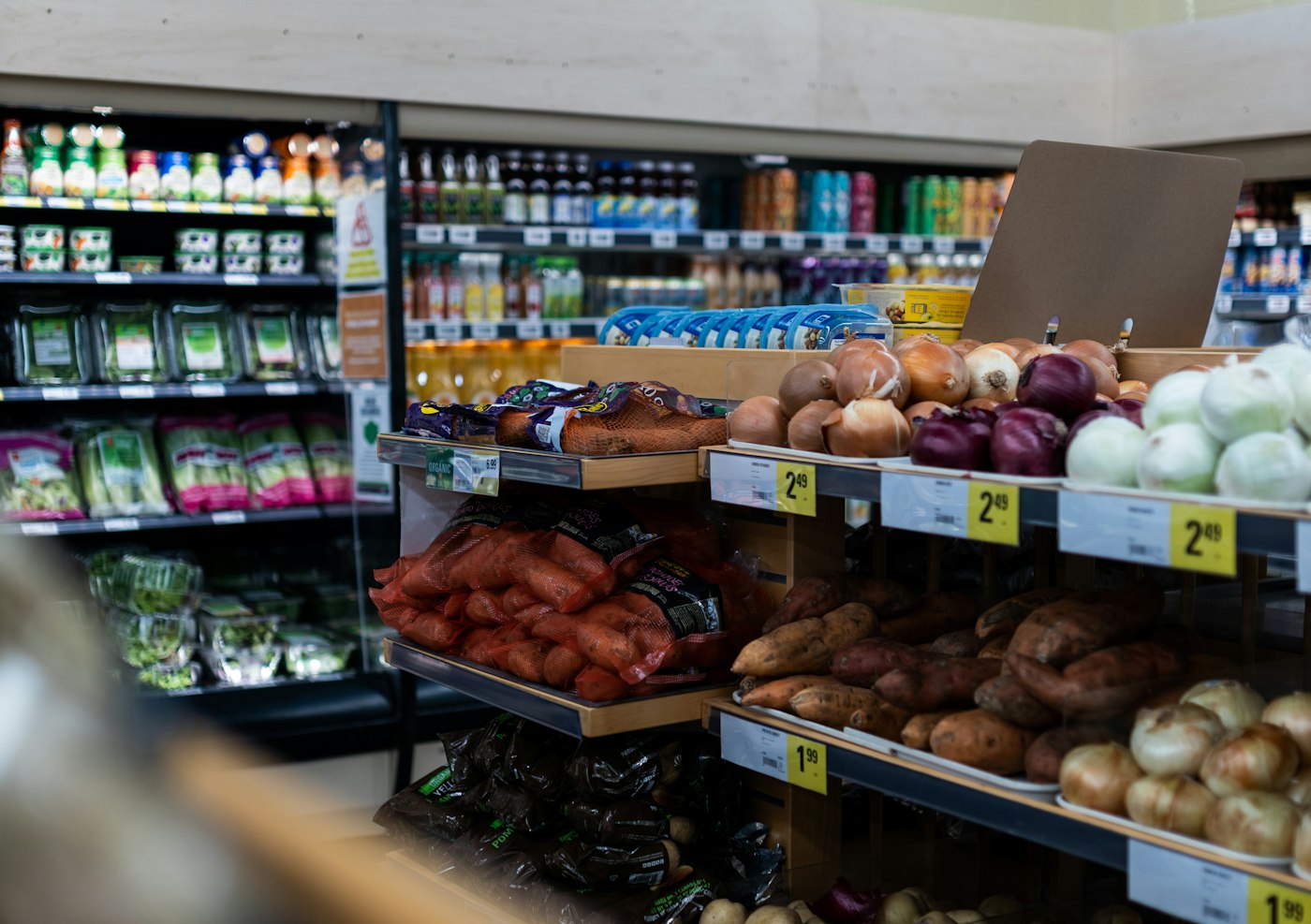
A grocery store filled with fresh produce
Many aisles, many suppliers, one catalogue.

In short

A supermarket POS system handles checkout for a large, varied range and keeps the catalogue, suppliers and reports behind it in order. POS2026 suits independent supermarkets and mini markets: categories that mirror your aisles, barcode billing, purchases recorded against each wholesaler, low-stock alerts, and sales reports by category and product with filters and export.

An independent supermarket is a grocery shop that has grown up. There are more aisles, more departments and more suppliers, and the owner can no longer hold the whole range in their head. The questions change too. Instead of asking whether milk is running low, you are asking whether the household aisle pays its way, which wholesaler is cheapest for tinned goods, and whether the new world-food section is worth its space.

Those questions can only be answered if the data is organised from the start. POS2026 gives you a catalogue built on categories, a purchase record per supplier and reports that filter by category and product. For smaller shops with a fresher, simpler range, the grocery store POS page is a better fit; for a range sourced from overseas importers, see our international grocery POS page.

Why supermarkets switch

The problems that arrive with a bigger range.

Growth is good news, but every new aisle adds products, suppliers and decisions that a basic till was never meant to handle.

  • A catalogue that grew without a plan

    Lines get added in a hurry when a delivery lands. A year later there are duplicates, odd names and no sensible grouping.

  • Too many suppliers to track

    One wholesaler for ambient goods, another for chilled, plus a dairy, a bakery, a drinks distributor and local producers, each with their own invoices.

  • Reports that cannot answer category questions

    Is the household aisle making money? Did frozen grow this year? Total takings cannot tell you.

  • Price changes that slip through

    A wholesaler raises the cost of a line, the shelf price stays put, and the margin on that product quietly disappears.

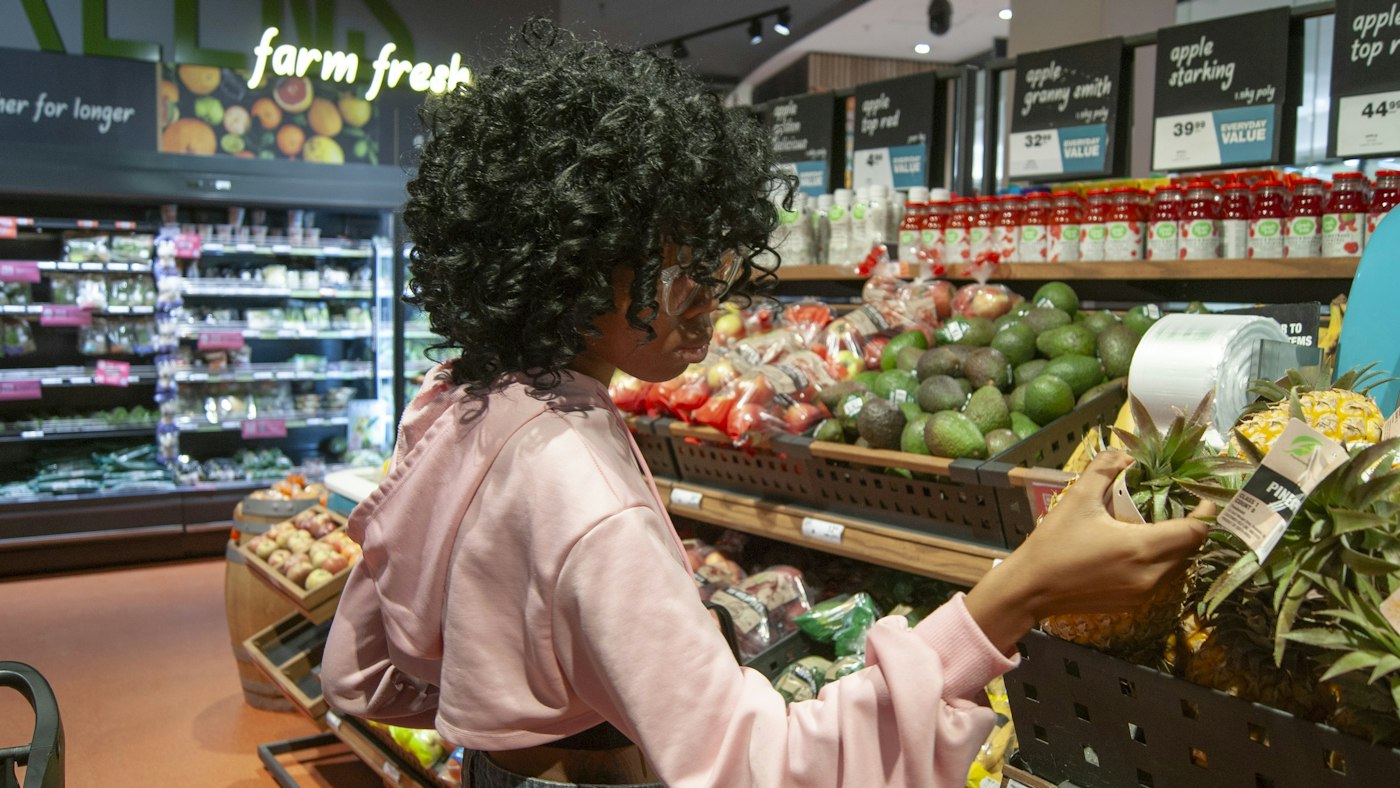
A woman choosing a pineapple in a grocery store produce section
A clear category for every line, from fresh produce to household.

01 · Catalogue organisation

Organise the catalogue the way the aisles run.

Before adding products, agree a category list that matches the store: fresh produce, bakery, dairy, chilled, frozen, ambient, drinks, household, health and beauty, and any specialist aisles. Every product goes into one category, with a consistent name such as brand, product and size, so staff and reports read it the same way.

Each product carries an image, a selling price, a cost price, a barcode and a unit. Loose goods can be sold by the kilogram while packaged lines sell by the piece. Different pack sizes of the same item are separate products, each with its own barcode and stock count.

Categories per aisle

A structure that reports can follow later.

Consistent naming

Brand, product and size, in the same order every time.

Units per product

By the piece, the pack or the kilogram.
How Products works
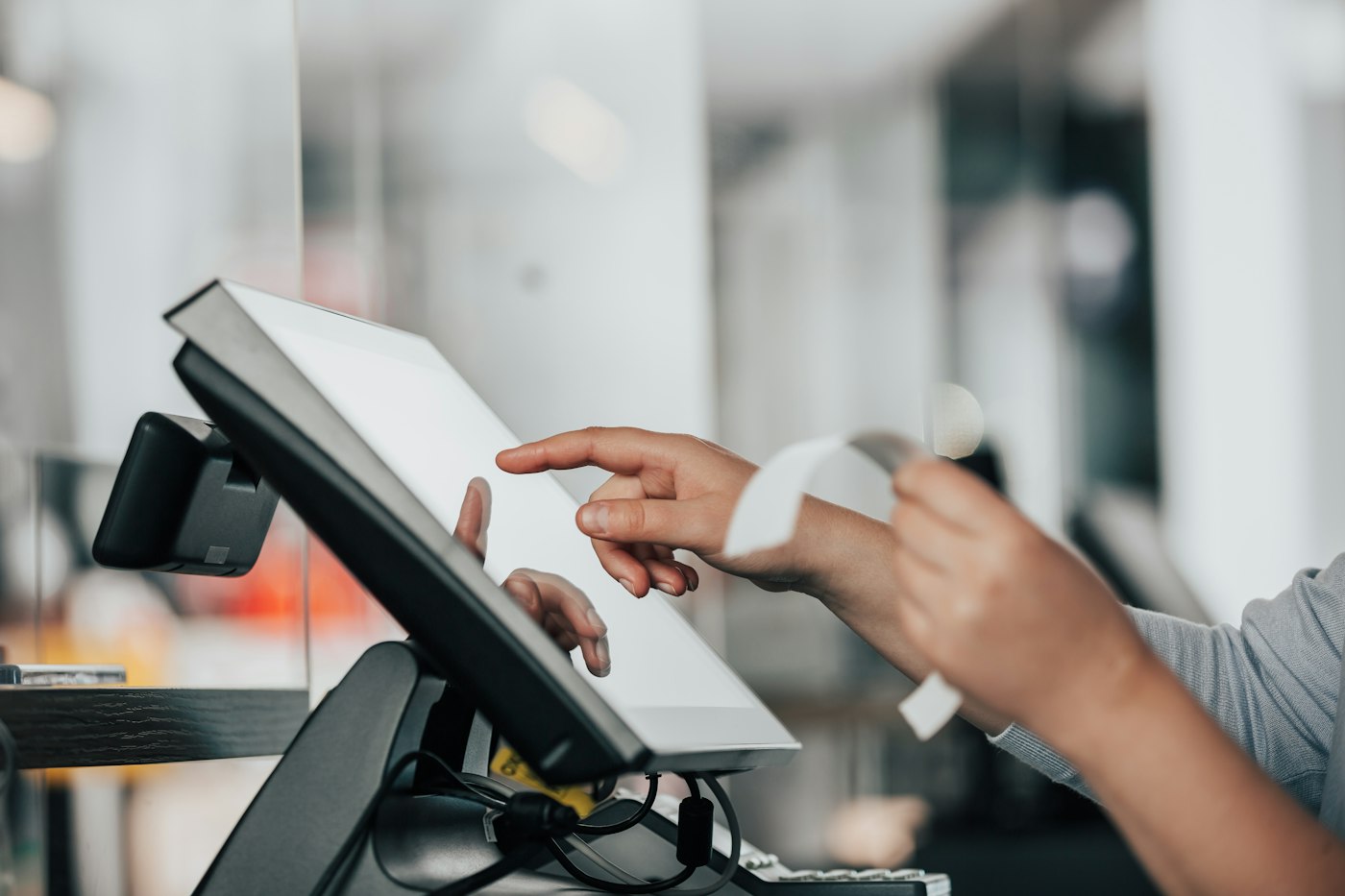
A person using a POS machine in a store
Each scan updates stock and the sales history together.

02 · Supermarket billing

Supermarket billing software for a steady queue.

At the checkout, barcodes do most of the work. Scan each item, add loose produce from the catalogue, apply any discount and record how the customer paid. The bill can be printed as an invoice for the customer where a receipt printer is set up, and the sale updates stock, sales history and income at once.

Barcode billing

Scan through a full basket quickly.

Discounts at the checkout

Price reductions saved with the sale.

Printed bills

An invoice for the customer when a printer is connected.

How POS Sales works
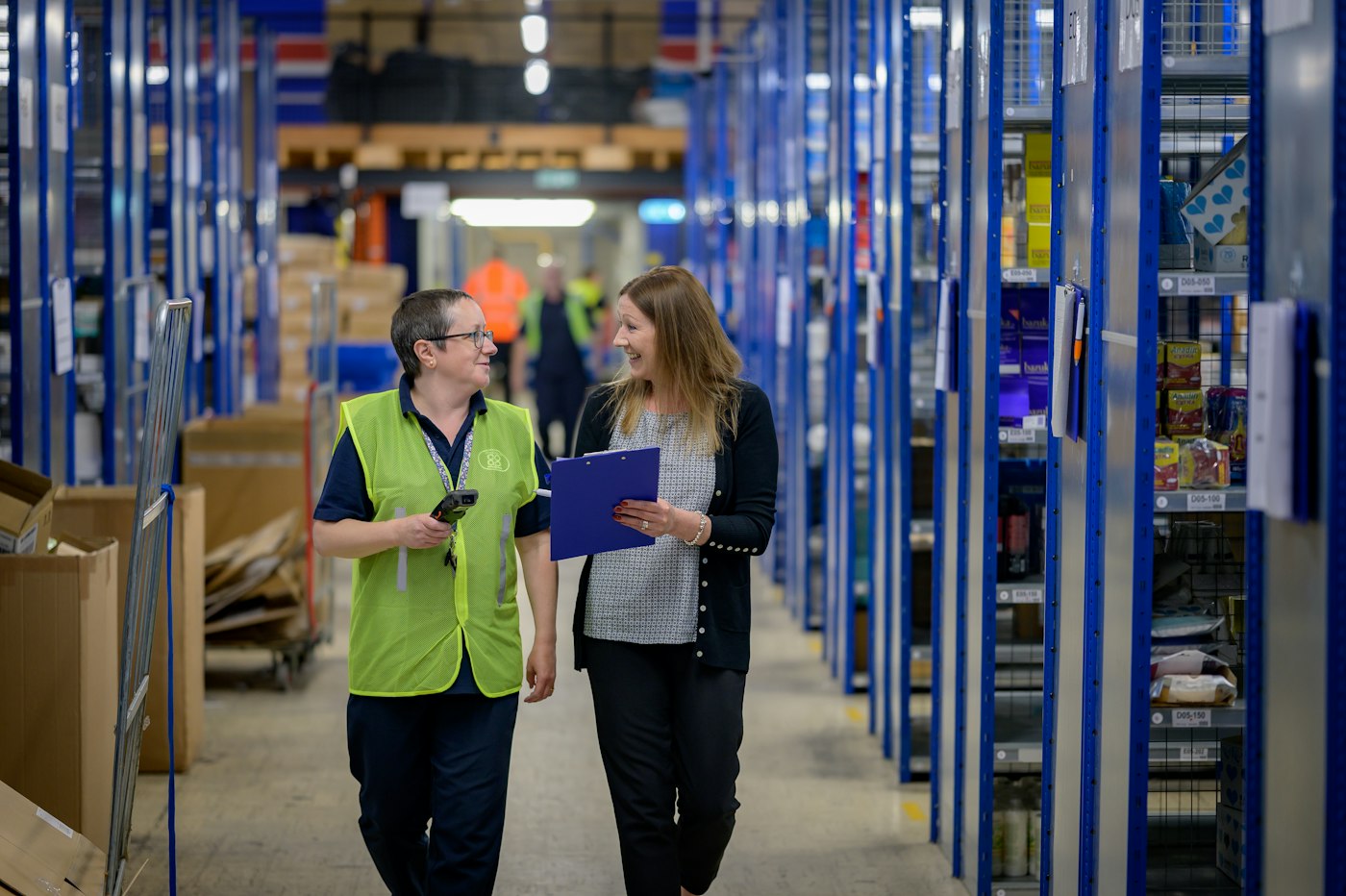
Two women walking along a warehouse aisle with blue shelving
Ambient, chilled and local suppliers, each with their own history.

03 · Several wholesalers

Purchases from every wholesaler, kept apart.

Add each wholesaler, distributor and local producer as a supplier. When you place an order, record it as a purchase with its products, quantities and costs, and update the delivery status as it moves from ordered to delivered. Stock rises when it lands.

Because every purchase is tied to its supplier, the history lets you compare what two wholesalers charged for the same line, see what each one has delivered this month and check what you still owe them.

Delivery status

Know which orders are still on their way.

Price history per supplier

Compare costs across wholesalers line by line.

Supplier balances

What you owe each one, on their record.

How Purchase works
A woman working on a laptop showing charts and graphs
Category totals first, then the products that make them up.

04 · Reports by category and product

Reports that answer aisle-by-aisle questions.

Filter sales by category to see how each department performs over any period, then drill into the products inside it. Find the lines that sell every day and the ones that have not moved in weeks. Export a report when your accountant or business partner wants the figures.

Loss/Profit brings in product costs and your running costs, so a busy department that earns little stands out. The Dashboard keeps sales trends and low-stock alerts on one screen for a daily check.

Filter by category

Department performance for any date range.

Product-level detail

Best sellers and slow movers inside each aisle.

Export

Share figures without retyping them.

How Report works

Getting started

Set up a supermarket catalogue that lasts.

An hour spent on structure now saves many hours of tidying later.

  1. Open a free trial account, then choose the app language and your trading currency.
  2. Write down your category list, aisle by aisle, and create it in Products.
  3. Agree a naming pattern, then add products with barcodes, prices and cost prices.
  4. Add every wholesaler and local supplier you buy from.
  5. Enter opening stock and set low-stock levels on fast-moving lines.
  6. Run your first category report after a week of trading.

Questions

Common questions.

Straight answers for shop owners, based on what POS2026 actually does.

What is the best POS system for a supermarket?

For an independent store, look for fast barcode checkout, a catalogue organised by category, purchase records per supplier and reports by category and product. POS2026 offers all four in a browser. Large chains with self-checkouts and loyalty schemes will need enterprise software instead.

Is POS2026 suitable for a mini market or mini mart?

Yes. A mini market has many of the same needs on a smaller scale: barcode checkout, stock alerts and supplier purchases. You can start with your top sellers and grow the catalogue as you go.

Can I run reports by category?

Yes. Products belong to categories, and reports can be filtered by category and by product for any period, with export when you need the figures elsewhere.

We have two stores. Can POS2026 handle both?

Multi-branch is available on the plans that include it, and stock can be transferred between locations. Check the plans shown in the app to see which include it.

Does it work with supermarket weighing scales?

No. POS2026 does not integrate with scales. Give loose products a kilogram unit and enter the weight from your scale as the quantity at checkout.

A bigger range, still under control.

Start your free trial, set up your categories and see your first aisle-by-aisle report within a week.

Explore Features Get Started