Retail management software

Retail management software for everything behind the counter.

A POS takes the payment. Running a shop takes much more: buying, counting, chasing, paying and checking the numbers. POS2026 brings all of it into one browser-based app with one set of records.

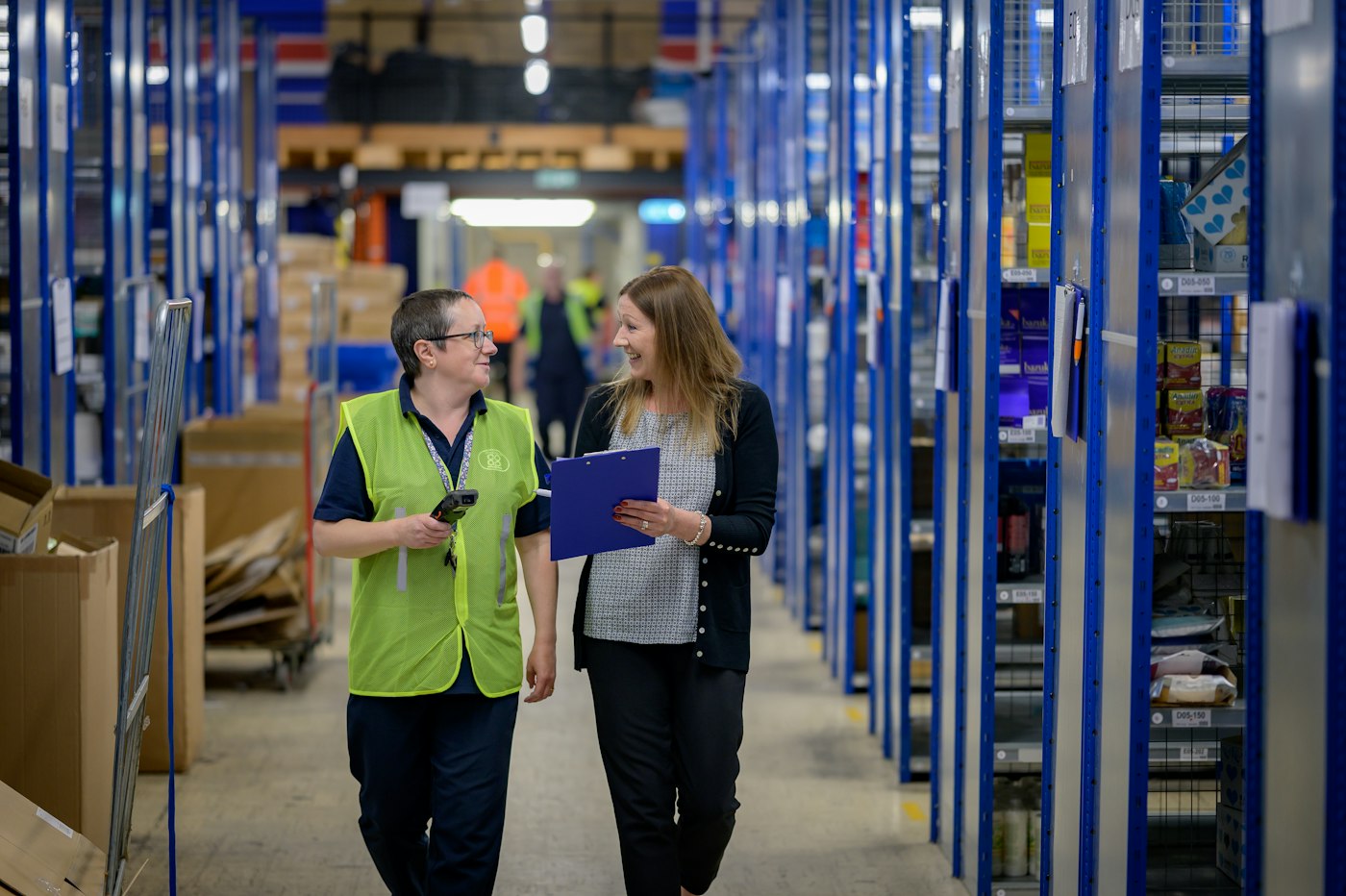
Two workers walking down a warehouse aisle lined with blue shelving
The back office is where a shop is really run.

In short

Retail management software runs the whole shop, not just the till. Alongside checkout, POS2026 manages the product catalogue, supplier purchases, stock levels and transfers, customers and suppliers, money owed, income, expenses, profit and reports. Every module shares one set of records, so a sale updates stock, income and the customer record in the same moment.

Most small shops run on a patchwork: a till for sales, a notebook for customers who pay later, a folder of supplier invoices, a spreadsheet for expenses and a lot of memory holding it together. Each piece works on its own. The trouble is in the gaps between them: a delivery that never reaches the stock count, a credit sale nobody chased, an expense that never made it into the profit sum.

POS2026 is built to close those gaps. It is a point of sale at the counter, but most of its modules deal with what happens away from it: Purchase for supplier orders, Stock for levels and transfers, Parties for the people you trade with, and Loss/Profit and Report for the numbers. Because they share one set of records, nothing has to be typed in twice.

The patchwork

Where a shop run on separate tools leaks.

Every handover between tools is a chance for something to be missed.

  • Deliveries that never reach the count

    Goods arrive and go on the shelf, but the stock figure is not updated, so the next order is placed on the wrong number.

  • Credit nobody follows up

    Sales on account are written down but never totalled, so overdue balances grow quietly.

  • Supplier invoices in a folder

    Without a purchase history, you cannot see what you paid last time or what you still owe.

  • Profit worked out once a year

    When sales, costs and expenses live in different places, the true figure only appears when the accountant puts them together.

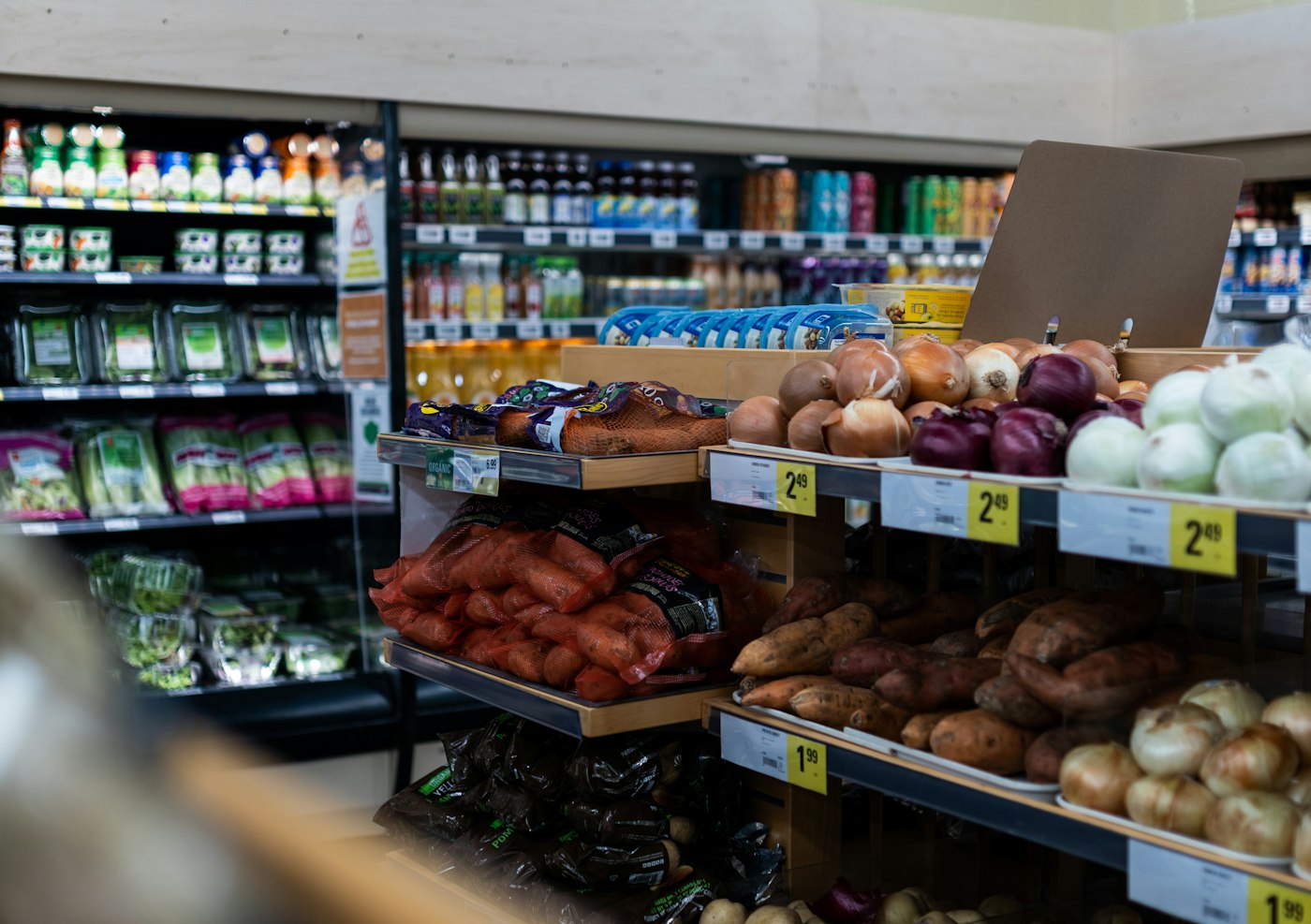
Grocery store filled with fresh produce
Every delivery in, every sale out, one count.

01 · Buying and stock

From supplier order to shelf count.

Record each supplier order in Purchase, follow its delivery status and let delivered goods update stock. Stock keeps a live quantity for every product, warns you when a line falls below its level, and records adjustments after a count, breakage or waste. Transfers move stock between branches or locations where your plan includes more than one.

Products holds the catalogue behind all of it, with images, categories, price options, barcodes and units, set up once and used by checkout, purchasing and stock alike.

Purchase

Orders to suppliers, followed to delivery, with a full history.

Stock

Levels, low-stock warnings, adjustments and transfers.

Products

Images, categories, prices, barcodes and units.
How Stock works
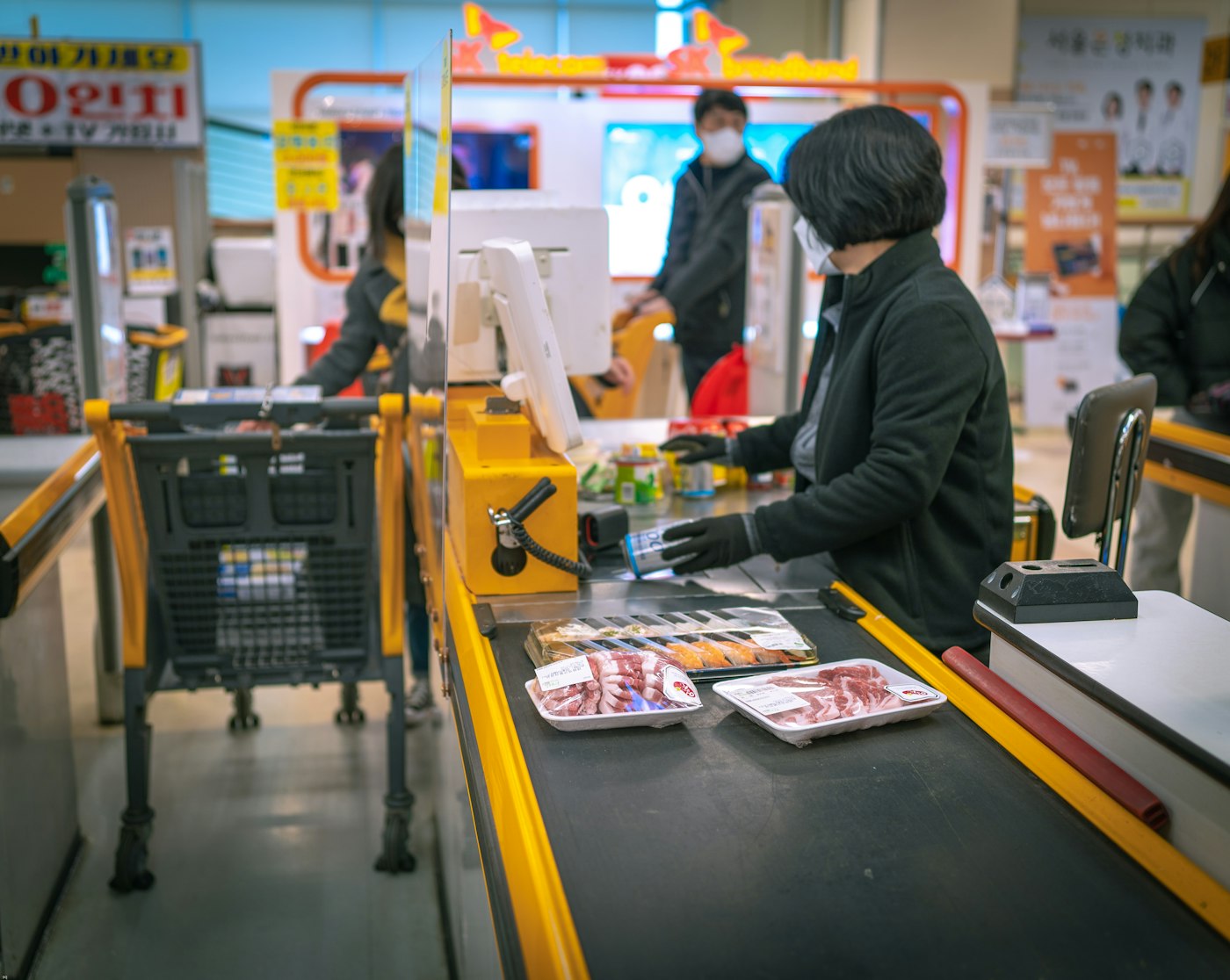
Shop assistant at a cash register serving a customer
Know every regular, and what they owe.

02 · Customers and suppliers

Store management software that remembers who owes what.

Every customer and supplier is a party, with contact details, transaction records, payment history and the amount currently due. The Due List gathers what customers owe into one list with deadlines and automated reminders, so following up becomes routine. Amounts you owe suppliers sit on each supplier's record.

Parties

Customers and suppliers, each with a full history.

Due List

Receivables, deadlines and automated reminders.

Contact details to hand

Phone and address on the record when it is time to call.

How Due List works
Two smiling café workers standing behind a counter
Payments taken at the counter start the income record.

03 · Money in and out

Income, expenses and profit without a separate system.

Sales income is recorded automatically as you sell, and other income can be added directly. Expenses are recorded by category, with recurring options for regular bills. Loss/Profit then calculates profit from product costs, selling prices and expenses for any period.

For a closer look at this side of the shop, see expense tracking and profit and loss tracking.

Income

Every payment received, recorded.

Expense

Categorised costs, with recurring options.

Loss/Profit

Profit after product costs and expenses.

How Loss/Profit works
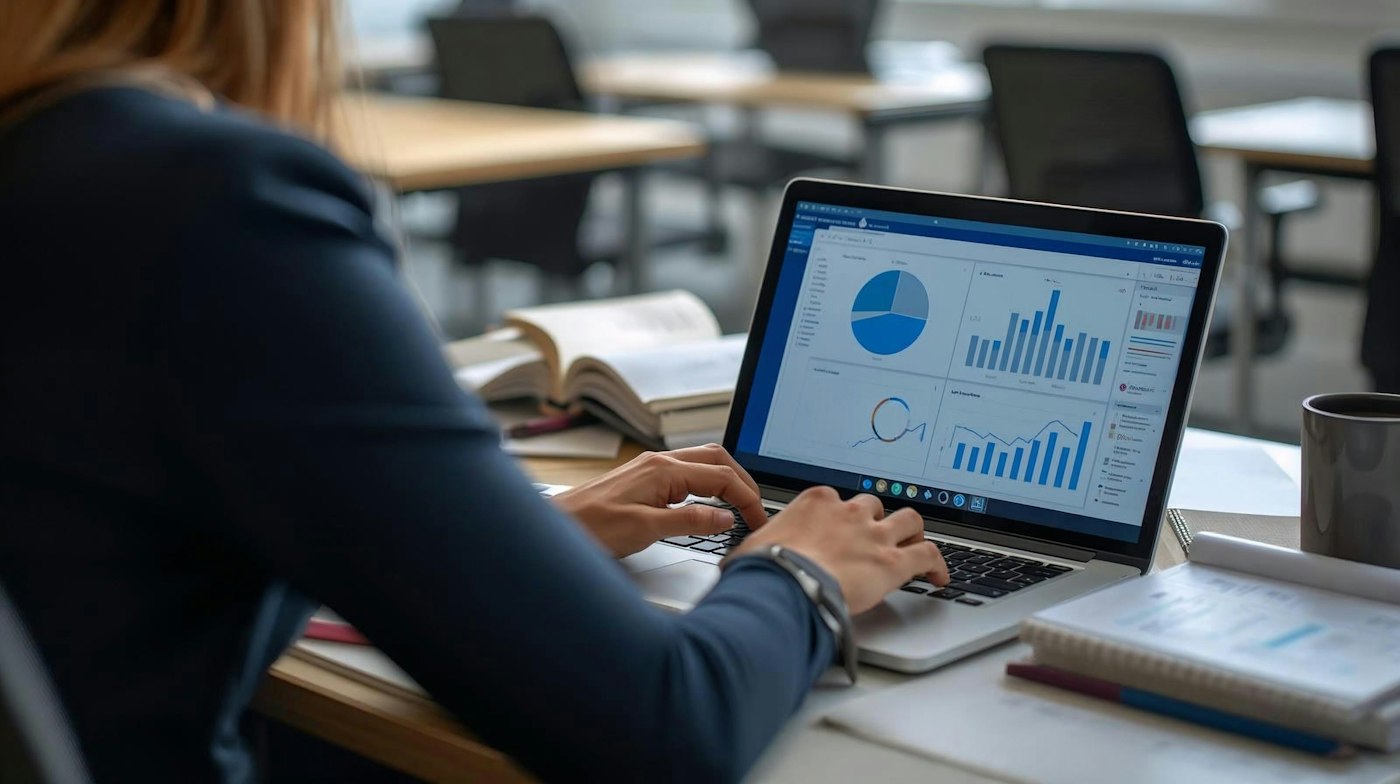
Woman working on a laptop showing charts and graphs
Start each day with the numbers that matter.

04 · The whole picture

Retail business software that shows the whole picture.

The Dashboard is the first screen you see: key metrics, sales charts, revenue trends and alerts for low stock and amounts falling due. Report answers specific questions, with sales, customer, product and payment reports, customisable filters and export. Both are built from the same records as the rest of the app, so they always agree with each other.

Dashboard

Metrics, charts, trends and alerts on one screen.

Report

Four report types with filters and export.

Alerts

Low stock and due amounts flagged first.

How Dashboard works

Getting started

Move the back office into one app.

Bring one piece of the patchwork across at a time.

  1. Create your account and choose the app language and currency.
  2. Add your products, starting with the lines you sell most.
  3. Record opening stock and set low-stock levels.
  4. Add your main suppliers and the customers who buy on account.
  5. Record your regular expenses and mark them as recurring.
  6. Sell through POS Sales and check the Dashboard each morning.

Questions

Common questions.

Straight answers for shop owners, based on what POS2026 actually does.

What is the difference between a POS and retail management software?

A POS handles the sale at the counter. Retail management software also covers buying, stock, customers, suppliers, money owed, expenses and reporting. POS2026 does both in one app.

What is the best shop management software for a small shop?

Good small shop software covers your daily work without extra tools. List what you do each week, from ordering to chasing payments, and test each task in a free trial. POS2026 covers checkout, stock, purchases, customer credit, expenses, profit and reports.

Does POS2026 replace my accounting software?

No. POS2026 does not file tax returns and does not connect to accounting software. It keeps the day-to-day records; export reports for your accountant.

Does it include staff rotas or employee management?

No. Staff permissions, rotas and employee management are not part of POS2026.

Can I sell online with it?

No. POS2026 is for in-person selling and the back office. It does not include an online store or ecommerce connections.

Does it work for more than one shop?

Multi-branch is available on the plans that include it, with stock transfers between locations. See multi-store POS.

Run the whole shop, not just the till.

Start a free trial and bring your stock, suppliers, customers and costs into one app.

Explore Features Get Started