Suppliers and purchases

Supplier management software for shops that buy from many.

Wholesalers, the cash and carry, local producers, a rep who calls every fortnight. POS2026 keeps every supplier, every purchase and every amount you owe in one place, linked to your stock.

Woman checking a delivered package with her phone beside a laptop and boxes
Every delivery checked, recorded and matched to its supplier.

In short

Supplier management software for a small business keeps supplier contacts, purchases and payments in one place. In POS2026, each order is recorded as a purchase against the supplier, delivered goods update stock, and the supplier's record shows what you have bought, what you have paid and what you still owe. Purchase history shows when cost prices change.

A small shop can easily buy from a dozen suppliers: a main wholesaler, a cash and carry, a bakery, a drinks distributor and a few local makers. Each has its own prices, delivery days and payment terms, and most of that lives in invoices on a spike, a phone full of numbers and the owner's memory.

That works until a price creeps up unnoticed, a delivery turns up short, or a supplier calls about an invoice you thought was paid. POS2026 gives purchases and suppliers proper records, tied to stock and profit, so you buy with the full picture in front of you.

Buying blind

What goes wrong when supplier records live in your head.

Purchasing is where a shop's margin is won or lost, often without anyone noticing.

  • Price rises that slip through

    A wholesaler adds a few pence to a case, the shelf price stays put and the margin quietly shrinks.

  • Unclear supplier balances

    Part-paid invoices and credit terms make it hard to say exactly what you owe each supplier.

  • No purchase history to hand

    Without past orders in front of you, every reorder starts from a guess.

  • Orders without a trail

    Was it delivered? Was it all there? Without a record, nobody can say for sure.

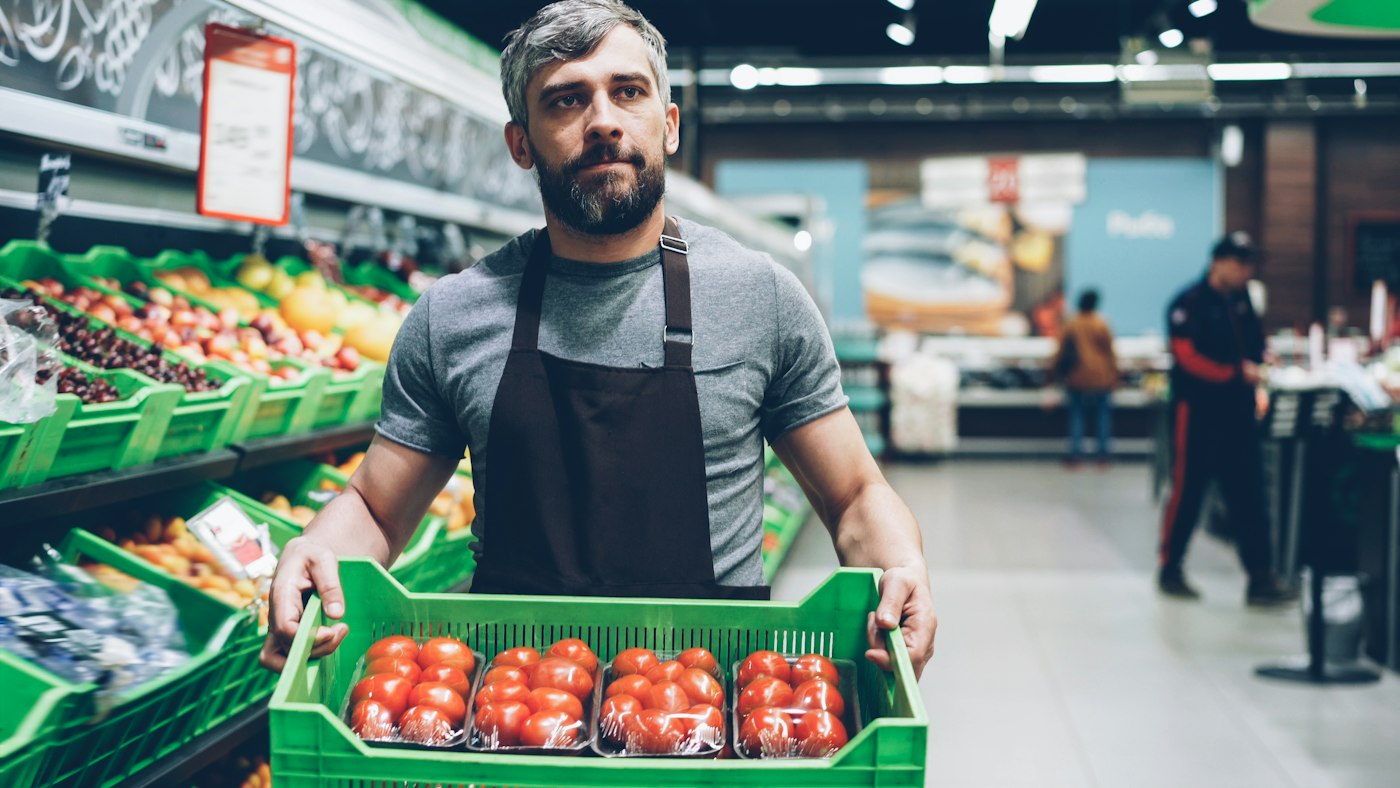
A grocery store worker holding a box of tomatoes
Delivered, checked, and on the shelf and in the system.

01 · Purchases

Purchase management software tied to your stock.

Record each order as a purchase in POS2026: the supplier, the products, the quantities and the cost. Update the delivery status as the order moves from placed to delivered, and when the goods arrive, your stock reflects what you now hold.

Because purchases feed stock directly, the low-stock alert that told you to reorder and the delivery that answers it are part of the same loop. Nothing has to be keyed into a separate stock sheet.

Record supplier orders

Supplier, products, quantities and cost.

Delivery status

From placed to delivered.

Stock updated

Delivered goods show in your stock levels.

How Purchase works
Man smiling with Tower Bridge in London behind him
Know each supplier as well as they know you.

02 · Supplier records

One record for every supplier.

Each supplier is a party in POS2026, with their contact details and every purchase and payment recorded against them. Before the rep visits, open the record and you can see what you bought last time, how often you order and how much is outstanding.

If a business is both a supplier and a customer, such as a neighbouring shop you buy from and sell to, it can be kept as one party with both sides of the relationship. It is vendor management for retail at the scale of an independent shop.

Contact details

Phone numbers and addresses for each supplier.

Transactions

Every purchase and payment listed.

Customers too

One record if you buy from and sell to the same business.

How Parties works
A calculator on a table next to a laptop
What you owe each supplier, without adding up invoices.

03 · What you owe

Supplier payment tracking, balance by balance.

When you buy on credit terms, the amount owed builds up on the supplier's record. Record each payment as you make it, in full or in part, and the balance updates. At any moment you can see exactly what you owe each supplier, which makes planning the week's payments simpler, and so does checking a supplier's statement against your own figures.

Payment reports show money paid out by supplier and period. The stock you buy feeds product costs, and running costs such as rent and transport go in Expense, so Loss/Profit sees the full cost of trading.

Balance per supplier

What you owe, always current.

Payments recorded

Full or part payments, with dates.

Plan payments

See what is owed before the week starts.

How Report works
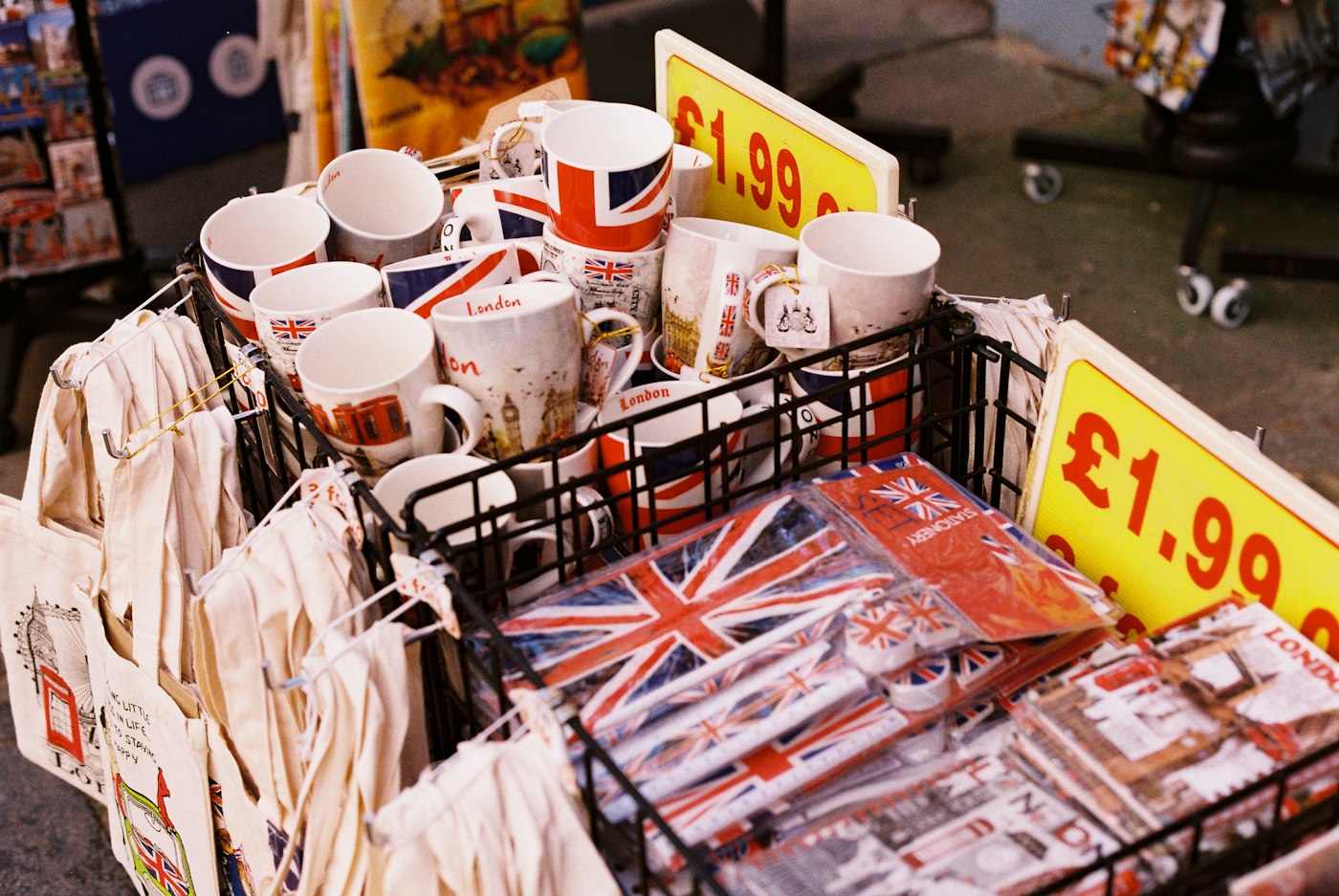
Mugs and souvenirs with Union Jack designs and a price label
When the cost moves, the price label may need to move too.

04 · Cost changes

Spot cost price changes before they eat your margin.

Purchase history keeps every order with its cost, searchable by supplier or period. Compare this month's price for a line with what you paid before and you can see a rise the week it lands, not at the year end.

When a cost goes up, update the product's cost price and decide whether the selling price needs to follow. Loss/Profit works from those costs, so the profit figure stays honest. Our profit margin calculator helps you work out the new price.

Cost history

What you paid, order by order.

Price decisions

Adjust selling prices when costs rise.

Profit kept honest

Current costs feed Loss/Profit.

How Loss/Profit works

Getting started

Bring your suppliers into POS2026.

Start with the two or three suppliers you buy from most.

  1. Start the free trial and add your products with their current cost prices.
  2. Add your main suppliers to Parties with their contact details.
  3. Record your next order from each one as a purchase.
  4. Update the delivery status when it arrives, after checking it against what you ordered.
  5. Record payments to suppliers as you make them.
  6. Before each reorder, check the purchase history for price changes.

Questions

Common questions.

Straight answers for shop owners, based on what POS2026 actually does.

Can I send purchase orders to suppliers from POS2026?

POS2026 records the orders you place with suppliers and tracks their delivery status. We do not claim that it emails or sends purchase orders, so place the order the way your supplier prefers, by phone, through the rep or on their website, and record it as a purchase.

Where do I see what I owe each supplier?

On each supplier's party record, which shows purchases, payments and the outstanding balance. The Due List focuses on what customers owe you; see customer credit tracking for that side.

Can I compare prices between suppliers?

Purchase history keeps the cost of each order by supplier, so you can compare what different suppliers charged for the same line over time.

Does a delivery update my stock automatically?

Yes. Delivered goods are reflected in your stock levels, so there is no separate stock entry to make.

Does it connect to my wholesaler's ordering system?

No. POS2026 does not integrate with supplier or wholesaler systems. Record each purchase yourself; it takes a minute and keeps your stock and supplier balances accurate.

Know every supplier, every cost, every balance.

Start the free trial, add your main suppliers and record your next delivery against them.

Explore Features Get Started