
Customer credit

Customer credit tracking for shops that know their customers.

In a lot of local shops, "pay me on Friday" is part of the service. POS2026 keeps that trust and loses the notebook: every amount owed, by whom and since when, with a reminder when it falls due.

An independent corner shop on a London street
Credit between neighbours works best when the numbers are clear.

In short

A customer credit tracking app records the sales customers will pay for later and keeps a running balance for each person. In POS2026, credit sales are recorded against the customer in Parties and appear on the Due List with the amount and deadline. Reminders prompt you to follow up, and every payment is saved in the customer's history.

Corner shops, halal butchers, village stores and family grocers have run on credit for generations. A regular collects the shopping, the amount goes in the book, and they settle up when the wages come in. It is good business as well as good neighbourliness: those customers come back, and they bring their families.

The book is the weak point. Pages tear, ink fades, two people write in it differently, and a quiet disagreement over a total can strain a long friendship. POS2026 replaces the credit book with records that keep the relationship easy: clear amounts, clear dates, and a full history you can go through together if a customer ever asks.

The trouble with the book

When the credit book stops working.

Credit is a kindness. Losing track of it should never become a problem between friends.

  • One book, one place

    If the book is at home, or the person who wrote the entry is off today, nobody can say what is owed.

  • Old balances that drift

    An amount from three months ago is easy to overlook until it has grown awkward to mention.

  • Totals added up by hand

    A page of small purchases and part-payments invites mistakes in both directions.

  • No proof of what was paid

    When a customer says they paid last week, a crossed-out line is hard to check.

Two grocery store employees smiling at the camera
The people behind the counter know every regular by name.

01 · Selling on credit

Put it on their tab, without the notebook.

Add your regulars to Parties with a name and phone number. When one of them takes shopping to pay later, ring the sale up as normal and record it against their customer record. The items, the total and the date are saved, and the amount is added to what they owe.

Stock still comes off the shelf and the sale still counts in your history, so credit sales are never missing from the figures the way entries in a book can be.

A record for each regular

Name, contact details and history.

The whole sale saved

Items, total and date, not just a number.

Stock still updated

Credit sales count like any other sale.

How Parties works
Lit mini market sign on a shop front at night
Open late, known to everyone on the street, every balance clear.

02 · The Due List

A money owed tracker: who owes what, and since when.

The Due List brings every outstanding amount together, with the customer, the amount still due and its deadline. Sort it by deadline to see what is due this week and what is overdue. It is the page of the credit book you always wished you had: added up and current.

Accountants call this accounts receivable. In the shop it is simply the tab, and it works best when you agree a settle-up day with each customer, such as payday or the end of the month, and use it as the deadline.

One list

Every outstanding amount together.

Deadlines

Settle-up dates agreed with each customer.

On the Dashboard

Amounts falling due show as alerts.

How Due List works
A smiling woman standing in her coffee shop
A gentle word on the agreed day keeps credit friendly.

03 · Reminders

Reminders that make asking easier.

Asking a neighbour for money is awkward. Automated reminders take the guesswork out of when to ask: as a deadline arrives, POS2026 prompts you, and the customer's phone number is right there on their record.

The reminder is for you, not a message sent to the customer, so you choose how to raise it: a word at the counter, a call or a text. Because it comes from a date you agreed together, the conversation is short and friendly, and a small balance is cleared before it has a chance to grow.

Automated reminders

A prompt around each deadline.

Contact details to hand

Call or message from the record.

No forgotten balances

Old amounts stay visible until paid.

How Dashboard works
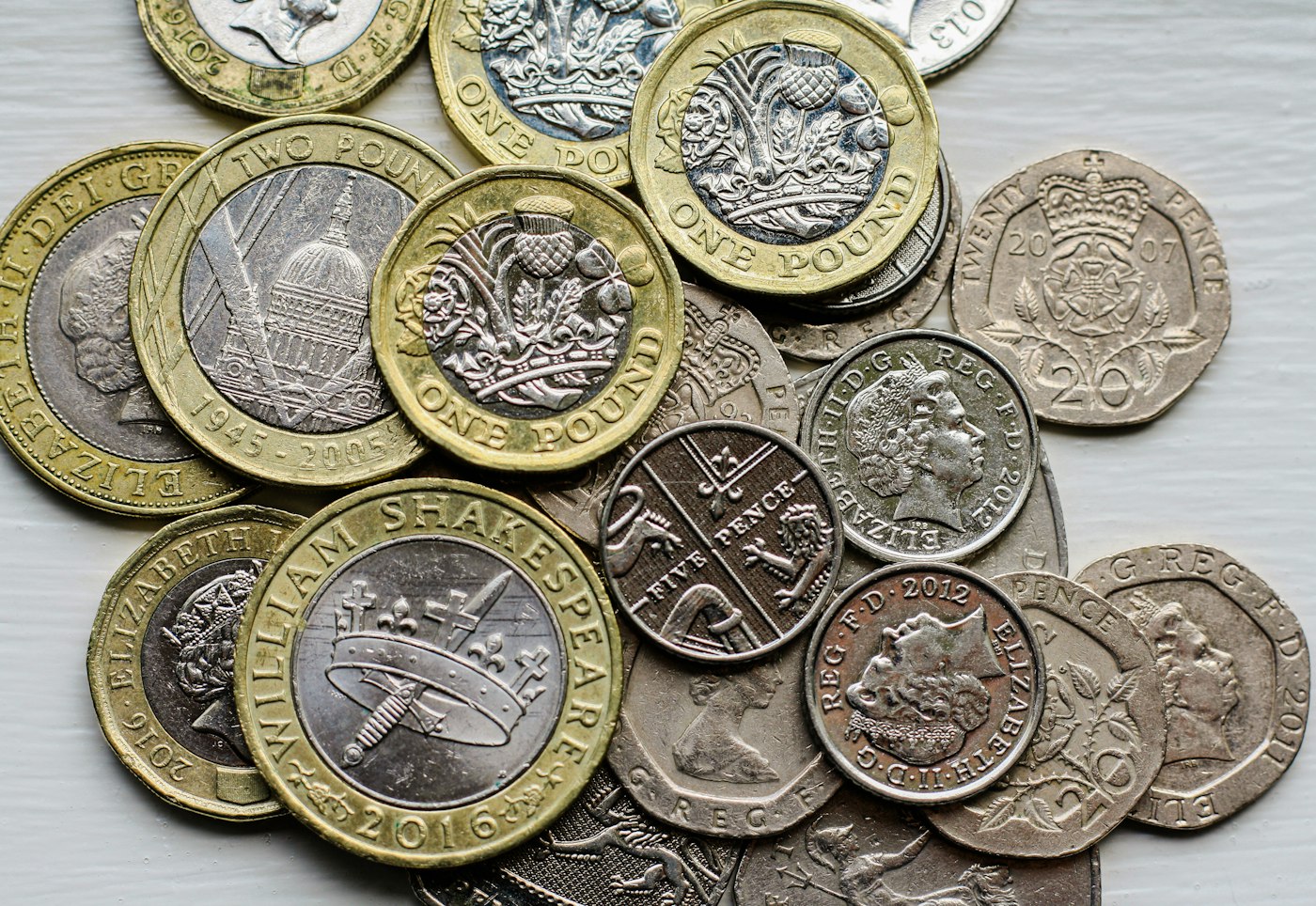
A pile of British coins on a table
Paid on Friday, cleared on Friday.

04 · Payment history

Every payment recorded, every balance clear.

When a customer pays, in full or in part, record the payment against them. Their balance drops straight away, the Due List updates and the money is counted in Income. Part-payments are no trouble: whatever remains simply stays on the list.

If a customer ever asks what they have bought or paid, open their record and go through the history together. It settles questions quickly and fairly, which is what keeps credit a friendly part of the shop.

Full or part payments

The balance updates either way.

Payment history

Dates and amounts for every payment.

Customer reports

What each customer bought and still owes.

How Income works

Getting started

Move from the credit book to POS2026.

You do not have to copy years of entries. Start fresh and let the old book run down.

  1. Start the free trial and set your currency and language.
  2. Add the customers from your credit book to Parties, with a phone number for each.
  3. Keep the old book for balances already owed, and record all new credit sales in POS2026 from today.
  4. Next time a regular pays later, ring up the sale against their record.
  5. Check the Due List each morning and follow up when a reminder appears.
  6. Record payments as they come in, and retire the book once its old balances are settled.

Questions

Common questions.

Straight answers for shop owners, based on what POS2026 actually does.

Is there a credit book app for shops?

POS2026 does the job of a credit book as part of the till. Because credit sales are rung up like any other sale, they also update stock and the sales history, which a standalone credit app cannot do.

Does POS2026 send reminders to my customers?

The reminders prompt you, the shopkeeper, to follow up around the deadline. POS2026 does not claim to message customers for you; their contact details are on their record when you want to call or text them.

Can customers pay part of what they owe?

Yes. Record the amount they pay; their balance reduces and the rest stays on the Due List until it is cleared.

Can I see everything a customer has bought on credit?

Yes. Each customer's record lists their sales and payments with dates, so you can go through the history with them if they ask.

Can I track what I owe my suppliers as well?

Yes. Amounts you owe are shown on each supplier's record; the Due List focuses on customers who owe you. See supplier management for that side.

Keep the trust. Lose the notebook.

Start the free trial, add your regulars and record your next sale on credit in seconds.

Explore Features Get Started