
Profit and loss tracking

Profit and loss tracking that shows what the shop actually kept.

Turnover tells you how busy the till was. POS2026 works out profit from what each item cost you, what it sold for and what the shop spent to stay open, for any period you choose.

Calculator on a table next to a laptop
Costs, prices and expenses, turned into one figure.

In short

Profit and loss tracking for a small business means comparing what the shop earned from sales with everything it cost to make those sales, period by period. POS2026 does this automatically: Loss/Profit takes the selling price of each item sold, subtracts its product cost, then subtracts your recorded expenses, so you see profit or loss for any day, month or custom range.

Ask a shop owner how the month went and the answer is usually about takings. A record Saturday feels like a good week. But turnover is not profit. If a supplier raised prices in spring and your shelf prices stayed put, or you discounted hard to clear old stock, a busy month can still lose money once rent, wages and energy are paid.

POS2026 is profit tracking software that works from the records you already keep. The till records what each product sold for, including any discount. Products and Purchase hold what it cost you. Expense holds the running costs. Loss/Profit puts the three together, so the figure moves as the shop trades, not once a year when the accounts arrive.

Turnover is not profit

Where small shop profit quietly disappears.

None of these show up in the till total. All of them show up in profit.

  • Supplier prices that creep up

    A few pence more on each case adds up across hundreds of lines. If shelf prices do not follow, margin shrinks without anyone deciding it should.

  • Discounts nobody adds up

    Money off for regulars, multibuys and clearance stickers are each reasonable. Together they can cost more than you think.

  • Costs outside the stock

    Rent, wages, insurance, utilities and card fees all come out of gross profit before you keep anything.

  • Stock that never sells

    Damaged, out-of-date or slow lines tie up cash and never earn a margin. Recording them as adjustments keeps your stock figures honest.

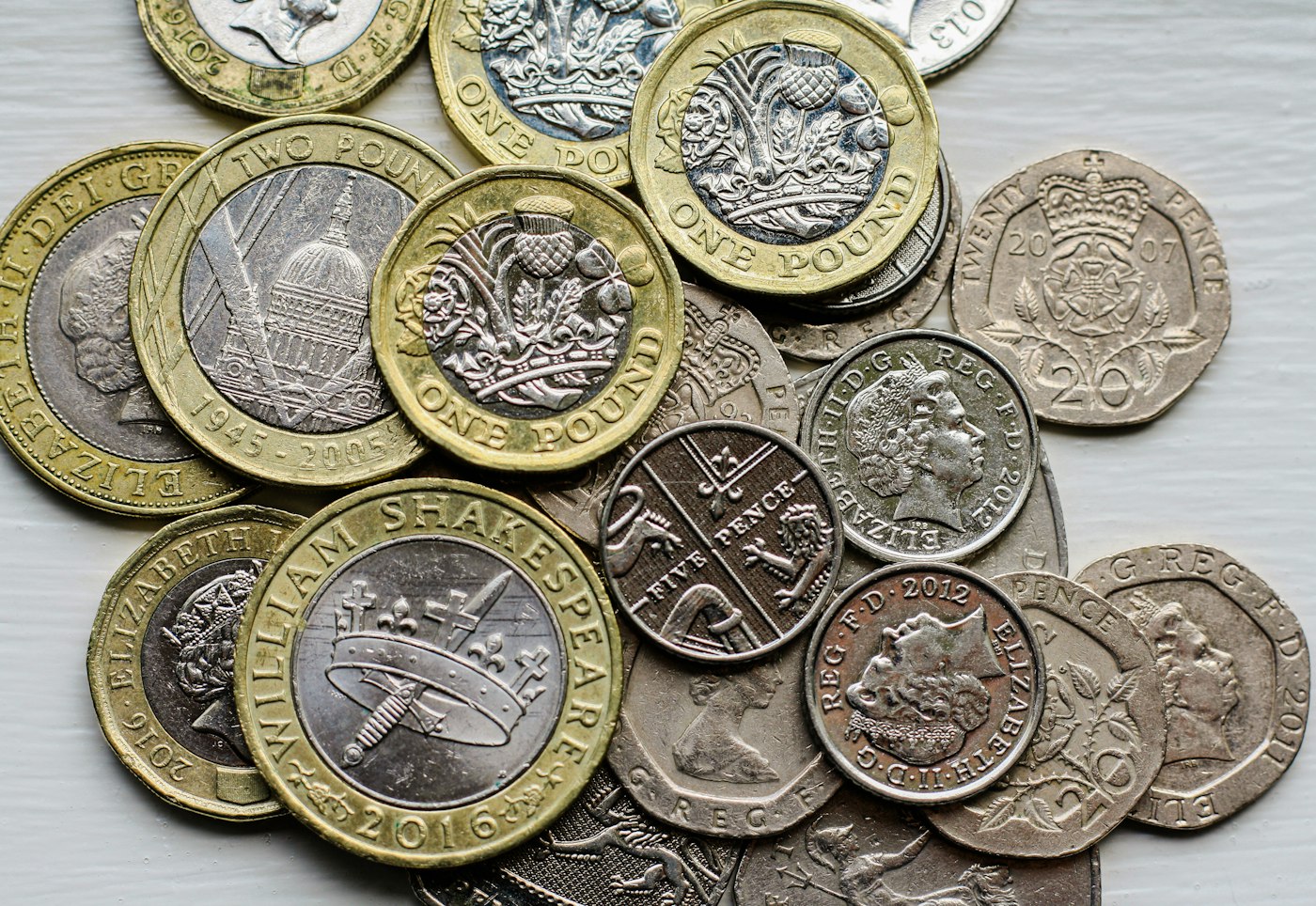
A pile of British coins on a table
Profit is what is left after every cost, not what is in the till.

01 · How profit is worked out

From the price on the shelf to the profit you keep.

Gross profit is what you make on the goods themselves: selling price minus product cost. Net profit is what is left after the running costs of the shop. Gross profit tells you whether your pricing works. Net profit tells you whether the business works.

Loss/Profit calculates automatically from product costs, selling prices and expenses, so nobody copies numbers from a till report into a spreadsheet. Keep cost prices current in Products when a supplier changes them, record expenses as they happen, and the figure stays accurate.

Selling prices

What each item really sold for, including discounts at the till.

Product costs

What it cost you, from product and purchase records.

Expenses

Running costs from the Expense module, by category.
How Loss/Profit works
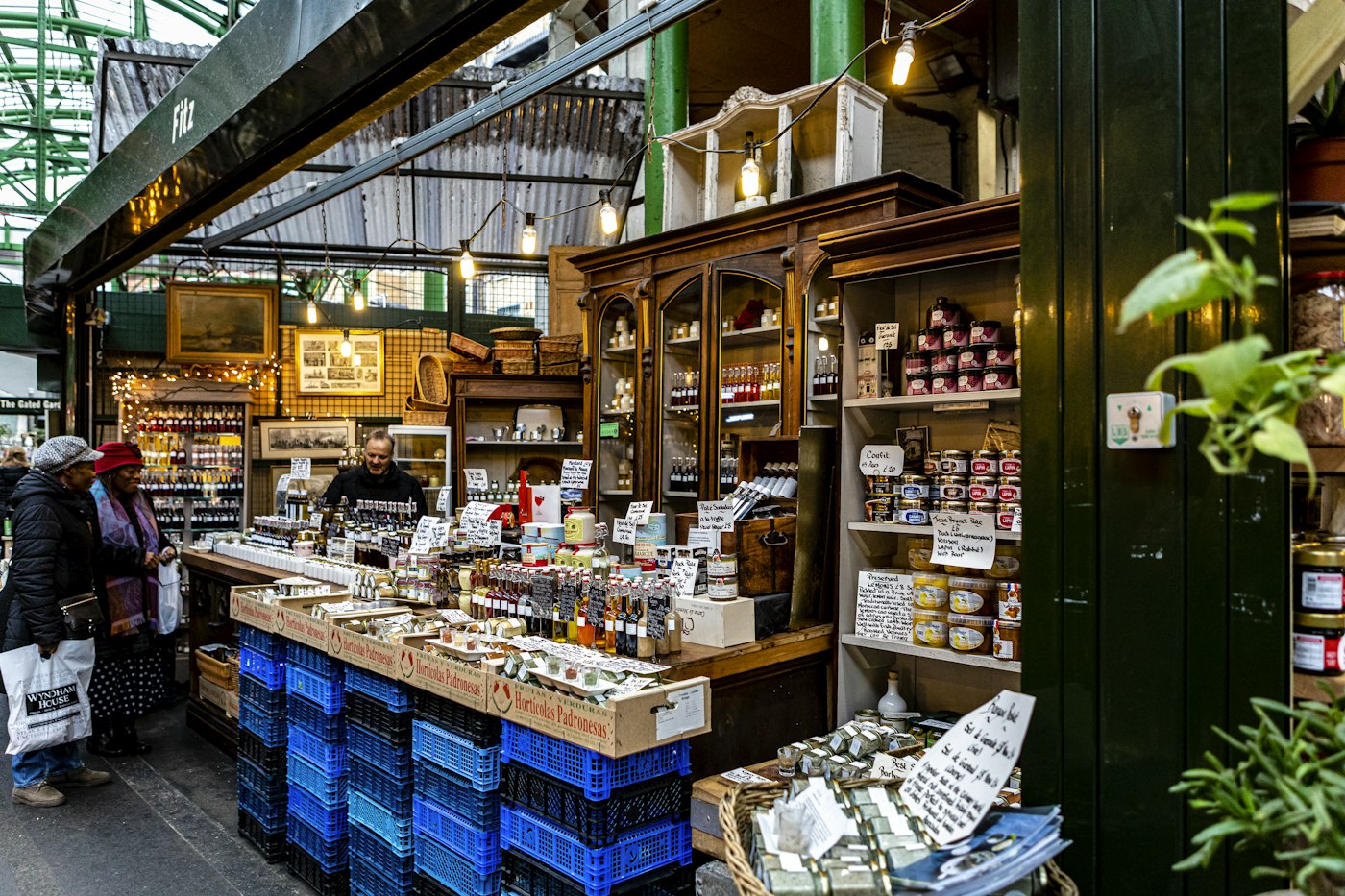
Packaged goods on a wooden shop shelf
Every line on the shelf has its own margin.

02 · Track profit margins

Track profit margins line by line.

A healthy average can hide lines that barely pay their way. Use the profit margin calculator when you price a new product, then let the records show what happens in practice once discounts and supplier price changes are taken into account.

Product and sales reports show what sold and for how much, by product and category. Put those beside the cost prices in your catalogue and it becomes clear which lines earn their shelf space and which only bring people through the door.

Product reports

Sales by product and category over any period.

Filters

Narrow to a category, a product or a date range.

Price decisions

Raise, hold or drop a price based on what the records show.

How Report works
Woman working on a laptop showing charts and graphs
Compare one period with another before you decide.

03 · Compare periods

A retail profit report for any week, month or season.

Open Loss/Profit for any period: one day after a local event, a full month, or a season set against the same season a year earlier. Comparing periods shows whether a change in profit came from selling more, from margins moving or from expenses growing.

Seasonal shops gain the most. A garden shop in spring, a gift shop in December or a trader working summer fairs can see whether the busy months really carry the quiet ones, and plan buying and spending around it.

Any period

A day, a week, a month or a custom range.

See what moved it

Whether costs, prices or expenses changed the result.

On the dashboard

Key figures and trends on the first screen you open.

How Dashboard works
Woman checking a delivered package with her phone beside a laptop and boxes
A price rise on a delivery note is a margin change.

04 · Act on it

What to do when the numbers move.

Profit tracking only pays off if it changes something. When margin falls, check recent purchase prices and update selling prices. When expenses rise faster than sales, look at the categories in your expense report. When a period shows a loss, the records point to the part of the business that caused it, so you are not left guessing.

Check supplier costs

Purchase history shows what you paid last time.

Review expense categories

See which running costs are growing.

Correct stock

Record breakage and waste so counts stay right.

How Purchase works

Getting started

Start tracking profit properly.

The most important step is the second one: a cost price on every product.

  1. Open a free trial account and choose your currency.
  2. Add products with both a cost price and a selling price.
  3. Record supplier deliveries in Purchase so costs stay current.
  4. Record expenses, and mark rent and other regular bills as recurring.
  5. Sell through POS Sales as normal for a few weeks.
  6. Open Loss/Profit, compare periods and adjust prices or spending.

Questions

Common questions.

Straight answers for shop owners, based on what POS2026 actually does.

What is the difference between turnover and profit?

Turnover is the total value of your sales. Profit is what is left after the cost of the goods sold and the running costs of the business. A shop can grow turnover and still make a loss if margins are thin or costs rise.

How do I track profit margins in a small shop?

Give every product a cost price and a selling price, update costs when suppliers change their prices, and review margin by product and category regularly. POS2026 works this out from your real sales, including discounts.

Is Loss/Profit the same as the profit and loss account my accountant prepares?

No. Loss/Profit is a management view built from your sales, product costs and recorded expenses, updated as you trade. Your accountant prepares the formal accounts and tax figures, which can include adjustments a shop app does not make.

Can I use a free profit and loss template instead?

A template works if you fill it in reliably. The hard part is an accurate cost of goods sold, which means matching every sale to its product cost. POS2026 does that matching for you.

Do discounts reduce my profit figure?

Yes. Selling prices in POS2026 include discounts applied at the till, so Loss/Profit reflects what customers actually paid.

Is there a profit and loss app for my phone?

POS2026 runs in the web browser on a phone, tablet or computer, so you can check Loss/Profit wherever you can sign in. Dedicated store apps are coming soon.

Know your profit before the accountant tells you.

Start a free trial, add cost prices to your best sellers and watch profit build from real sales.

Explore Features Get Started