
Stock control

Stock control software that counts with the till.

POS2026 links stock control to the till, so what you sell, what arrives and what goes to waste all land in the same count. The stock take becomes a check, not a rescue.

Blue and white packets on a wooden shop shelf
The figure on screen should match the shelf. Here is how to keep it that way.

In short

Stock control software keeps an accurate count of every product a shop holds. In POS2026 it is linked to the till: each sale reduces stock, each supplier delivery adds it back, and stock takes, adjustments and transfers correct the rest. Low-stock alerts flag lines to reorder, and stock reports show what you hold and what has moved, all without a spreadsheet.

Stock control is the part of retail most small shops know they should do better. The stock sheet starts well in January, slips by March and is abandoned by the summer, because keeping it up means re-entering every sale by hand.

The fix is not more willpower; it is linking stock to the till so the routine updates happen on their own. That leaves the jobs only a person can do: counting the shelves, recording what was broken or went out of date, and moving stock to where it is needed. This page is about those jobs. For a tour of the module itself, see POS2026 Stock.

Where stock goes wrong

Why the stock figure and the shelf disagree.

Every gap between the two has a cause, and most causes can be recorded.

  • Waste that is never written off

    Out-of-date milk, a dropped jar or a crushed box leaves the shelf but stays in the figures.

  • Stock moved without a note

    A case taken to the other branch, or brought back, is easy to forget to record.

  • Stock takes that start from scratch

    If the system figure is unreliable, the annual count has nothing useful to check against.

  • Deliveries booked from the paperwork

    Booking in what the delivery note says rather than what arrived builds errors into the count.

Shop worker smiling at a customer across the counter
Every sale at the counter is a stock movement too.

01 · Linked to the till

Retail stock control that runs on every sale.

The till does most of your stock control for you. Each product sold through POS Sales comes off stock straight away, in the unit it is sold in, whether that is a single can, a pack of six or half a kilo of loose olives. Each delivery recorded in Purchase goes back on.

Because the routine movements look after themselves, the figure on screen stays close to the shelf from one week to the next. That is what makes the remaining stock control jobs quick.

Sales reduce stock

Instantly, at the till.

Deliveries add stock

Recorded against the supplier.

The right unit

Each, pack or weight.

How POS Sales works
A man sorting items on a grocery store shelf
Count a few shelves at a time and the big count shrinks.

02 · Stock takes

Stock takes that check the figure instead of rebuilding it.

A stock take compares what is on the shelf with what the system says. Run a stock report for the area you are counting, count each line and note any difference. Small differences usually point to waste or miscounts; big ones are worth a closer look at that product's sales and deliveries.

Many shops find a rolling count easier than one big annual stock take: a few categories each week, so every line is checked over a quarter without closing the doors. Our guide on how to do a stock take walks through a full count.

A report to count from

Current holdings by product and category.

Count by category

Filter to the shelves you are checking today.

Rolling counts

A few categories at a time, all year.

How Report works
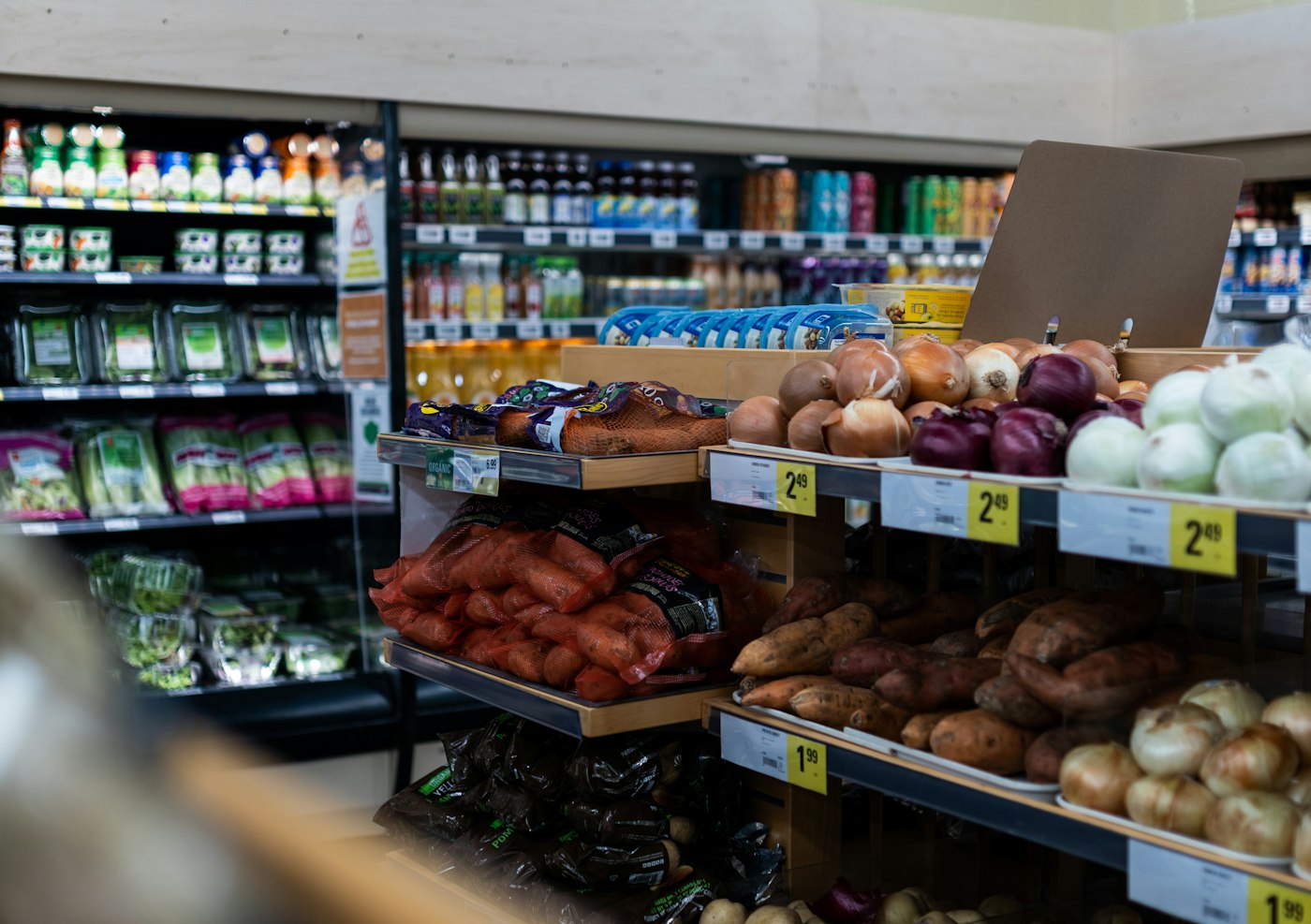
A grocery store filled with fresh produce
Fresh lines need waste recorded the same day.

03 · Adjustments

Adjustments for waste, damage and miscounts.

When the count and the system disagree, record a stock adjustment with the corrected quantity. Do the same whenever something leaves the shelf without being sold: out-of-date food, breakages, damaged packaging, a tester opened for customers. The figure is right again, and the adjustments over time show where stock is really going. Our guide to reducing shrinkage covers what to do about it.

Check each delivery against what actually arrived before you book it in. A short delivery recorded as complete is an easy way for errors to creep into an otherwise accurate count.

Correct the count

After a stock take or a mistake.

Write off waste

Damaged and out-of-date stock recorded.

Alerts that stay accurate

Low-stock warnings work from the corrected figure.

How Stock works
Street of small shops and restaurants with parked cars in Anstruther
Two shops, one count each, both right.

04 · Transfers

Stock transfers between shops and stockrooms.

If you run more than one shop on a plan that includes multi-branch, move stock between them with a transfer. The quantity leaves one location and arrives at the other, both recorded, so neither count is thrown off and you can see where the stock went.

For a single shop the useful habits are simpler: book stock in when it arrives, not when you get round to it, and update the low-stock levels on key lines as demand changes through the seasons. If you scan products at the till, our barcode POS page explains how barcodes keep each count tied to the right product.

Branch transfers

Recorded at both ends.

Stock by location

Know what each site holds.

Seasonal levels

Raise or lower alert levels as demand changes.

How Inventory Sales works

Getting started

Start stock control in a week.

You do not need a perfect count on day one, only an honest one.

  1. Start the free trial and add your products with units and barcodes.
  2. Count each line once and enter it as the starting stock.
  3. Set low-stock levels on the lines you reorder most.
  4. Record every delivery in Purchase as it arrives.
  5. Record waste and breakages as adjustments on the same day.
  6. Pick two categories to recount each week.

Questions

Common questions.

Straight answers for shop owners, based on what POS2026 actually does.

What is the difference between stock control and stock management?

In the UK the terms are often used interchangeably. Stock control usually means keeping counts accurate; stock management can also include buying and pricing. POS2026 covers both: counts, alerts, purchases and reports.

Can I do a stock take on a tablet?

Yes. Open POS2026 in the tablet's web browser, filter the stock report to the shelves you are counting and record adjustments as you go.

How often should a small shop do a stock take?

Most shops count everything at least once a year, often at their year end, and recount fast-moving or high-value lines more often. A rolling count of a few categories each week keeps the full count manageable.

Can I export stock figures for my accountant?

Yes. Stock reports can be filtered and exported. POS2026 does not integrate with accounting software or file VAT returns, so your accountant works from the exported figures.

Is stock control an extra module?

No. Stock, Products and Purchase are part of the connected platform. Transfers between branches are available on the plans that include multi-branch.

A stock count you can trust.

Start the free trial, enter today's stock on your main lines and let the till keep it up to date.

Explore Features Get Started