Expense tracker

An expense tracker for small business that empties the shoebox.

POS2026 is a business expense tracker built into your till. It records what your shop spends in categories you choose, repeats regular bills such as rent, and counts every expense against your sales, so profit is worked out on the real cost of running the shop.

Person using a calculator at a desk beside a coffee mug
A few minutes a week instead of a weekend with the shoebox.

In short

An expense tracker for small business is a simple record of what the business spends, sorted into categories so you can see where the money goes. In POS2026, expenses sit in the same app as your sales and stock: record each cost with a date and category, mark regular bills as recurring, and Loss/Profit subtracts them to show what the shop really made.

Most shop owners do not fall behind on expenses because they are careless. The till is busy, the receipts go in a drawer, and by the time the accountant asks for them the drawer has become a box. Card statements catch the big costs, but cash paid for a window cleaner or a parking ticket on a supplier run rarely makes it into any record.

POS2026 treats expenses as part of running the shop, not a job for the end of the year. Record a cost from the same app you sell from, give it a category, and it counts straight away in your expense reports and in Loss/Profit. Sales income is already recorded by the till, so income and spending sit side by side without a second system.

The shoebox problem

Why shop expense tracking falls apart.

No single cost is large. Together they decide whether the shop made money.

  • Receipts with no home

    Paper receipts fade, get thrown out with the till roll or end up in a coat pocket. Without a record, the cost never reaches your accounts.

  • A year of catching up

    Sorting twelve months of receipts in January is slow, and it is easy to miss one or count it twice. A few minutes a week is far easier.

  • Bills that renew quietly

    Rent, insurance, the card machine rental and software subscriptions repeat every month. They are the costs most often left out of a rough profit sum.

  • Turnover that flatters

    A busy till can hide a shop that is losing money. Until expenses are recorded next to sales, you cannot tell which one you are.

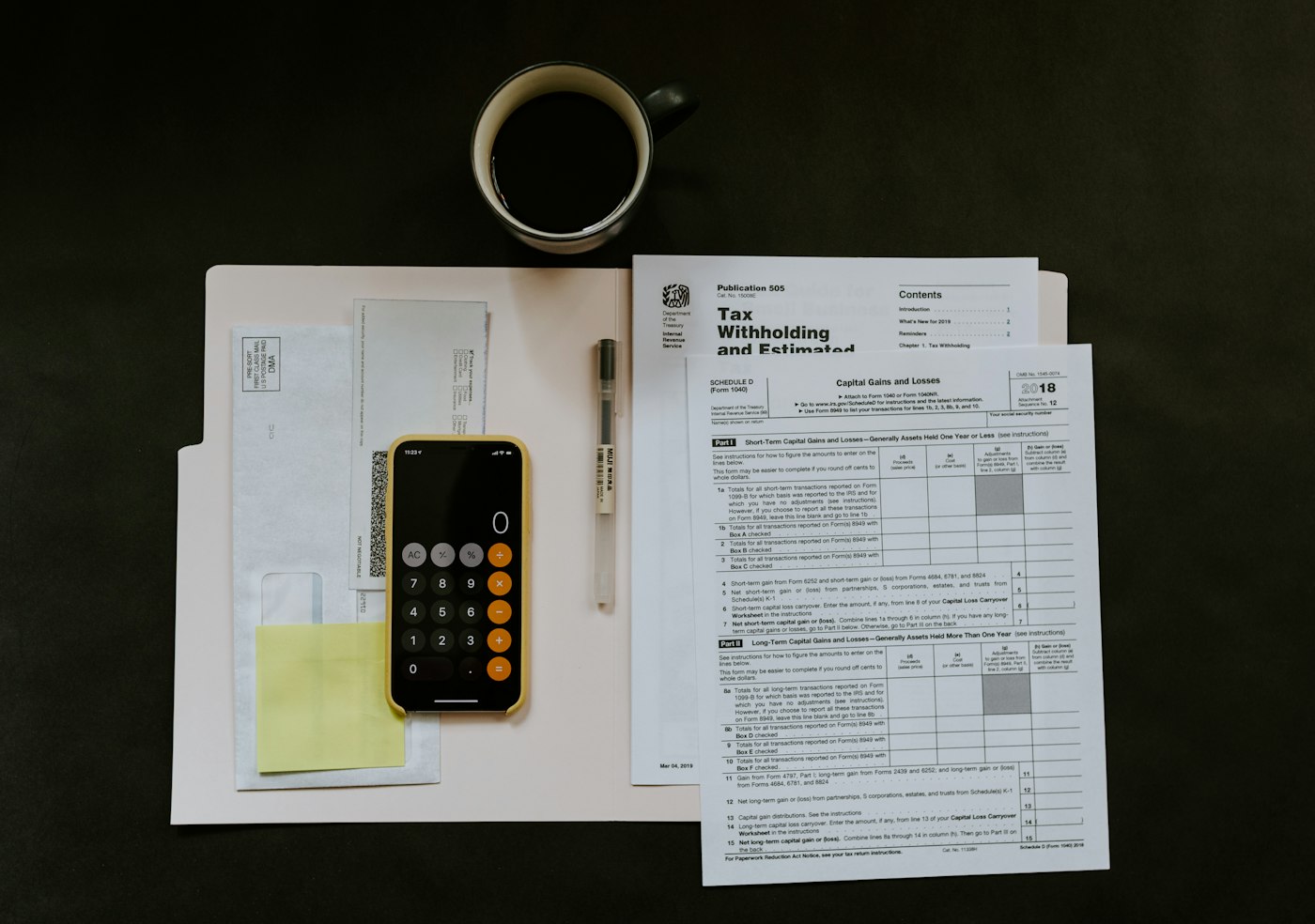
Smartphone and pen on a folder of paperwork
Enter it once, then file the paper.

01 · Record and categorise

Record a cost in the time it takes to file the receipt.

Enter the amount, the date and a category, and the expense is saved. Use categories that match how your shop actually spends: rent, utilities, wages, packaging, cleaning, transport, repairs, or anything particular to your trade. Keep the list short enough that everyone records things the same way.

The easiest habit is to record the day's expenses when you cash up, then drop the receipts into one envelope for the month, already entered.

Every cost recorded

Cash, card or bank transfer, captured with its amount and date.

Your own categories

Reports group spending the way you think about it.

Dated records

Any month or quarter can be reviewed later.

How Expense works
Person walking past a bright orange shop front
The rent is due whether the street is busy or not.

02 · Recurring costs

Rent and regular bills, entered once.

Some costs arrive on the same day every month. Recurring expense options let you mark a cost such as rent, a lease or a monthly service charge as repeating, so it appears on its cycle instead of relying on memory, and is not typed in twice by mistake.

Once your regular bills are in, the expense report shows the fixed cost of keeping the doors open each month: the figure your gross profit has to beat before the shop makes anything.

Recurring expense options

Mark regular bills as recurring so they repeat on their cycle.

Fixed costs in view

See the monthly baseline your sales have to cover.

Month against month

Compare spending across periods to spot a bill that has crept up.

How Expense works
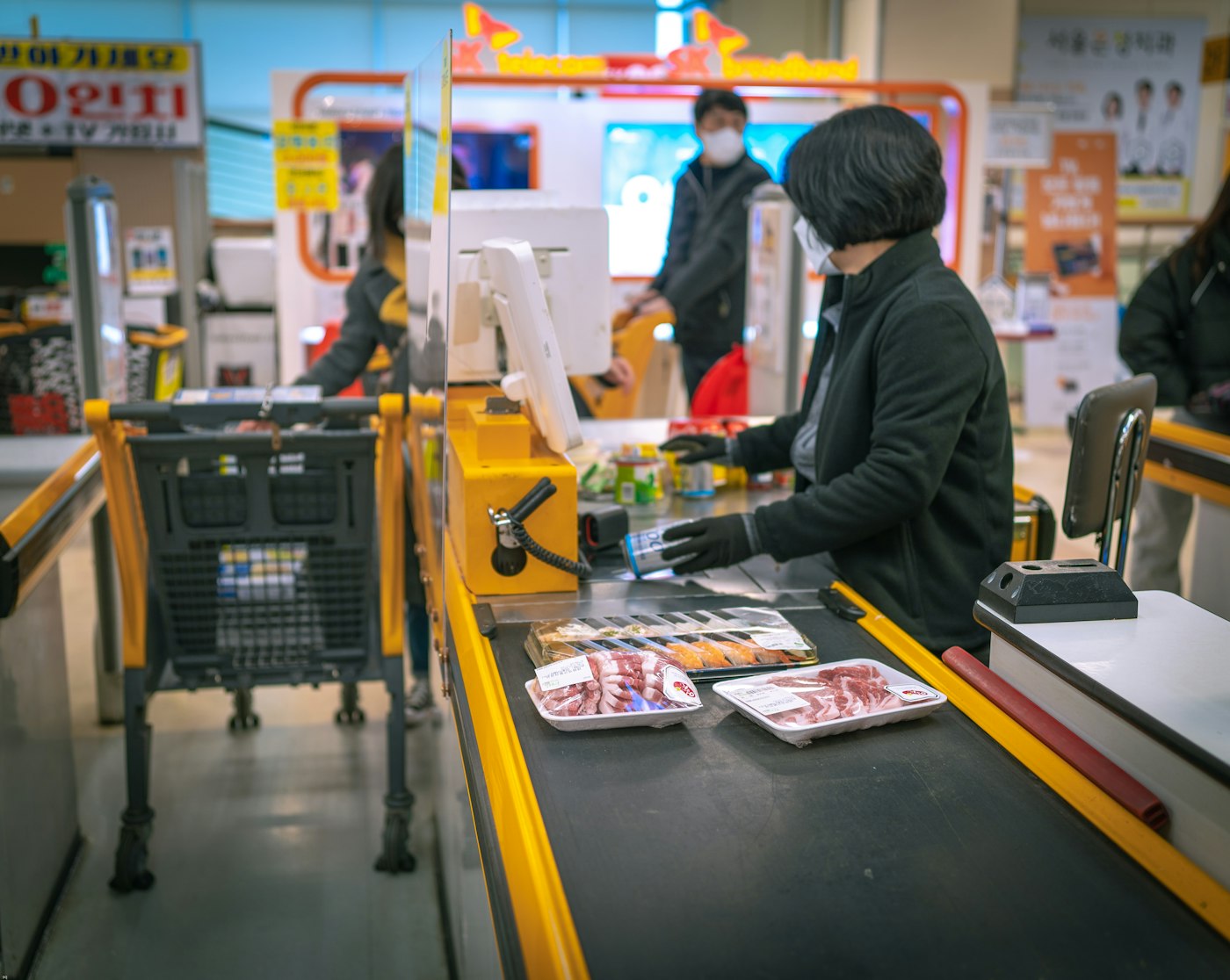
Woman standing at a cash register in a shop
The till records the income side as you sell.

03 · Income and expenses together

An income and expense tracker that fills in the sales side for you.

A separate expense app only sees half the picture. In POS2026 every sale at the till is recorded as income automatically, other money coming in can be added in Income, and expenses sit alongside it, so money in and money out for the month has one answer.

To avoid counting the same money twice, record stock you buy for resale in Purchase rather than as an expense. Its cost then becomes the product cost that Loss/Profit uses, and the expense list is left for the costs of running the shop.

Sales income recorded automatically

Every sale through POS Sales counts as income without extra entry.

Expenses beside it

Running costs in the same app, for the same period.

One honest comparison

Money in against money out, without merging two spreadsheets.

How Income works
Person working on a laptop with a cup of coffee
Profit worked out on the real cost of trading.

04 · Expenses into profit

See what your expenses do to profit.

Every expense you record counts towards Loss/Profit automatically. Open it for a week, a month or a custom period and you see profit after the cost of the goods you sold and after your running costs, not just the gap between what you paid suppliers and what customers paid you. Our page on profit and loss tracking explains how that figure is built.

Expense reports break spending down by period and by category, and export options let you pass the figures to your accountant. They still prepare your formal accounts; you just hand over a tidy record instead of a box.

Profit after expenses

Loss/Profit includes every expense you record.

By category

Spot the category that is growing faster than your sales.

Ready for your accountant

Export expense data when it is time to share it.

How Loss/Profit works

Getting started

Get the shoebox under control this month.

Start with this month and the regular bills. Older receipts can wait for your accountant.

  1. Sign up for the free trial and pick your language and currency.
  2. Create a short list of expense categories that match your shop.
  3. Add your fixed monthly bills and mark them as recurring.
  4. Enter this month's receipts so far, then record new costs each day when you cash up.
  5. At the end of the month, open Loss/Profit to see profit after expenses.

Questions

Common questions.

Straight answers for shop owners, based on what POS2026 actually does.

What is the best way to track expenses for a small business?

Record each expense when it happens, with its date, amount and category, and keep the receipt in one place for the month. Little and often beats a year-end catch-up.

Can I use an Excel or Google Sheets expense tracker instead?

Yes, and many shops start that way. But a spreadsheet does not know what you sold or what your stock cost, so profit is still a manual sum. POS2026 links expenses to sales and product costs automatically.

Can I photograph or scan receipts into POS2026?

POS2026 does not offer receipt scanning. You enter the amount, date and category yourself and keep the paper or emailed receipt filed for your records.

Should I record stock purchases as expenses?

No. Record stock bought for resale in Purchase, so its cost becomes the product cost used by Loss/Profit. Recording it as an expense as well would count the same money twice.

How long should I keep business receipts?

In the UK, HMRC says self-employed people must keep records for at least 5 years after the 31 January submission deadline of the relevant tax year (gov.uk). In the US, the IRS links it to the period of limitations, which is three years in many cases (irs.gov). Companies and special cases differ, so check with your accountant.

Does POS2026 do my tax return or connect to accounting software?

No. POS2026 does not file tax returns or connect to accounting software. Export your expense and sales reports for your accountant or the software you already use.

Retire the shoebox this month.

Start a free trial, add your regular bills and see your profit after expenses before the next rent day.

Explore Features Get Started