
Small business POS

A POS system for small businesses run by their owners.

When you are the buyer, the cashier and the bookkeeper, the till has to save you time. POS2026 is a simple POS system that replaces the notebook, the spreadsheet and the separate invoice app with one place to run the shop.

Man in a pink shirt and blue cap standing in his shop
The owner is often the whole team. The POS should act like it.

In short

The best POS system for a small business is one the owner can set up in an afternoon, use without training and afford every month. POS2026 is a simple, browser-based POS that handles sales, stock, suppliers, customer credit and profit in one app, on a predictable subscription with a free trial and no card processing contract.

Most small shops are run by one or two people who do everything. The owner opens up, serves, takes the delivery, chases the customer who still owes from last month and does the books after closing. Every extra app, login and spreadsheet adds minutes to that day.

POS2026 is built for that owner. It keeps the till and the back office in one small business POS system, so the end-of-day jobs take minutes rather than an evening. It costs a subscription rather than a percentage of your takings, and it runs on the laptop or tablet you already have.

Owner-operator problems

Small shop, too many tools.

The problem is rarely the till itself. It is everything you do around it.

  • The same sale typed three times

    Once on the till, once in the stock sheet and once in the accounts book. Each copy is another chance for a mistake.

  • Costs that rise with every sale

    Pricing based on a share of each transaction grows as the shop gets busier, which makes the monthly bill hard to plan.

  • Evenings lost to admin

    Totalling takings, working out what to reorder and checking who owes money should not take longer than the shift.

  • Software built for chains

    Feature-heavy systems designed for multi-site retailers can take days to learn and still not fit a single shop.

A smiling woman standing in her coffee shop
When the owner is also the cashier, the till has to be quick to learn.

01 · Simple to use

A simple POS system you can learn on a quiet morning.

POS Sales has one job: get the customer served. Scan a barcode or tap a product, adjust the quantity, add a discount if you want to, choose how they paid and finish. The same steps every time mean a family member or a Saturday helper can cover the counter after a short run-through.

Behind the till, each module is named after the job it does: Products, Stock, Purchase, Parties, Due List, Expense. Open the one you need and ignore the rest until you need it.

One checkout screen

Scan, discount, payment, done.

Plainly named modules

Each one does a single, everyday job.

Your language

Pick from more than 47 interface languages.
How POS Sales works
A pile of British coins on a table
A bill you can plan for, whatever the month brings.

02 · Predictable costs

An affordable POS system with a bill you can plan for.

POS2026 is billed as a subscription through Stripe. It takes no percentage of your sales and does not sell you hardware, so the cost does not jump in a busy month. Your card provider still charges for card payments, as it would with any till.

You can start on a free trial, and new accounts get a 30-day money-back guarantee on their first payment. Plan names and prices are shown in the app when you sign up, so you can set them against what your current tools cost you each month.

Subscription billing

A plan price rather than a cut of your takings.

Your own card machine

No processing contract tied to the software.

Free trial first

Try it on real sales before you pay.

How Dashboard works
Two grocery store employees smiling at the camera
A short set-up leaves time for the customers.

03 · Quick set-up

From sign-up to first sale in an afternoon.

There is no installer and no engineer visit. Create the account, choose your currency and language, and add products. You do not need the whole range on day one: start with the lines that sell most and add the rest as each delivery comes through the door.

If you have a barcode scanner, connect it and scan a few products to check it reads them. If not, the catalogue works perfectly well with taps or clicks, and product images make items quick to find.

Best sellers first

Add the rest of the range as you go.

Scanner optional

Test yours during the trial.

Units for every line

Each, pack or kilogram.

How Products works
Smartphone, pen and paperwork on top of a white folder
Retire the shoebox of receipts.

04 · One app

One app instead of a till, a spreadsheet and a notebook.

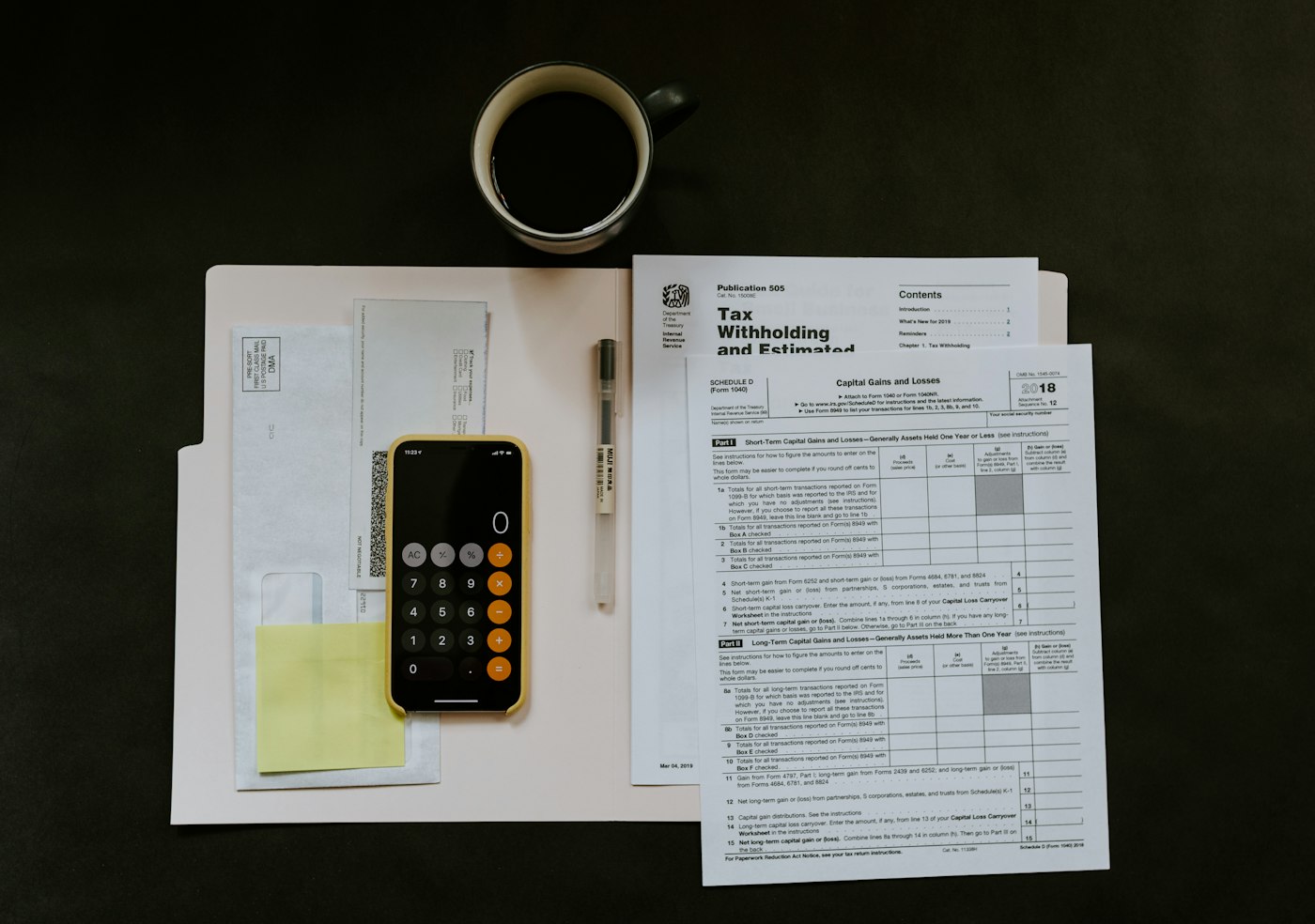
The small business POS system you choose should remove tools, not add them. In POS2026 the stock sheet becomes Stock, the credit notebook becomes the Due List, the supplier folder becomes Purchase and Parties, and the shoebox of receipts becomes Expense. Loss/Profit then puts them together into the number you actually want to know.

Everything sits behind one login, in one browser tab, on one set of records. When your accountant asks for figures, filter a report and export it.

One set of records

A sale updates stock, income and customer balances together.

Expenses beside sales

Rent, wages and bills in the same place as takings.

Reports to share

Filter and export for your accountant.

How Loss/Profit works

Getting started

Set up a small shop in one sitting.

Most owners can do this between customers.

  1. Start the free trial on your laptop or tablet.
  2. Choose your currency and the language you want to work in.
  3. Add your 20 or 30 fastest-selling products with their prices.
  4. Enter the stock you have of those lines today.
  5. Add the customers who pay later and the suppliers you use most.
  6. Make your first sale, then check it on the Dashboard.

Questions

Common questions.

Straight answers for shop owners, based on what POS2026 actually does.

What is the best POS system for a small business?

It depends on what you sell. For a small shop that needs stock, suppliers and customer credit alongside the till, POS2026 is built for that. If you run a restaurant with table service or need an online store, a specialist system will suit you better. Our best POS for small business guide compares the options.

How much does a POS system cost for a small business?

Expect three parts: the software, card processing fees from your card provider, and any hardware. POS2026 is a subscription that takes no fee on your sales, and there is no hardware to buy from us. Plan prices are shown in the app when you create an account. Our POS system cost guide breaks down each part.

Do I need a card machine to use POS2026?

No. You can record cash sales without one. If you take cards, use your own terminal and record card as the payment method on the sale.

Can I use POS2026 on my phone?

Yes, in the phone's web browser; dedicated store apps are coming soon. At a busy counter most owners find a laptop or tablet easier to use.

Is it simple enough if I am not confident with computers?

The checkout follows the same few steps for every sale and each module is named after an everyday job. The free trial lets you practise on your own products before you rely on it. If you also want the software side explained, see point of sale software.

Spend less time on the till and more on the shop.

Start the free trial, add your best sellers and make your first sale this afternoon.

Explore Features Get Started