01 · Phone, tablet or computer
One POS app for tablet, phone and desktop.
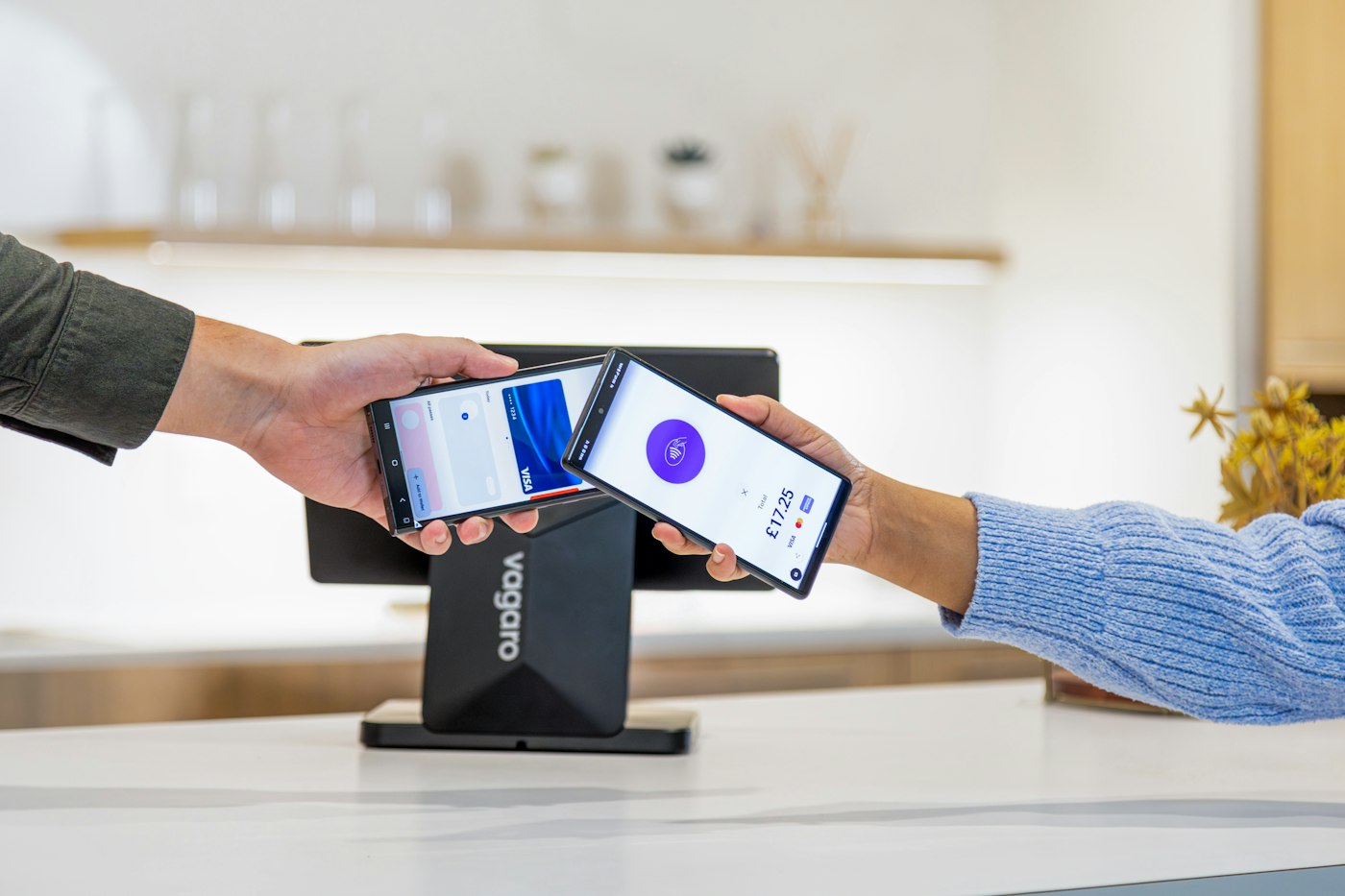
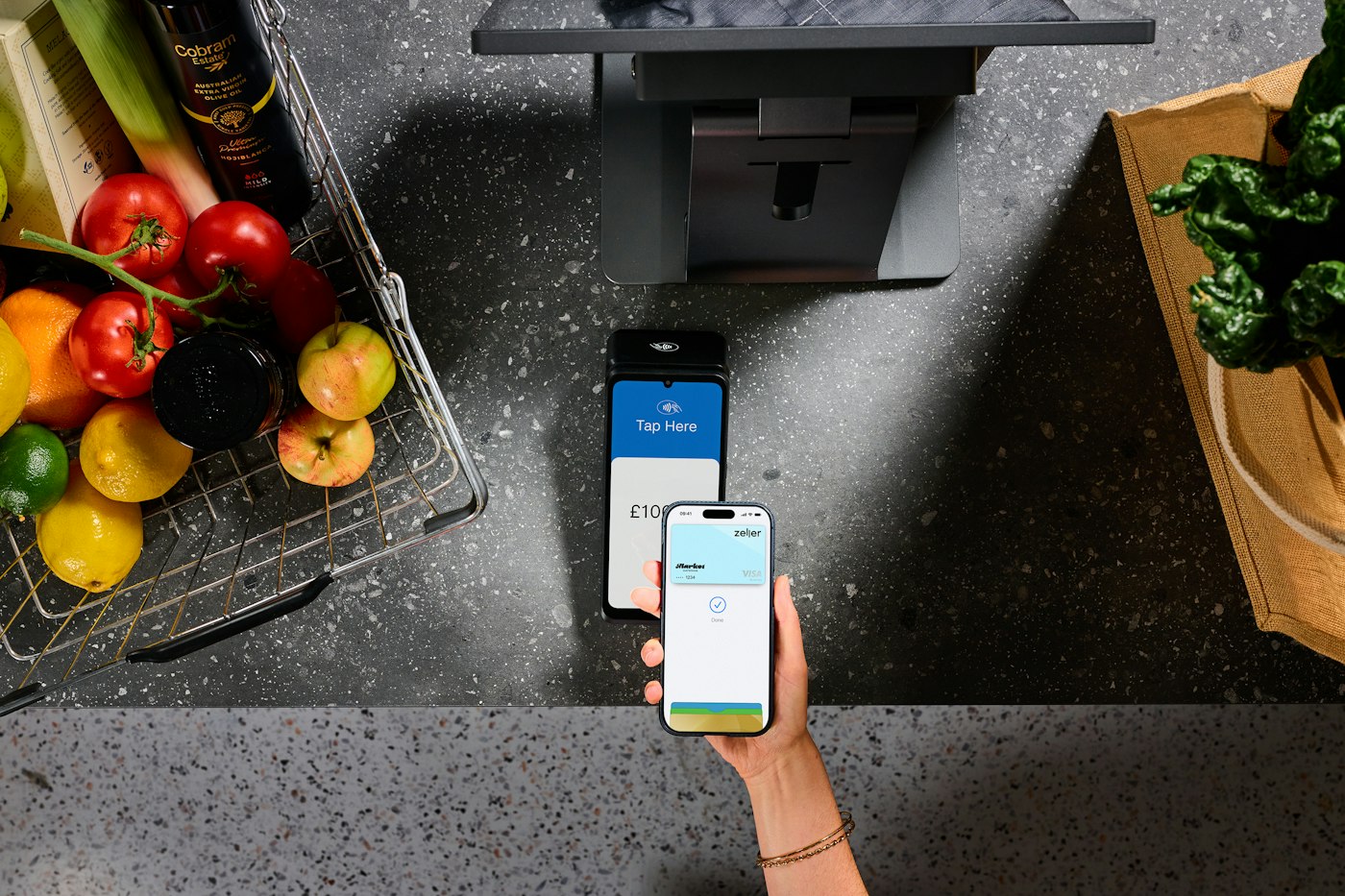
A tablet POS system is the usual choice for the counter: big enough for product images and a clear basket, small enough to sit beside the card machine. A laptop or desktop suits a fixed till point and a back-office desk. A phone is handy for checking stock on the shop floor or looking at the dashboard after hours.
Whichever you use, the screens and records are the same. One sensible set-up is a tablet at the counter for sales and a laptop in the back for purchases, expenses and reports.
Tablet at the counter
Product images and a clear basket for checkout.
Computer in the back office
Purchases, expenses and reports on a bigger screen.
Phone for a quick check
Stock and the dashboard wherever you can sign in.