
Cloud POS

A cloud POS system you open in any browser.

POS2026 is web-based POS software. Sign in from the counter computer, a tablet in the stockroom or a laptop at home, and you see the same sales, stock and balances on every screen.

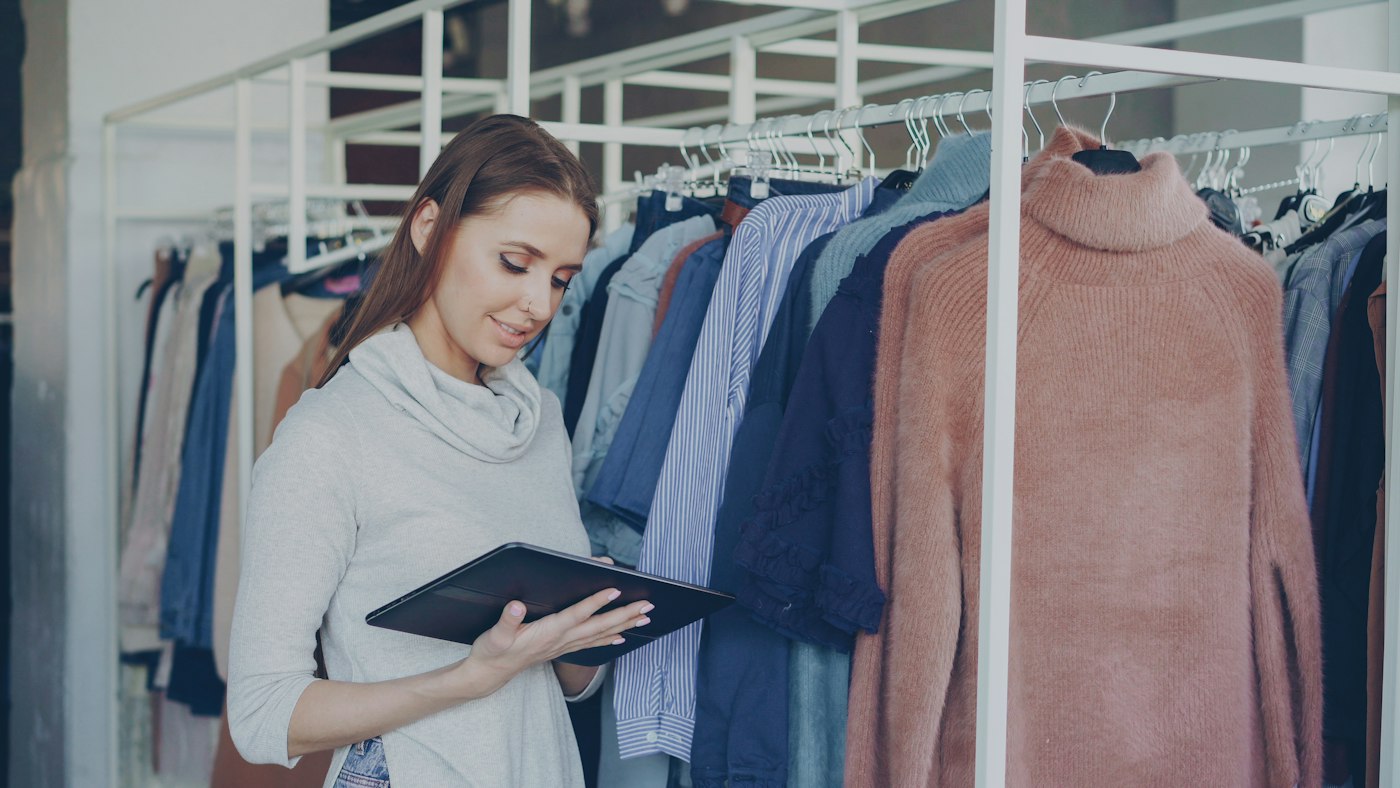
Woman using a tablet in a clothing store
The same records on the counter, the shop floor and at home.

In short

A cloud POS system keeps your sales and stock data online instead of on one till computer, so you can sign in from any device with a web browser. POS2026 is a browser-based cloud POS: nothing to install and the same records on every device. It needs an internet connection to work, because it has no offline mode, so plan a backup connection.

Older tills keep everything on the machine behind the counter. When that computer fails, is stolen or simply needs replacing, the sales history and stock file can go with it, and checking the figures from home means driving back to the shop.

A cloud based POS moves the records off the counter. POS2026 runs in a web browser, so the device becomes a window onto your data rather than the place it lives. This page explains what that changes, what it does not, and how to prepare for the one thing every cloud POS depends on: the internet connection.

Why shops move to the cloud

The trouble with a POS tied to one computer.

The till PC can be a single point of failure for the whole business.

  • One machine holds everything

    If the hard drive fails, years of sales history and the stock file can vanish with it, unless someone remembered the backup.

  • Figures only at the counter

    To check today's takings or a stock level, you have to be standing at the till.

  • Licences and reinstalls

    Desktop till software needs updating, licensing and sometimes reinstalling whenever the computer changes.

  • A second shop, a second system

    Separate tills in separate shops rarely agree with each other at the end of the month.

Man smiling with Tower Bridge in London behind him
Check the shop's numbers without being in the shop.

01 · Any device

Browser-based POS at the counter, in the stockroom or at home.

Open POS2026 in a modern web browser on a desktop computer, laptop, tablet or phone and sign in. The till, the catalogue and the reports are all there. Phone and tablet store apps are coming soon; until then, the browser is all you need.

Because it is the same account on every device, you can ring up sales at the counter, check a stock level on a tablet in the stockroom and look over the day's figures on a laptop at home, without copying anything between them.

At the counter

Run POS Sales on the main till computer or a tablet.

In the stockroom

Check levels and record deliveries where the boxes are.

At home

See the Dashboard and reports after closing.

How Dashboard works
Person walking past a bright orange shop front
The shop can change its computer; the records stay put.

02 · Your records

Records that are not locked to one till PC.

With a cloud EPOS, replacing the counter computer is a trip to the shops, not a data recovery job. Sign in on the new device and carry on. Sales history, products, stock levels, and customer and supplier records with their balances all stay with your account.

You can also take data out when you need it. Reports cover sales, customers, products and payments, with filters and export options, so your figures never exist only on a screen.

Full history

Every sale stays in your sales history.

Parties kept

Customer and supplier records, with balances.

Export

Filter a report and take the data with you.

How Sales works
Lit mini market sign on a shop front at night
Plan the backup before you need it.

03 · Honest limits

A cloud POS needs the internet. Plan for it.

POS2026 has no offline mode. If the shop's connection drops, the till cannot record sales until it is back. That is the trade-off of a browser based POS, so it is worth planning for before it happens rather than in the middle of a Saturday rush.

The simplest safeguard is a second connection: a phone hotspot or a mobile broadband router you can switch the till device to in a minute. Keep a pen and pad by the till as well. If both connections fail, write each sale down and enter it once you are back online, so stock and takings stay correct.

No offline mode

Recording a sale needs a working connection.

Backup connection

A phone hotspot or mobile router at the counter.

Paper fallback

Note sales by hand and enter them afterwards.

How POS Sales works
A street decorated with British flags for a celebration
A second shop should not mean a second system.

04 · More than one site

An online POS system for one shop or several.

Cloud records make a second location simpler. On the plans that include multi-branch, each branch works from the same account, and stock can be transferred between them with the move recorded at both ends, so neither count is thrown off.

Your products, prices and currency settings live with the account rather than on one machine, so a new tablet for a second till is ready as soon as someone signs in. Our multi-store POS page covers running several branches.

Stock transfers

Move quantities between branches.

One catalogue

The same products and prices on every device.

Stock reports

Holdings and movements across locations.

How Stock works

Getting started

Move your till to the cloud.

Start with one device, then add the others.

  1. Start the free trial in your browser on the counter computer.
  2. Set your currency and language, and add your products.
  3. Sign in on a second device, such as a tablet, and check you see the same catalogue.
  4. Set up a backup connection, such as a phone hotspot, and test it at the till.
  5. Ring up a few sales and watch them appear on the other device.
  6. Check the Dashboard from home after closing.

Questions

Common questions.

Straight answers for shop owners, based on what POS2026 actually does.

Does POS2026 work offline?

No. POS2026 needs an internet connection to record sales and has no offline mode. Keep a backup connection, such as a phone hotspot, and a paper note of any sales made during an outage so you can enter them later.

What is the difference between cloud POS and web-based POS?

They usually mean the same thing in practice. Web-based describes how you use it, in a browser; cloud describes where the data lives, online rather than on the till computer. POS2026 is both.

What happens to my data if the till computer breaks?

Your records are held with your account rather than on the counter computer, so a broken or stolen till PC does not take your sales history with it. Sign in on another device and carry on.

Is there a cloud POS app for the iPad?

A dedicated tablet app is coming soon. Today you use POS2026 in the iPad's web browser, which gives you the same till and records.

Do I need a particular computer or tablet?

No. Any device with an up-to-date web browser can run POS2026. If you use a barcode scanner or printer, check it works with your device during the free trial. For more on the software itself, see point of sale software.

Your shop, on any screen.

Start the free trial in your browser and sign in from the counter, the stockroom and home.

Explore Features Get Started