
Point of sale software

Point of sale software that does more than ring up sales.

Checkout is the easy part. POS2026 is retail point of sale software that also keeps stock, suppliers, customer balances, expenses and profit in step, and it runs in the web browser on the computer or tablet you already have.

Person working on a laptop with a cup of coffee beside it
The software decides how much of the shop runs itself.

In short

Point of sale software is the program that records sales at the counter and keeps the data behind them. Good POS software for a small retailer should also track stock, purchases, customers, money owed and profit. POS2026 does all of that in a web browser, so it runs on a computer, laptop or tablet you already own, with nothing to install and no card processing contract.

A point of sale system is really two things: the equipment on the counter and the software that runs on it. For years the two were sold together, so changing software meant changing hardware. Browser-based software breaks that link, and the software is the part that decides how much work your shop still does by hand.

This page sets out what we think retail point of sale software should include beyond the checkout screen, how POS2026 covers each part and what it deliberately leaves out. Use it as a checklist when you compare POS software for a small business, whether you trade in pounds or dollars.

Beyond the checkout

Where basic POS software leaves the work to you.

A checkout that only records the sale pushes everything else onto notebooks and spreadsheets.

  • Sales with no history behind them

    If finding last Tuesday's transaction means scrolling through paper, every customer query takes far longer than it should.

  • Stock kept somewhere else

    When stock lives in a spreadsheet, every sale has to be subtracted a second time, and it rarely is.

  • Customers and suppliers in a phone book

    Contact details, what a trade customer owes and what you owe a supplier end up in three different places.

  • Takings mistaken for profit

    Software that totals the day but ignores costs and expenses can make a struggling month look healthy.

Two smiling café workers standing behind a counter
The counter is where the record starts, not where it ends.

01 · The checklist

What retail point of sale software should include.

Start with the till: quick product lookup, barcode scanning, discounts and a record of how each customer paid. Then look at what the software does with that sale. It should reduce stock, add to income, attach the sale to a customer when needed, and stay findable later in a full sales history.

Finally, check the back office. Can you record a supplier delivery? See who owes you money? Enter rent and wages? Get a profit figure that takes all of that into account? If the answer is no, you will end up running a second system next to your POS software.

Checkout

Scanning, discounts, payment methods and invoice printing.

Records

Every sale kept with its items, prices and discount.

Back office

Stock, purchases, parties, dues, expenses and profit, linked.
How Sales works
A calculator on a table next to a laptop
A laptop and a browser are enough to start.

02 · Your own hardware

POS software that runs on the computer you already own.

POS2026 is web-based, so there is nothing to install and no proprietary terminal. Open it in an up-to-date browser on a Windows or Mac computer, a laptop, a tablet or a phone, sign in, and the till is ready. Phone and tablet store apps are coming soon; today the browser does the job.

Peripherals are optional. Many shops add a barcode scanner and a receipt printer; others start with just a laptop. Because we do not sell hardware, we do not promise compatibility with particular models, so connect yours during the free trial and check it behaves the way you expect.

Nothing to install

Sign in from a browser; there is no download or licence key.

Bring your own scanner

Test it on your own products during the trial.

Print where set up

Invoices print instantly where a printer is configured.

How POS Sales works
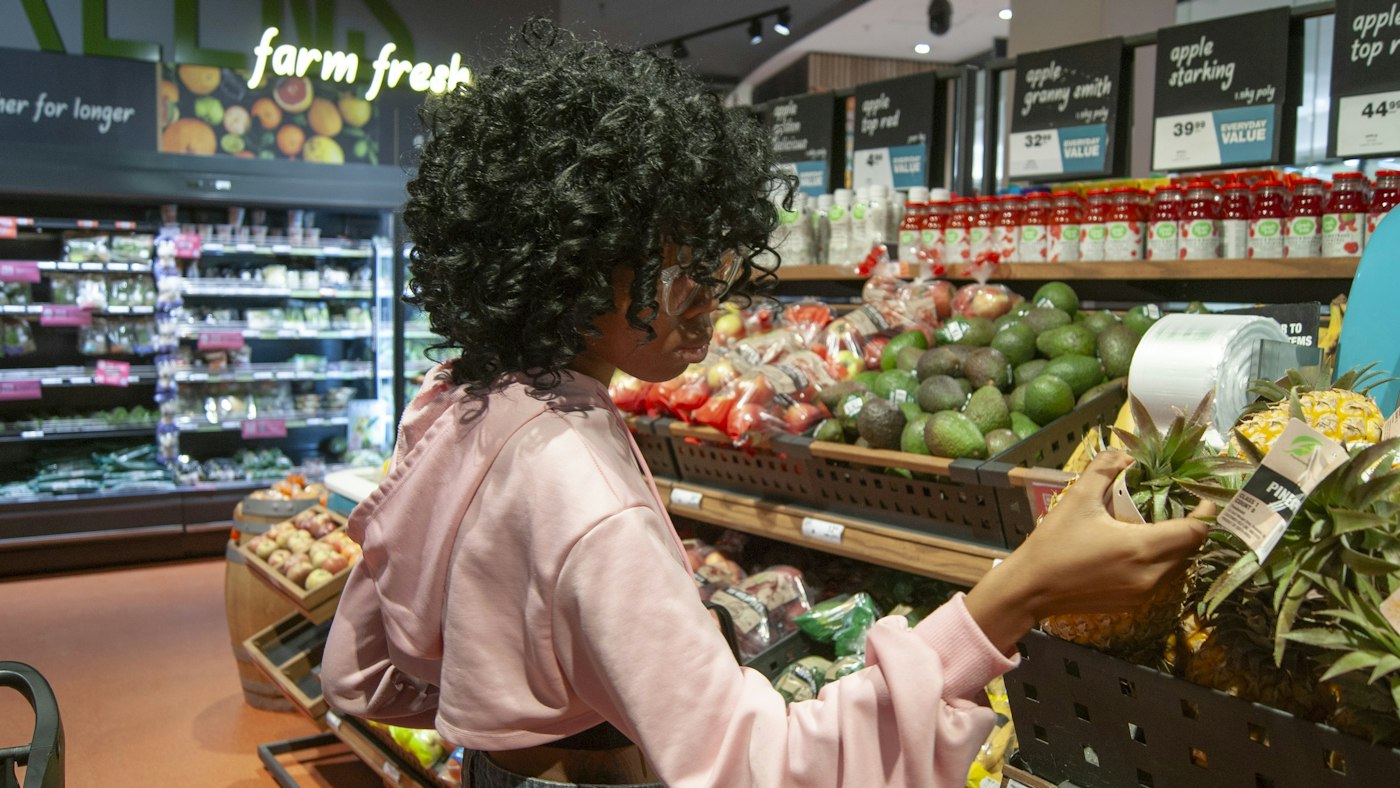
Woman selecting a pineapple in the produce section of a grocery store
What leaves the shelf leaves the stock count.

03 · One set of records

Why connected POS software ends the double entry.

In POS2026 every module reads from the same records. Ring up a sale and the sales history, stock level and income all change at once. Put it on a customer's account and it appears on the Due List. Record a delivery in Purchase and stock rises while the supplier's record shows what you owe.

That is the practical test of any point of sale system: how often you type the same number twice. With linked modules, the answer should be almost never.

Sales

Every transaction stored and searchable.

Income

Payments from sales recorded automatically.

Parties

Customer and supplier balances kept current.

How Inventory Sales works
Bald man with glasses standing in his shop
Know what you are buying before you switch.

04 · Honest limits

What POS2026 is not built to do.

Good POS software for a small business should be clear about its limits. POS2026 is retail software. It does not run restaurant tables or kitchen screens, has no online store, does not run loyalty schemes or gift cards, and does not connect to accounting packages or card terminals. It also needs an internet connection, because it has no offline mode.

If your shop sells over a counter and wants its stock, suppliers, customer accounts and profit in one place, those limits rarely get in the way. Our cloud POS page explains how the browser-based approach works day to day.

Needs a connection

No offline mode, so plan a backup connection.

No terminal link

Card payments stay on your own card machine.

Retail first

Built for counter sales, stock and suppliers.

How Dashboard works

Getting started

Run POS2026 on the device you have today.

No engineer, no installation disc, no new terminal.

  1. Open POS2026 in a modern browser and start the free trial.
  2. Set your currency, whether pounds, dollars or another, and your language.
  3. Add your products with prices, categories and barcodes.
  4. Connect a barcode scanner and printer if you use them, and test a sale.
  5. Enter the suppliers you buy from and any trade customers.
  6. At closing, check the day's sales report and the Dashboard.

Questions

Common questions.

Straight answers for shop owners, based on what POS2026 actually does.

What is the difference between POS software and a POS system?

POS software is the program. A POS system is the software plus the hardware it runs on, such as a computer, scanner and printer. With browser-based software like POS2026, you choose and own the hardware yourself.

Can I download POS2026 for Windows or Mac?

There is nothing to download. POS2026 runs in a web browser, so it works on Windows, Mac and other computers with a modern browser. Dedicated phone and tablet apps are in the works.

Does POS2026 work offline?

No. It needs an internet connection and has no offline mode. A mobile hotspot kept at the counter is a sensible backup.

Does it integrate with QuickBooks or Xero?

No. POS2026 does not integrate with accounting software. Its reports can be filtered and exported for your accountant or bookkeeper.

Is POS2026 good point of sale software for a small business?

It is designed for small retail businesses that want stock, suppliers, customer accounts and profit in the same app as the till. The fairest test is the free trial with your own products. See also our page on POS for small business.

Judge the software on your own counter.

Start the free trial in your browser, add a few products and ring up a real sale today.

Explore Features Get Started