Barcode POS

A POS system with barcode scanning that keeps stock in step.

Scan a product at the till and POS2026 finds it, prices it and takes it off stock. Store the code already printed on your products, whether that is an EAN, a UPC or a book's ISBN, and use the scanner you choose.

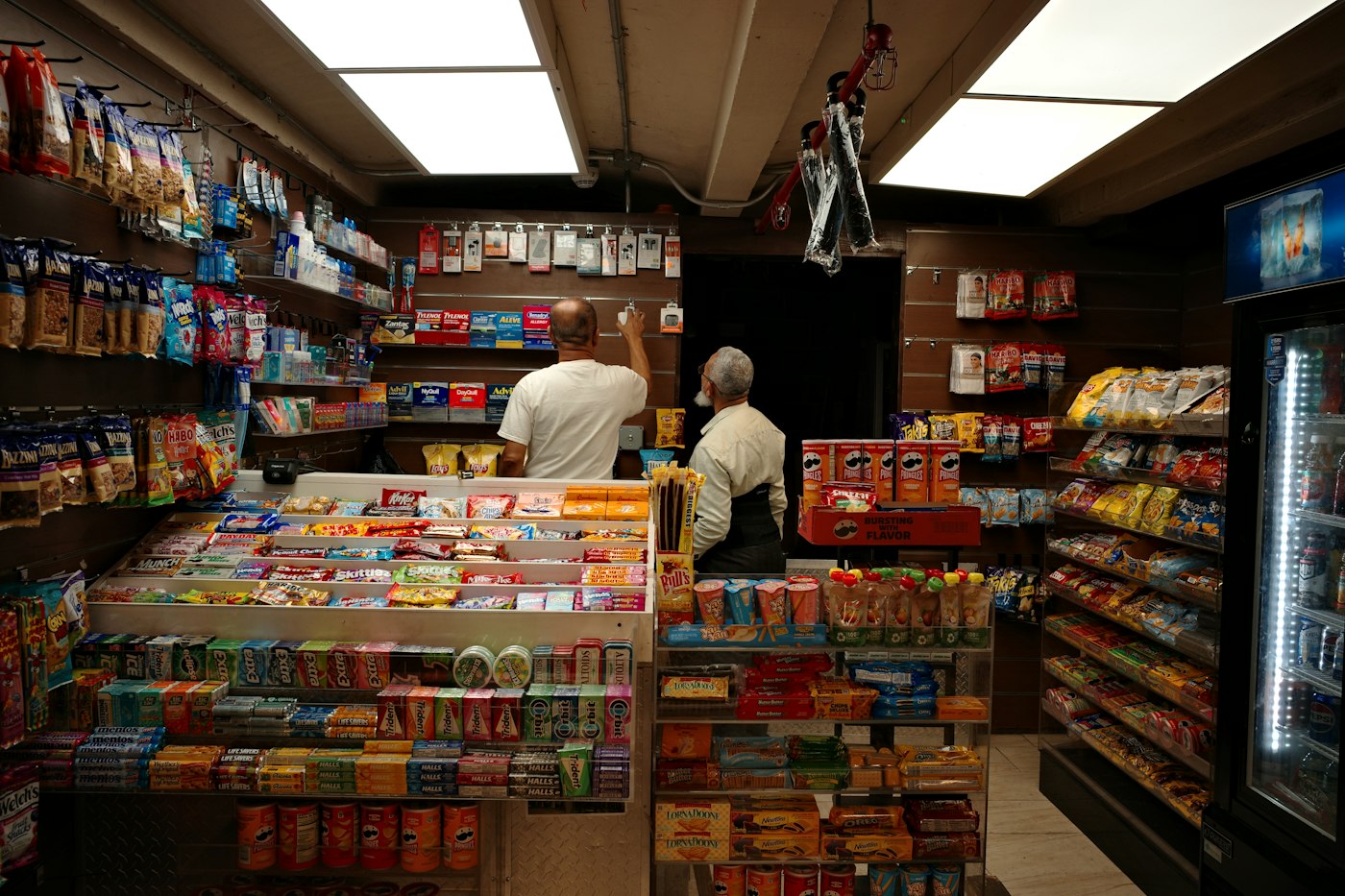
Inside a convenience store with shelves of snacks and drinks
Almost everything on these shelves already carries a barcode.

In short

A POS system with a barcode scanner reads the code printed on a product, adds it to the sale at the right price and reduces stock. POS2026 stores a barcode on each product, so scanning at checkout is fast and accurate. You store the code already on the product, such as an EAN-13, UPC or ISBN. Scanners vary, so test yours during the free trial.

Barcodes are the quickest way to get products through a till without mistakes. The scanner reads the code, the POS finds the product and the price is the one you set, not the one somebody remembered. On a busy afternoon that is the difference between a moving queue and a stuck one.

This page explains how barcode scanning works in POS2026, which codes you will find on your stock, what to do with products that have no barcode, and what we do not claim, such as support for particular scanner models or barcode label printing.

Without scanning

What keying in prices by hand costs a shop.

Keyed-in sales are slower and less accurate than scanned ones, and the errors spread into stock.

  • Wrong prices at the till

    A mis-keyed price undercharges one customer, overcharges the next, and nobody finds out.

  • Stock that never adds up

    If a sale is rung up against the wrong item, two products now have the wrong stock figure.

  • Slow queues

    Looking up the price of every unfamiliar item holds up the line behind it.

  • Hard going for new staff

    Without scanning, a new helper has to learn hundreds of prices before they are useful.

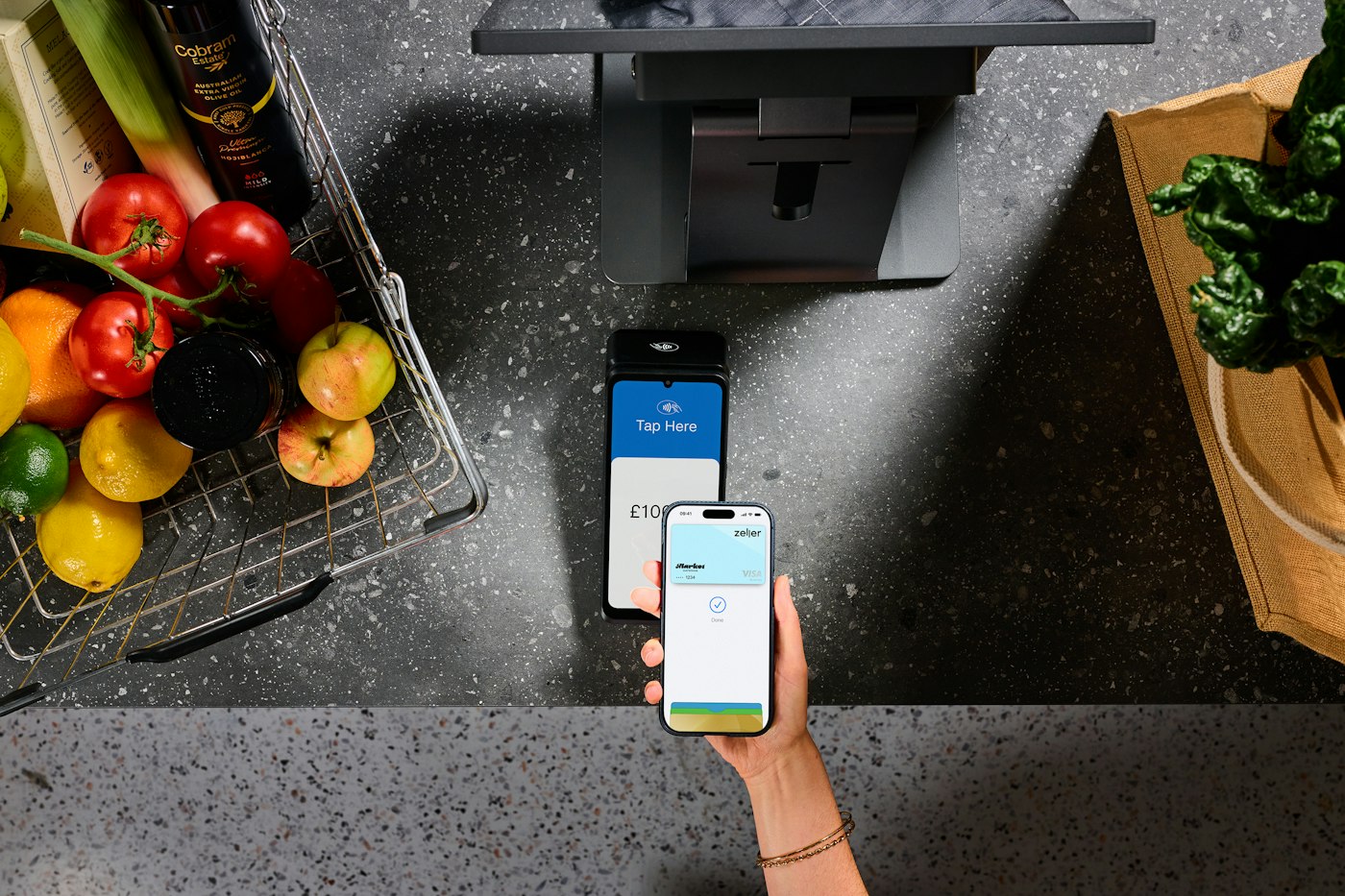
A person paying with a smartphone at a contactless terminal near groceries
Scan, total, pay, and the stock count has already moved.

01 · Scanning at checkout

Barcode scanner POS: scan, check, pay.

At the till, scan each item and POS2026 adds the matching product to the sale with its price. Change the quantity for multiples, apply any discount, record the payment method and print the invoice where a printer is set up.

Every scanned sale reduces the stock of exactly that product. That is what makes a barcode POS system so useful beyond the checkout: your stock figures inherit the accuracy of the scan.

Scan to add

The product and its price come from the catalogue.

Exact item recorded

Sales history shows what really sold.

Stock follows

Each scan reduces that product's stock.
How POS Sales works
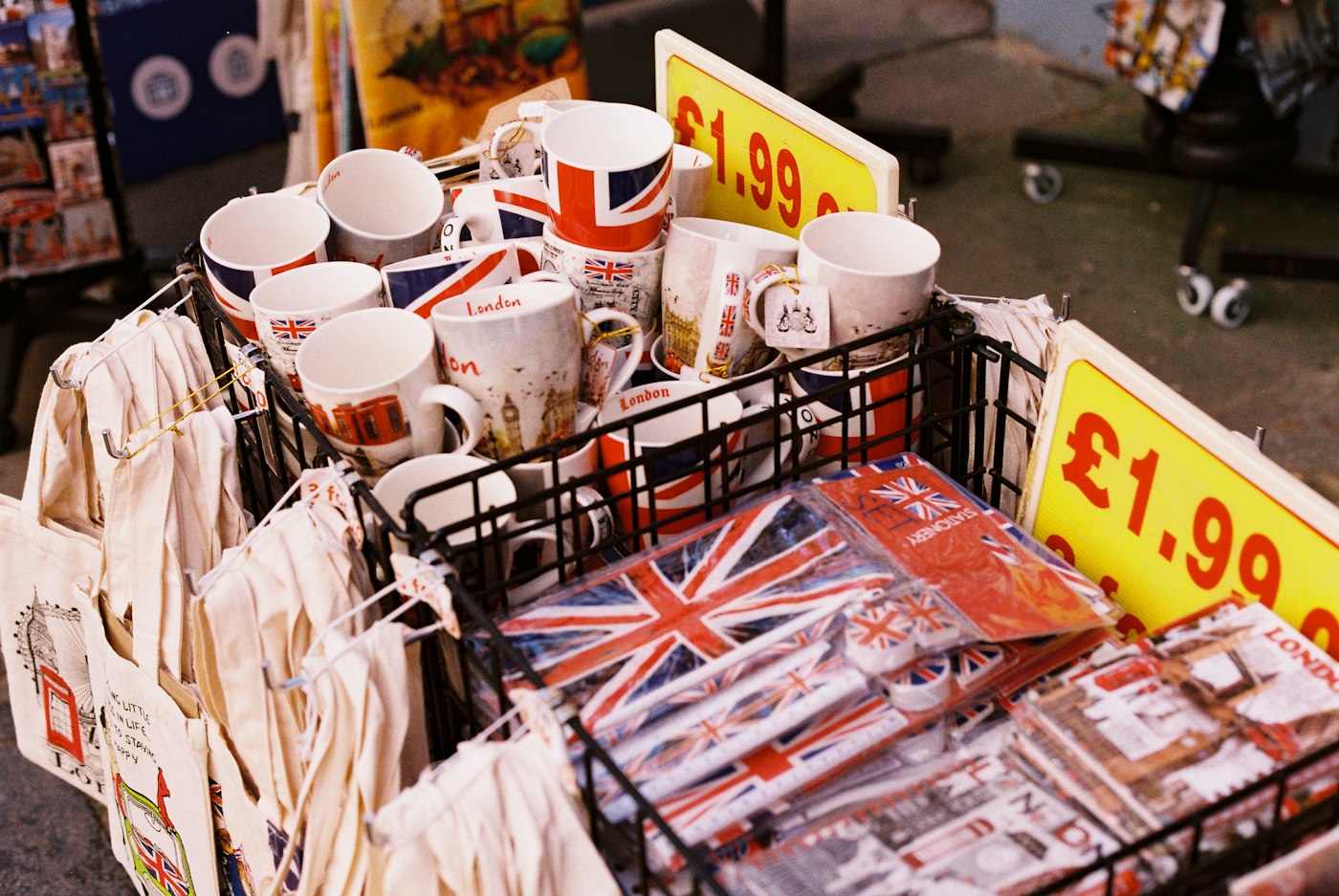
Mugs and souvenirs with Union Jack designs and a price label
Store the code once on the product; scan it every time after.

02 · EAN, UPC and ISBN

The barcodes already on your products.

Most packaged goods arrive with a barcode printed by the manufacturer. In the UK and Europe that is usually a 13-digit EAN; in the US and Canada it is usually a 12-digit UPC. Books carry their ISBN as a barcode: a 13-digit number that begins 978 or 979.

When you add a product to POS2026, store the number from its barcode on the product. A bookshop can use each title's ISBN; a grocer can use the EAN on each tin. From then on, scanning that code at the till finds the product.

EAN-13

The usual retail code in the UK and Europe.

UPC

The 12-digit code common on US and Canadian products.

ISBN

The number printed as a barcode on books.

How Products works
Two smiling café workers standing behind a counter
Some lines will always be picked, not scanned.

03 · No barcode?

Loose goods, handmade lines and products without a code.

Not everything has a barcode. Fruit and veg, bakery items, handmade gifts and repacked goods can all be picked from the catalogue with a tap. Give them an image and a clear category so they are quick to find in a hurry.

POS2026 does not print barcode labels. If you already make your own labels with separate label software and a label printer, store the same code on the product in POS2026 and test a few at the till during your trial.

Product images

Find unlabelled items by picture.

Clear categories

Group loose lines where staff expect them.

No label printing

Use separate label software if you need labels.

How Sales works
Bald man with glasses standing in his shop
The same code, from the till to the stock report.

04 · Barcode inventory

A barcode inventory system without the extra app.

Because the barcode lives on the product, it links the till to stock, purchases and reports. Sales reduce stock by the scanned item, deliveries recorded in Purchase add it back, and low-stock alerts warn you when a best seller is running out. Product reports show sales and stock line by line.

For the wider stock side, including stock takes and adjustments, see our stock control software page. US stores may prefer our inventory management software page.

Low-stock alerts

Flagged before the best sellers run out.

Deliveries

Book stock in against the supplier.

Line-by-line reports

Sales and stock for each product.

How Stock works

Getting started

Set up barcode scanning in an hour.

Start with your best-selling barcoded lines and test as you go.

  1. Start the free trial in your browser.
  2. Connect your barcode scanner to the computer or tablet you will use as the till.
  3. Add products and store the number from each product's barcode.
  4. Open POS Sales and scan each new product to check it is found.
  5. Add the rest of your barcoded lines, best sellers first.
  6. Give loose items an image and a category for quick picking.

Questions

Common questions.

Straight answers for shop owners, based on what POS2026 actually does.

Which barcode scanners work with POS2026?

We do not sell scanners or certify particular models. Connect the scanner you have, or plan to buy, during the free trial and scan a few of your own products. If it finds them reliably, it will do the job.

Can POS2026 print barcode labels?

No. POS2026 stores barcodes on products and scans them at checkout, but it does not print labels. If you need labels for your own products, use separate label software and store the same code in POS2026.

Can I use ISBNs for books?

Yes. Store the ISBN from the book's barcode on the product and scan it at the till. Our bookshop POS page covers the rest of running a bookshop on POS2026.

Can I scan barcodes with a phone camera?

POS2026 does not claim camera scanning. Use a barcode scanner, or pick products from the catalogue.

Is barcode billing software different from a POS?

In practice it is the same idea: scanning items to build the bill. POS2026 does that, then records the sale, updates stock and prints the invoice where a printer is set up.

Scan your first product today.

Start the free trial, plug in your scanner and check it finds your best sellers before you commit.

Explore Features Get Started