Free POS trial

Free POS software, explained honestly.

POS2026 is not free forever. It is a subscription with a free trial, so you can set up your shop and make real sales before you pay. This page explains how that works, and what "free" usually means elsewhere.

Shopkeeper in a pink shirt and blue cap standing in his shop
Try it in your own shop before you pay.

In short

POS2026 is not free POS software in the free-forever sense. It is a subscription app with a free trial, so you can set up products, stock and customers and make real sales before paying. No charge is made during the trial. Plans and prices are shown in the app, and new accounts get a 30-day money-back guarantee on their first payment.

Search for free POS software and you will find plenty of offers. Some are genuinely free to download. Some are free to sign up to. Some are free until you take a card payment. The word covers very different deals, and the difference tends to show once the shop depends on the system.

We would rather be plain about it. POS2026 is a paid subscription, billed through Stripe, with a free trial to start. The trial is for doing real work: adding your products, recording stock, making sales through POS Sales and checking the reports. If you subscribe and then change your mind, new accounts are covered by a 30-day money-back guarantee on the first payment, as set out in the Refund Policy linked at the foot of every page.

Reading the small print

What "free POS" usually means.

Whether it is called a free EPOS system or free POS software, it still has to be paid for somehow. These are the common models, in general terms.

  • Paid through card fees

    The software is free, but card payments must go through the provider, and a fee is taken on each card sale. The busier you get, the more you pay.

  • Paid add-ons and upgrades

    The free tier covers the basics. Stock control, extra users, detailed reports or more locations sit in add-ons or higher plans.

  • Paid hardware

    The app is free, but it works best, or only, with the provider's own terminal, reader or stand.

  • Free to download, yours to run

    Some free and open-source POS software costs nothing to download, but you install, update, back up and support it yourself.

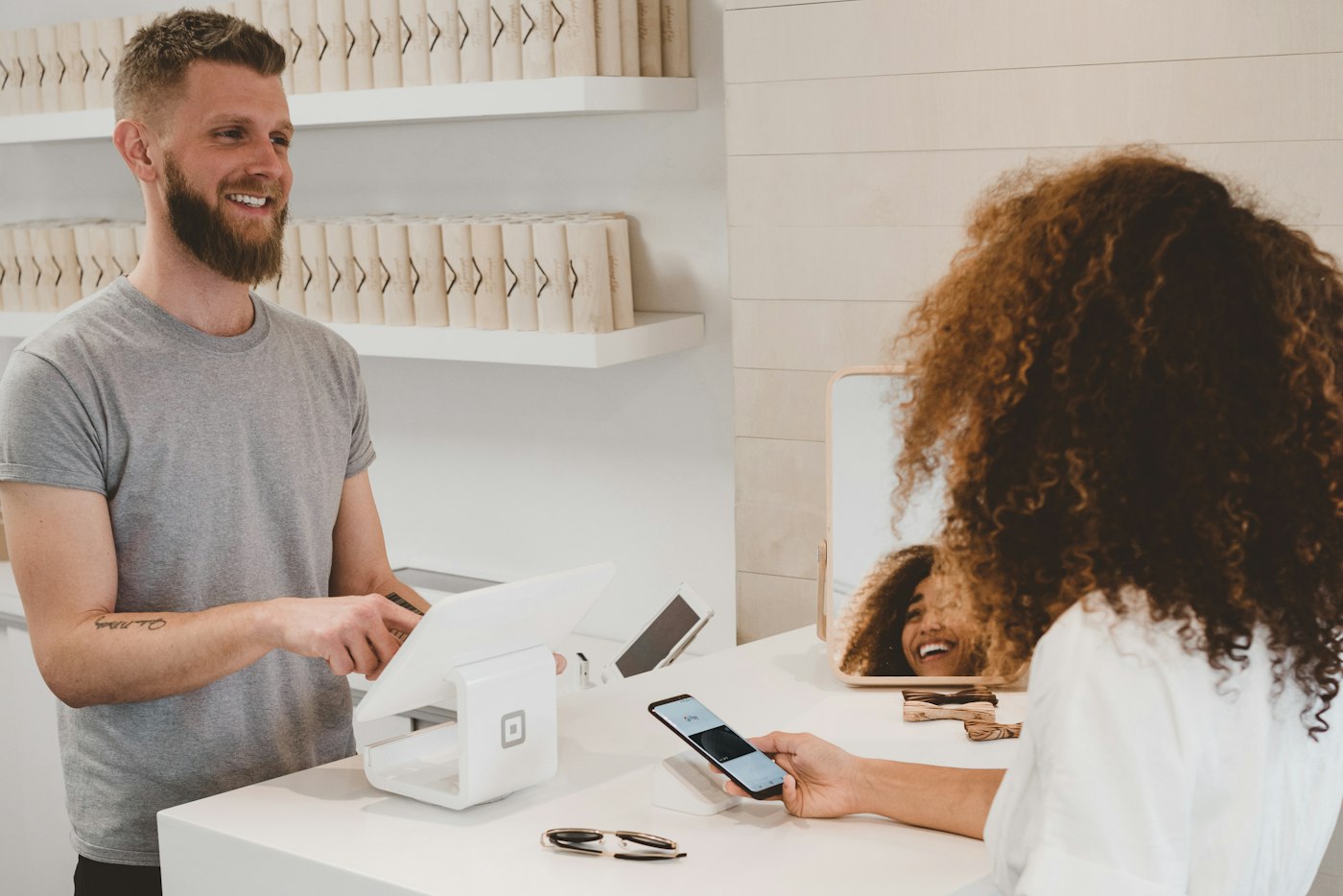
Man behind a shop counter smiling at a customer
Serve real customers during the trial.

01 · How the trial works

A POS software free trial you can run the shop on.

Create an account at my.pos2026.com and the free trial starts. No charge is made during the trial, so if you cancel before it ends there is nothing to pay and nothing to refund. Plan names, prices and billing cycles are shown in the app, so you can compare them with your own shop in front of you.

Treat the trial as a dress rehearsal. Add your twenty best sellers, record their stock, make some sales, record a supplier delivery and an expense, then open the reports.

Free trial

No charge is made during the trial.

Prices in the app

Plans and billing cycles are shown when you create an account.

Real sales

Use it at the counter with your own products.

How POS Sales works
Man standing in front of a large building
A month of real trading, with your first payment protected.

02 · Money-back guarantee

A 30-day money-back guarantee on your first payment.

A trial shows you the software. A month of trading with it shows you whether it fits. That is why new accounts have a 30-day money-back guarantee: if POS2026 is not right for your business, ask for a refund within 30 days of your first subscription payment and that payment is refunded in full.

The guarantee applies once per business, to the first payment on a new account; renewal payments are not covered by it. You can cancel at any time from the subscription area of the app. Cancelling stops future renewals, and access continues until the end of the period you have paid for.

First payment refunded in full

Ask within 30 days of the first payment on a new account.

Cancel any time

From the subscription area of the app.

Keep your reports

Export the reports you need before access ends.

How Subscription works
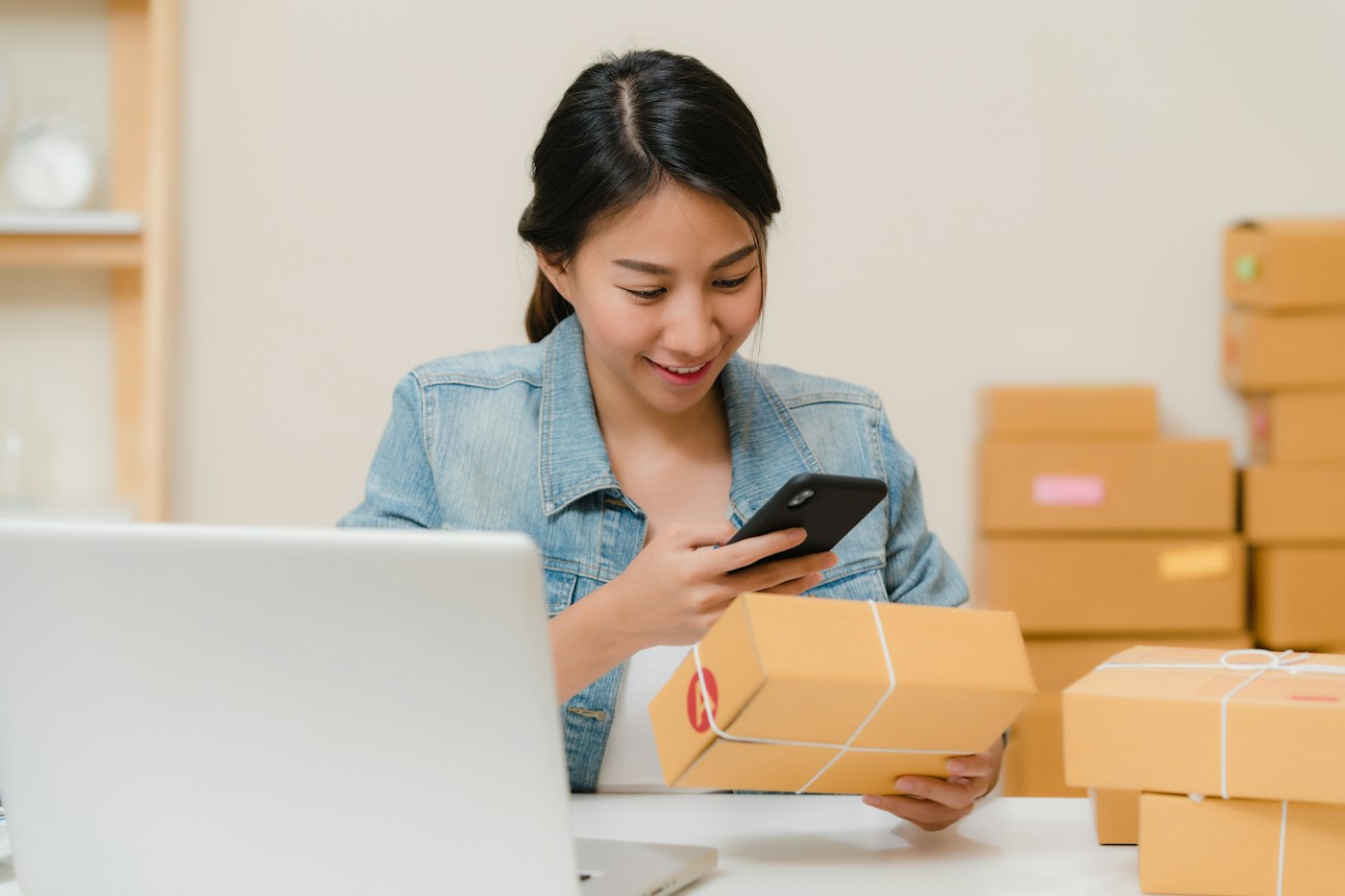
Woman checking a delivered package with her phone beside a laptop and boxes
Count every cost, not just the monthly fee.

03 · Free versus paid

Free POS system or paid subscription: how to compare.

The fair comparison is the total cost over a year. For a free system, add the card fees on your expected card takings, any add-ons you would need and any hardware you would have to buy. For a subscription, add the plan price and your own card provider's fees.

Then compare what you get for it. POS2026 is not a card processor and does not take a fee on your sales, so you keep the card provider you choose. The back office is part of the platform, from supplier purchases to the Due List and Loss/Profit.

Total cost over a year

Fees, add-ons and hardware, not just the headline price.

Your own card provider

POS2026 does not process your card payments.

Back office included

Stock, suppliers, customer credit, expenses and profit.

How Stock works
Man smiling with Tower Bridge in London behind him
Check the shop from wherever you are.

04 · Free to download

What about free POS software to download for PC?

Downloadable POS software usually runs on one computer. That can work for a single till, but backups, updates and replacing a broken PC are then your job. POS2026 runs in the browser instead, so there is nothing to install on a computer or tablet, and you can check the figures from another device.

Nothing to install

Runs in the browser on a computer, tablet or phone.

Records in your account

Sign in from another device to check the figures.

How Dashboard works

Getting started

Try POS free on a real trading day.

A quiet afternoon will not tell you much. A busy Saturday will.

  1. Go to my.pos2026.com and create your account.
  2. Set your language and currency.
  3. Add your best sellers with prices, cost prices and barcodes.
  4. Make sales, then record a supplier delivery and an expense.
  5. Check the dashboard and reports with your own figures.
  6. Choose a plan in the app if it fits, or cancel before the trial ends.

Questions

Common questions.

Straight answers for shop owners, based on what POS2026 actually does.

Is POS2026 free?

No. POS2026 is a subscription with a free trial. There is no free-forever plan. Plan names and prices appear in the app once you sign up.

Do I pay anything during the free trial?

No charge is made during the trial, so if you cancel before it ends there is nothing to pay.

How does the 30-day money-back guarantee work?

If POS2026 is not right for your business, email support@pos2026.com with the subject "Refund request" within 30 days of your first subscription payment, and that payment is refunded in full. It applies once per business, to the first payment on a new account.

What is the best free POS software for a small business?

It depends how you trade. If you need very little, a free tier may be enough. If you need stock, suppliers, customer credit and profit in one place, compare the yearly cost of free options, including card fees and add-ons, with a subscription. Our Square alternative page shows one comparison.

Can I keep my data if I cancel?

Access continues until the end of the period you paid for, so export the reports you need before then. The Privacy Policy explains how business data is handled afterwards.

Is there free POS software for Windows or Android?

POS2026 is not a download for one operating system. It runs in the web browser on computers, tablets and phones, and dedicated phone and tablet apps are on the way.

Try it in your shop, then decide.

Start the free trial, add your best sellers and make real sales before you pay anything.

Explore Features Get Started