Cash register software

Cash register software for stores outgrowing the ECR.

An electronic cash register rings up the sale and stops there. POS2026 is an online cash register that runs in your web browser and keeps going: inventory, vendors, house accounts, expenses and profit, all from the same sale.

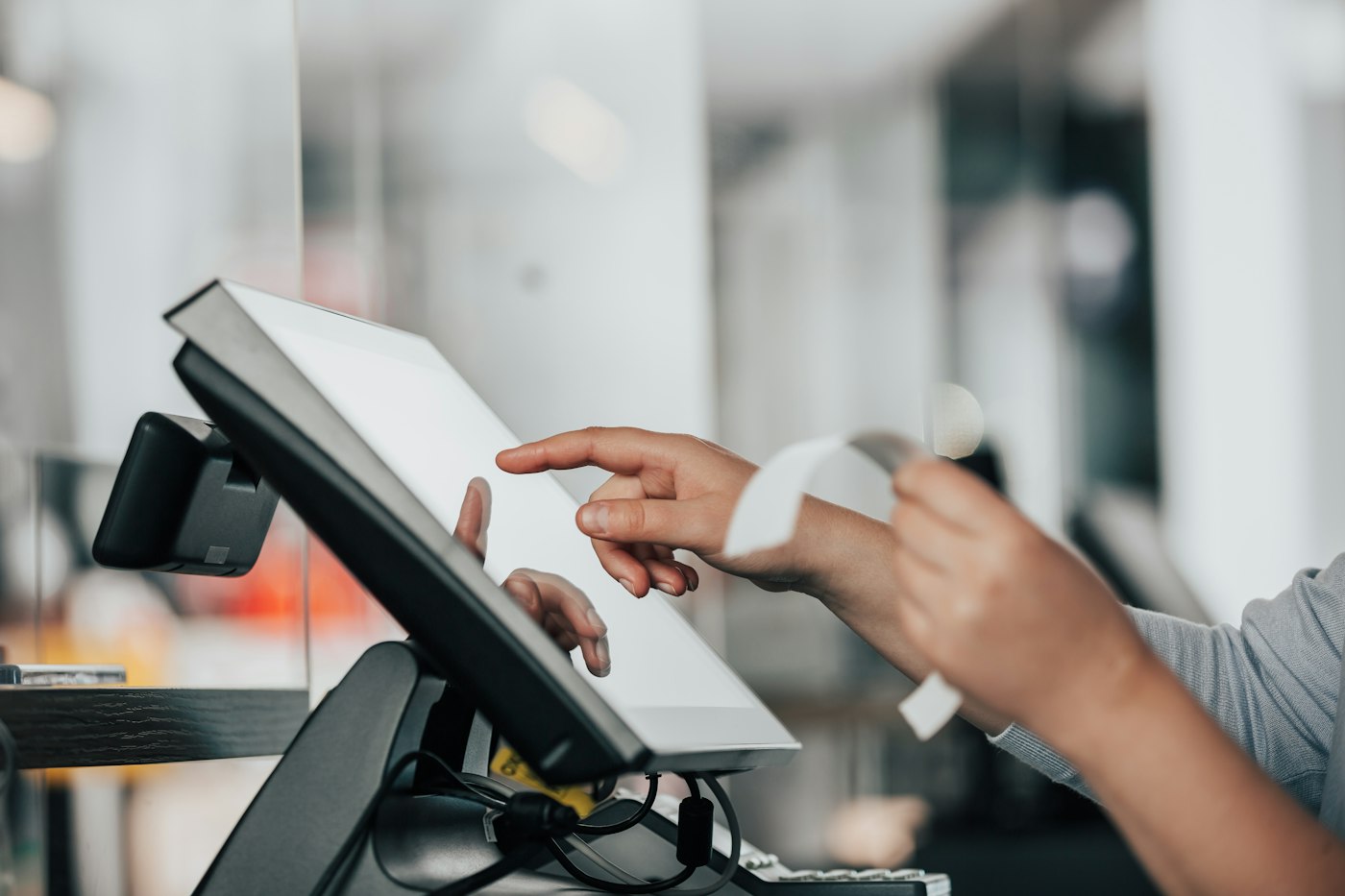
A person using a point-of-sale machine in a store
Keep the quick checkout. Lose the paper tape.

In short

Cash register software turns a computer or tablet into a register that records every sale digitally. POS2026 is an online cash register for small stores: it rings up sales with barcode scanning and discounts, records how each customer paid, and updates inventory, house accounts and profit reports automatically. It runs in a web browser, set up in dollars, with a free trial.

The electronic cash register, or ECR, has been the default for small US stores for decades. You program a handful of departments, ring sales against them and print an X or Z tape at closing. It is cheap and familiar. It is also a dead end for information: it cannot tell you which item is selling, how much inventory is left or which customer still owes you.

Cash register software keeps the familiar part, a fast way to take money at the counter, and replaces the dead end with records you can use. This page covers what changes when you swap an ECR for POS2026, what stays the same and what you need on the counter.

ECR limits

Where the electronic cash register runs out.

An ECR is a calculator with a cash drawer. For a growing store, that is no longer enough.

  • X and Z tapes, nothing more

    The day's totals print on paper and stop there. Comparing this month with last means a pile of tapes and an adding machine.

  • Departments instead of items

    Most sales get rung up against a department key, so "Grocery $6.99" is all you ever learn about what sold.

  • Inventory on a clipboard

    Nothing links the register to the stockroom, so reorders depend on someone walking the aisles.

  • House accounts in a ledger

    Customers who buy on account are tracked in a separate book that never quite matches the register.

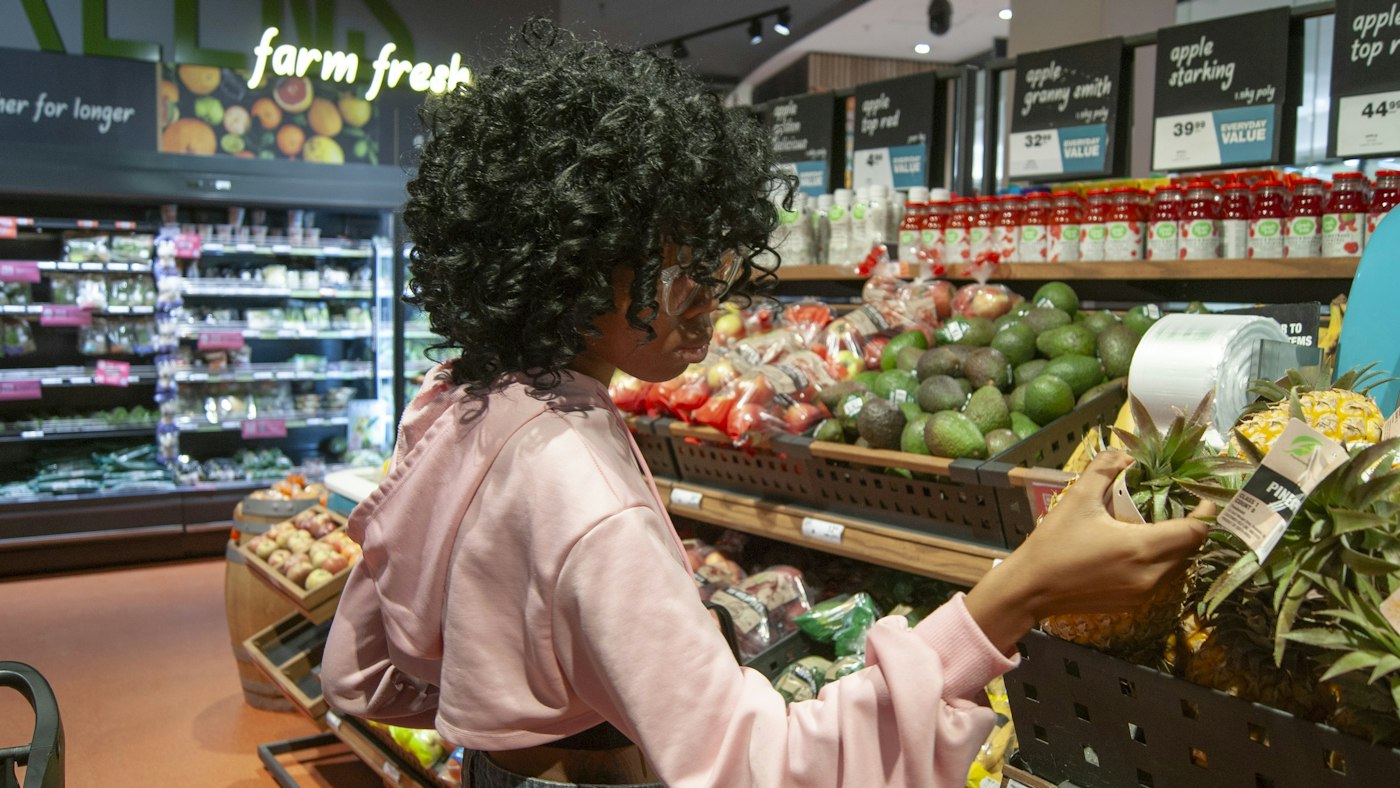
Woman selecting a pineapple in the produce section of a grocery store
Know which item sold, not just which department.

01 · From ECR to software

What changes when you replace the electronic cash register.

Departments become categories, and each item in the store gets its own product record with a price, barcode and unit. Ring up a bottle of hot sauce for $6.99 and the register knows it was that hot sauce, not just "Grocery".

The X and Z tapes become reports. Sales by day, by product and by payment method are on screen whenever you want them, with filters for any date range and an export option for your bookkeeper.

Departments to categories

Keep the structure you know, with real items inside.

Item-level sales

Every scan records the exact product.

Reports, not tapes

Any period, filtered and exportable.
How Products works
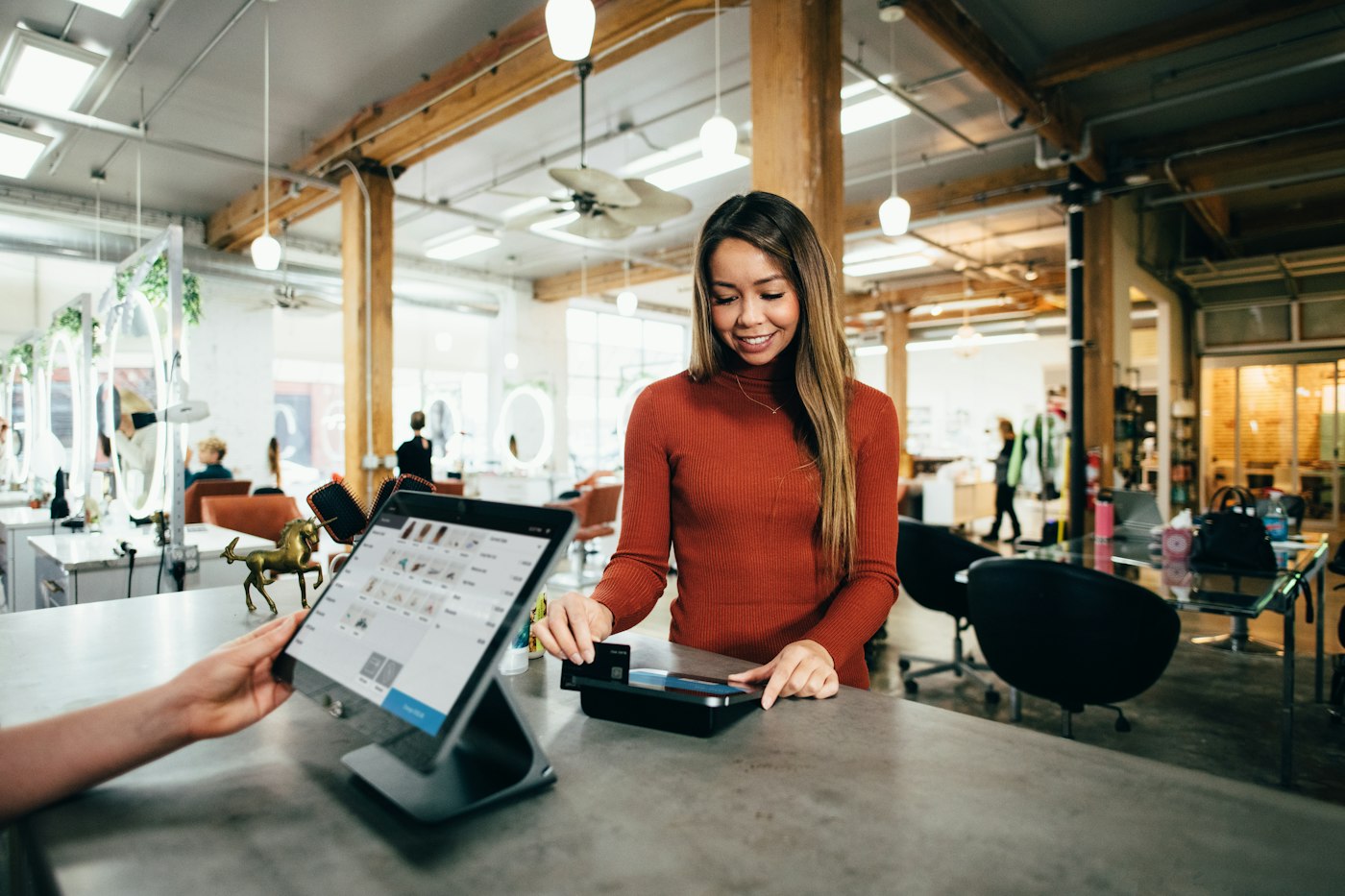
Woman in a rust-coloured jumper paying by card at a salon counter
Run the card on your terminal; the register records the method.

02 · At the register

A cash register app that keeps the line moving.

The checkout is built for a line of customers. Scan or tap each item, change a quantity, take a discount off the sale, then record how the customer paid: cash, card or another method your account is set up for. Print the invoice where a printer is connected, and the next customer steps up.

Card payments still run through your own credit card terminal. POS2026 is not a payment processor, so you keep your merchant account and your rates, and the register simply records that the sale was paid by card.

Fast checkout

The same few steps for every sale.

Discounts

Saved with the transaction for honest reporting.

Your merchant account

No change of processor required.

How POS Sales works
Two grocery store employees smiling at the camera
Regulars on account, tracked without a ledger.

03 · Beyond the drawer

Inventory and house accounts from the same sale.

Every sale lowers inventory, and every vendor delivery you record raises it. Set a low-stock level on the items that matter and the system flags them before the shelf is bare. For customers who run a house account, ring the sale up against their name and the balance shows on the Due List until they pay.

That is the difference between a cash register system and a store system: the sale stops being a number in the drawer and becomes part of your inventory, your customer records and your profit figure. Our inventory management software page covers the inventory side in depth.

Low-stock flags

Reorder before you run out.

Vendor deliveries

Inventory goes back up when goods arrive.

House accounts

Balances tracked until they are paid.

How Inventory Sales works
Two café owners standing together in their shop
Choose the counter hardware yourself.

04 · What you need

An online cash register on hardware you choose.

POS2026 runs in a web browser, so the register can be a desktop, a laptop or a tablet you already own. Barcode scanners and receipt printers are optional and you buy them wherever you like. We do not sell hardware or certify particular models, so test yours during the free trial. Your cash drawer can stay on the counter as a drawer for bills and coins.

One honest note: an online register needs an internet connection, and POS2026 has no offline mode. Keep a phone hotspot handy as a backup. Our cloud POS page explains how to prepare.

Browser-based

Desktop, laptop or tablet.

Optional printer

Print invoices where one is set up.

Needs internet

Keep a backup connection at the counter.

How Report works

Getting started

Retire the ECR in a week.

Run the software and the old register side by side until you trust the numbers.

  1. Start the free trial and set US dollars as your currency.
  2. List your ECR departments and recreate them as categories.
  3. Add your items with prices and UPC barcodes, best sellers first.
  4. Ring sales on both for a few days and compare the Z tape with the day's report.
  5. Add house-account customers and your main vendors.
  6. Unplug the ECR once the totals match.

Questions

Common questions.

Straight answers for shop owners, based on what POS2026 actually does.

Is cash register software worth it over an ECR?

An ECR costs less up front and works without the internet. Software costs a subscription but gives you item-level sales, inventory, house accounts and reports. If you only need to total sales, an ECR may do. Our guide to cash registers versus POS systems compares the two in detail.

Can I keep my credit card terminal?

Yes. POS2026 is not a payment processor and does not connect to card terminals. Run the card on your terminal as usual and record card as the payment method on the sale.

How do I close out the register at the end of the day?

Count the drawer, then open the day's payment report, which totals payments by method. Check cash against the drawer and card against your terminal's batch total.

Is there free cash register software?

POS2026 is not free software, but you can start on a free trial, and new accounts get a 30-day money-back guarantee on their first payment. Plan prices are shown in the app.

Will it work for a liquor or convenience store?

Yes for the counter, inventory and vendor side. POS2026 does not include age verification prompts, so ID checks stay with your staff, as they would at an ECR.

Put the ECR in the back room.

Start the free trial, add your best-selling items and ring up your first sale in dollars today.

Explore Features Get Started