Beauty supply POS

The beauty supply store POS system for shelves of small, fast lines.

POS2026 helps cosmetics shops and hair and beauty supply stores scan every shade and size, run accounts for local salons and reorder fast sellers before they run out, all in a web browser.

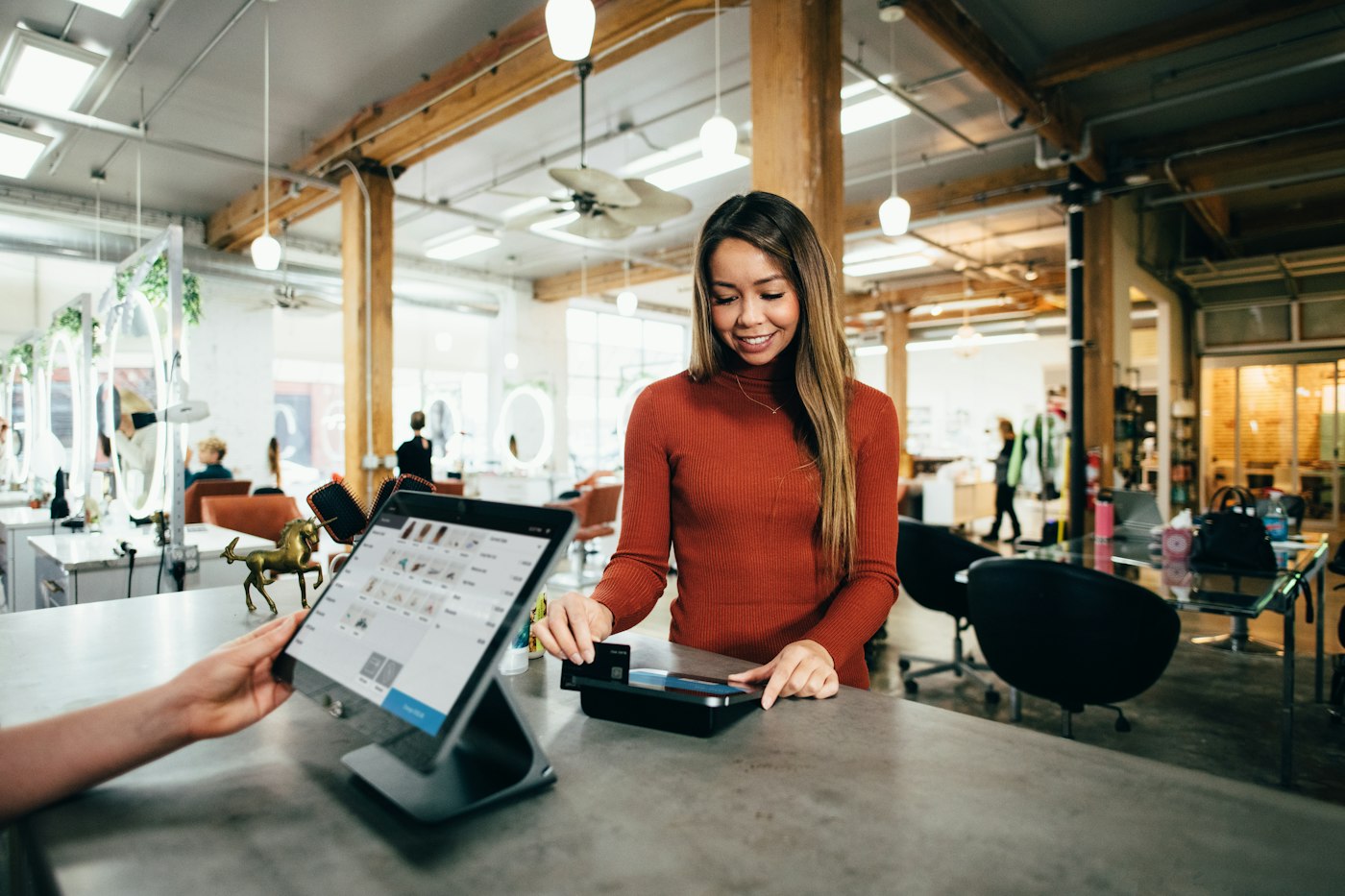
A woman in a rust-coloured jumper paying by card at a salon counter
Walk-in shoppers and salon trade at the same counter.

In short

A beauty supply store POS system needs to scan a big range of small barcoded lines, run accounts for salon and trade customers, and flag fast sellers before they run out. POS2026 does all three in a web browser, with each shade or size as its own product, trade balances on the Due List and supplier reorders recorded in Purchase.

A hair and beauty supply shop is a barcode business. Hair colour comes in dozens of shade numbers, nail polish in rows of colours, and the same shampoo in three sizes. Many lines sell a few units a week, a handful sell every day, and a customer who comes in for a specific shade will not take a near match.

There are usually two kinds of customer: the public walking in off the street, and salon owners, nail technicians and mobile stylists who buy regularly and often settle up later. POS2026 handles both at the same till. Products scan in by barcode, trade customers have their own records and balances, and low-stock alerts point at what needs reordering. It is a retail system, not a salon booking tool.

Why beauty supply shops switch

Small items, big ranges, exacting customers.

The margin is in getting the right shade to the right customer, every time.

  • Shades that look alike

    Two hair colours a number apart look identical on the shelf. Keying in the wrong one at the till puts both counts out.

  • The one line that runs out

    A stylist needs a particular developer or toner and you have none. They will buy it elsewhere, and may not come back.

  • Trade customers on a tab

    Salons buy on account and pay monthly. Dozens of small trade purchases in a notebook lead to disputes.

  • Many distributors, many orders

    Beauty lines come from several distributors and brands, each with its own order day. Reorders get missed or doubled.

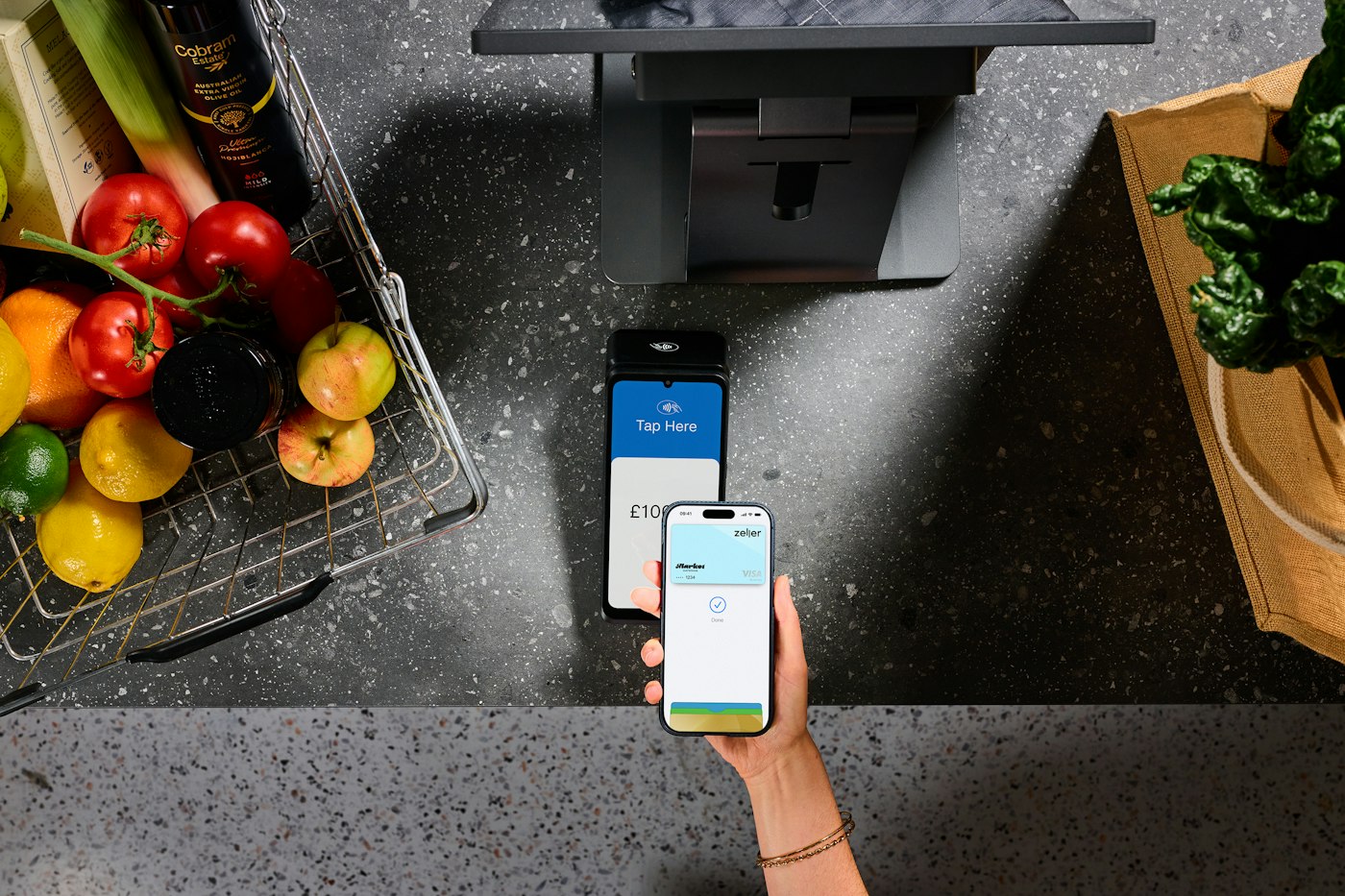
A person paying with a smartphone at a contactless card terminal
The exact shade, scanned and paid for in seconds.

01 · Barcoded lines

Every shade and size, scanned, not guessed.

Each shade, colour number or size becomes a product in its own right, carrying the manufacturer's barcode, its price and a range such as Hair colour, Nails or Skincare. Scanning at the till brings up the exact product, so neighbouring shade numbers never get mixed up and the stock for each goes down correctly.

Product images help when a customer shows you a photo on their phone, and categories keep a long catalogue manageable. Units can be set where some lines sell singly and others by the pack.

Manufacturer barcodes

Scan the code already printed on the pack.

Categories by range

Hair, nails, skincare, tools and accessories.

Single or pack

Loose files and emery boards alongside boxed sets.

How POS Sales works
Person working on a laptop with a cup of coffee
Balances owed by every salon, in one list.

02 · Salon trade accounts

Trade customers on account, settled without arguments.

Add each salon, nail bar or mobile stylist as a customer in Parties. Record their purchases against their name and, if you offer trade terms, apply the discount at the till. Anything taken on account builds up as a balance, and the Due List shows every salon with money outstanding; sort it by date and the monthly chase starts with the oldest debts.

Settling up is one payment entered against their name, after which their balance is back to zero. If a salon queries a figure, their record lists every purchase with its date, and any sale can be produced as an invoice.

Trade customer records

Contact details and every purchase.

Trade discounts at the till

Apply your trade terms on each sale.

Invoices for salons

Paperwork for each purchase, from the sale.

How Due List works
A man sorting items on shop shelves
Restock the daily sellers first.

03 · Fast reordering

Reorder the fast sellers before the shelf gaps.

Give a reorder level to the lines that go out every day, such as developers, popular shades and best-selling shampoos. They are flagged the moment they dip to that level, and the Dashboard shows the alerts when you sign in.

Log every order under the distributor it went to. You can see which orders are still in transit, stock rises as each box is booked in, and past orders show the price you were charged, handy when a distributor's promotion ends or its list price goes up.

Low-stock alerts

Fast sellers flagged before they run out.

Orders by distributor

Who supplied what, and on which day.

Purchase history

What you paid, and when, for every line.

How Purchase works
Woman working on a laptop showing charts and graphs
Slow lines out, fast lines in.

04 · What sells

Find the lines that earn their shelf space.

With so many small lines, some barely sell. Product reports over a few months show which shades and sizes move and which have sat since they arrived. Drop the slow ones, give the space to what sells and use discounts to clear what is left.

Rent, wages and bills recorded as expenses sit alongside sales, so the profit figure shows what the shop really earns once everything is counted.

Sales by product

Every shade and size, over any period.

Export

Share the list with a rep when you review the range.

Profit after costs

What each range really earns.

How Report works

Getting started

Set up your beauty supply shop.

Load the developers, toners and top shades first. Slower lines can wait a week.

  1. Sign up for the free trial and set the shop's language and currency.
  2. Create categories such as Hair colour, Nails, Skincare and Tools.
  3. Add your lines with their barcodes, starting with the fastest sellers.
  4. Count the shelves, enter the quantities and give the daily sellers a reorder level.
  5. Add your distributors and your salon trade customers.
  6. Scan a customer's first shade through the till.

Questions

Common questions.

Straight answers for shop owners, based on what POS2026 actually does.

What is the best POS system for a beauty supply store?

Look for fast barcode scanning across a big range, trade accounts for salons, low-stock alerts and supplier purchases. POS2026 does those in a web browser with a free trial. It is not a salon booking system and does not run loyalty schemes.

Is POS2026 a salon booking system?

No. It has no appointments or booking calendar. It is built for selling products, so it suits beauty supply shops and cosmetics stores rather than appointment scheduling.

Can salons buy on account?

Yes. Ring their purchases up under the salon's name and the running total shows on the Due List until it is paid, with an invoice available for each purchase.

Can I give trade customers a different price?

The simplest way is a trade discount applied at the till, which is saved with each sale so your reports and profit reflect it.

Does it track expiry dates?

No. POS2026 does not track batch or expiry dates. Check dates during stock counts, and use product reports to spot slow lines before they age on the shelf.

Every shade scanned, every salon account settled.

Try it free with your own fastest-selling shades before you commit.

Explore Features Get Started