Boutique POS

A boutique POS system for owners who know every customer.

POS2026 gives small boutiques a simple till, a record for every regular customer and an exact count of each curated piece, from any web browser, with a free trial to try it first.

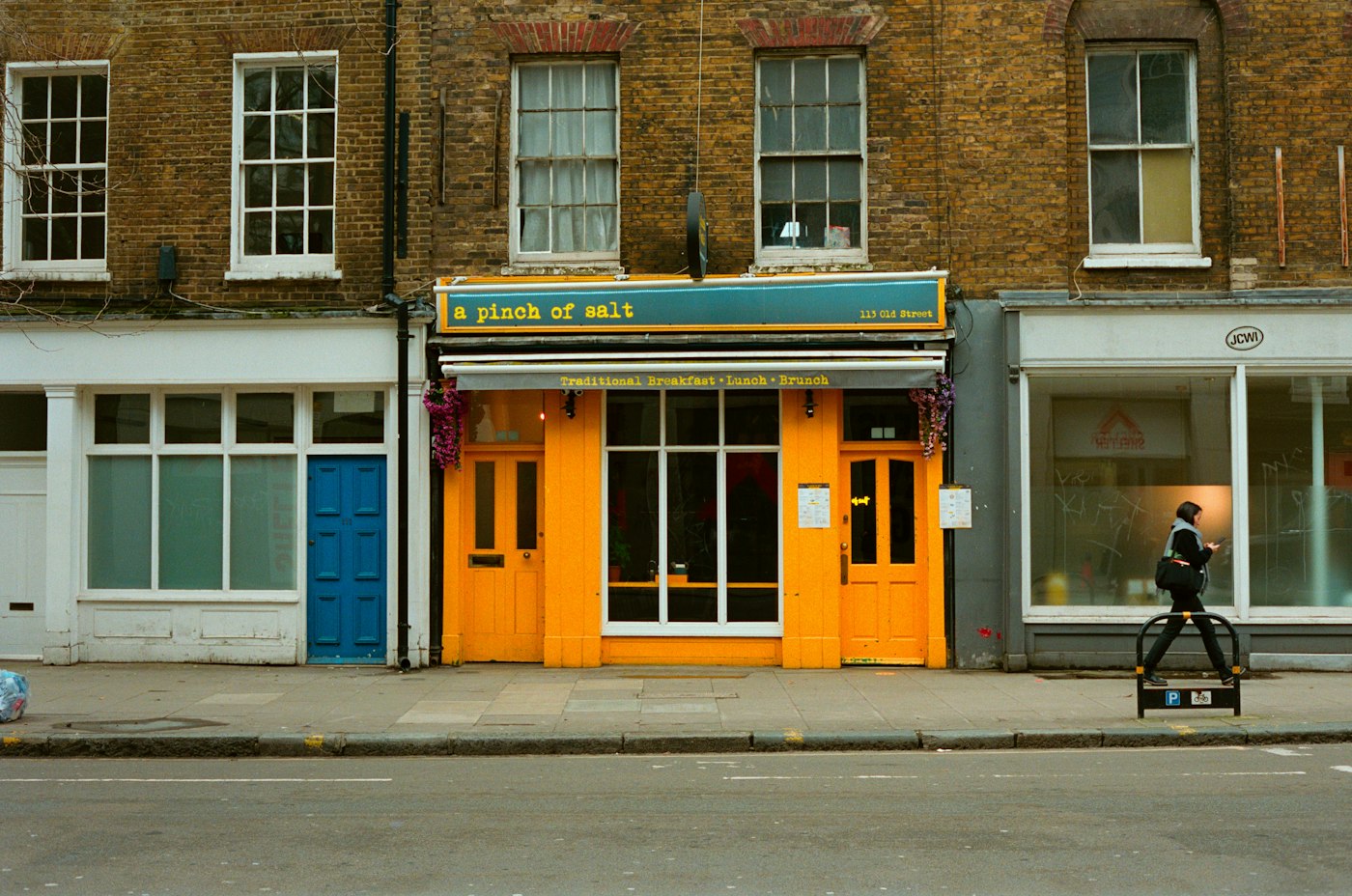
A person walking past a bright orange shop front
A small shop, a careful edit and customers who come back.

In short

A boutique POS system should be simple enough for one person to run and personal enough to remember your regulars. POS2026 records each sale against a customer so you can see what they bought before, keeps an exact count of every curated piece, tracks small reorders from suppliers and runs in a web browser, so there is nothing to install.

A boutique is usually run by its owner, often with one or two part-time helpers. You choose every piece yourself, buy in small quantities and rely on customers who return because you know their taste. The range is short but varied: clothing, accessories, a few gifts, perhaps candles or jewellery from local makers.

That kind of shop does not need a complicated system. It needs a till that is quick to learn, a reliable count of what is on the rails and a memory for customers that does not live only in the owner's head. POS2026 brings those together in one app, and you can try it on a handful of real pieces before paying anything.

Why boutique owners switch

The jobs that eat into an owner's week.

None of them is hard on its own. Together, with one pair of hands, they add up.

  • Customer knowledge in your head

    You remember that a regular loves a certain label, but your Saturday helper does not. When you are away, that knowledge goes with you.

  • One or two of everything

    Curated stock means tiny quantities. Sell the last piece without noticing and you cannot tell the next customer whether more is coming.

  • Little and often reorders

    Boutiques buy small drops from many brands and makers. Tracking what was ordered, from whom, and what still needs paying gets messy fast.

  • No time for complicated software

    You are buying, styling the window, posting online and serving. A system that needs training days or an IT person is a non-starter.

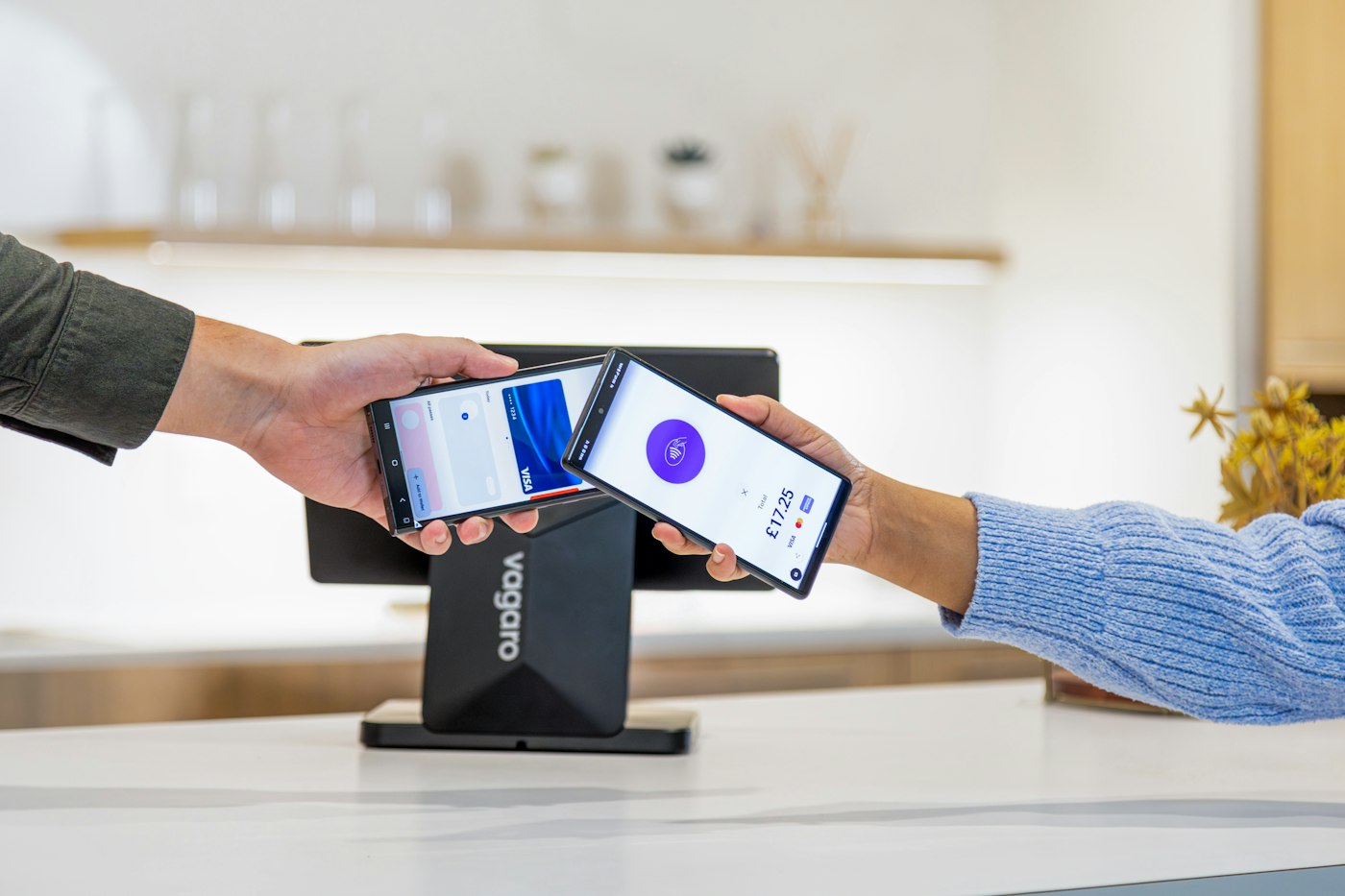
A mobile phone being used to complete a payment
Sales recorded against a customer build their history.

01 · Customer records

Remember what every regular bought.

Add your regulars in Parties with a phone number and address, and record sales against them at the till. Over the months a record fills up with every piece they bought, when and what they paid. When a delivery arrives that suits someone, look them up and you know what they already own before you call.

The same record shows anything still owed. If a trusted customer takes a coat home and pays at the end of the month, what they owe waits on the Due List until they come back to pay.

Contact details

Phone and address for the customers you call when something new comes in.

Purchase history

Every piece each customer has bought, with dates and prices.

Balances owed

Amounts still to pay, shown on the customer record.
How Parties works
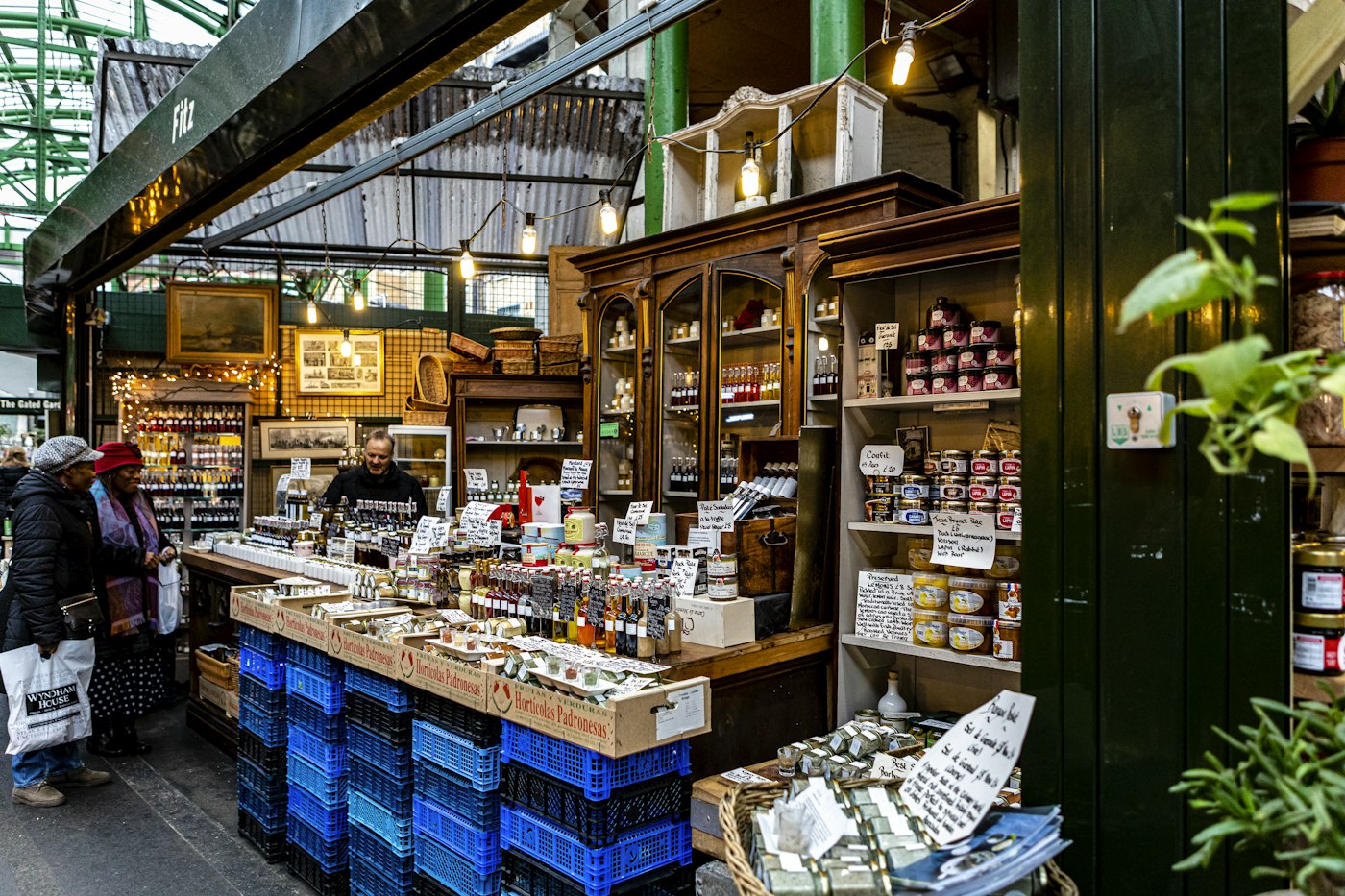
Packaged goods on a brown wooden shop shelf
Small quantities, so every count matters.

02 · Curated stock

A short list of pieces, counted exactly.

Every piece you stock gets a photo, a price and a place in your edit, such as Knitwear, Jewellery or Homeware. With quantities of one, two or three, the image matters: anyone serving can find the right piece at a glance. Where a piece comes in several sizes, add each size as its own product, as our clothing store POS page explains.

A sale takes the piece off the count there and then, and a low-stock alert can warn you when a favourite is down to its last one, so you can reorder or tell a customer honestly that it has gone.

Product images

Recognise one-off pieces instantly at the till.

Categories that match your edit

Group by type, maker or collection.

Last-one alerts

Set a low-stock level of one on the lines you always want in.

How Stock works
A calculator on a table next to a laptop
Each small order recorded against its maker.

03 · Small reorders

Little and often, without losing track.

Boutiques rarely place one big order a season. You reorder a handful of pieces from a brand, take a few new items from a local maker and pick up stock at a trade show. Record each one against the supplier with what you ordered and what it cost, and its delivery status shows what is still on the way.

Over time the purchase history becomes your buying record: which makers you reorder from most, what you paid last time and which suppliers you still owe. Product costs feed the profit figures, so you can see which brands really make money.

Record each order

Products, quantities and costs, against the supplier.

Delivery status

Know what has arrived and what is still to come.

Supplier records

Contacts and amounts owed for every maker and brand.

How Purchase works
Person working on a laptop with a cup of coffee
Nothing to install: sign in and sell.

04 · Simple set-up

Sign in on the counter laptop and sell.

POS2026 opens in the web browser of the laptop or tablet already on your counter, so there is no software to load and no special till to buy. Plenty of small shops pick products from the on-screen catalogue for months before deciding whether a scanner is worth it.

Every sale goes the same way: pick the pieces, take something off if you are offering a discount, note how they paid and, if a printer is connected, print the invoice. That routine is easy to show a Saturday helper before the doors open, and when you close up the Dashboard shows the day's takings and trends.

A browser-based till

Use a computer, laptop, tablet or phone you already have.

Discounts when you choose

Take money off for a regular or a slow line.

Daily overview

How the day went, at a glance, when you lock up.

How POS Sales works

Getting started

Set up your boutique on POS2026.

Start with what is on the rails today. Add older pieces as you come to them.

  1. Sign up for the free trial on the counter laptop or tablet.
  2. Set your language and currency, then add categories that match your edit.
  3. Add your current pieces with a photo, price and stock count.
  4. Add your regular customers and the brands and makers you buy from.
  5. Make your first sale and record it against a customer.

Questions

Common questions.

Straight answers for shop owners, based on what POS2026 actually does.

What is the best POS for a small boutique?

One that is simple to run on your own and keeps customer history, stock and supplier orders together. POS2026 brings all three into one browser-based app. Online store links, loyalty points and gift cards are not part of POS2026, so look elsewhere if those matter most.

Can I see what a customer has bought before?

Yes. Record the sale against the customer and their record keeps every purchase with dates and prices, along with any balance they owe.

Does it run a loyalty scheme or send marketing emails?

No. POS2026 keeps contact details and purchase history, which many owners use to call or message regulars themselves, but it does not run loyalty points or email campaigns.

Do I need to buy hardware?

No. Any device with a modern web browser will do, from a desktop to a phone. Scanners and receipt printers are extras you can add whenever you like. POS2026 is not a card processor, so you keep your current card reader and record how each customer paid.

Is stock control included for a small boutique?

Yes. Stock is built in, so a piece sold at the till comes off the count immediately, and you can set alerts and correct the figures after a count.

Keep your regulars close and your rails in order.

Add your favourite pieces and best customers on a free trial and see how it fits your shop.

Explore Features Get Started