
Gift shop POS

The gift shop POS system for busy seasons and hundreds of small lines.

POS2026 helps gift shops and souvenir shops keep a big, changing range under control, get through the busy weeks quickly and see what each season sold. You can try it free in any browser.

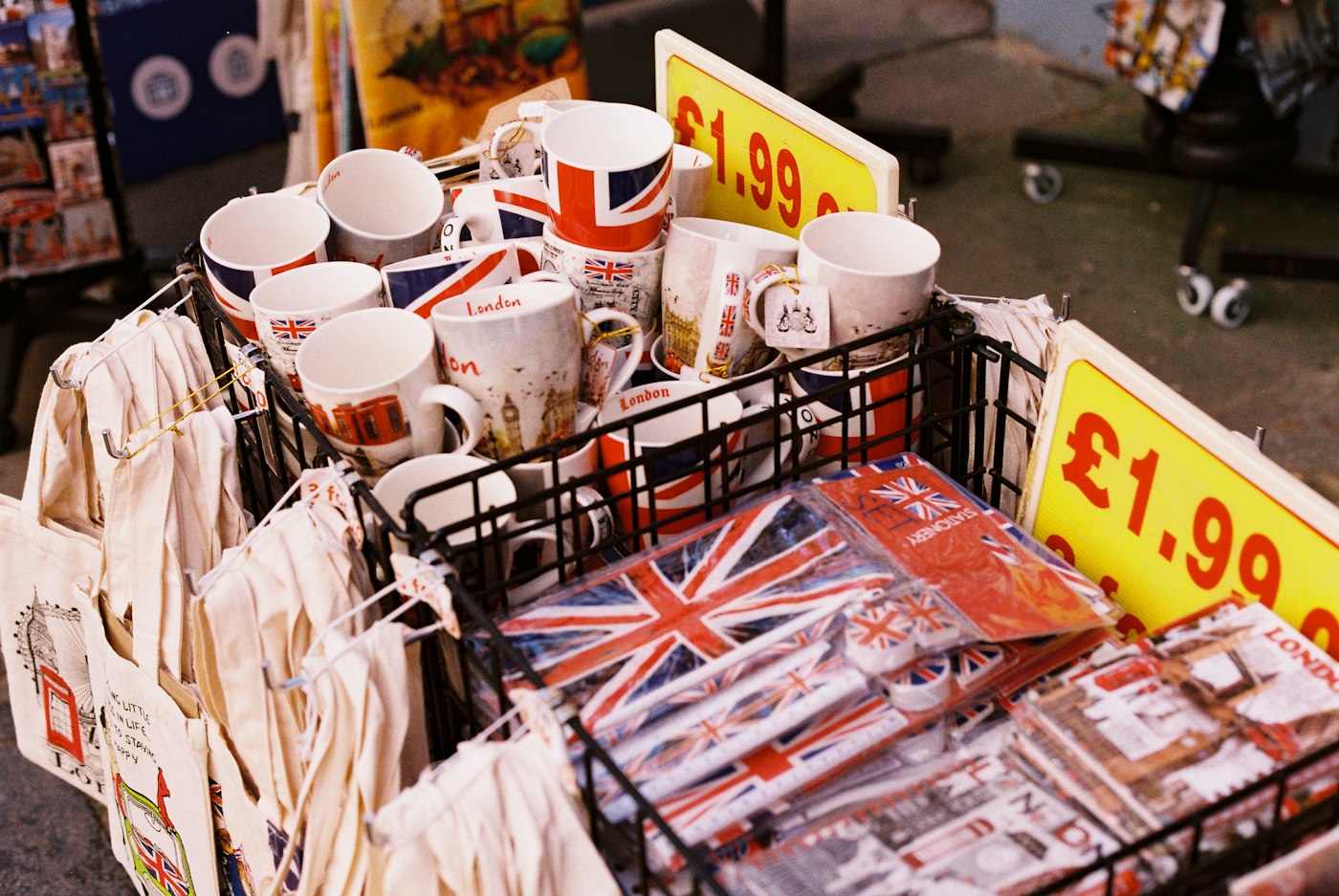
Mugs and souvenirs with Union Jack designs and a price label
Hundreds of small lines, and a summer rush to match.

In short

A gift shop POS system should handle a wide range of small, low-priced lines, keep the queue moving in peak weeks and show what sold each season. POS2026 covers that with barcode or picture-based checkout, low-stock alerts, supplier orders and sales reports by product and date, plus multi-currency settings for shops that take more than one currency.

Gift shops sell variety. Cards, candles, mugs, local crafts, tea towels, keyrings and seasonal decorations can share the same few metres of shelving, and many lines are small, cheap and easy to lose track of. Then come the peaks: Christmas, Valentine's Day, Mother's Day and, for shops in tourist towns, the whole of the summer holidays.

In those weeks the till has to be quick and the stock list has to be right, because there is no time to reorder once the rush has started. POS2026 gives you a catalogue with images and categories, a checkout that works with or without barcodes, stock that updates with every sale, and reports that show what each season really sold.

Why gift shops switch

Lots of little lines, and the rush that tests them.

Quiet weeks hide the problems. The busy ones expose them.

  • Hundreds of small, cheap lines

    Keyrings, cards and fridge magnets are easy to under-count. A few missed here and there add up over a year.

  • Peaks you cannot restock in time

    Seasonal stock has to be bought weeks ahead. Run out in the busiest week and the sale is simply gone.

  • Queues in the busy season

    A coach party or a Saturday in December brings a queue. Hunting for prices at the till loses customers at the door.

  • Stock left after the season

    Christmas decorations in January and beach souvenirs in October tie up cash and shelf space until next year.

Woman checking a package with her phone beside a laptop and boxes
A new delivery of gifts, ready to photograph and price.

01 · A big, mixed range

A catalogue that keeps hundreds of lines in order.

Give each line a picture, a selling price and a home in your layout, such as Cards, Homeware, Local crafts or Christmas. Products with a supplier barcode scan straight in; handmade and local items without one can be picked from the catalogue by picture. Categories also show later how each part of the shop performed.

Many gift shops add new lines every few weeks. Because each product is set up once in Products and used by the till, stock and reports, a new line is ready to sell as soon as it is added.

Pictures for unbarcoded items

Find a handmade piece at the till by its photo.

Scan supplier barcodes

Boxed candles and packaged gifts ring up with one beep.

Categories by type or season

Group cards, crafts, souvenirs and seasonal stock.
How Products works
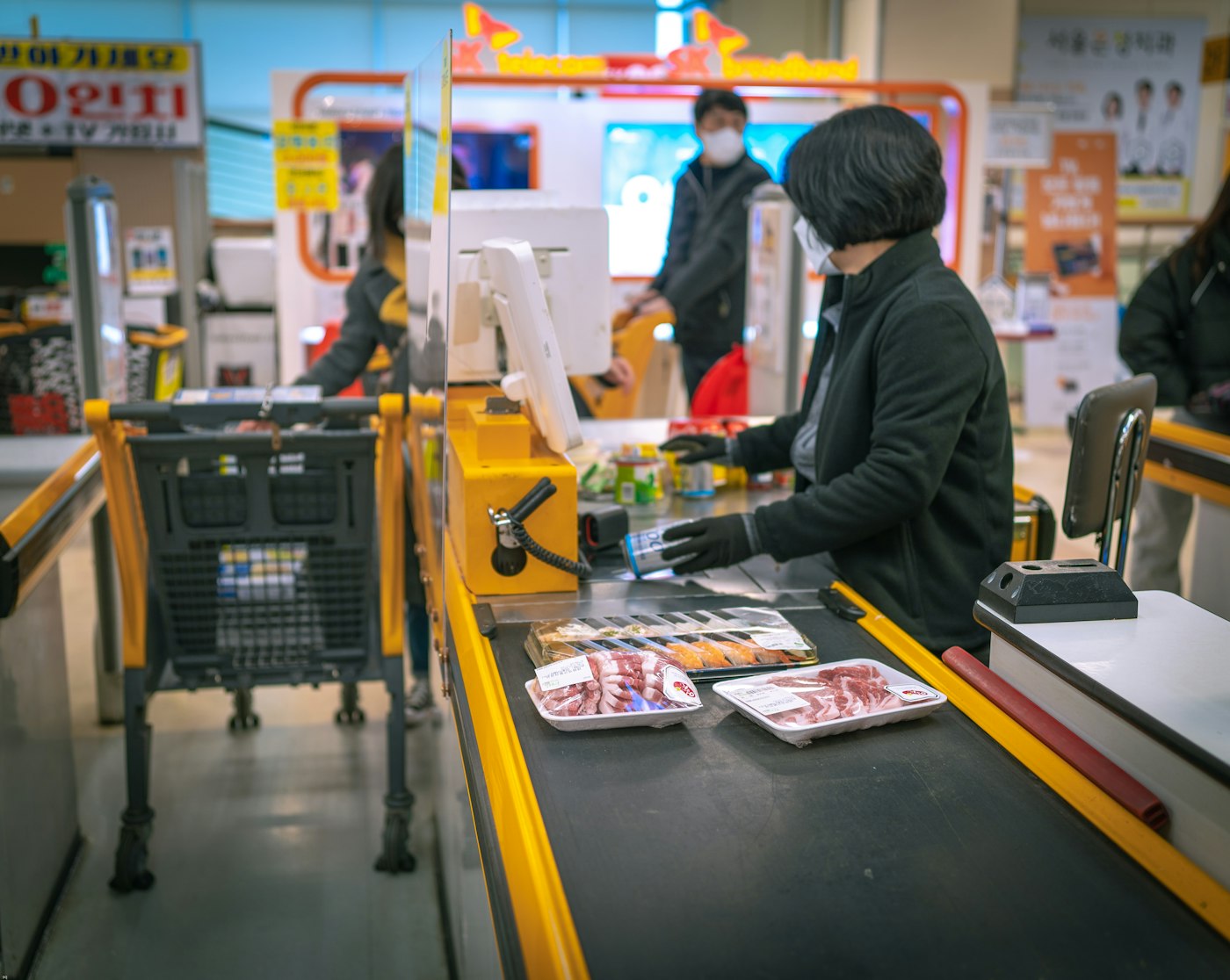
A woman standing at a cash register in a shop
Quick sales when the queue reaches the door.

02 · Seasonal peaks

Ready for Christmas, and for the summer rush.

Stock for the big weeks has to be ordered well ahead. Once you have a year of sales in POS2026, the same weeks last year show how deep to go. Record the orders against each supplier and follow their delivery status so you know the seasonal stock has landed before the rush.

During the peak the checkout stays simple: each item is scanned or tapped from the catalogue, any bundle offer is taken off, the payment method is noted and the next customer steps up. Low-stock alerts flag best sellers that are running out while there may still be time to top up.

Buy from last season

Last December's sales, line by line, before you order.

A quick checkout

Scan or pick, take payment, print the receipt.

Best sellers flagged

Low-stock alerts on the lines that matter most.

How POS Sales works
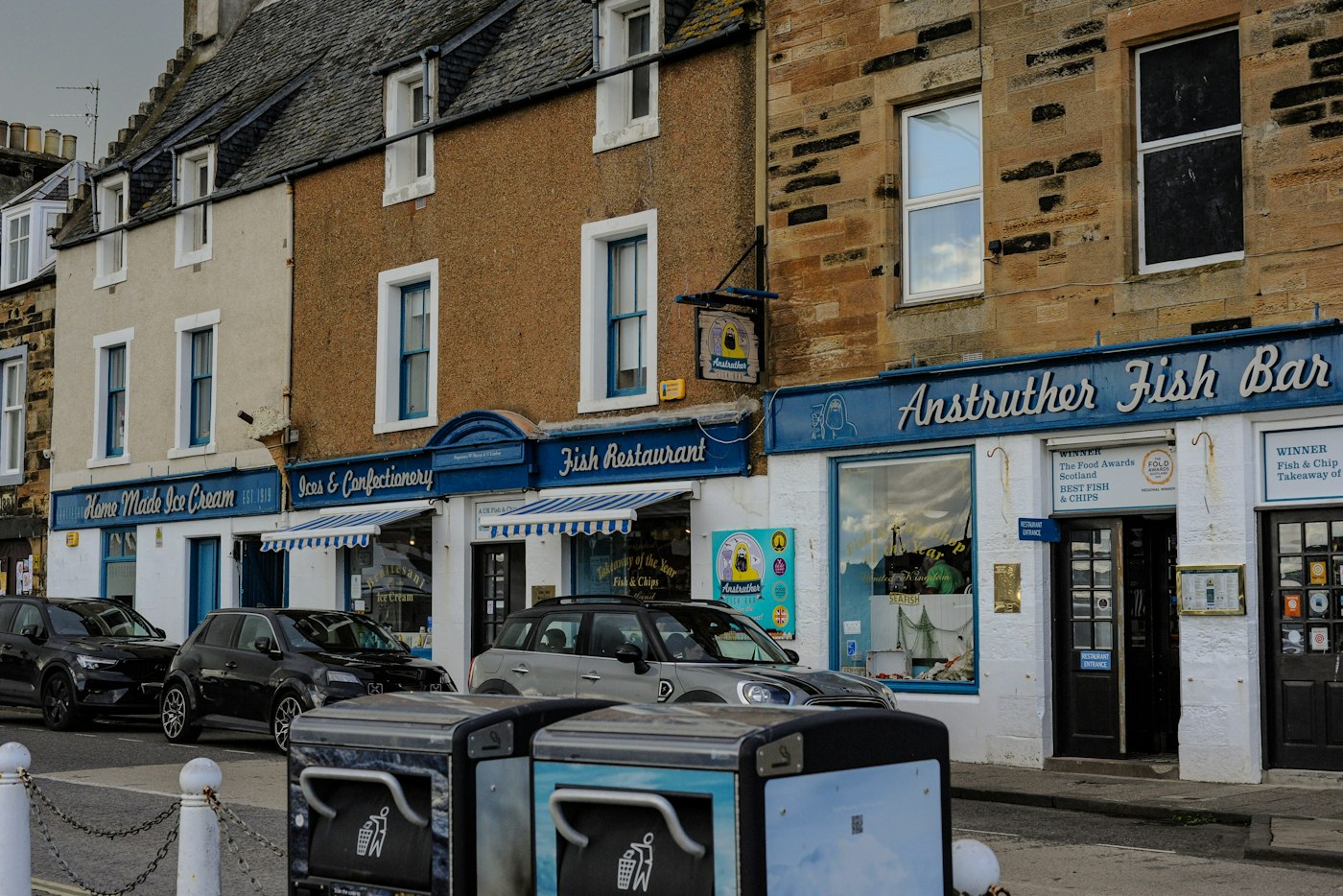
A street of shops and restaurants with parked cars in Anstruther, Scotland
In a tourist town, summer is the season that counts.

03 · Tourist and souvenir shops

Souvenir shops and visitors from everywhere.

Souvenir shops in seaside towns, historic cities and near attractions sell many small, similar lines: magnets, mugs, postcards, keyrings and local-themed gifts. Barcodes or clear product images keep them straight at the till, and product sales show which designs earn their place.

If your shop genuinely takes more than one currency, for example near a border or in a port that welcomes foreign visitors, POS2026 has multi-currency settings. Most gift shops only need their home currency, and that is fine. Seasonal staff can also use the app in their own language, with more than 47 to choose from.

Multi-currency settings

For shops that really do take more than one currency.

An app your team can read

More than 47 languages to choose from.

Which designs sell

Product sales for every design and theme.

How Multi Currency works
A calculator on a table next to a laptop
Season over: see what sold, then plan the next.

04 · After the season

Clear what is left, and learn from it.

When the season ends, reports show what sold, what did not and what is still in stock. Mark down the leftovers with a discount or a new price, or keep them for next year if they will keep. Then plan the next order: more of the lines that sold through, less of the ones you are still clearing.

Seasonal wages and other extra costs can be recorded as expenses, so Loss/Profit shows whether the busy season really paid.

Sales by product and date

Set this summer beside last summer.

Markdowns

Clear leftovers with a discount or a new price.

Season profit

Whether the peak paid once costs are in.

How Report works

Getting started

Ready your gift shop for the next peak.

Start well before the busy season so the range is on the system in time.

  1. Begin the free trial and set your home currency and language.
  2. Create categories for your range, including seasonal ones.
  3. Add your lines with images, prices and barcodes where they have them.
  4. Count what is on the shelves and give your best sellers a reorder level.
  5. Enter your suppliers, then log the next seasonal order.
  6. Ring up your first sale.

Questions

Common questions.

Straight answers for shop owners, based on what POS2026 actually does.

What is the best POS system for a gift shop?

One that copes with a big range of small lines, keeps the till quick in busy weeks and shows what each season sold. POS2026 is built around exactly those jobs. It does not sell gift cards or run a loyalty scheme, so check whether you need those.

Can I sell items that have no barcode?

Yes. Pick them from the catalogue at the till, using the product image to find the right one. Barcoded lines can be scanned as usual.

Does it suit a souvenir shop?

Yes. Souvenir shops tend to carry many similar small lines, and POS2026 keeps each one as its own product with its own image, price and stock count, so you can see which designs sell. Toy-heavy shops may also find our toy shop POS page useful.

Can I take payment in another currency?

POS2026 has multi-currency settings for shops that take more than one currency. It is not a card processor, so how foreign cards are handled depends on your card provider.

Does it work without the internet?

No. It is browser-based and needs a working internet connection. If your shop has patchy broadband, a mobile data backup is worth having.

Ready for the rush, and clear on what it made.

Get the range on the system well before the next peak, starting with a free trial.

Explore Features Get Started