Till system

A till system for small shops that remembers every sale.

The electronic till on your counter adds up and holds the cash. POS2026 is till software that also keeps every sale, counts stock down, remembers who owes you money and shows what the shop made.

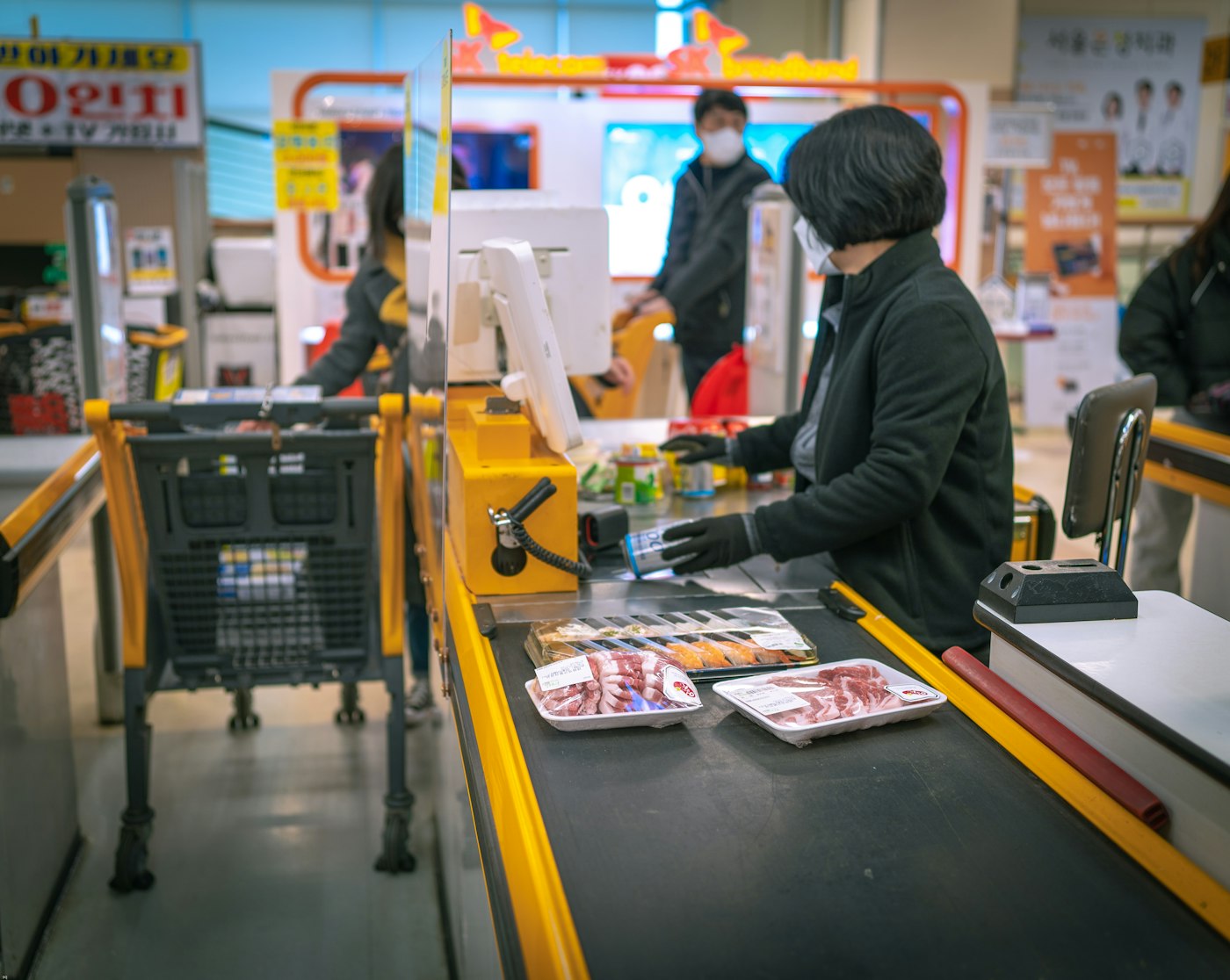
A woman standing at a cash register in a shop
The counter stays the same. What the till remembers changes.

In short

A modern till system for a small shop records each sale in software instead of on a till roll, so you keep a searchable history, live stock levels and accurate takings. POS2026 is UK till software that runs in a web browser on a computer or tablet, replacing an old electronic till with one that also handles stock, customer tabs, suppliers and profit.

Plenty of UK shops still trade on an electronic till bought years ago. It works, mostly. But the PLU prices were set up by someone who has since left, half of them are out of date, and the only record of the week is a curl of thermal till roll in a drawer under the counter.

Replacing it does not have to mean an expensive EPOS package with a contract attached. POS2026 turns a computer or tablet into a shop till system and adds what an electronic till never could: stock that counts itself down, a record of every customer who pays later, and a real profit figure at the end of the month.

Life with an old till

What an electronic till cannot tell you.

It totals the drawer. It does not explain the shop.

  • The till roll is the only record

    Finding a sale from three weeks ago means unrolling paper, if the roll was kept at all.

  • Changing a price is a chore

    Reprogramming a PLU often means digging out the manual and keying in a sequence nobody remembers.

  • No idea what is left

    An electronic till does not know what is on the shelf, so stock checks are done by eye.

  • No sense of the month

    The roll shows today. It cannot tell you whether this month beat last month, or which lines did the work.

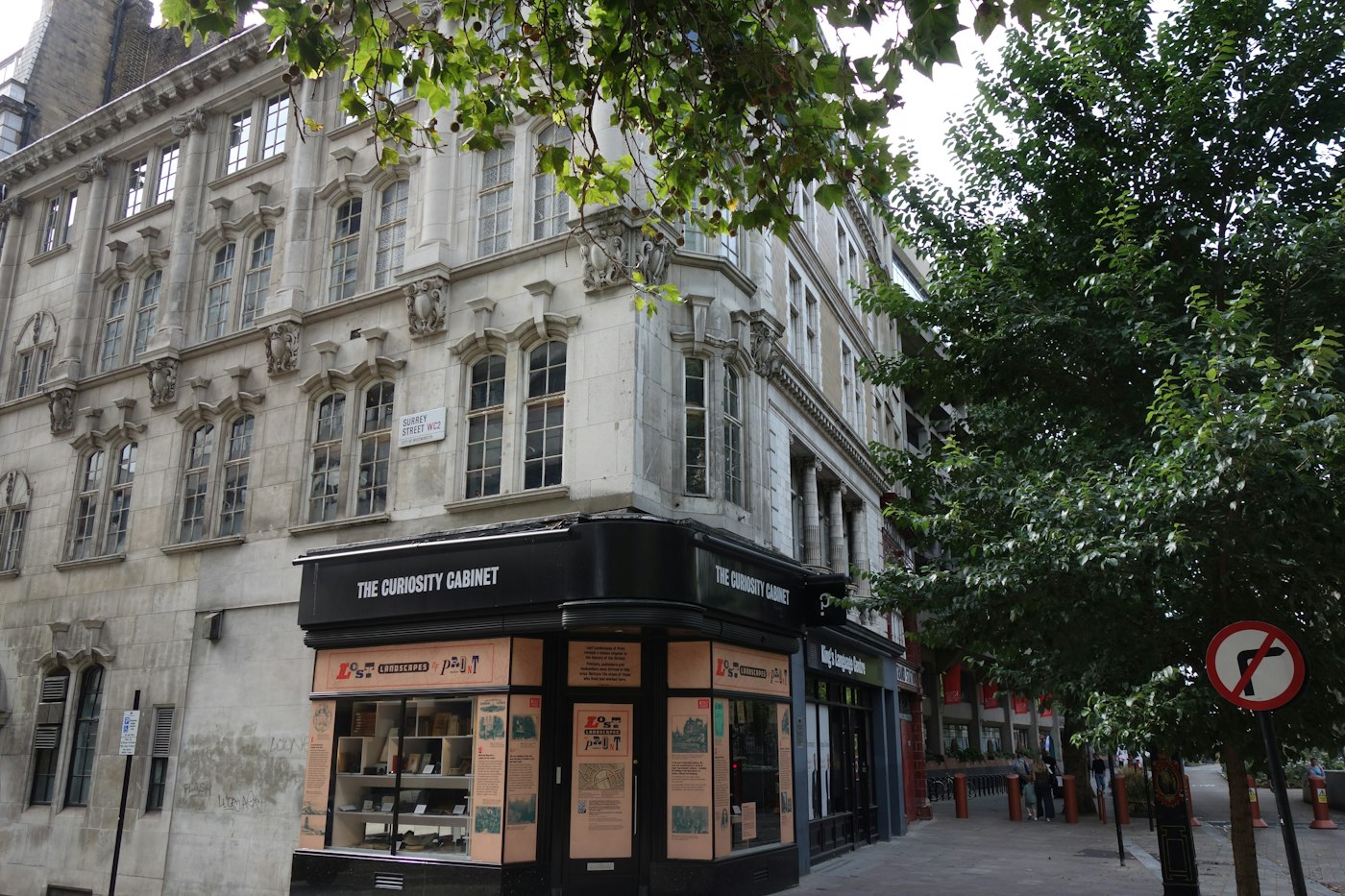
The Curiosity Cabinet shop on a street corner in London
Old shop, new till.

01 · Replacing the old till

Swap the electronic till for till software.

Instead of PLU numbers held inside the machine, POS2026 works from a catalogue of real products, each with its price, category, barcode and unit. Changing a price is a quick edit on the product, and the till uses the new price from then on.

Keep the counter layout you know. A computer or tablet sits where the old till was, a barcode scanner is optional, and a receipt printer can print an invoice for customers who want one. Your cash drawer can stay as the place for notes and coins; POS2026 does not claim to open it automatically.

Products, not PLU codes

Every sale records exactly what sold.

Prices in one place

Edit the product and the till follows.

Invoices for customers

Printed instantly where a printer is set up.
How Products works
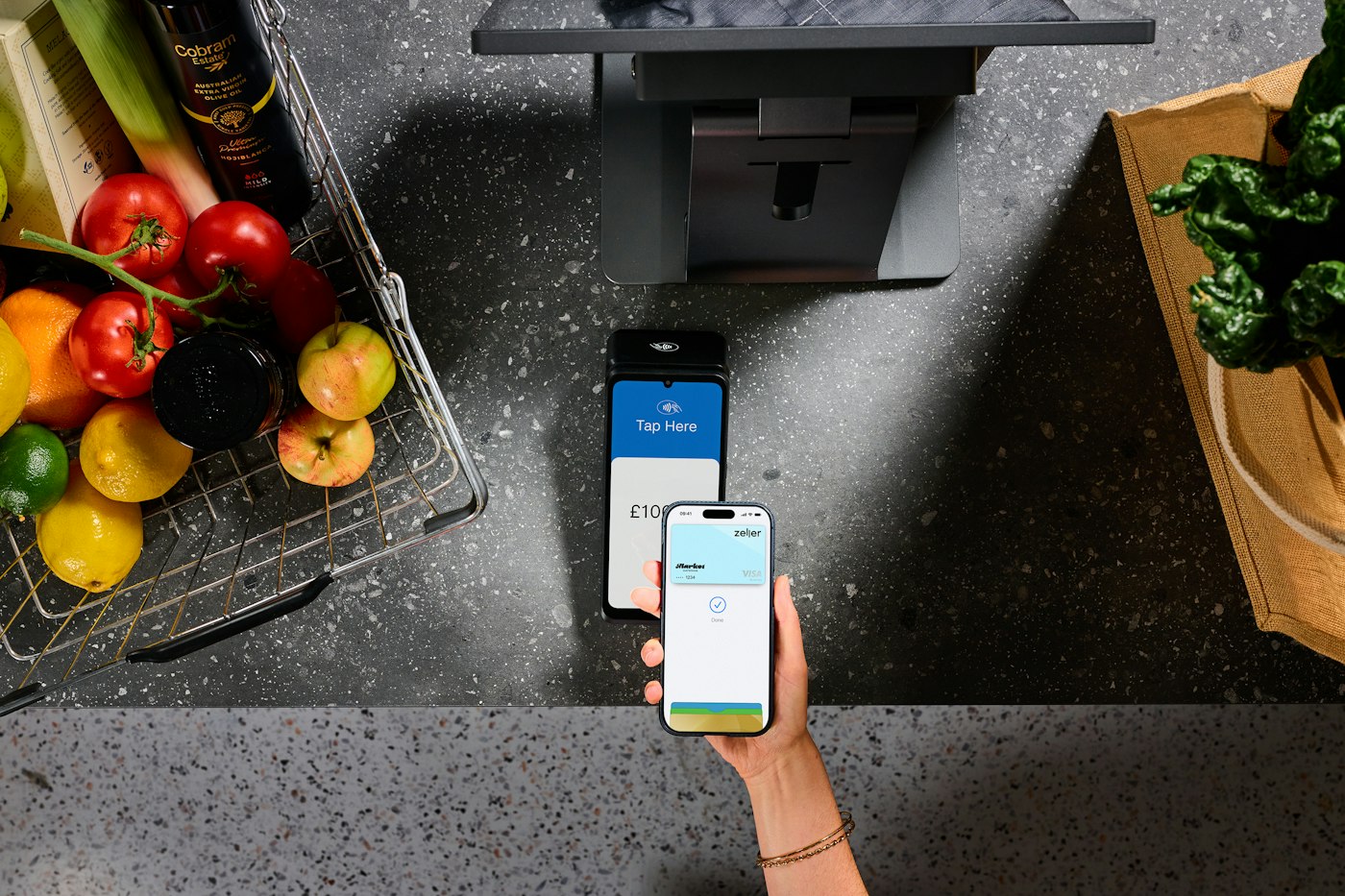
A person paying with a smartphone at a contactless terminal near groceries
Cash, card or phone, each payment recorded by method.

02 · Goodbye, till roll

Every sale saved, not curled up in a drawer.

Each sale through POS2026 is stored with its items, quantities, prices, any discount and the payment method. When a customer comes back with a query, search the sales history and the transaction is there, whether it was this morning or last spring.

Cashing up changes too. Instead of reading totals off a printed tape, open the day's figures: sales for the day and payments split by method, ready to check against the cash in the drawer and the card machine's total. Our guide to cashing up a till walks through the routine.

Searchable history

Find any past sale without unrolling paper.

Payments by method

Cash, card and other methods totalled separately.

Daily figures

Sales and payments for the day, filtered and exportable.

How Sales works
A grocery store filled with fresh produce
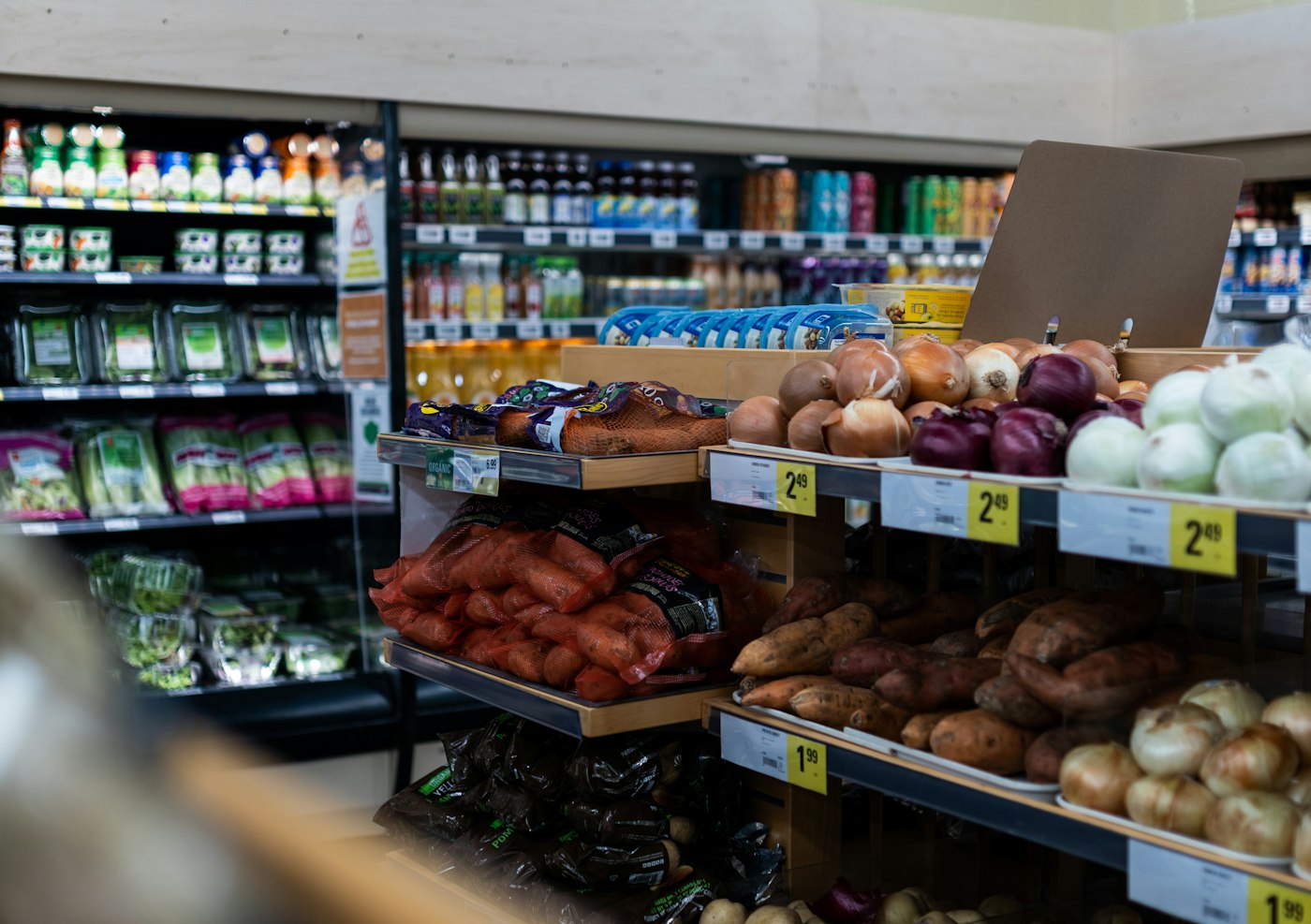
The till knows what sold, so the stock count keeps up.

03 · What a modern till adds

Till software that does the back-office jobs too.

Because the till knows exactly which product sold, it can do things an electronic till cannot. Stock drops with every sale and low-stock alerts warn you before a best seller runs out. Deliveries recorded in Purchase put stock back. Regulars who pay at the end of the week go on the Due List instead of the back of an envelope.

At the end of the month, Loss/Profit works out what the shop really made from product costs, selling prices and the expenses you record. That is a sum no electronic till can do.

Low-stock alerts

Reorder before the shelf is empty.

Customer tabs

Every regular's balance, with dates.

Real profit

After product costs and expenses.

How Stock works
Inside a small grocery store filled with produce
A till for the shop you actually run.

04 · At the counter

A shop till system your staff will pick up fast.

The checkout follows the same steps every time: add the products, check the total, apply a discount if needed, choose how the customer paid and finish. Products with barcodes scan straight in, and loose items are a tap away in the catalogue. Staff who are more at home in another language can run the till in any of more than 47.

For a small UK shop that is usually all the training needed. Run it alongside your old till for a few days before you unplug anything. If you are weighing up full EPOS packages rather than a till swap, see our EPOS system page.

Same steps every sale

Easy to learn, hard to get wrong.

Scan or tap

Barcoded and loose items both handled.

47+ languages

The till in your team's language.

How POS Sales works

Getting started

Replace your old till without closing for a day.

Most of the work is entering products, and you can do it between customers.

  1. Start the free trial on the computer or tablet that will become your till.
  2. Write down the PLU prices and departments from your old till.
  3. Add those products to the catalogue, with barcodes on packaged lines and units on loose goods.
  4. Run POS2026 next to the old till for a few days and compare the totals.
  5. Add regulars who pay later and the suppliers you buy from.
  6. When the figures agree, retire the old till and its rolls.

Questions

Common questions.

Straight answers for shop owners, based on what POS2026 actually does.

Can I use a laptop or tablet as a till?

Yes. POS2026 runs in a web browser, so a laptop, desktop computer or tablet can be your till. Phone and tablet store apps are coming soon; today you use it in the browser.

Do I still need till rolls?

Only if you want to print invoices for customers on a receipt printer. Every sale is stored in POS2026, so you no longer need a paper roll as your record of the day.

Will my cash drawer work with POS2026?

You can keep the drawer as the place for cash. POS2026 does not claim to open a cash drawer automatically, so treat it as a separate cash box.

Can my old till's departments carry over?

Recreate each department as a category in POS2026 and add the products that belong in it. You then get sales by category as well as by individual product.

How long does it take to switch from an electronic till?

Most of the time goes on entering products. A small shop can add its main lines in an afternoon and run both tills side by side for a few days until the totals agree.

Retire the till roll.

Start a free trial, add your products and run POS2026 beside your old till until the totals agree.

Explore Features Get Started