
Newsagent EPOS

A newsagent EPOS system built for the morning rush.

POS2026 gives newsagents and tobacconists a quick barcode till, live stock on confectionery, drinks, tobacco and magazines, and a Due List for customers who settle their paper bill weekly or monthly.

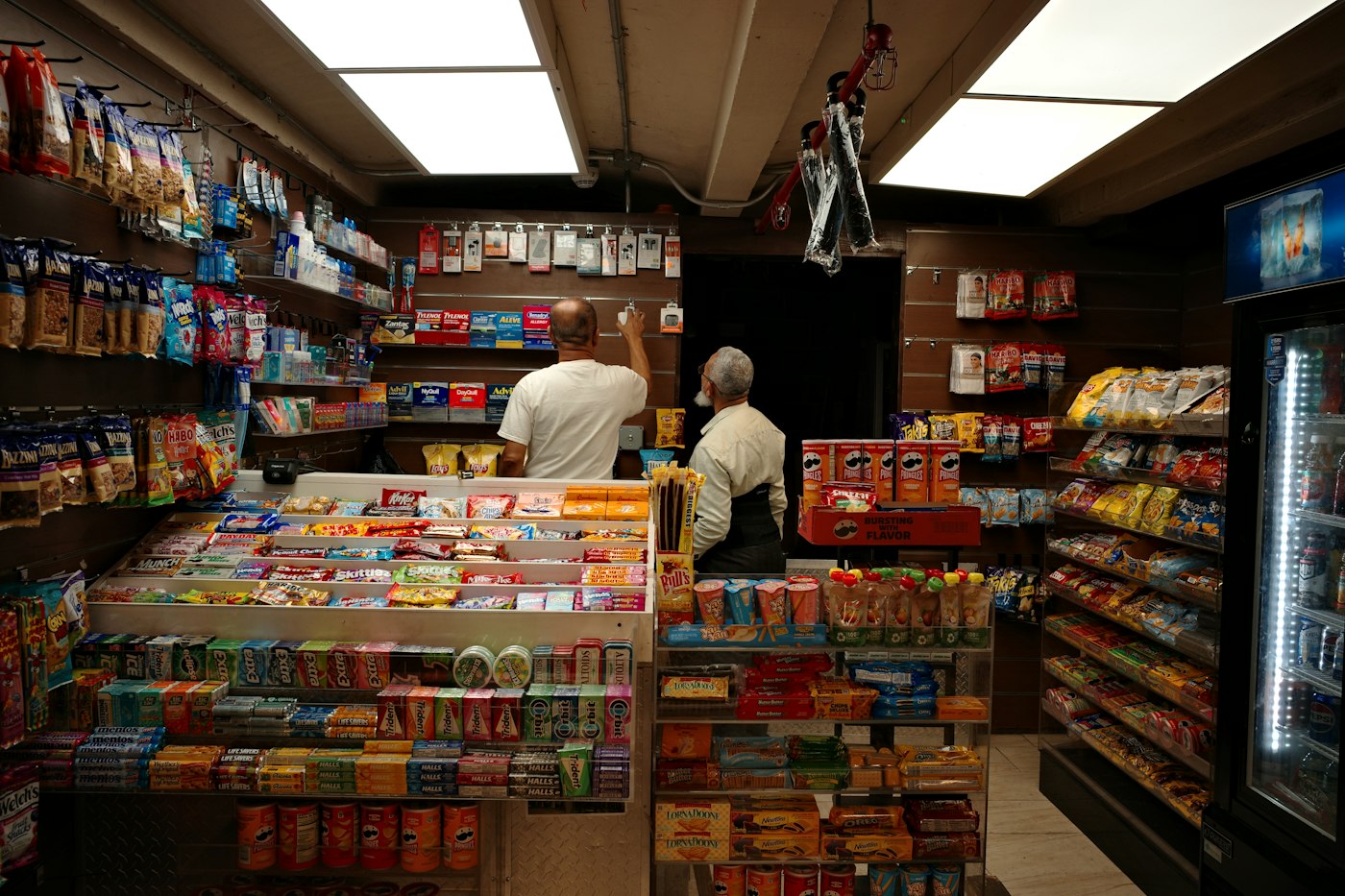
Inside a small shop with shelves of snacks, sweets and drinks
Small baskets, many customers, every one counted.

In short

A newsagent EPOS system is a till that scans each sale and keeps stock and takings accurate. POS2026 gives UK newsagents a quick barcode checkout for confectionery, soft drinks, tobacco and magazines, low-stock alerts, supplier purchase records and a Due List for customers who pay their newspaper bill each week or month.

A newsagent's day starts early and moves fast. Commuters want a paper, a drink and a bar of chocolate in under a minute. The school run brings a wave of sweets and crisps. Tobacco and lottery customers expect to be served without a wait. Each basket is small, but there are hundreds of them, and the margin on each one is slim.

A good till makes those hundreds of sales quick and keeps the records straight behind them. POS2026 scans each item, lowers the stock count, records the takings and keeps a running tab for customers who have their paper put by and settle up at the end of the week or month. At closing you can see what sold, what is running low and who still owes the shop.

Why newsagents switch

The pressures on a newsagent's counter.

Hundreds of small sales a day leave little room for a slow till or a missing line.

  • Queues at peak times

    The morning commute and the school run arrive in waves. A slow till turns a quick visit into a reason to shop elsewhere.

  • Fast lines running out

    Popular chocolate, soft drinks and tobacco brands sell steadily all day. Find the gap at five o'clock and the evening trade is lost.

  • Paper bills in a ledger

    Customers who pay weekly or monthly have traditionally lived in a book behind the counter. Totals drift, pages go missing and settling up gets awkward.

  • Small margins on big sellers

    Tobacco and newspapers bring people in but earn little on each sale, so knowing which lines actually make money matters more than total takings.

Two smiling workers behind a counter with a point-of-sale screen
Scan, pay, next customer.

01 · Quick checkout

A newsagent till system that keeps up with the rush.

Most of what a newsagent sells already carries a barcode, so add it to the catalogue once and it scans straight into the sale. Papers and magazines can be scanned or picked from their own category in a tap. Record how the customer paid, print the invoice where a printer is set up and move on to the next customer.

Because the steps never change, a Saturday helper can learn the till in a few minutes.

Barcode scanning

Sweets, drinks, crisps and tobacco scan in one movement.

Quick categories

Papers, magazines and loose items a tap away.

Invoice printing

A printed receipt for anyone who asks, where a printer is set up.
How POS Sales works
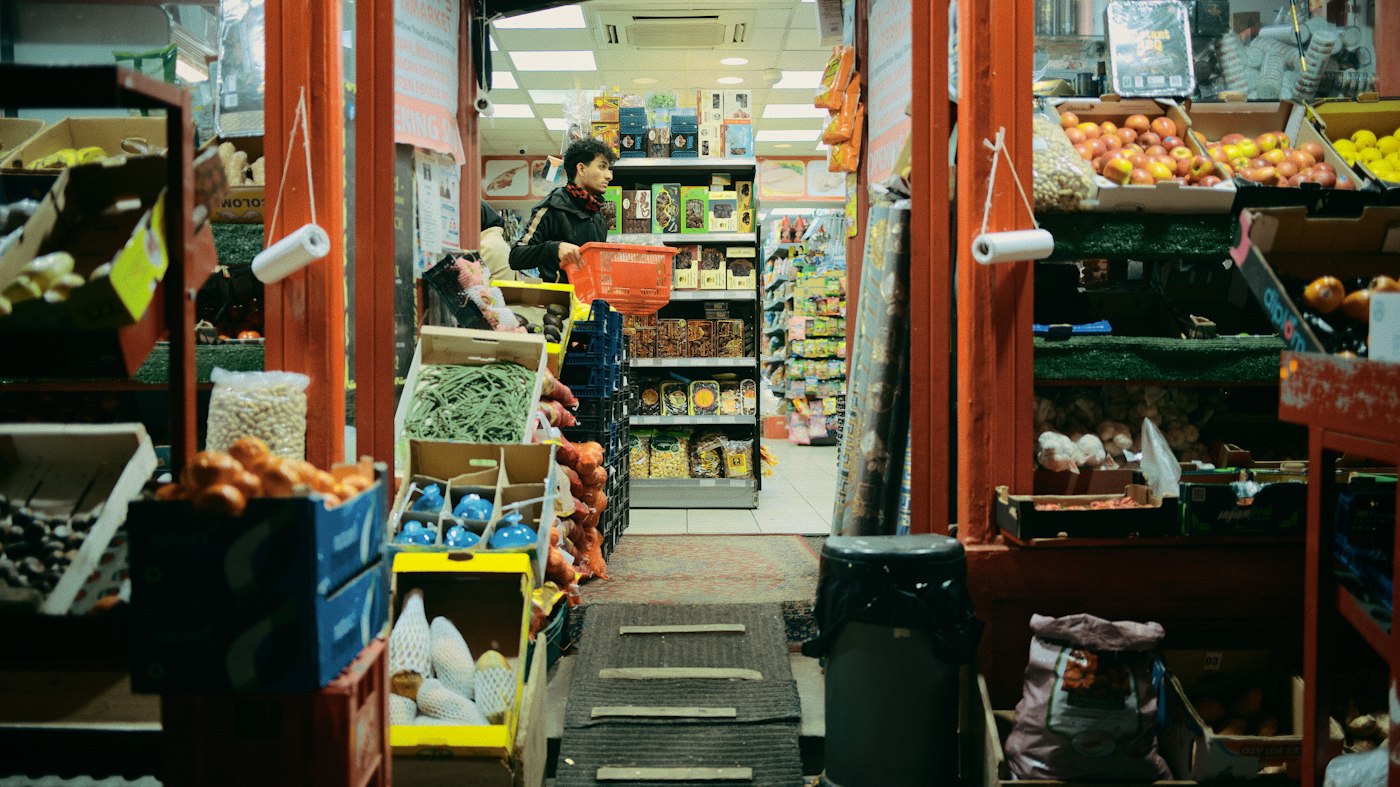
A narrow shop aisle packed with stocked shelves and boxes of goods
Every bar, can and pack counted as it sells.

02 · Confectionery, drinks and tobacco

Know what the gantry and the fridge are short of.

Every sale reduces stock, so the count for each chocolate bar, soft drink and tobacco line stays current. Set a low-stock level on the brands regulars ask for and POS2026 flags them before they run out, in time to top up from the cash and carry or add them to the next wholesaler order.

Tobacco usually sits out of sight behind the counter, which makes a glance along the shelf less useful. Comparing the gantry with the count on screen takes a minute, and any difference can be put right with a stock adjustment.

Low-stock alerts

A flag on each brand before it runs out.

Stock adjustments

Correct the count after a check of the gantry.

Stock reports

What you hold, what is low and what has moved.

How Stock works
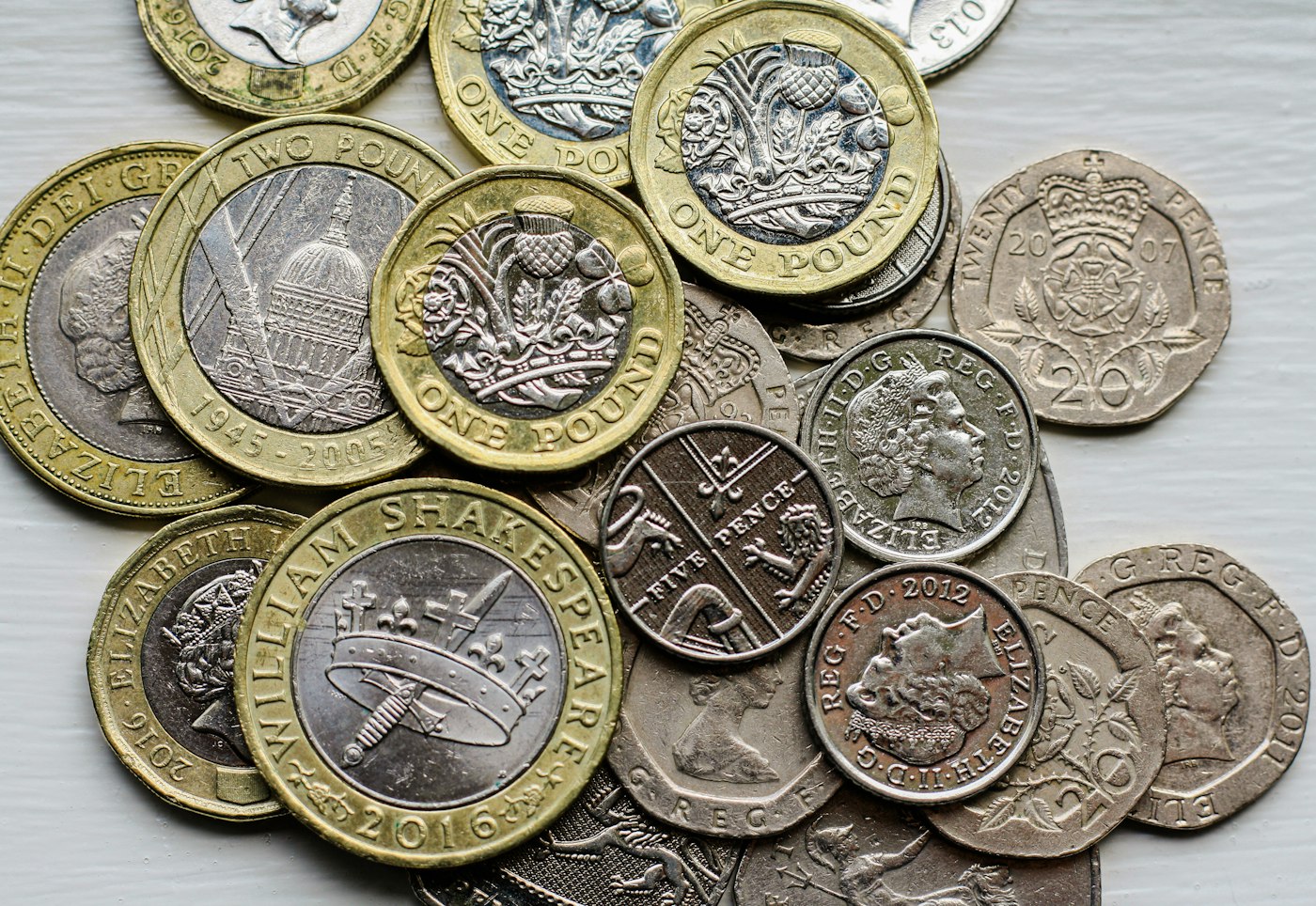
A pile of British pound and penny coins on a table
Every paper bill in one list, not one book.

03 · Weekly and monthly bills

Paper bills settled weekly or monthly, without the ledger.

When a customer has their newspaper and magazines put by and pays later, record each sale against their customer record. The running total appears on the Due List with the date it is due, and reminders prompt you when it is time to settle up. When they pay, record the payment and the balance clears, with the full history on their record if they ever query a bill.

If you deliver papers, POS2026 can still hold what each customer owes, but it does not plan delivery rounds or print round sheets, so keep your round book for the routes.

Due List

Every customer who owes for papers, with the amount and date.

Customer records

Name, contact details and payment history for each account.

Reminders

A prompt when a weekly or monthly bill falls due.

How Due List works
A person reviewing charts on a laptop while holding a cup of coffee
See which categories carry the shop.

04 · Magazines and margins

Magazines, returns and what really makes money.

Magazines arrive in small quantities and unsold copies often go back to the wholesaler. Record copies going back as a stock adjustment so the count stays honest, and use product reports to see which titles actually sell through.

Loss/Profit shows profit after product costs and the expenses you record, such as rent, energy and wages, so you can compare what confectionery and soft drinks earn with tobacco and news.

Returns as adjustments

Unsold copies taken out of stock when they go back.

Product reports

Which titles and brands sell, with filters and export.

Loss/Profit

Profit by period after costs and expenses.

How Loss/Profit works

Getting started

Open tomorrow on a new till.

Set up the busiest lines tonight and add the rest over the week.

  1. Start your free trial and set the currency to pounds sterling.
  2. Add your best-selling confectionery, drinks and tobacco lines with their barcodes.
  3. Create categories for newspapers, magazines and anything you pick by hand.
  4. Set low-stock alerts on the brands regulars ask for most.
  5. Add customers who pay a weekly or monthly bill, with any balance they owe today.
  6. Ring up the first paper and coffee of the day on POS Sales.

Questions

Common questions.

Straight answers for shop owners, based on what POS2026 actually does.

Does POS2026 connect to the lottery or PayPoint terminal?

No. Lottery, PayPoint and other bill payment terminals are separate systems and POS2026 does not connect to them. You can record the commission you receive as other income, so it is counted in your profit figures.

Can it manage newspaper delivery rounds?

No. POS2026 does not plan delivery rounds or print round sheets. It does keep track of what each customer owes for their papers on the Due List, with reminders when a bill falls due.

Does it work as tobacconist EPOS?

Yes. Tobacco, cigars, papers, lighters and vaping products can be set up with barcodes and counted like any other line. POS2026 does not handle age verification, so age checks remain with your staff. See also our vape shop EPOS page.

Do I need to buy a new till?

No. POS2026 runs in a web browser on a computer, laptop or tablet you already have. A barcode scanner and receipt printer make a busy counter quicker but are optional, and POS2026 is not a card processor, so your card machine stays as it is.

Can I try it before I pay?

Yes. There is a free trial, and new accounts also get a 30-day money-back guarantee on their first payment. You will see the plans and their prices inside the app.

A quicker counter from tomorrow morning.

Start your free trial, scan in your best sellers tonight and serve the first commuter on POS2026.

Explore Features Get Started