POS system UK

A UK POS system made in London for the shops on your high street.

Westferry Times Ltd builds POS2026 in London. It works in pounds sterling and fits the way British independents trade, from the corner shop that opens at six to the cash and carry serving the trade.

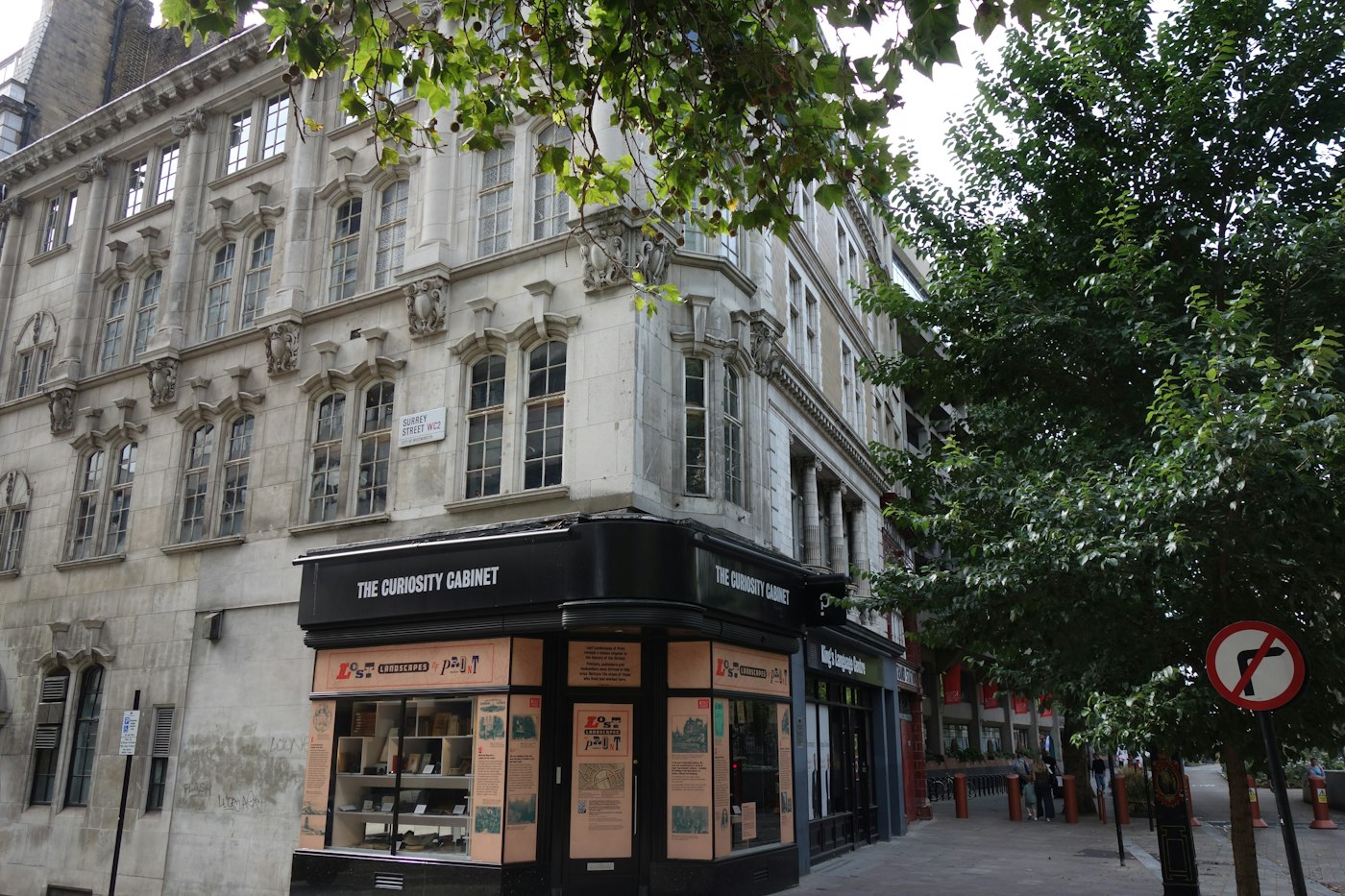
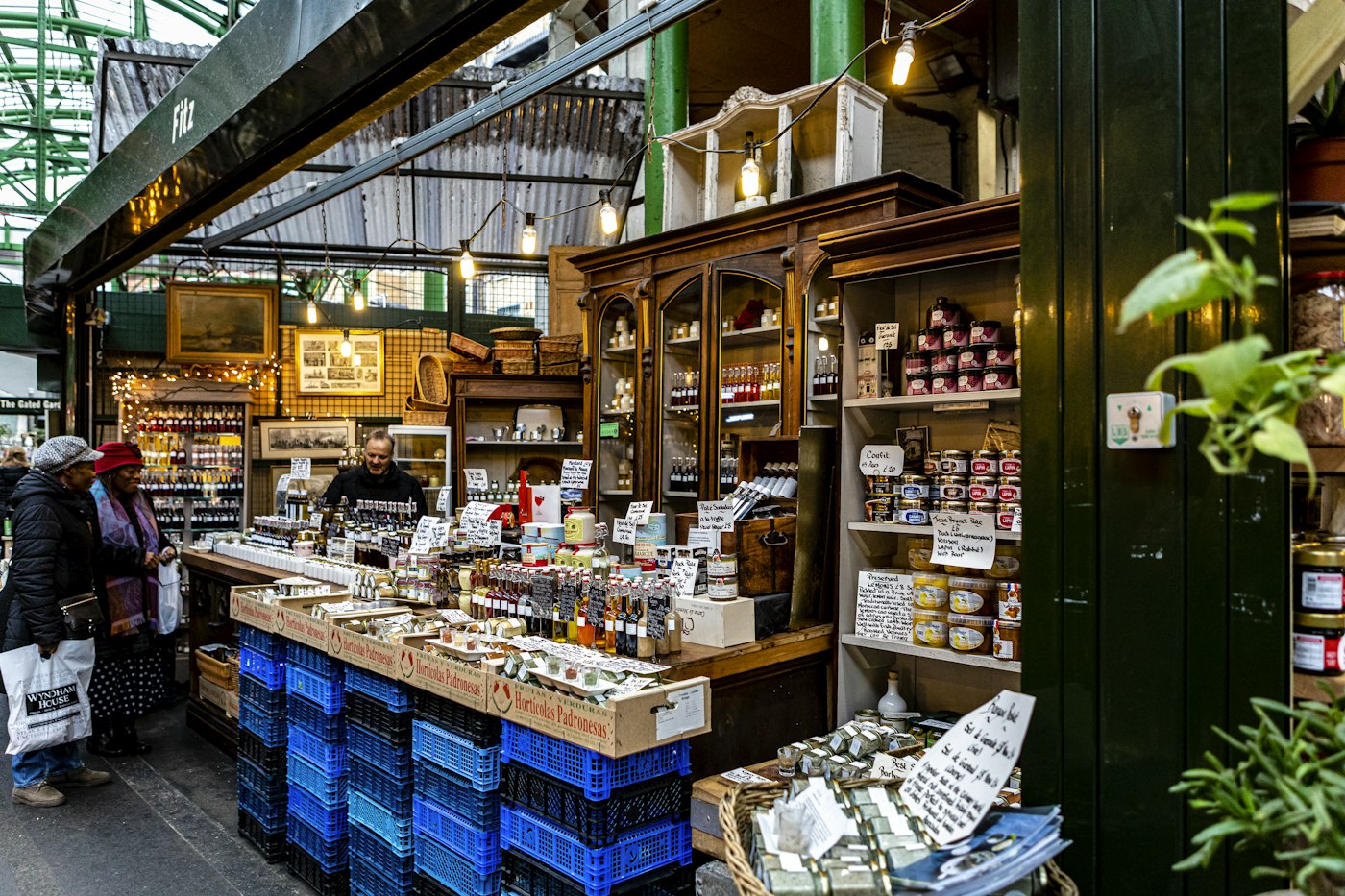
A small independent shop on a street corner in London
Built for independents like this one.

In short

POS2026 is a UK POS system made by Westferry Times Ltd, a company registered in England and based in London. It runs in a web browser, works in pounds sterling through its currency settings, and covers checkout, stock, supplier purchases, customer credit, expenses and profit. It suits corner shops, off licences, newsagents and cash and carry businesses.

UK independents have their own rhythm. The corner shop that opens early for papers and milk. The off licence that does much of its week on Friday and Saturday evenings. The newsagent with a list of regulars who settle up at the end of the month. The cash and carry whose trade customers expect an account. Plenty of POS software is designed for other markets first and adapted for British shops afterwards.

Prices and records are kept in pounds sterling through the currency settings, and the modules focus on the work British shops do every day: fast checkout, stock that matches the shelf, supplier deliveries, and customers who pay later.

UK shop life

What UK independents need from a till.

Call it EPOS or POS, UK shops ask the same few things of it.

  • Early starts and late finishes

    Long opening hours mean several people on the till. The checkout has to be simple enough for whoever is covering.

  • Regulars on account

    Paper bills, a builder with a monthly account, the neighbour who pays on Friday. The tab has to add up.

  • Freedom over the card machine

    Many shops already have a card machine agreement. Changing the till should not force a change of card provider.

  • Margins under pressure

    Rising supplier prices, energy bills and rent make it essential to know the real margin, not just the takings.

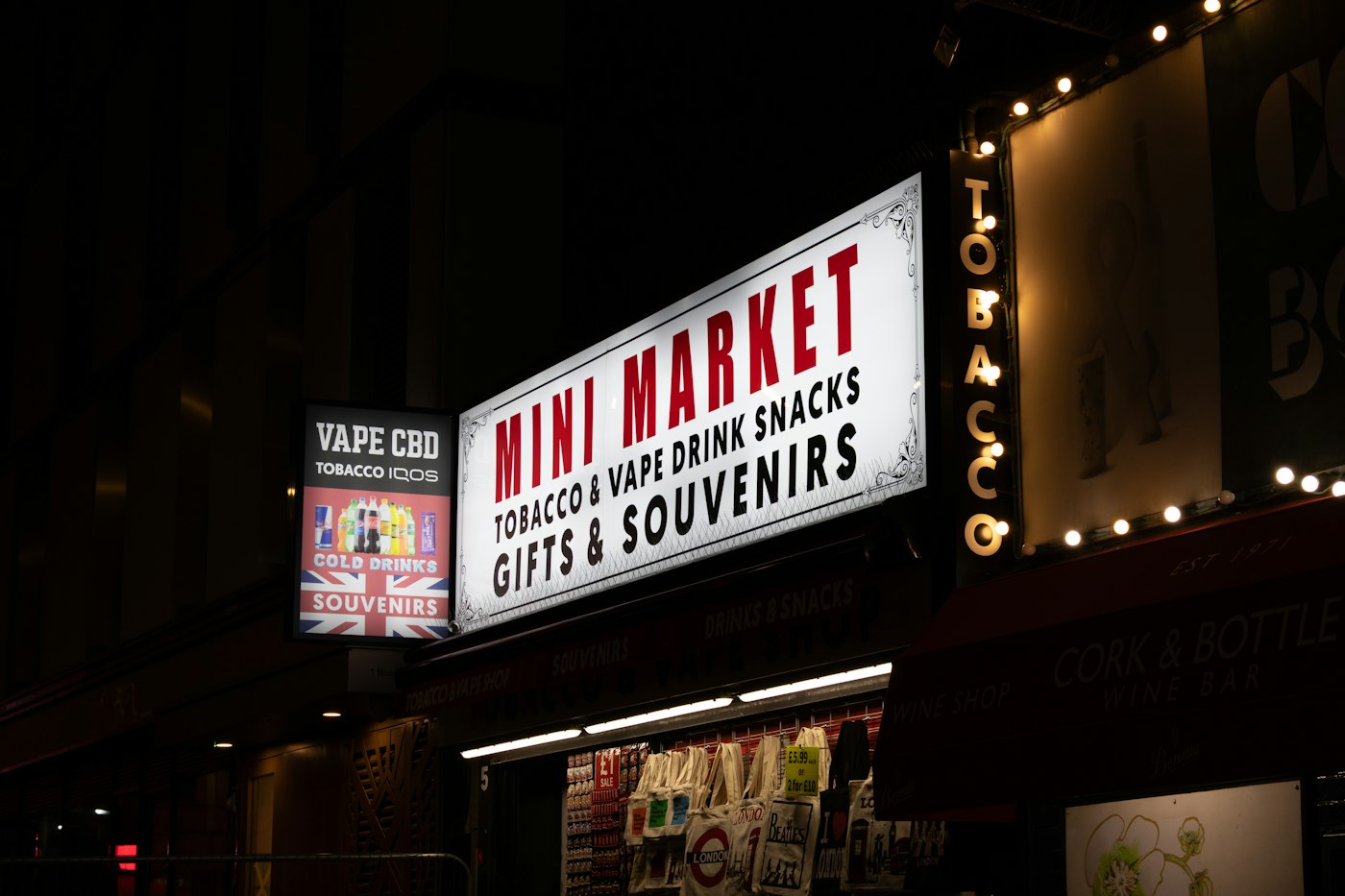
Mini market sign lit with bulbs at night
Open early, close late, with one till everyone can use.

01 · Corner shops and newsagents

Corner shop and newsagent EPOS for the morning rush.

Scan barcoded lines straight into the sale, pick loose or unbarcoded items from the catalogue, and print the invoice where a receipt printer is set up. Low-stock alerts flag the morning essentials before the shelf empties, and the Due List keeps track of newspaper bills and regulars who settle up weekly or monthly. Our newsagent EPOS page goes into more detail.

POS2026 does not manage newspaper delivery rounds, so treat paper bills as customer accounts: record each week's papers as a sale against the customer and let the Due List show the balance.

Barcode checkout

Scan, take payment, print, next customer.

Low-stock alerts

Know what is running low before you open.

Paper bills and accounts

Balances owed by regulars, with deadlines and reminders.
How Due List works
Packaged goods on a wooden shop shelf
Know which lines carried the weekend.

02 · Off licences

Off licence EPOS for busy weekends.

An off licence often earns much of its week in a few evenings. A fast checkout keeps the Friday queue moving, product categories keep wine, beer, spirits and soft drinks apart in your reports, and the sales report shows which lines carried the weekend. Purchase history shows what each supplier charged, which matters when duty or wholesale prices change.

POS2026 does not include age-verification prompts, so keep your Challenge 25 routine at the counter as you do now. See off licence EPOS for more.

Categories

Wine, beer, spirits and soft drinks reported separately.

Weekend sales

See which lines carried Friday and Saturday.

Supplier prices

Purchase history when prices change.

How Report works
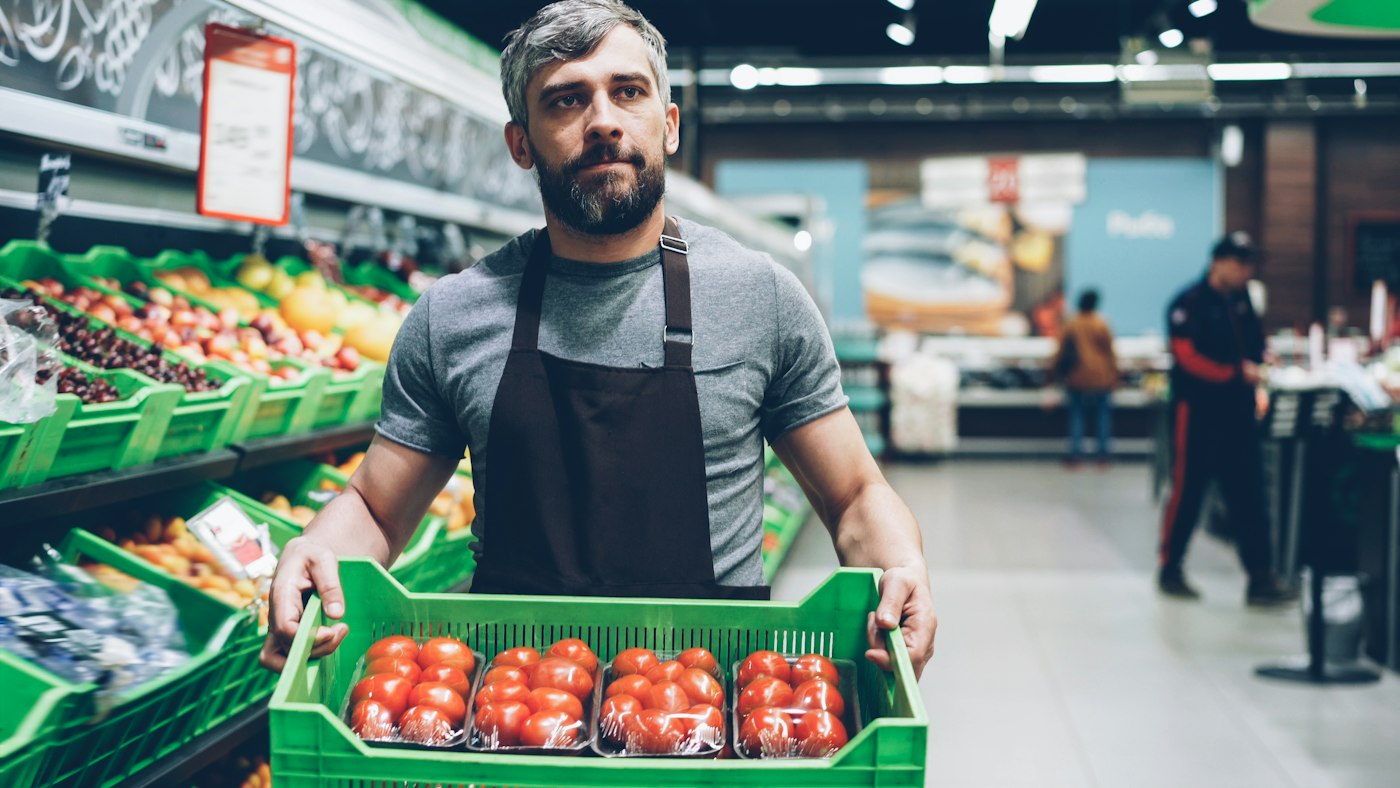
Grocery store worker holding a box of tomatoes
Sold by the case, recorded on the account.

03 · Cash and carry

Cash and carry and trade counters on account.

Trade customers buy in bulk and often on account. Record each sale against the customer, and the Due List shows what every account owes and when it is due, with automated reminders around the deadline. Set up a case and a single as separate products, each with its own unit, price and barcode, so both scan correctly at the counter.

Any sale can be turned into an invoice for customers who need paperwork, and Purchase keeps track of what is coming in from your own suppliers.

Trade accounts

Balances, deadlines and reminders for each customer.

Cases and singles

Separate products, each with its own unit and price.

Invoices

Generate an invoice for any sale.

How Parties works
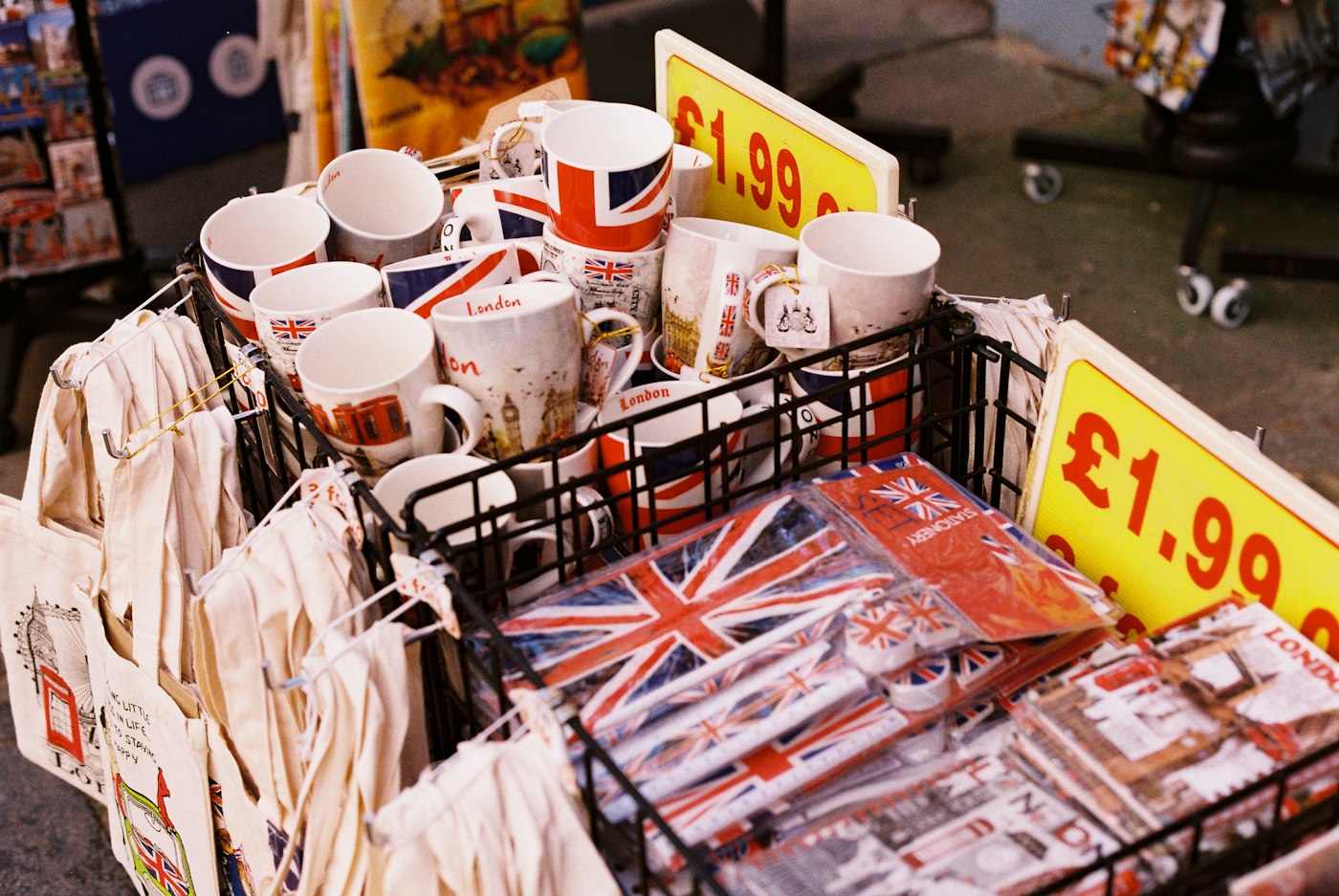
Mugs and souvenirs with Union Jack designs and a price label
Priced in pounds, recorded in pounds.

04 · The UK details

Pounds, card machines and VAT.

Set pounds sterling as your base currency and the till, invoices and reports follow it. UK POS software should not tie you to one card provider either: POS2026 is not a card processor, so you keep the card machine and provider you already have and record how each customer paid. A barcode scanner and receipt printer are optional, and nothing needs installing because the app runs in a browser.

POS2026 does not file VAT returns or connect to Making Tax Digital. Your accountant or bookkeeping software handles that, and you can export reports for them. For quick sums at the counter, the VAT calculator adds or removes VAT.

Pounds sterling

Base currency set in the currency settings.

Keep your card machine

POS2026 does not process card payments.

Reports for your accountant

Export sales, payments and expenses.

How Multi Currency works

Getting started

Set up a UK shop in an afternoon.

Start with your fastest sellers and add the rest of the range as you go.

  1. Start the free trial at my.pos2026.com.
  2. Set pounds sterling as your currency and choose your language.
  3. Add products with prices, barcodes and categories, starting with your fastest sellers.
  4. Record opening stock and set low-stock levels on daily essentials.
  5. Add regular customers on account and your main suppliers.
  6. Make your first sale and record how the customer paid.

Questions

Common questions.

Straight answers for shop owners, based on what POS2026 actually does.

Is POS2026 a British POS system?

Yes. POS2026 is made by Westferry Times Ltd, a company registered in England (company number 15650312) with its office in London E1.

Does POS2026 work in pounds sterling?

Yes. Set pounds sterling as your base currency in the currency settings, and prices, invoices and reports follow it.

Is POS2026 HMRC or MTD compatible?

POS2026 does not file VAT returns and does not claim Making Tax Digital compatibility or any certification. Use your accountant or MTD-compatible software for VAT returns, and export reports from POS2026 to support them.

Can I keep my existing card machine?

Yes. POS2026 is not a card processor and does not connect to card terminals, so you take the payment on your card machine as now and record the payment method on the sale.

Where is my data stored?

This page makes no claim about where data is hosted. The Privacy Policy, linked at the foot of every page, explains how data is handled, and you can email support@pos2026.com with specific questions.

Is it a POS system for London shops only?

No. It works for shops in London and anywhere else in the UK. POS2026 runs in a web browser, so any shop with an internet connection and a computer, laptop or tablet can use it.

A London-made POS for UK independents.

Start your free trial, set pounds sterling and make your first sale today.

Explore Features Get Started