EPOS system

An EPOS system for UK shops that runs the whole business.

POS2026 is an EPOS system made in London for independent shops: a till that records every sale, with stock, suppliers, customer accounts, expenses and profit behind it, in one browser-based app you can try free.

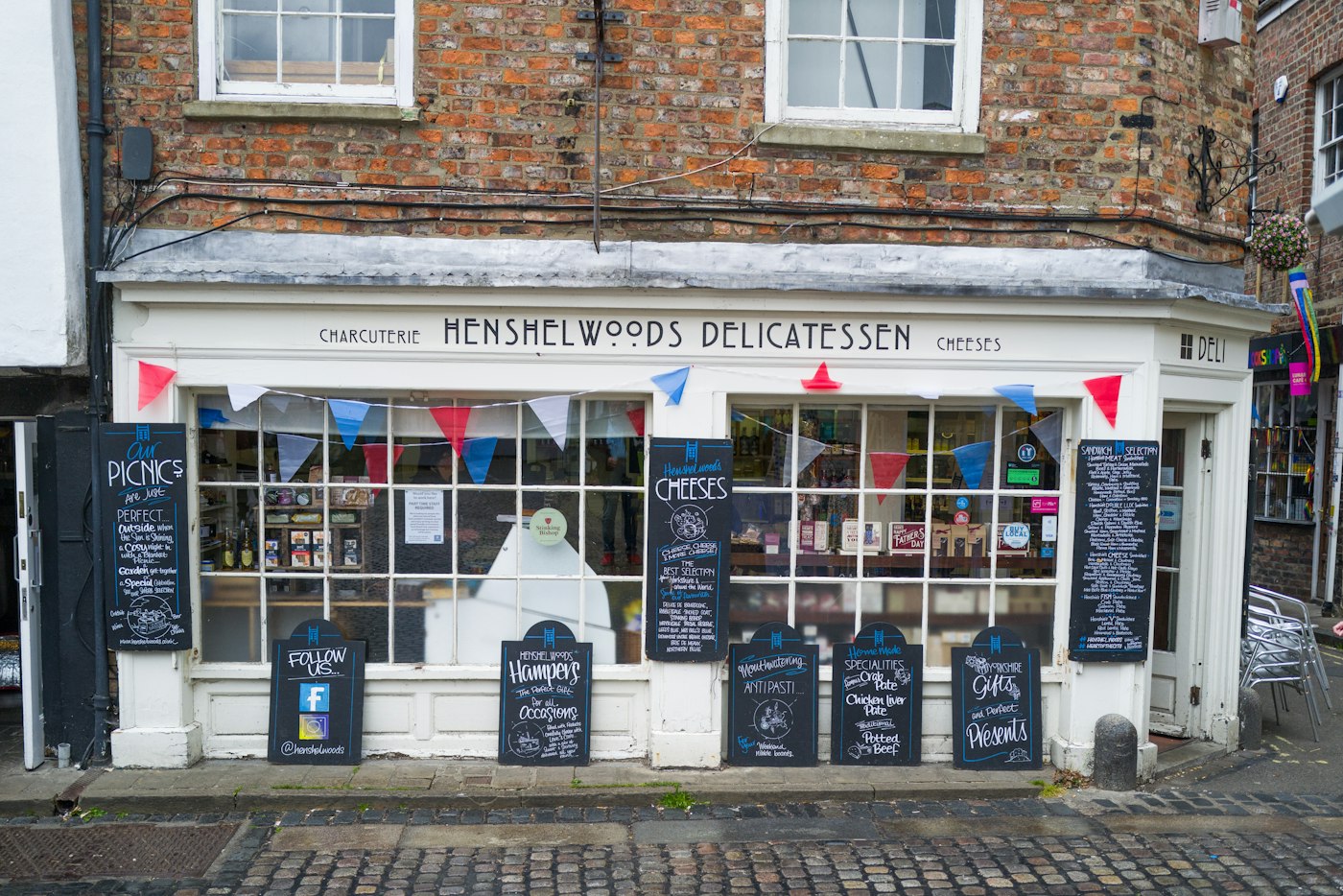
A shop front with signs above the window
An EPOS system should fit the shop, not the other way round.

In short

POS2026 is an EPOS system for small independent UK shops. It combines a barcode-ready till with stock control, supplier purchases, customer credit, expenses and profit reports, all sharing one set of records. It runs in a web browser on a computer or tablet you already own, works alongside any card machine, and is billed as a subscription with a free trial.

If you are comparing EPOS systems, you probably know the basics already: the till records the sale and the software keeps the numbers. (If not, our guide to what EPOS means covers it.) The real differences between systems are what comes with the till, what you are tied into, and how much of the back office you still run on paper.

POS2026 is our answer for the small UK shop. One subscription covers the EPOS till and the back-office modules behind it. There is no hardware to buy from us, no card processing contract and no separate stock or invoicing package to bolt on. Below is what is included, what is not, and how to tell within a week whether it suits your shop.

Before you sign anything

Common EPOS traps for small UK shops.

Most of the cost and frustration of an EPOS system shows up after the demo, not during it.

  • Tied to one card provider

    Some EPOS packages only work with their own card machine and their own rates. Switching the till later means switching how you take payments too.

  • Hardware you have to finance

    Bundled terminals on long agreements can outlast your patience with the software that came with them.

  • Paying extra for the basics

    Stock control, customer accounts and invoices sometimes sit in add-ons or separate apps, each with its own login and its own copy of your products.

  • Menus only some staff can read

    In many UK shops the team speaks several languages between them. An English-only till slows down the people who are not native speakers.

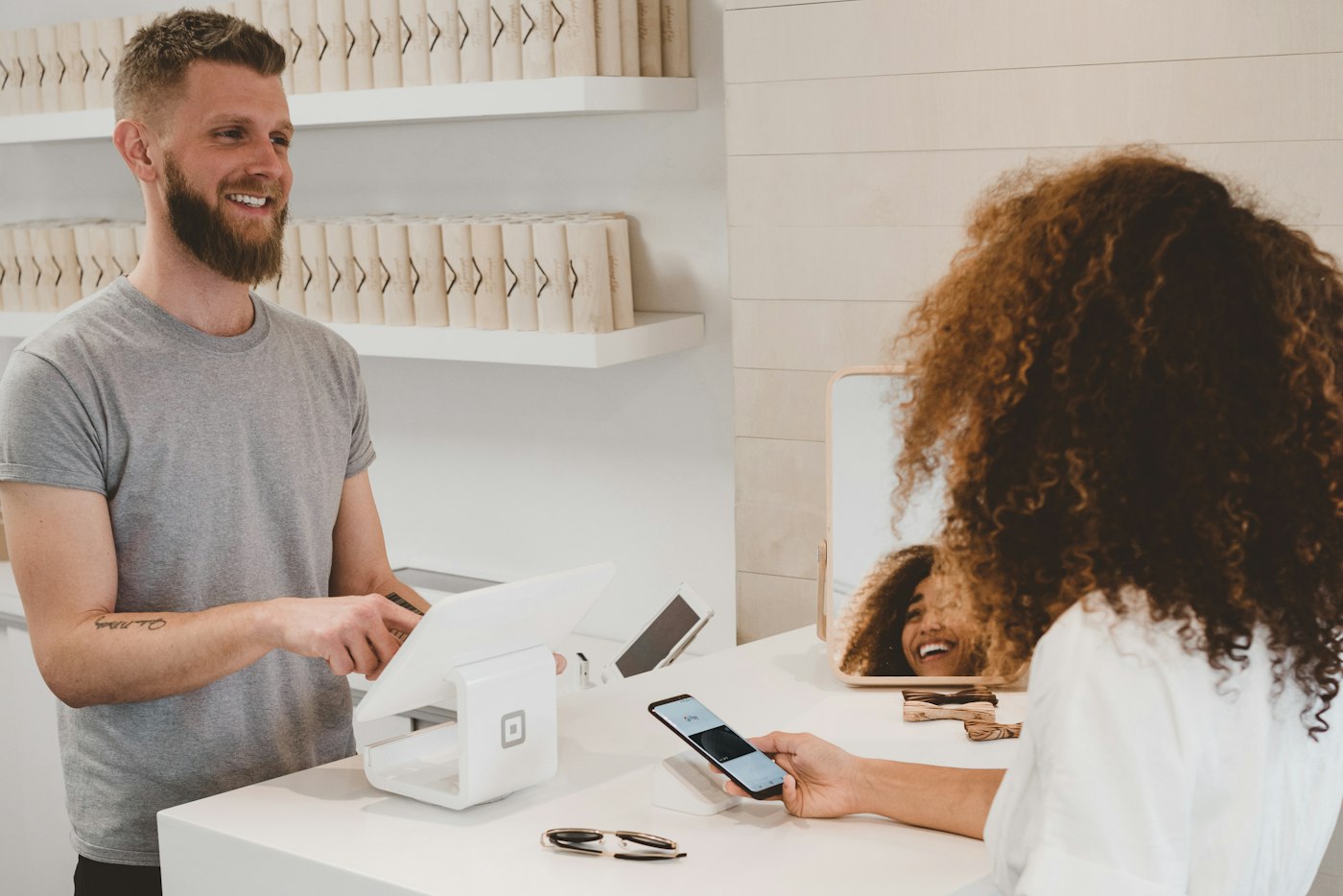
Shop worker smiling at a customer across the counter
One app from the first sale of the day to the last report.

01 · What is included

The EPOS till and the back office, together.

The till itself is POS Sales: scan or tap products into the sale, apply a discount, record how the customer paid and print the invoice where a printer is connected. Behind it sit Products, Stock, Purchase, Parties, the Due List, Income, Expense, Loss/Profit, Report and the Dashboard, all working from the same records.

Multi-branch working is available on the plans that include it, and plan prices are shown in the app when you sign up.

EPOS till

Fast checkout with barcode scanning, discounts and many payment methods.

Stock and purchases

Levels, low-stock alerts, adjustments and supplier orders.

Profit and reports

Profit after costs and expenses, plus filtered, exportable reports.
How POS Sales works
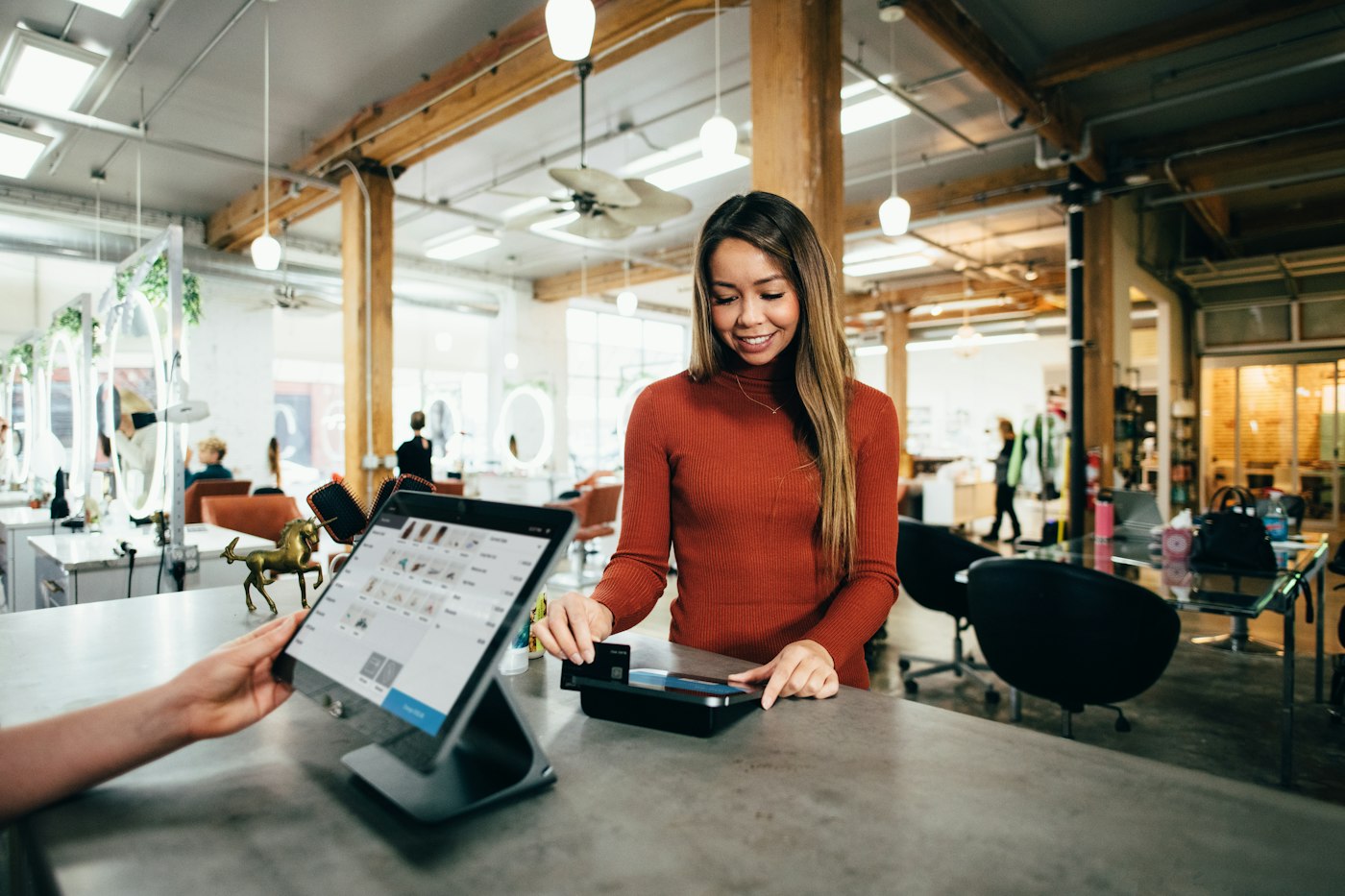
Woman in a rust-coloured jumper paying by card at a salon counter
Take the card on your own terminal; POS2026 records how they paid.

02 · No lock-in

Keep your card machine and the kit you already own.

Many EPOS deals in the UK are really card-processing deals with a till attached. POS2026 works the other way round. It is billed as a subscription through Stripe and takes no fee on your sales. Take the card payment on whichever terminal you use today, choose card in POS2026, and the sale is saved with its payment method.

Because it is EPOS software that runs in a web browser, the till can be a desktop computer, a laptop or a tablet. If the counter computer fails, sign in on another device and carry on with the same records.

Any card provider

Record card, cash and the other methods your account is set up for.

Runs in a browser

Nothing to install on the till computer.

Scanner and printer optional

Add them when the shop needs them, and test them in the free trial.

How Sales works
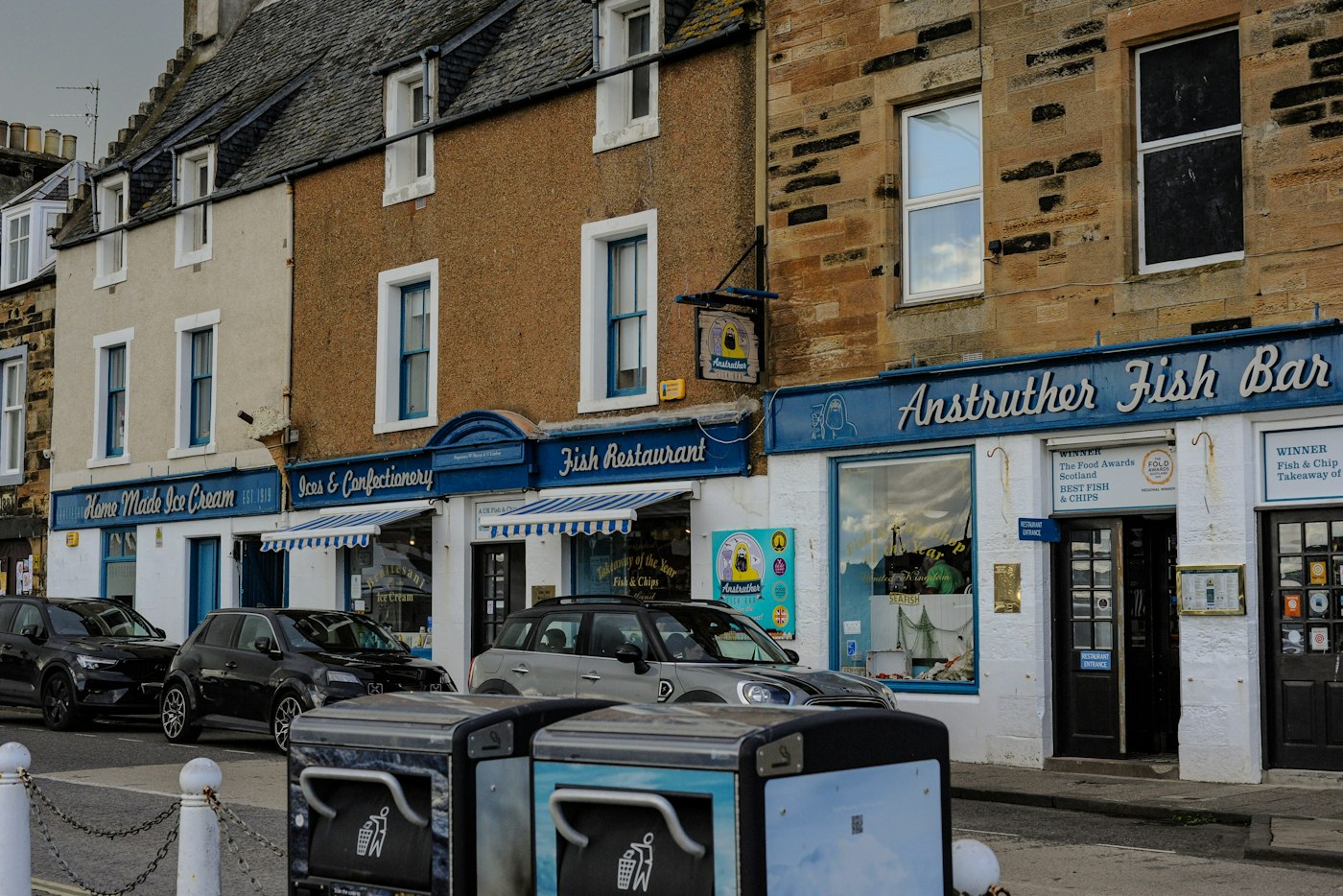
Street of small shops and restaurants with parked cars in Anstruther
Independent high streets run on regulars and well-kept stock.

03 · Built for UK shops

Made in London for the way independents trade.

The team behind POS2026, Westferry Times Ltd, is based in London. The app is set up for the things UK independents actually do: regulars who settle up on Friday, runs to the cash and carry, loose goods sold by the kilogram next to packaged lines, and a team that may not all share a first language.

Set pounds sterling as your currency and invoices and reports follow it; then choose the language for the till from more than 47. If you mainly want a straight swap for an old electronic till, our till system page covers that route.

Customer accounts

The Due List tracks what regulars owe, with deadlines and reminders.

Wholesaler purchases

Record each cash and carry run or delivery against the supplier.

Units that fit the stock

Sell by the item, the pack or the kilogram.

How Due List works
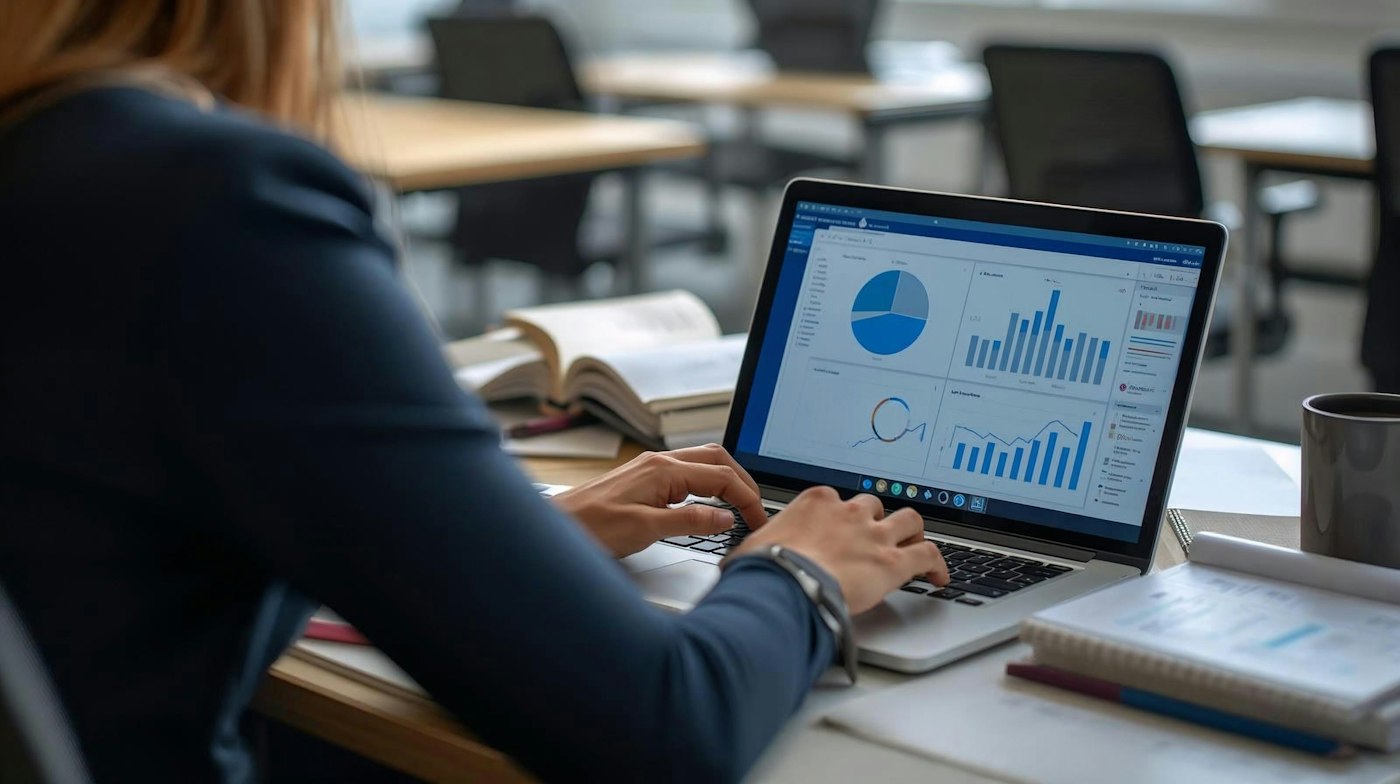
Woman working on a laptop showing charts and graphs
Judge an EPOS on the numbers it gives back to you.

04 · Choosing well

How to judge the best EPOS system for your small business.

There is no single best EPOS system for every small business in the UK. A café needs table service, a convenience store needs speed and stock alerts, a gift shop needs a tidy catalogue. POS2026 is a retail EPOS. It does not do table plans, kitchen screens, loyalty schemes or gift cards, so if those are central to your trade, look elsewhere.

For a retail shop, test every system on your shortlist against a normal week: ring up a busy hour, record a delivery, put a sale on a customer's account and check the end-of-day figures. With POS2026, the free trial and the stock control tools let you do all of that before you pay. For a side-by-side look at other UK options, see our best EPOS systems in the UK comparison.

Check the end-of-day numbers

Sales by product and by payment method, filtered to the day.

Check the links

Does one sale update stock, income and the customer balance?

Check the safety net

New accounts get a 30-day money-back guarantee on their first payment.

How Report works

Getting started

Try it as your EPOS for a week.

Run it beside your current till before you commit to anything.

  1. Start the free trial in your web browser.
  2. Set pounds sterling and your language in the settings.
  3. Add your 50 best-selling lines with prices and barcodes.
  4. Enter today's stock on those lines and set low-stock levels.
  5. Ring up real sales for a few busy hours alongside your old till.
  6. Compare the day's sales report with your cash and card totals.

Questions

Common questions.

Straight answers for shop owners, based on what POS2026 actually does.

Do I need to buy an EPOS till from you?

No. POS2026 does not sell hardware. It runs in a web browser, so a computer, laptop or tablet you already own can be the till. A barcode scanner and receipt printer are optional; test yours during the free trial.

Does POS2026 work with my card machine?

It works alongside it rather than connected to it. POS2026 is not a card processor and does not integrate with card terminals. Take the payment on your terminal as usual and record the payment method on the sale.

What is the difference between EPOS and POS?

In the UK, EPOS (electronic point of sale) is the usual name for a computerised till system; POS is more common in the US. They describe the same thing. Our guide to what EPOS is explains more.

Is there an EPOS system with no monthly fee?

Some systems advertise no monthly fee and earn through card rates or hardware instead. POS2026 is a subscription and takes no fee on your sales. Plans and prices are shown in the app, and new accounts get a 30-day money-back guarantee on the first payment.

Can I use POS2026 as the EPOS for more than one shop?

Yes, if your plan includes multi-branch. Stock can be transferred between branches, with the move recorded at both ends.

Put POS2026 on your counter for a week.

Start the free trial, add your best sellers and see how it handles a real day's trade.

Explore Features Get Started