
Stationery shop POS

The stationery shop POS system for thousands of small items.

POS2026 helps stationers and office supply shops keep a huge range of small items counted, sell to schools and businesses on account, and produce an invoice for every order, using nothing more than a web browser.

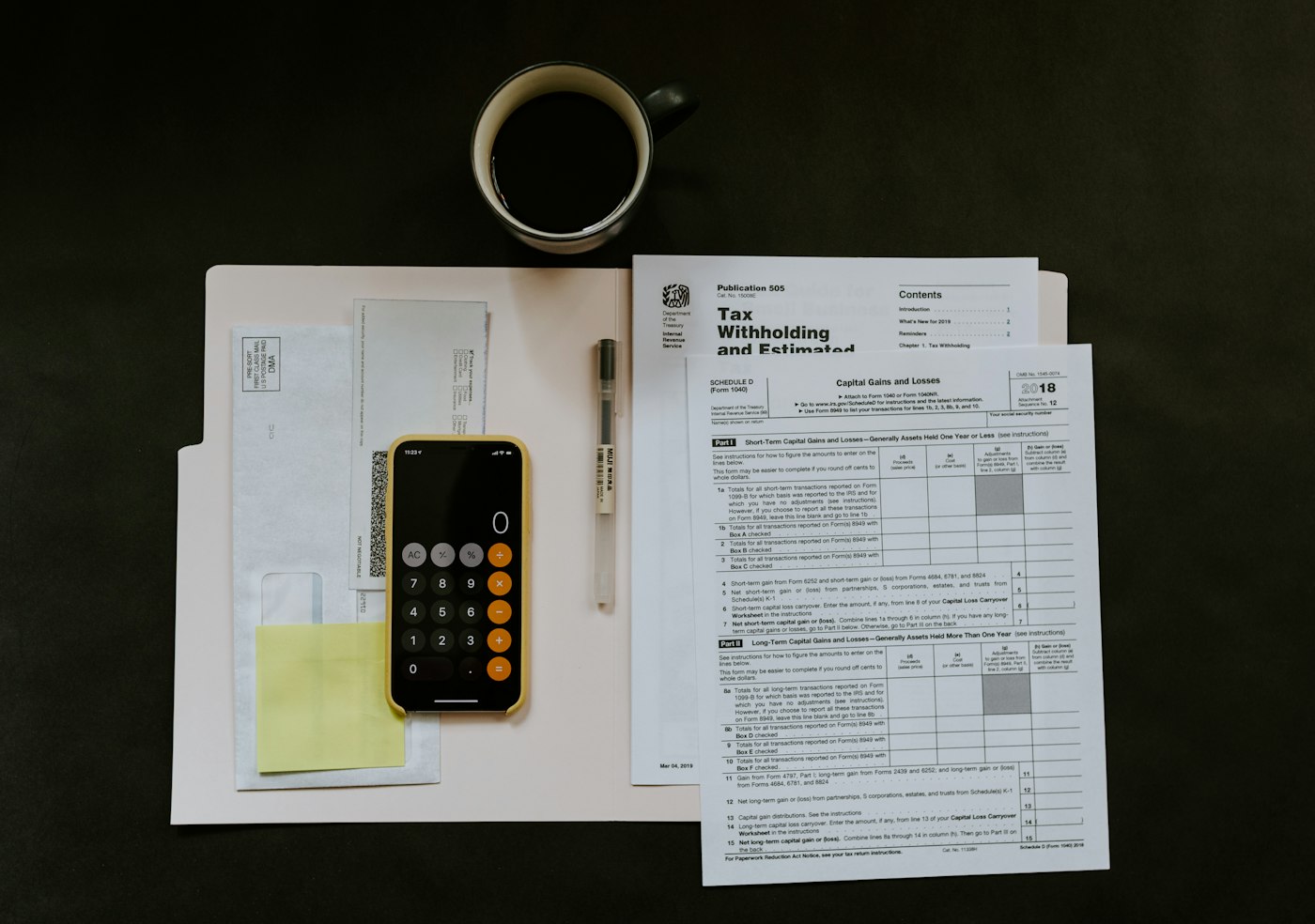
A smartphone and a ballpoint pen on top of paperwork and a white folder
Small items, long lists and customers who pay on invoice.

In short

A stationery shop POS system needs to handle thousands of small, low-priced items, sell to schools and offices on account, and produce invoices those customers can pass to whoever pays. POS2026 brings barcode checkout, separate products for singles, packs and boxes, customer balances on the Due List and an invoice for any sale into one browser-based app.

Stationery is a trade of small things in large numbers. Pens by the single and the box, paper by the ream, envelopes in a dozen sizes, files, folders, ink and greeting cards: thousands of lines in a modest shop. Most cost little, which makes them easy to under-count and easy to ignore until a shelf is empty.

Alongside the walk-in trade, many stationers supply local schools, offices, churches and clubs, who buy regularly and pay on invoice. Those accounts are valuable, but only if every order is recorded and every balance is followed up. POS2026 brings the shop and the accounts together: one catalogue, one till, a record for each account customer and a list of everything still owed.

Why stationers switch

Low prices, huge ranges and customers who pay later.

Each item is small. The range, the accounts and the paperwork are not.

  • Thousands of low-value lines

    With so many small items, a few missing here and there are hard to spot, and they add up over a year.

  • Singles, packs and boxes

    The same pen sold singly, in a pack of ten and by the box makes the stock count confusing.

  • Account customers who need invoices

    Schools and offices usually cannot pay without a proper invoice, and a missing one delays the money.

  • The back-to-school crush

    Late summer brings a rush for pencil cases, calculators and exercise books. Run short and parents shop elsewhere.

Packaged stock on a brown wooden shop shelf
Every line on the system, every pack counted.

01 · Thousands of small items

A catalogue big enough for every pen, pad and envelope.

Add lines with their barcode, price and a category such as Writing, Paper, Filing, Art supplies or Cards. Branded stationery usually carries a barcode, so it scans straight into the sale, while loose pencils and erasers can be found on screen by their picture.

Where you sell the same item singly and by the pack or box, set each up as its own product with the right unit, so each count stays accurate and the till charges the right price. Stock reports then let you count a huge range one section at a time.

Scan branded lines

Barcodes printed on the pack scan straight in.

Singles, packs and boxes

One pen, a pack of ten or a box of fifty, priced and counted apart.

Sections as categories

Writing, paper, filing, art and cards.

How Products works
A man standing in front of a large building
Schools and offices that buy regularly, on account.

02 · Schools and offices on account

Stationery store billing for schools and offices.

Give every school, office and club its own record in Parties: the teacher or office manager who places orders, and the bursar or accounts contact who pays. Purchases go against that record, and anything bought on terms adds to a balance listed on the Due List next to the date it should be paid by.

A cheque or bank transfer arrives, you enter it, and the account is square again. The history shows every order, every payment and what is still outstanding, which is what a school bursar asks for when they query a figure.

Account customers

Schools, offices, clubs and churches.

Balances and due dates

What each account owes, and since when.

Reminders

Prompts to follow up before payments slip.

How Due List works
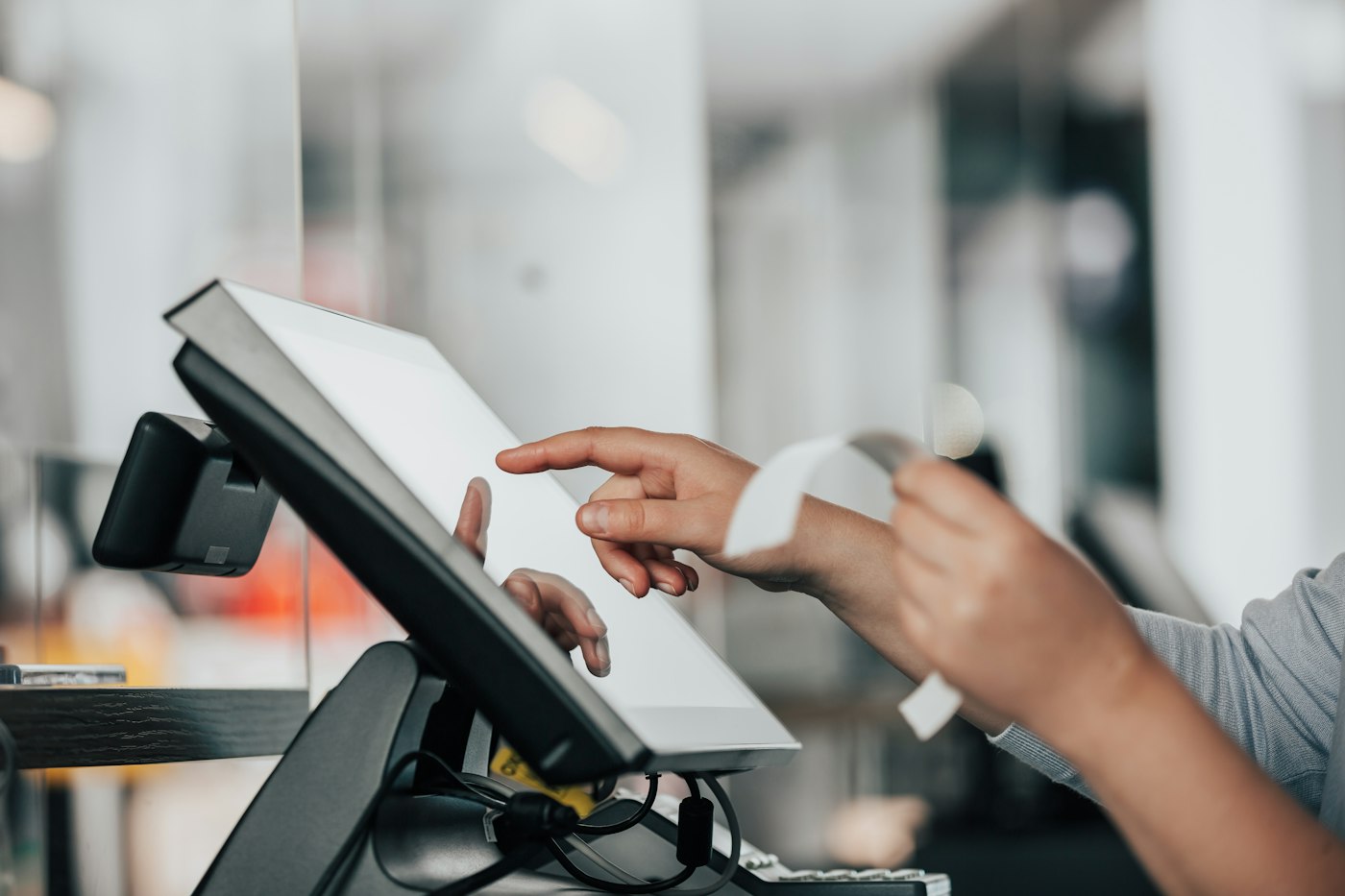
Shop worker using a POS machine at the counter
Order packed, invoice printed, account updated.

03 · Invoices

An invoice for every order, matching the sale.

Each sale can be turned into an invoice showing every line, the quantities, any discount and the total. With a printer attached, it comes off at the counter and goes in the box with the order, and because it is built from the sale itself, it always matches what was supplied.

If you give account customers a discount, apply it at the till and it appears on the invoice and in your reports. The Sales module keeps every invoice with its transaction, so a copy is easy to find later.

An invoice from any sale

Every line, quantity and discount, plus the total.

Print at the counter

Hand over a paper copy with the order.

Account discounts

Applied at the till, shown on the invoice.

How Sales works
Woman checking a package with her phone beside a laptop and boxes
Term-time stock checked in before the rush.

04 · Back to school

Stocked up before the back-to-school rush.

The weeks before a new school year are the busiest of the year for many stationers. Once you have a year on POS2026, last year's sales filtered by date show what the rush sold and in what quantities. Order from that, log each order in Purchase and keep an eye on its status so the boxes arrive before the parents do.

Once the rush starts, the lines that are emptying fastest are flagged for reorder, and the Dashboard shows takings and trends day by day.

Plan from last year

Sales by date show what the last rush sold.

Orders in on time

See which suppliers have delivered.

Fast sellers flagged

Alerts on pencil cases and exercise books.

How Purchase works

Getting started

Take your stationery shop live on POS2026.

Begin with core lines and account customers; envelopes in rare sizes can wait.

  1. Open your free trial and set the language and currency for the shop.
  2. Set up categories such as Writing, Paper, Filing and Art.
  3. Add your lines with barcodes and units, setting singles, packs and boxes up separately.
  4. Count each section and give core lines a reorder level.
  5. Add your schools, offices and other account customers.
  6. Ring up an account order and print its invoice.

Questions

Common questions.

Straight answers for shop owners, based on what POS2026 actually does.

What is the best POS for a stationery shop?

One that copes with thousands of small lines, sells singles and packs, and handles account customers with invoices. POS2026 handles each of those, with nothing to install.

Can schools and offices buy on account?

Yes. Their purchases build up against their own record, and the Due List shows what each one owes and when it falls due, with reminders.

Can I produce an invoice for an account customer?

Yes. Invoices are produced per sale, listing the lines, quantities, discount and total, while the customer record keeps the running balance.

Does it work for an office supply store?

Yes. Office supply stores sell the same mix of small lines to walk-in and business customers, and POS2026 serves both from one counter, keeping business accounts on the Due List.

Can I charge for photocopying or laminating?

Yes. Add each service as a product with a price, so it rings through the till and appears in your sales reports. Shops that also sell books may like our bookshop POS page.

Every pen counted, every account invoiced.

Set up your core lines and your first account customer on a free trial.

Explore Features Get Started