Bookshop POS

The bookstore POS system for shelves of bestsellers and slow burners.

POS2026 helps independent bookshops scan ISBNs at the till, keep track of customer orders from wholesalers and publishers, and see which titles earn their shelf space, all in a web browser.

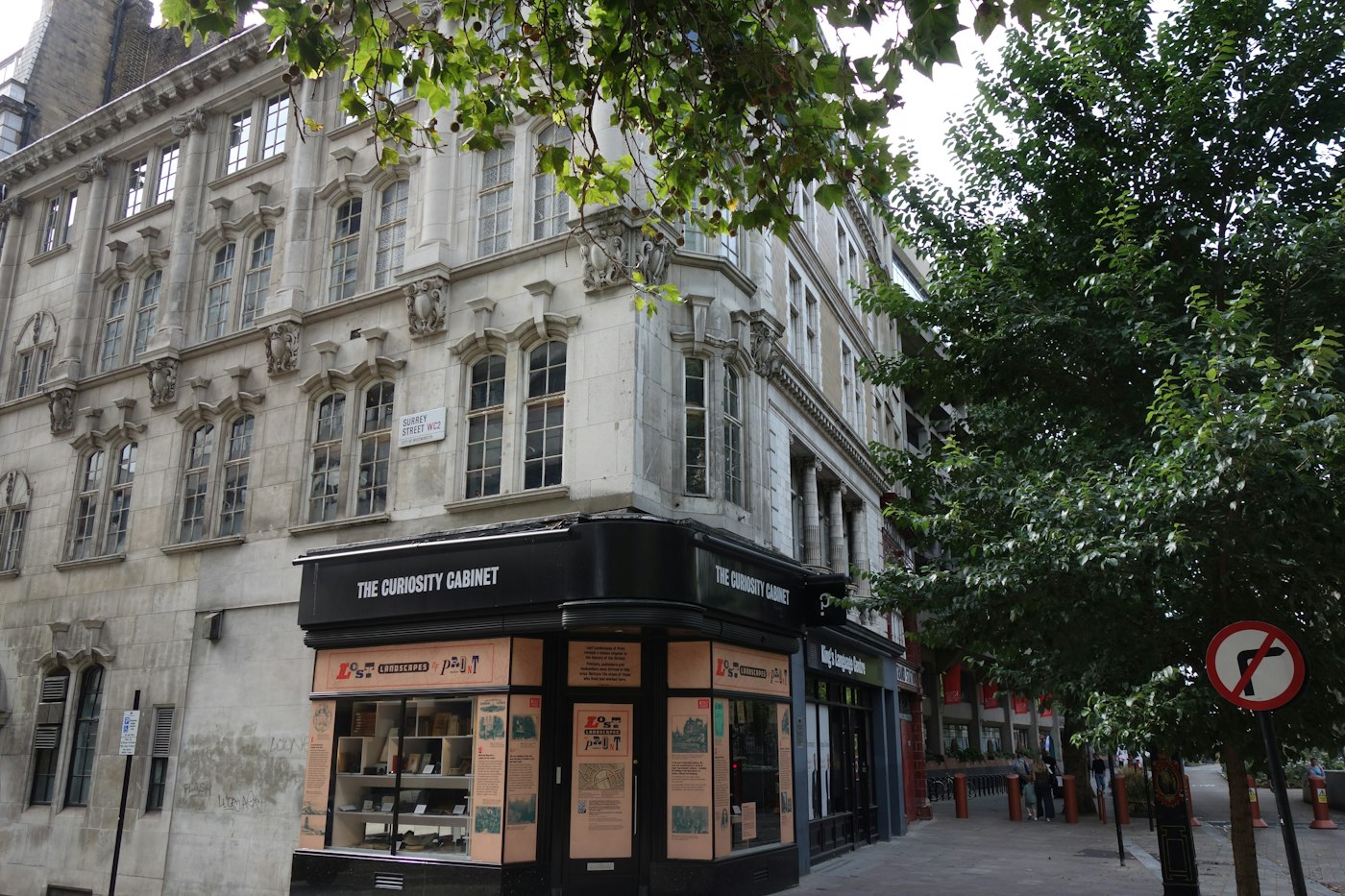
The Curiosity Cabinet shop on a street corner in London
Independent shops live on range, knowledge and customer orders.

In short

A bookstore POS system should scan ISBN barcodes, track the titles customers have ordered and show which books sell and which sit. In POS2026 the ISBN barcode on a book scans like any other product barcode, special orders are recorded as purchases from your wholesaler, and product reports separate the bestsellers from the slow stock.

A bookshop carries thousands of titles, most of them one or two copies deep. A few new releases sell every day, a long backlist sells a copy now and then, and a good part of the week goes on customer orders for books that are not on the shelf. Independent bookshops win on range and knowledge, and that only works if the records behind the counter are right.

POS2026 treats a book like any other product, which keeps set-up simple: the ISBN barcode on the back cover scans at the till once it is stored against the title. Stock falls with each sale and rises with each delivery, orders sit in Purchase until they arrive, and reports show which titles and sections pay their way. You add each title's details yourself, as POS2026 does not pull book information from an ISBN database.

Why bookshops switch

Thousands of titles, most of them one copy deep.

A bookshop's stock is wide rather than deep, and that changes what the till has to do.

  • A deep backlist with shallow stock

    With one or two copies of most titles, a single sale can empty the shelf, and without a live count the gap only shows when someone comes looking for it.

  • Customer orders on slips of paper

    A customer orders a title, the slip goes in a drawer, the book arrives and nobody is sure who wanted it.

  • Slow stock you have stopped seeing

    Books that have not sold in a year still take shelf space and cash, and spotting them across thousands of spines is close to impossible.

  • Bestseller weeks that sell out

    A prize shortlist or a local author event can clear a pile in a day. Reorder too late and the moment has passed.

Packaged stock on a brown wooden shop shelf
Store the ISBN once and every copy scans.

01 · ISBN barcodes

Scan the ISBN like any other barcode.

The barcode on the back of a book carries its ISBN. Store it on the product when you add the title, with the price, a section such as Fiction, Children's or Local history, and a cover image if you like. From then on the book scans straight into the sale.

Each title is one product, so the count tells you exactly how many copies are on the shelf. Second-hand or signed copies can be added as separate products with their own price, keeping them apart from the new copies on the shelf.

ISBN barcodes scan in

Stored once, scanned at every sale.

Categories by section

Fiction, children's, travel, local interest.

Cover images

Recognise a title at a glance.

How Products works
Two shop employees smiling at the camera
Ordered, tracked, delivered, collected.

02 · Customer special orders

Special orders tracked from order to collection.

When a customer asks for a title you do not stock, record the order with your wholesaler or publisher in Purchase. Delivery status shows where it stands, so when the customer phones to ask, you can tell them whether it is on its way.

Keep the customer in Parties with their phone number and note who the book is for on your copy of the order. When it lands it goes into stock with the rest of the delivery and you can call them straight away. Ring it through against their record when they collect, and their history shows what they like to read.

Delivery status

See whether an ordered title is on its way.

Customer contact details

Call the customer as soon as it arrives.

Reading history

Sales against the customer show what they buy.

How Purchase works
Woman working on a laptop showing charts and graphs
The front table and the forgotten shelf, side by side.

03 · Bestsellers and slow stock

Know which titles sell, and which only gather dust.

Product reports show sales title by title over any date range. Run the year and the bestsellers rise to the top; look at the other end and you find the titles that have not sold a copy since they arrived. Stock reports show how many copies of each you still hold.

That makes returns to publishers, where your terms allow them, and markdowns easier to decide, and it keeps reorders focused on what your customers buy. Low-stock alerts on steady sellers mean the next copy is ordered before the last one goes.

Sales by title

Bestsellers and non-sellers over any period.

Any date range

A month, a season or a whole year.

Alerts on steady sellers

Reorder before the last copy goes.

How Report works
A smiling woman standing in her coffee shop
Coffee, cards or gifts alongside the books are simply more products.

04 · Cards, gifts and coffee

Everything else you sell, on the same till.

Many bookshops also sell cards, notebooks, gifts or coffee. Each is simply another product with a price and a category, so one till and one set of reports cover the whole shop, and you can see what the extras contribute. Tickets for an author evening can be set up as a product too.

Rent, wages and event costs are recorded as expenses alongside sales, so Loss/Profit shows the shop's real profit, while category sales show whether the café corner or the card rack is pulling its weight.

Any product, one till

Books, cards, gifts and drinks together.

Report by category

See what the extras add.

Profit after costs

Rent and wages counted alongside sales.

How Loss/Profit works

Getting started

Shelve your stock on POS2026.

Start with the front tables and steady sellers, then work through the shelves a section at a time.

  1. Create your account on the free trial and set language and currency.
  2. Mirror your shelf sections as categories, from Crime to Cookery.
  3. Add titles with their ISBN barcode, price and the copies you hold.
  4. Give a reorder level to the titles you always want in.
  5. Set up the wholesaler and the publishers you order from.
  6. Scan your first book at the till.

Questions

Common questions.

Straight answers for shop owners, based on what POS2026 actually does.

What is the best POS system for a bookstore?

One that scans ISBNs quickly, tracks customer orders and shows which titles sell. POS2026 was built to cover exactly that. It does not pull title details from an ISBN database or link to an online bookshop, so check whether you need those.

Will my barcode scanner read ISBNs?

Book barcodes are standard retail barcodes, so a scanner that reads product barcodes should read them. Store the barcode on each title in POS2026 and it scans into the sale.

Does POS2026 look up book details from the ISBN?

No. You add the title, price and section yourself when you set up the product. After that, the ISBN barcode scans like any other.

Can I track customer orders?

Yes, through Purchase. Record each order with your supplier and its delivery status shows when it is due, while the customer's contact details sit in Parties ready for when it arrives.

Is it bookstore inventory software too?

Yes. Copies on hand, alerts on steady sellers, corrections after a stock take and stock reports all live in the same app as the till. If you also sell pens and paper, our stationery shop POS page covers that side.

Every title scanned, every order tracked.

Begin a free trial with the front tables, then add the backlist one section at a time.

Explore Features Get Started