Invoicing and billing

Invoice software for small businesses that starts at the sale.

In POS2026 the invoice is not a separate job. Every sale can produce one, trade customers can be billed on account, and anything unpaid waits on the Due List until it is settled.

Person using a calculator at a desk beside a coffee mug
No more copying the till into an invoice book at night.

In short

Invoice software for a small business creates bills for customers and keeps track of which are paid. POS2026 builds the invoice from the sale itself, with its items, quantities, discount and total, and prints it at the counter where a printer is set up. Sales to trade customers on account appear on the Due List with a deadline until they are paid.

Many shops run two systems without meaning to: a till for walk-in customers, and an invoicing app or a pad of invoice forms for the builder, the café or the school that buys on account. The two never quite agree, and the trade sales often never reach the stock figures at all.

POS2026 treats an invoice as another view of a sale. Ring it up once, attach it to the customer if they are paying later, and the invoice, the stock change, the customer's balance and the income all come from the same record. It is shop billing software, in other words, rather than an invoicing tool bolted on to a till.

Billing problems

Where separate invoicing tools let shops down.

Invoices written away from the till are copies of it, and copies drift.

  • Two sets of prices

    The till has this week's prices; the invoice template still has last month's.

  • Trade sales missing from stock

    Goods invoiced outside the till leave the shelf without leaving the stock count.

  • Unpaid invoices forgotten

    An invoice sitting in a folder is easy to lose track of once its payment terms have passed.

  • Customer details kept twice

    The same trade customer's name and address in two systems, both slightly out of date.

Mobile payment being completed with a phone at a shop counter
The sale and the invoice are one record.

01 · Invoices from sales

Sales invoice software that uses the sale you already rang up.

Every transaction in POS2026 is stored with its items, quantities, prices, discount and total. Generate the invoice at the counter, or open any past sale in the sales history and produce it later, for example when a customer asks for one for their own records.

Because the invoice and the sale are the same record, the figures always match: the stock that left, the income recorded and the document the customer holds.

Invoice from any sale

Now, or later from the sales history.

Full detail

Items, quantities, discount and total.

Print at the counter

Instantly, where a printer is set up.

How Sales works
Two café owners standing together in their shop
Trade customers buy often. Their account should keep up.

02 · Trade customers

Billing for trade customers on account.

Add each trade customer to Parties with their contact details. When they collect goods, ring the sale up against their record and leave it unpaid. They take an invoice with them, and the amount joins their balance.

Over time each customer's record builds a full history: what they bought, what they paid and what is still outstanding. When a trade buyer rings to ask what they owe, the answer is already on their record.

Customer records

Contact details and history in one place.

Running balance

The outstanding amount, always current.

Payment history

Every payment made against the account.

How Parties works
A calculator on a table next to a laptop
What is owed, sorted by when it is due.

03 · Unpaid invoices

Unpaid invoices tracked on the Due List.

Every amount a customer still owes appears on the Due List, with its deadline. Sort by deadline to see what is due this week and what is already late. Reminders prompt you to follow up around the due date, so chasing becomes routine rather than a surprise at month end.

When the customer pays, record the payment. Their balance drops, the Due List entry clears and the payment is counted in Income.

Deadlines

A due date on each amount owed.

Reminders

A prompt to follow up when it falls due.

Clears on payment

Balance and income update together.

How Due List works
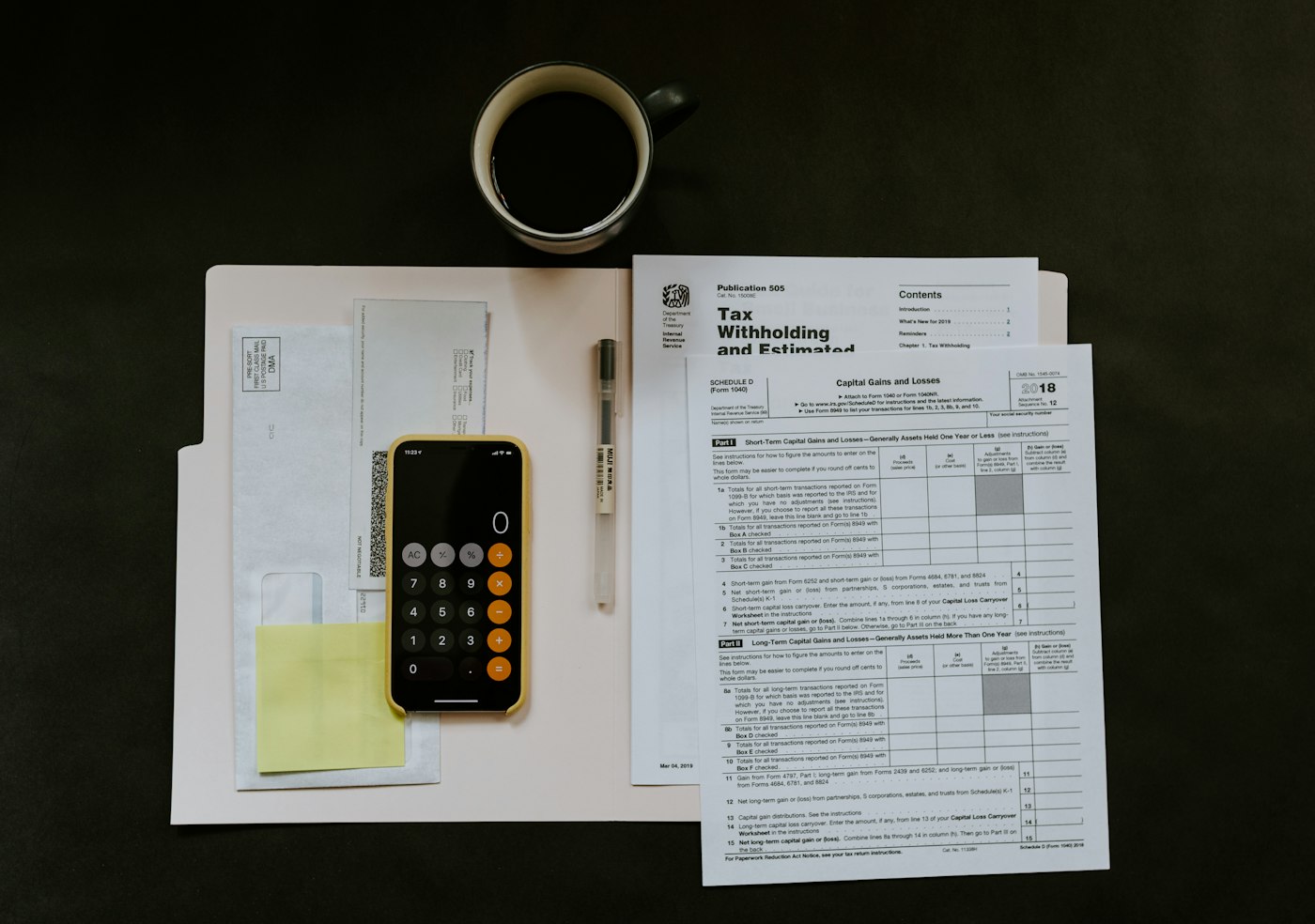
Smartphone, pen and paperwork on top of a white folder
Billing at the counter means less paperwork afterwards.

04 · Shop billing

Billing and invoicing software for the counter, not the back office.

POS2026 is built for shops, so billing happens where the customer is. Scan or select the items, give a trade discount if you offer one, print the invoice and hand it over. There is no separate login, no copying into an invoicing app and no end-of-week catch-up.

Invoices and payments then feed the reports: sales by customer, payments by method and period, and what is outstanding. If you are VAT-registered or charge sales tax, check during the trial that the invoice shows the details your tax rules require. POS2026 does not file tax returns.

Trade discounts

Applied on the sale, shown on the invoice.

Customer reports

Sales and balances by customer.

Check the tax details

Make sure invoices meet your local rules.

How Report works

Getting started

Start invoicing from your till.

Test it with one trade customer before you move them all across.

  1. Start the free trial and choose the currency you invoice in.
  2. Add the products you sell to trade and walk-in customers.
  3. Add each trade customer to Parties with their contact details.
  4. Ring up a test sale on account and print the invoice.
  5. Check the amount appears on the Due List with its deadline.
  6. Record a payment against it and watch the entry clear.

Questions

Common questions.

Straight answers for shop owners, based on what POS2026 actually does.

Can I invoice a customer for a sale made last week?

Yes. Open the sale in the sales history and generate the invoice from it. The invoice carries the same items, discount and total as the original sale.

Can POS2026 email invoices to customers?

We do not claim email sending. POS2026 generates invoices from sales and prints them where a printer is set up, so you can hand them over at the counter.

Can I see which invoices are overdue?

Yes. Unpaid amounts sit on the Due List with their deadlines, so sorting by deadline shows what is late. Reminders prompt you to follow up.

Is POS2026 a full accounting package?

No. It handles sales, invoices, money owed, income, expenses and profit for the shop, but it does not integrate with accounting software or file VAT or tax returns. Export reports for your accountant.

Does it suit service businesses that bill by the hour?

POS2026 is built for businesses that sell products over a counter. If you mainly bill for time or projects, dedicated invoicing software will suit you better. For credit sales in a shop, see customer credit tracking.

One sale, one invoice, one record.

Start the free trial, add a trade customer and print your first invoice from the till today.

Explore Features Get Started