
POS basics
What is a POS system? A plain-English guide.
POS stands for point of sale: the place and the moment a customer pays. A POS system is the software, and usually some hardware, that records that sale and keeps the rest of the shop up to date.
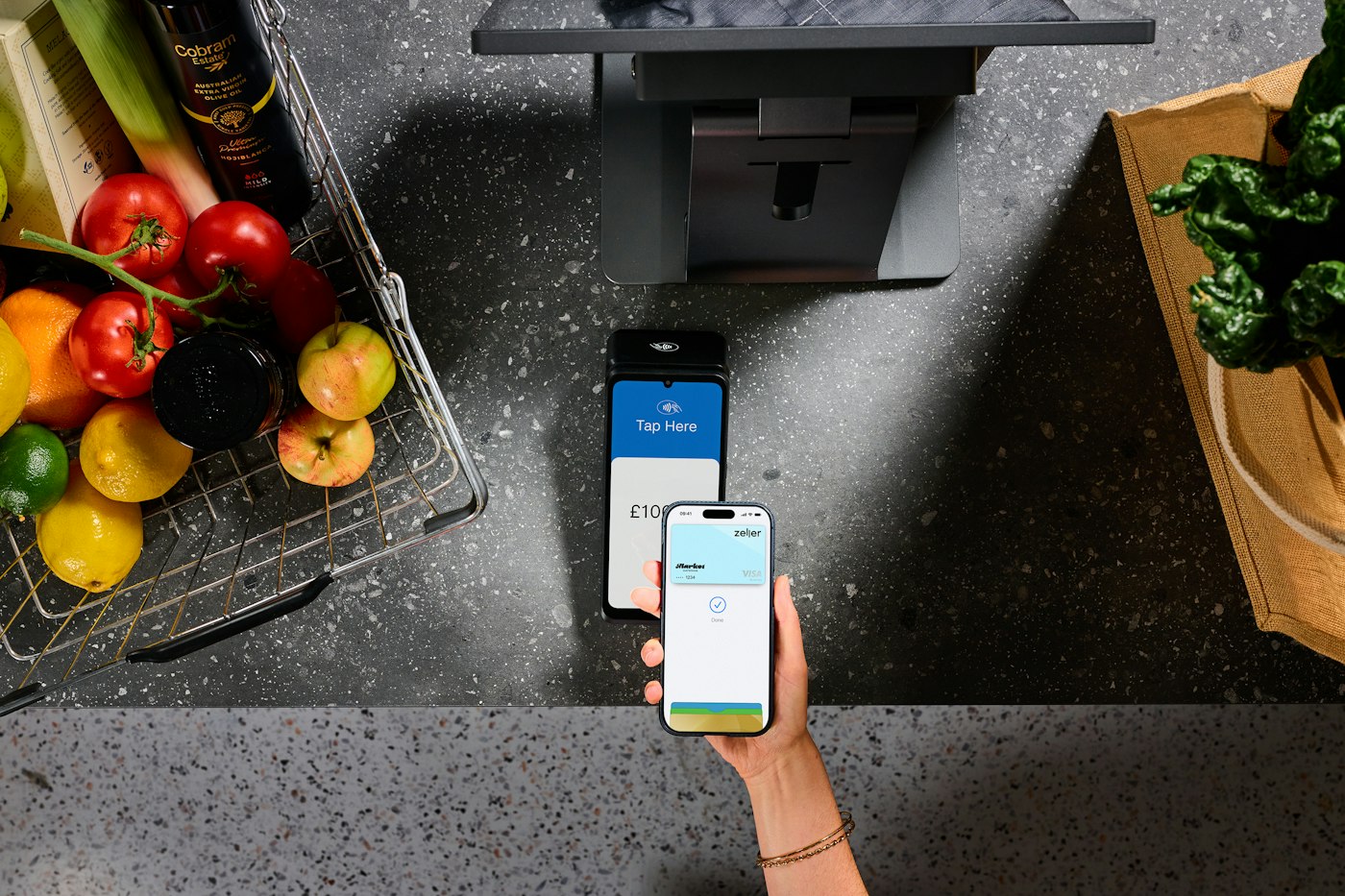
In short
A POS system is the software and hardware a shop uses to complete a sale: it adds up the items, takes or records payment, issues a receipt and saves the transaction. POS stands for point of sale. A modern POS system also updates stock levels, customer records and sales reports with every sale, so one sale at the counter feeds the whole back office.
Every shop has a point of sale, even if it is a cash tin on a market stall. What turns it into a POS system is the record keeping. Instead of a pile of receipts and a notebook, each sale is stored with what was sold, at what price, how the customer paid and when.
This guide explains the POS meaning in retail, follows a single sale through the system, breaks a POS down into its parts, describes the main types you will come across and ends with a short list of what to look for. It is written for owners of small independent shops in the UK and US.
POS meaning: what does POS stand for?
POS stands for point of sale. In retail it means the counter, till or handheld device where the customer pays, and by extension the system that handles the payment and records it. In the UK you will also hear EPOS, short for electronic point of sale, and the plain word "till". In the US, "cash register" is still the everyday name for the hardware on the counter.
The terms overlap, but they are not identical. A cash register mainly adds up sales and keeps the money safe. A POS system stores each sale as data that the rest of the business can use. Our guide to what EPOS means covers the British terminology in more detail.
How does a POS system work?
The easiest way to understand a POS system is to follow one sale from start to finish.
- The product is identified. Staff scan its barcode or pick it from an on-screen catalogue, and the system looks up its name and price.
- The basket is built. Quantities are entered, any discount is applied and the running total is shown.
- The customer pays. Cash, card or phone. A card payment is approved by a card terminal and the payment provider behind it; the POS records which method was used.
- The sale is completed. A receipt or invoice is printed or skipped, and the transaction is saved with a date, time and reference.
- The records update. Stock for each item goes down, the day's takings go up and, if the sale was to a named customer, it joins their history.
- Reports are built from the data. At the end of the day, week or month, the saved transactions become sales totals, best sellers, payment breakdowns and profit figures.
Steps one to four happen at the counter in seconds. Steps five and six are where a POS system earns its keep, because nobody has to copy the sale into a stock book or a spreadsheet after closing.
The three parts of a POS system
Most POS systems are built from three layers: software, hardware and payments. They can all come from one company or from several, and that choice shapes both the cost and how easy it is to change provider later.
- Software. The application that holds the product catalogue, runs the checkout screen and stores every sale. Back-office features such as stock control, supplier orders, customer accounts, expenses and reports live here too.
- Hardware. The device the software runs on, whether a computer, tablet or dedicated terminal, plus optional extras such as a barcode scanner, receipt printer and cash drawer. Some systems only run on the seller's own terminals; others run in a web browser on equipment you already own.
- Payments. The card terminal and the payment processor that moves money from the customer's bank to yours, usually for a fee on each card sale. Some POS companies insist you use their payments; others let you choose your own provider.
Tip. When you compare systems, ask which of the three layers are tied together. A bundle is convenient, but it can mean replacing everything when you only want to change one part.
Types of POS system
POS systems are usually grouped by where the software runs and what it runs on. Many products mix more than one type.
- On-premise POS. Software installed on a computer in the shop, with the data stored locally. Often sold with dedicated terminals, an installation visit and a support contract.
- Cloud POS. Software that runs online, so sales and stock are stored on the provider's servers and can be checked from anywhere. Usually paid for by monthly subscription. Because it relies on the internet, ask what happens when your connection drops.
- Tablet and mobile POS. An app on a tablet or phone, often paired with a small card reader. Popular with market traders, pop-up shops and staff who sell on the shop floor.
- Payments-led POS. A free or low-cost app from a card payment company, which earns its money from the fee on each card sale.
- Self-service kiosks. Screens that customers operate themselves, more common in supermarkets and fast food than in small independent shops.
POS2026, for example, is a cloud POS that runs in a web browser on a computer, laptop, tablet or phone. It is not a payments company, so you keep whichever card provider you already use.
POS meaning in retail: what a shop uses it for
In a restaurant, a POS system is organised around tables, courses and the kitchen. In retail the priorities are different: a large catalogue, fast scanning, accurate stock and, for many independents, regular customers who buy now and settle up later.
For a small shop, the everyday jobs usually include:
- Ringing up sales quickly and consistently, whoever is on the till.
- Knowing how many of each product are left and which lines need reordering.
- Recording deliveries from suppliers and what you owe each one.
- Keeping track of customers who pay later and chasing what is overdue.
- Seeing takings, best sellers and profit without building a spreadsheet.
In POS2026 these jobs are separate modules that share one set of records: POS Sales at the counter, Stock for levels and low-stock alerts, Purchase for supplier orders, the Due List for money owed and Loss/Profit for what the shop really made.
What to look for in a POS system
The right system depends on your trade, but the same questions apply to almost every small shop.
- Speed at the counter. Can a new member of staff complete a sale without a manual?
- Stock that updates itself. Does every sale reduce stock and every delivery increase it?
- Choice of payments. Are you tied to one card processor, and what does it charge per sale?
- Hardware you already own. Will it run on your computer or tablet, or must you buy terminals?
- Contract terms. Is it monthly, or a fixed term with an exit fee?
- Reports you will read. Takings, best sellers, profit and money owed, in a form you can export.
- Language and currency. Does it work in your staff's language and your trading currency?
Our guide to choosing a POS system turns these questions into a checklist, and the guide to what a POS system costs shows how the fees add up.
Does a small shop need a POS system?
Not always on day one. A stall with a dozen products and mostly cash sales can manage with a cash tin and a notebook. The case for a POS system grows with the size of your range, the number of people serving and the amount of stock you carry, because each of those multiplies the mistakes that manual records let through.
If you are weighing a simple till against a full system, our comparison of a cash register vs a POS system sets out when each one makes sense.
Questions
Common questions.
Straight answers for shop owners, based on what POS2026 actually does.
What does POS stand for?
Point of sale. It refers to the place where a customer pays and to the system that records the payment. EPOS, used mainly in the UK, means electronic point of sale and describes the same thing.
What does a POS system include?
Software to run the checkout and store sales, a device to run it on, and a way to take card payments. Optional hardware includes a barcode scanner, receipt printer and cash drawer. Many systems also include stock control, customer records and reports.
What is a POS system used for in a small business?
Recording every sale accurately, keeping stock levels up to date, tracking customers and suppliers, and producing sales and profit reports. In a small shop it replaces the till roll, the stock book and much of the spreadsheet work.
Is a POS system the same as a card machine?
No. A card machine takes card payments; a POS system records the whole sale, including what was sold. Some providers combine the two. POS2026 is not a card processor: you take card payments on your own terminal and record the payment method on the sale.
Do I need special hardware?
It depends on the system. Some only work on their own terminals. POS2026 runs in a web browser on a computer, laptop, tablet or phone you already have, and a barcode scanner and receipt printer are optional.
How do I set up a POS system?
Add your products with prices and barcodes, enter your opening stock, choose the payment methods you accept and run a few test sales before you open. With POS2026 you can start a free trial and make a first sale the same day.
See a POS system working in your own shop.
Start a POS2026 free trial, add a few products and ring up a test sale in your browser.

