
Multilingual POS

A multilingual POS system so your team can work in their own language.

POS2026 offers more than 47 app languages. Change the interface language in the settings and the screens change, while your products, sales and records stay exactly as they are.

Two grocery store employees smiling at the camera
A team works faster in the language it thinks in.

In short

A multilingual POS system is till software whose screens can be shown in more than one language. POS2026 supports more than 47 app languages. You choose the language in the app settings; only the interface changes, while products, sales and records stay the same. To confirm your language is included, check the language list during the free trial.

Many independent shops are run by families and teams who speak more than one language. The owner may read English comfortably, while a parent covering the Sunday shift or a new member of staff would rather work in the language they grew up with. A till that only speaks English slows them down, and mistakes happen most with anything outside the routine sale: discounts, customer accounts, stock corrections.

POS2026 treats language as a setting. The 47+ languages module changes the interface without touching your data, so a product is still the same product, with the same price and stock, whichever language the screens are in. The setting applies across the app, from POS Sales at the counter to Stock in the back.

Why language matters

What an English-only till costs a mixed-language team.

Most of the cost is hidden in small, slow moments at the counter.

  • Training that takes longer

    New staff learn a till faster when every button makes sense to them the first time they see it.

  • Mistakes outside the routine

    Scanning is easy in any language. Discounts, customer accounts and stock corrections are where misunderstandings creep in.

  • Family covering shifts

    The relative who helps out on busy days should not need someone standing beside them to use the till.

  • Your language left out

    Shops serving a particular community often find their language missing from mainstream POS software.

Two café owners standing together in their shop
Change the language; the shop's records stay the same.

01 · Switch the language

Change the screens, keep the data.

Choose a language in the app settings and the interface switches. Products, prices, customers, suppliers and sales history are untouched, because they are your data, not part of the interface. You can switch back at any time.

Product names are whatever you type in, so you decide how they appear. Some shops use the name printed on the packaging; others use the name customers ask for at the counter. Either works, as long as everyone searches for the same name.

47+ languages

A wide choice of app languages in the settings.

Data unchanged

Only the interface changes; your records stay as they are.

Switch any time

Change the language back whenever you need to.

How 47+ Languages works
Smiling woman standing in her coffee shop
Confident at the counter from the first shift.

02 · Staff in their own language

A multi language POS for teams that do not share one language.

The language is chosen in the app settings, so it can be set to suit the person using the app. Where people share a till and prefer different languages, agree a simple routine: whoever opens up sets the language, or the counter stays in the language most of the team uses and changes for the person covering a shift.

The steps of a sale are the same in every language: scan or pick the product, check the total, apply any discount, take payment. Once someone has learned them in their own language, they can serve confidently on their first day.

For your team

Staff work in a language they are comfortable with.

Faster training

New starters pick up the checkout steps sooner.

Same checkout steps

The sequence of a sale is identical in every language.

How POS Sales works
Street decorated with British flags for a celebration
One high street, many languages.

03 · Which languages

POS software in other languages: check yours first.

People often search for a POS in Urdu, Polish or Arabic. We do not list individual languages on this page, because the list inside the app is the one that counts. Start the free trial, open the language setting and check that your language is there before you pay for a plan.

If your language uses its own script or is written right to left, also check how the screens look on your device and how a printed invoice looks on your printer.

Check the list in the app

The language setting shows every language on offer.

Check a printed invoice

Print a test invoice on your own printer.

How Products works
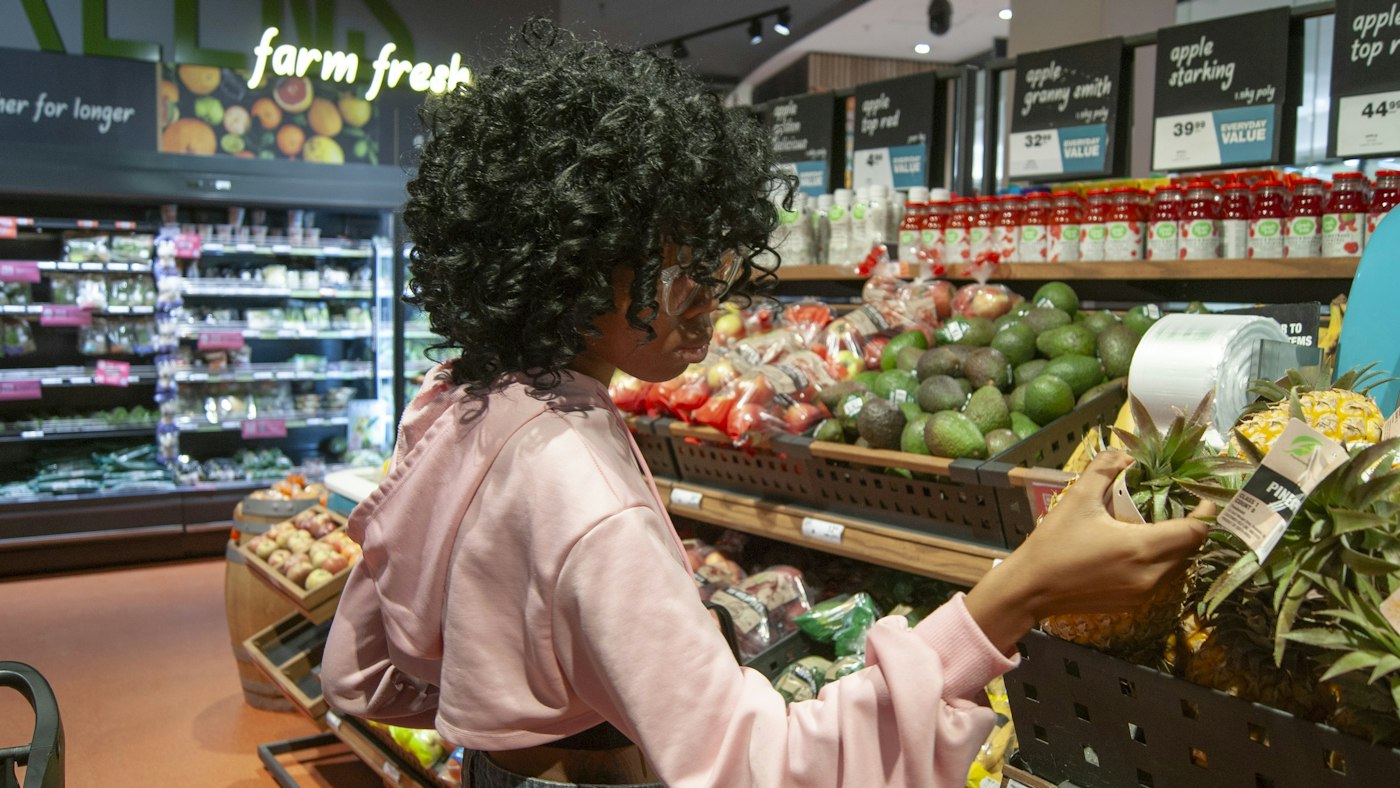
Woman choosing a pineapple in a grocery store produce section
Language for the team, currency for the till.

04 · Language and currency

Pair the right language with the right currency.

Language and currency are separate settings. A family-run shop in Bradford may want screens in the family's language and prices in pounds; a shop abroad might want English screens and the local currency. Multi-currency settings handle the money side, so each shop combines the two the way it trades.

Currency settings

Base currency, symbols and formats set in the app.

Interface language

Chosen separately from the currency.

How Multi Currency works

Getting started

Try it in your language first.

Checking the language list is the first thing to do in the trial.

  1. Start the free trial.
  2. Open the language setting and check your language is listed.
  3. Switch the interface and make a few test sales.
  4. Add your products using the names your customers ask for.
  5. Print a test invoice on your own printer.
  6. Show the team the checkout steps in their language.

Questions

Common questions.

Straight answers for shop owners, based on what POS2026 actually does.

How many languages does POS2026 support?

More than 47 app languages. The full list is in the language setting inside the app.

Is there a POS in Urdu, Polish or Arabic?

This page does not name individual languages. POS2026 has more than 47 app languages, so check the language list in the free trial to confirm yours is included before you subscribe.

Does changing the language affect my products or sales?

No. Only the interface changes. Products, prices, sales history and customer records stay exactly as they are.

Can each member of staff use a different language?

The language is chosen in the app settings, so it can be set to suit the person using it. We do not claim separate staff logins that each keep their own language, so try your routine during the trial.

Will invoices print in my language?

Check this during the trial by printing a test invoice on your own printer, especially if your language uses its own script. Product names print as you typed them.

Let your team work in the language they know.

Start a free trial, check the language list and make your first sale in your own language.

Explore Features Get Started