Multi-currency POS

A multi currency POS system that works in your money.

POS2026 is not tied to pounds or dollars. Set the base currency you trade in, add the other currencies you accept, and the till, invoices and reports follow the same currency settings.

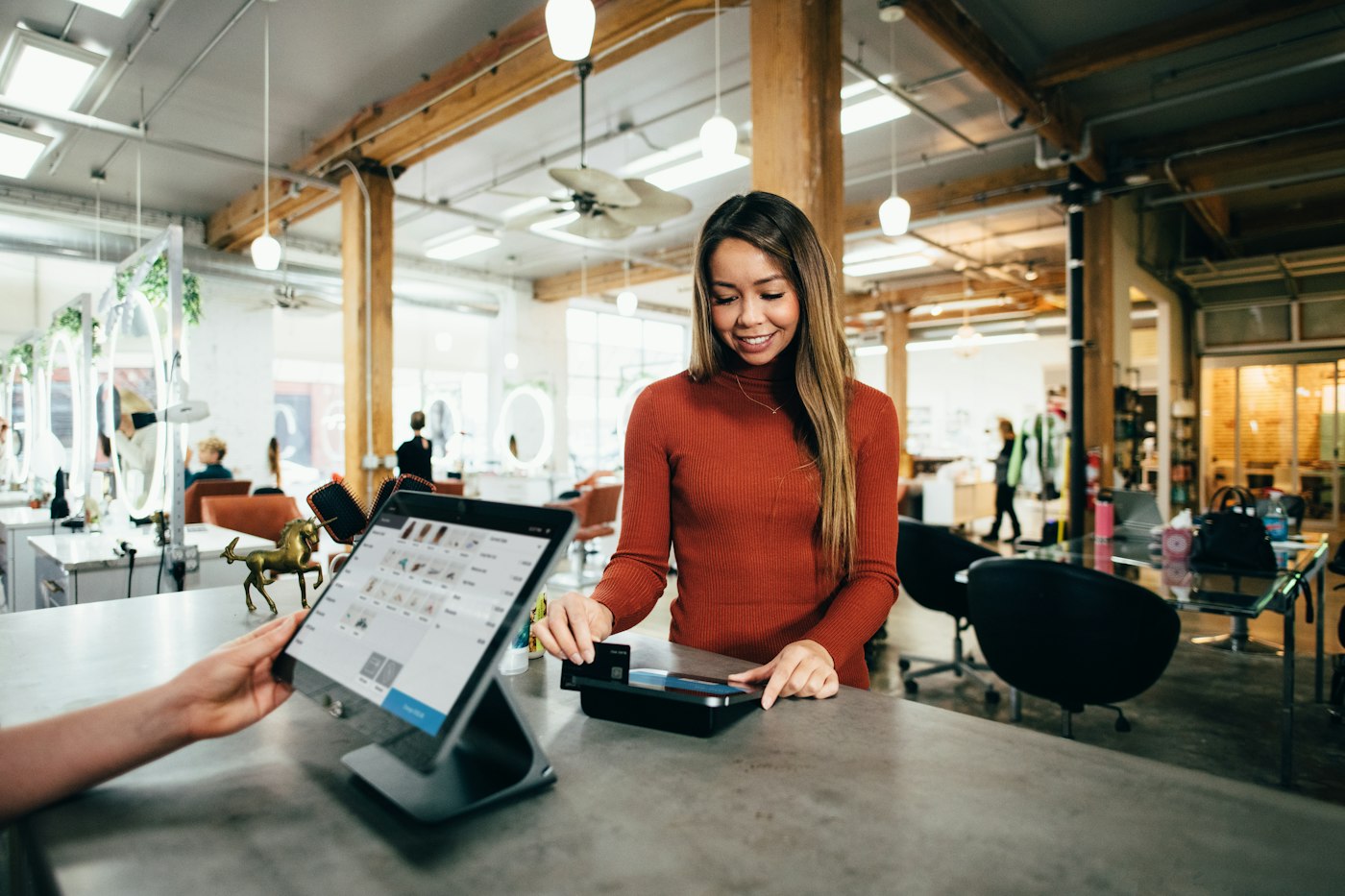
Customer in a rust-coloured sweater paying by card at a salon counter
Customers can pay in the currency they prefer.

In short

A multi currency POS system lets a shop set its own base currency and work with other currencies as well. POS2026 includes Multi Currency settings: choose your base currency, add the currencies you accept and set symbols and formats. Automatic conversion rates keep amounts consistent, so a sale in another currency still lands correctly in your reports.

Plenty of POS software assumes you trade in the currency of the country it was built in. That is fine until you run a shop where that is not the local money, serve visitors who carry another currency, or trade near a border where customers arrive with two. Then you either live with the wrong symbol on every invoice or keep a second set of numbers on the side.

POS2026 is made by a London company, but the currency is a setting, not an assumption. The Multi Currency module lets you set a base currency, add others and control symbols and formats, so checkout, invoices and reports all follow the same conventions.

Currency headaches

Where a single-currency till gets in the way.

Common situations for shops that do not trade in pounds or dollars alone.

  • The wrong default

    Software that assumes pounds or dollars prints the wrong symbol on every invoice unless you can change it.

  • Visitors with other money

    Tourist areas, stations and border towns serve customers who carry another currency and want a clear price.

  • Converting by hand

    Working out a price in a second currency on a calculator at the counter is slow and easy to get wrong.

  • Totals that stop adding up

    If sales in two currencies are recorded as if they were one, your totals no longer mean anything.

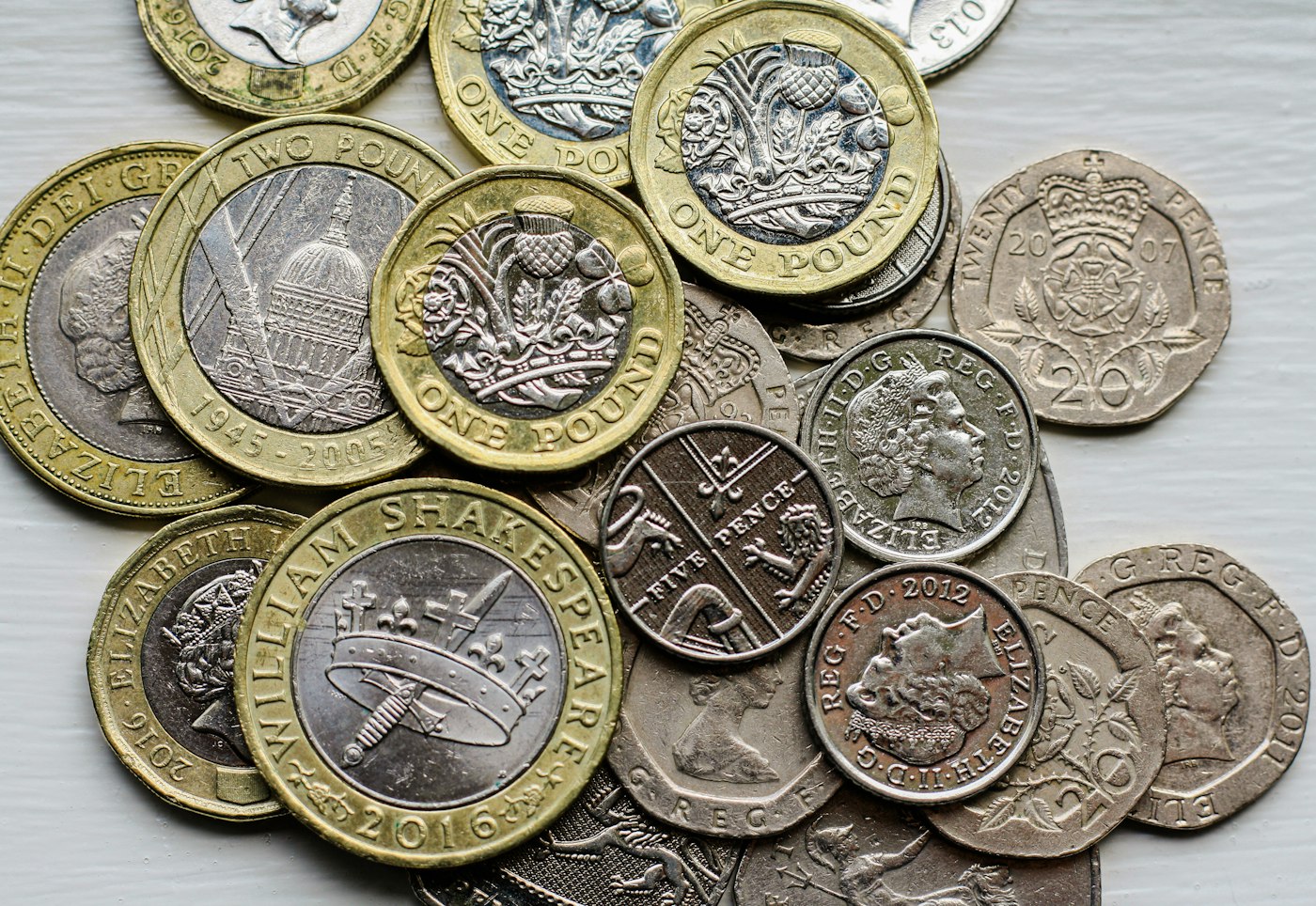
A pile of British coins on a table
Your base currency is the one you report in.

01 · Base currency

Start with the currency your books are kept in.

Your base currency is the one you report in: the money your rent, your suppliers and your tax are paid in. Set it first in the currency settings, before you add products, so prices and reports start out in the right currency.

Currency symbols and formats are set in the app as well, so the till, the invoices and the reports show amounts the way your customers and your accountant expect to read them.

Currency settings

Symbols, formats and available currencies, configured once.

Consistent invoices

Invoices follow the same currency settings as the till.

Consistent reports

Reports use the same conventions throughout.
How Multi Currency works
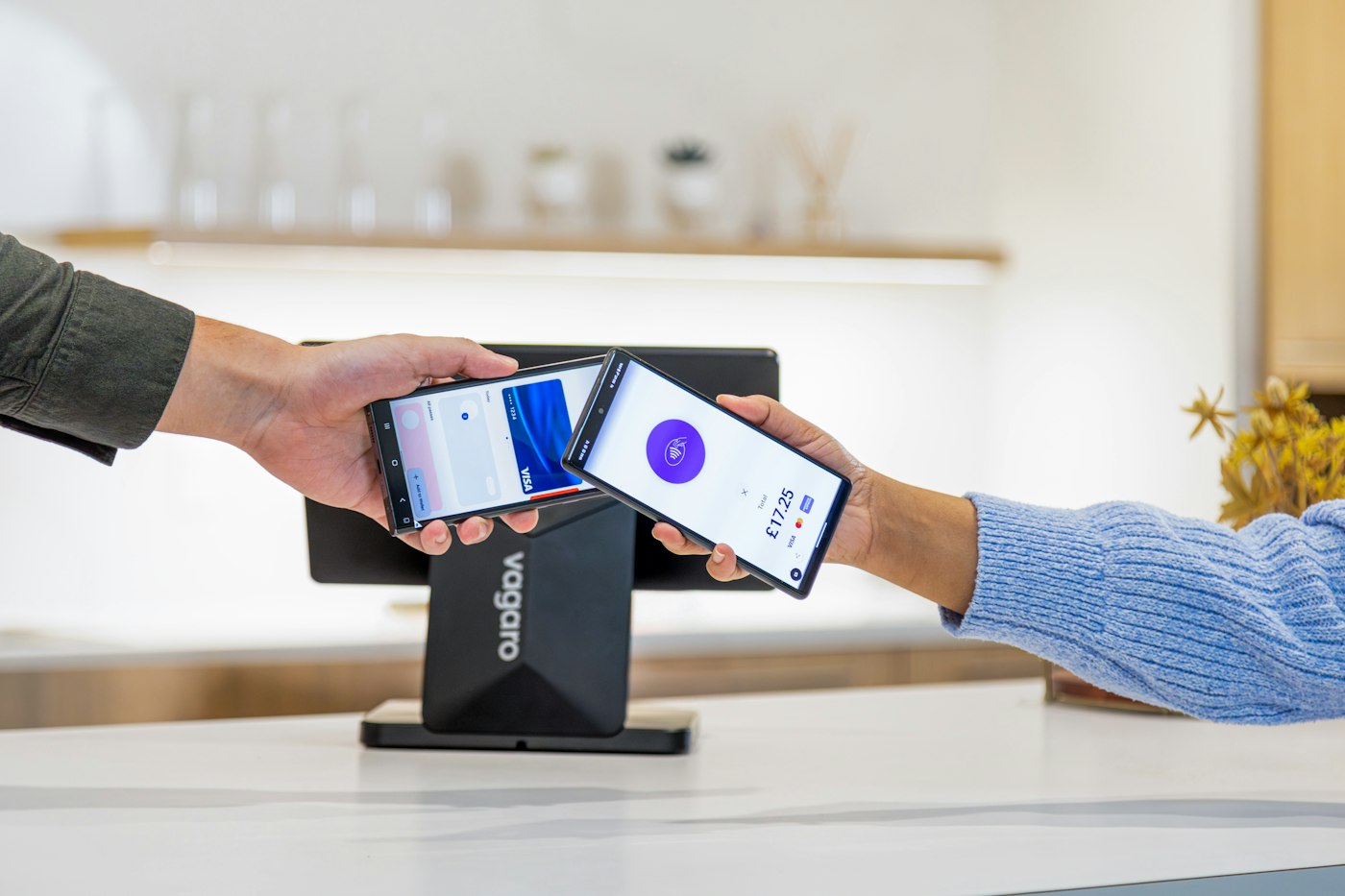
Mobile phone payment being completed at a card terminal
The payment is recorded; the conversion is handled.

02 · Multiple currencies

POS with multiple currencies, one set of records.

Add the other currencies you accept. Automatic conversion rates keep amounts consistent, so a sale in a second currency is still counted correctly in your base-currency reports. Localised pricing lets you show a price in the currency that makes sense to the customer in front of you.

Decide in advance which currencies you will take and how you will give change, then put the policy on a small sign by the till. It saves a conversation at the counter every time.

Multiple currencies

Trade in the currencies your business needs.

Automatic conversion rates

Conversion handled automatically so records stay consistent.

Localised pricing

Show prices in the currency that suits the customer.

How POS Sales works
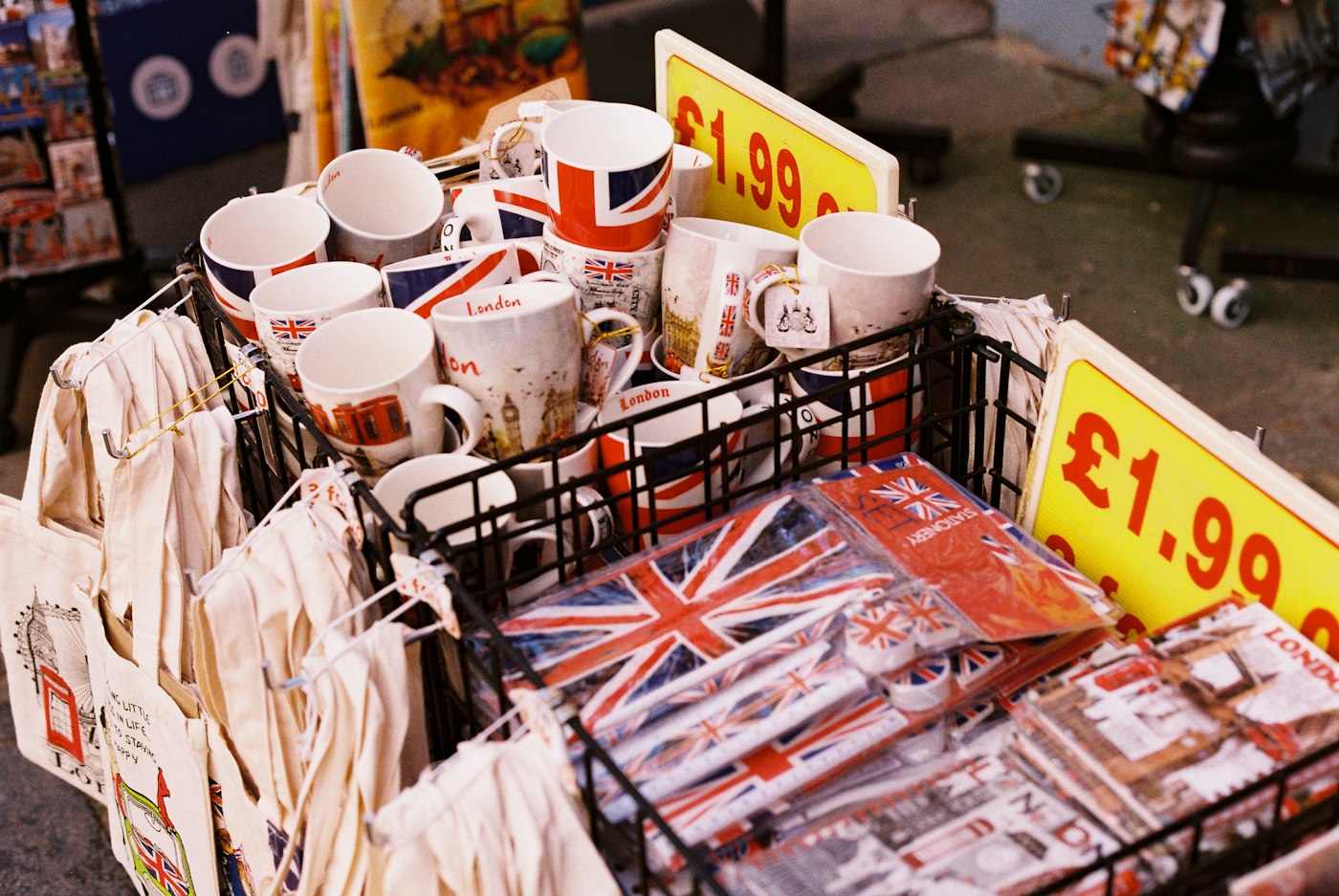
Mugs and souvenirs with Union Jack designs and a price label
Souvenir shops serve visitors carrying many currencies.

03 · Who it suits

For shops outside the UK and US, and shops that trade across borders.

Multi-currency settings matter most for independent shops in countries other than the UK and US, for shops in tourist areas, and for businesses near a border where customers arrive with more than one currency.

POS2026 also runs in more than 47 languages, so a shop can choose both the language its team works in and the currency it trades in. See multilingual POS for how the language setting works.

Language and currency together

Pick the interface language and the currency separately.

Customers from anywhere

Serve visitors in the money they carry.

How 47+ Languages works
Customer paying by card at a shop counter
The till records the sale; your card provider settles the card.

04 · Good to know

What currency settings do, and what they do not.

Currency settings control how money is shown and converted inside POS2026. They do not process payments. POS2026 is not a card processor, so which cards your card machine accepts, and how it settles foreign cards, depends on your card provider. Tax rules stay with you and your accountant, because they differ from country to country.

Not a card processor

Card acceptance and settlement are set by your card provider.

Records stay consistent

Sales counted correctly in your base currency.

How Report works

Getting started

Set up currencies before your first sale.

A few minutes in the settings saves a lot of correcting later.

  1. Start the free trial.
  2. Open currency settings and set your base currency.
  3. Choose currency symbols and formats.
  4. Add any other currencies you accept.
  5. Add your products and their prices.
  6. Make a test sale and check the invoice and the report before you open.

Questions

Common questions.

Straight answers for shop owners, based on what POS2026 actually does.

Can a POS system handle multiple currencies?

Some can and some cannot. POS2026 includes Multi Currency settings with a base currency, additional currencies, automatic conversion rates and localised pricing.

Which currencies does POS2026 support?

This page does not list them. Open the currency settings during the free trial and check that the currencies you trade in are there before you pay for a plan.

Are conversion rates automatic?

Yes. Conversion rates are applied automatically so your records stay consistent. If your accounts need a particular rate, agree the approach with your accountant.

Will my card machine accept foreign cards?

That depends on your card provider, not on POS2026. POS2026 records how the customer paid; it does not process card payments.

Can I use POS2026 if my shop is not in the UK or US?

Yes. POS2026 runs in a web browser, has more than 47 app languages and lets you set your own base currency. Check that your language and currencies are available during the free trial.

Does POS2026 handle my country's sales tax or VAT rules?

POS2026 does not claim country-specific tax rules or tax filing. Ask your accountant how tax should be charged and recorded where you trade.

Trade in the currency your customers use.

Start a free trial, set your base currency and check your currencies before your first sale.

Explore Features Get Started