Phone shop EPOS

The mobile phone shop EPOS for handsets, cases and balances owed.

POS2026 gives phone shops a barcode checkout for the accessory wall, careful stock records for handsets and a Due List for customers who pay in parts, all in a browser-based app with a free trial.

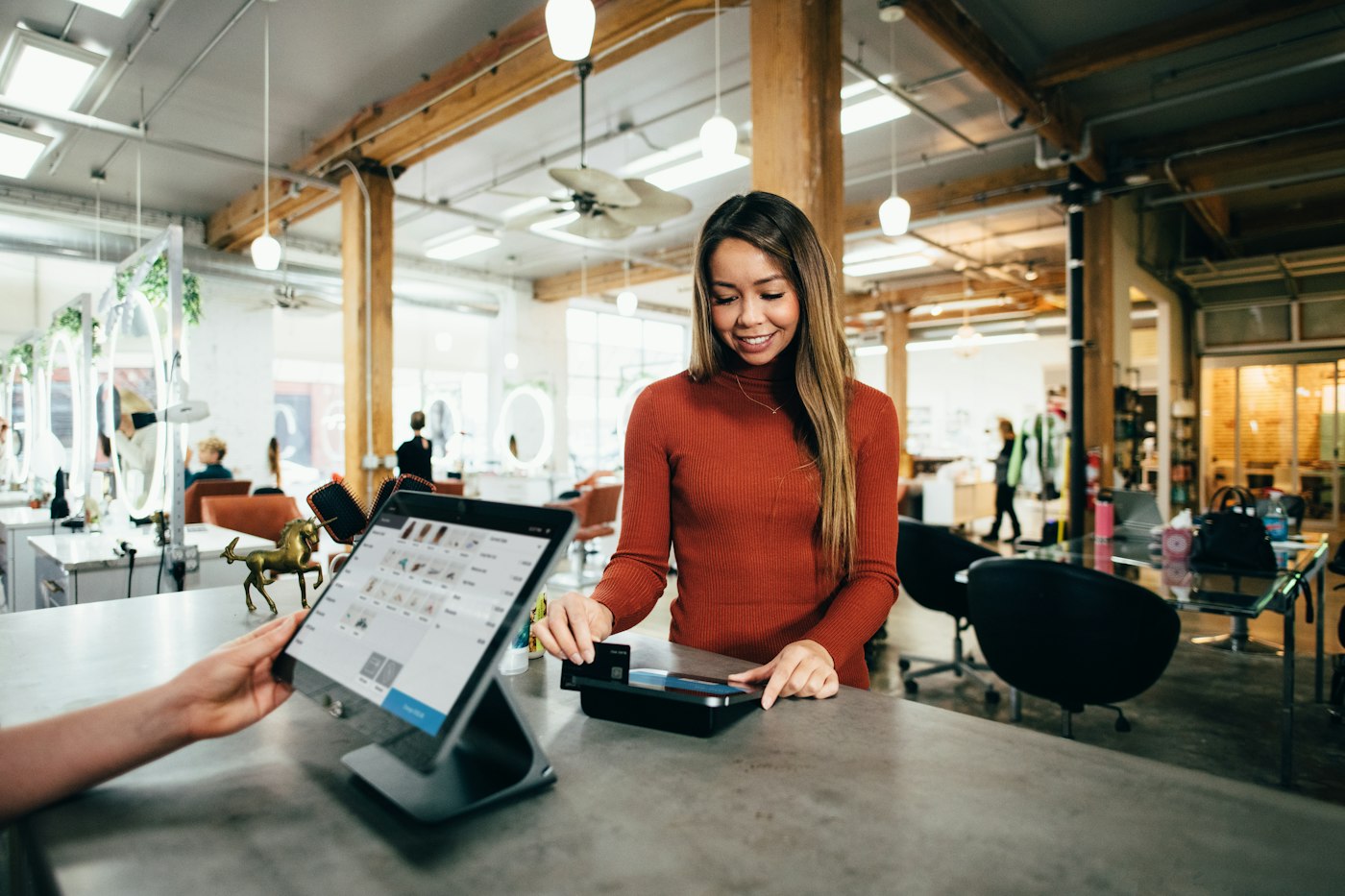
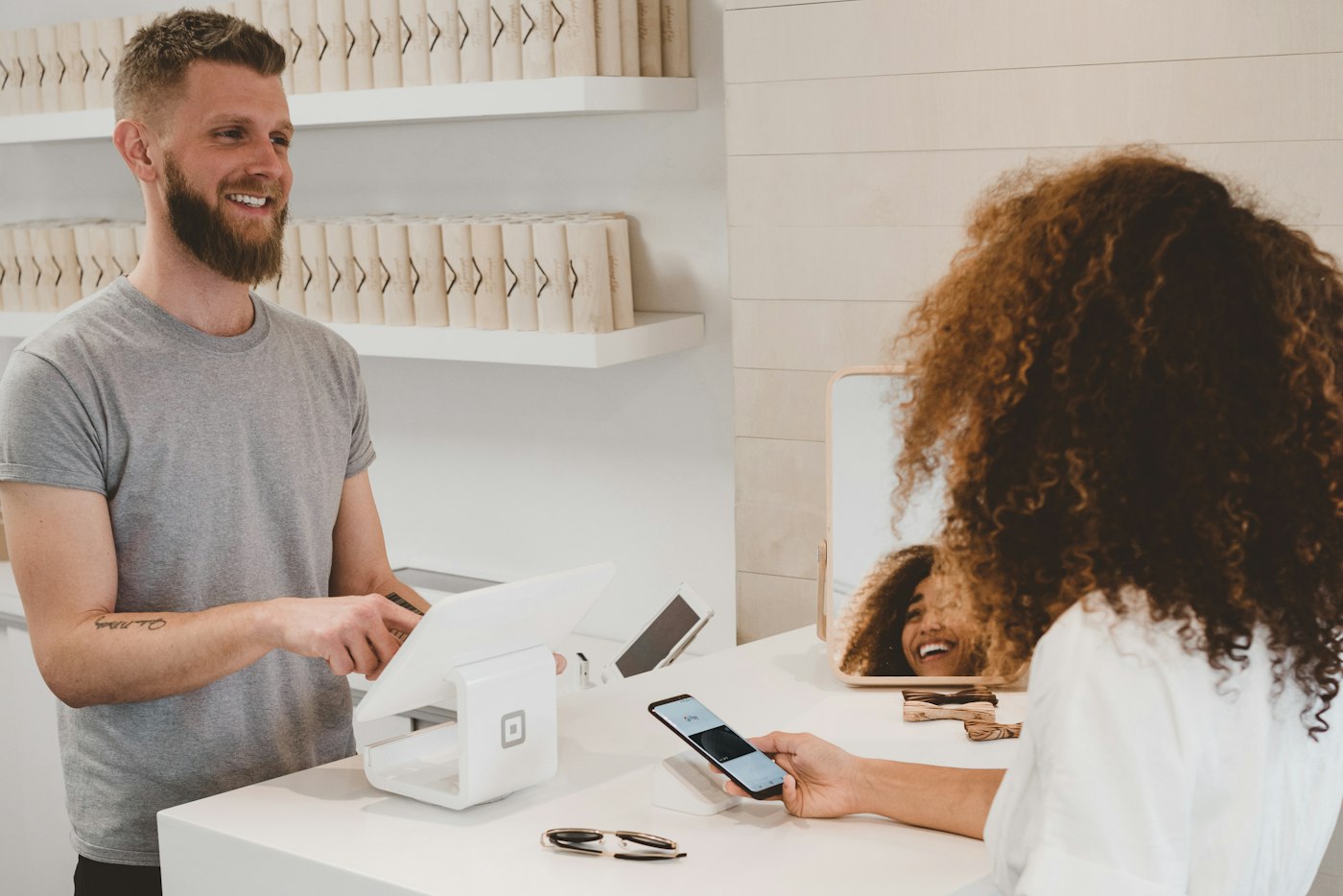
Shop worker smiling at a customer who is paying with her phone at the counter
Small accessories and expensive handsets through the same till.

In short

A mobile phone shop EPOS is the till and back-office software that records each sale and keeps stock counts right. POS2026 suits phone shops and cell phone stores: scan cases, chargers and screen protectors at speed, keep high-value handsets counted and checked, and record customers paying for a phone in instalments on the Due List until the balance is cleared.

A phone shop sells two very different kinds of stock across the same counter. On one side is the accessory wall: cases, tempered glass, cables, chargers, earphones and power banks that sell many times a day for a few pounds or dollars each. On the other are new and refurbished handsets, where one unit can be worth more than a day of accessory sales.

POS2026 handles both without a separate system for each. Accessories carry barcodes and scan straight into the sale. Each handset model is its own product with a cost and a selling price, so every unit sold, bought in or written off changes the count and the profit figure. When a customer takes a phone today and pays the rest over the coming weeks, the balance sits on the Due List rather than on a scrap of paper by the till.

Why phone shops switch

What makes a phone shop hard to run.

The counter is small, but the stock behind it ranges from a few pounds to several hundred.

  • Hundreds of near-identical accessories

    Cases for dozens of models, three kinds of charging cable and screen protectors that look alike. Picking by eye is slow.

  • A missing handset is a serious loss

    An accessory count can drift a little. A handset count cannot. If a phone is unaccounted for, you need to know the same day, not at the end of the quarter.

  • Customers paying in parts

    Many customers put money down on a phone and pay the rest over several weeks. Tracking who has paid what from memory or a notebook invites disputes.

  • Margins that vary from line to line

    Accessories often carry a bigger percentage margin than handsets. Without a cost on every product, you cannot see which lines actually carry the shop.

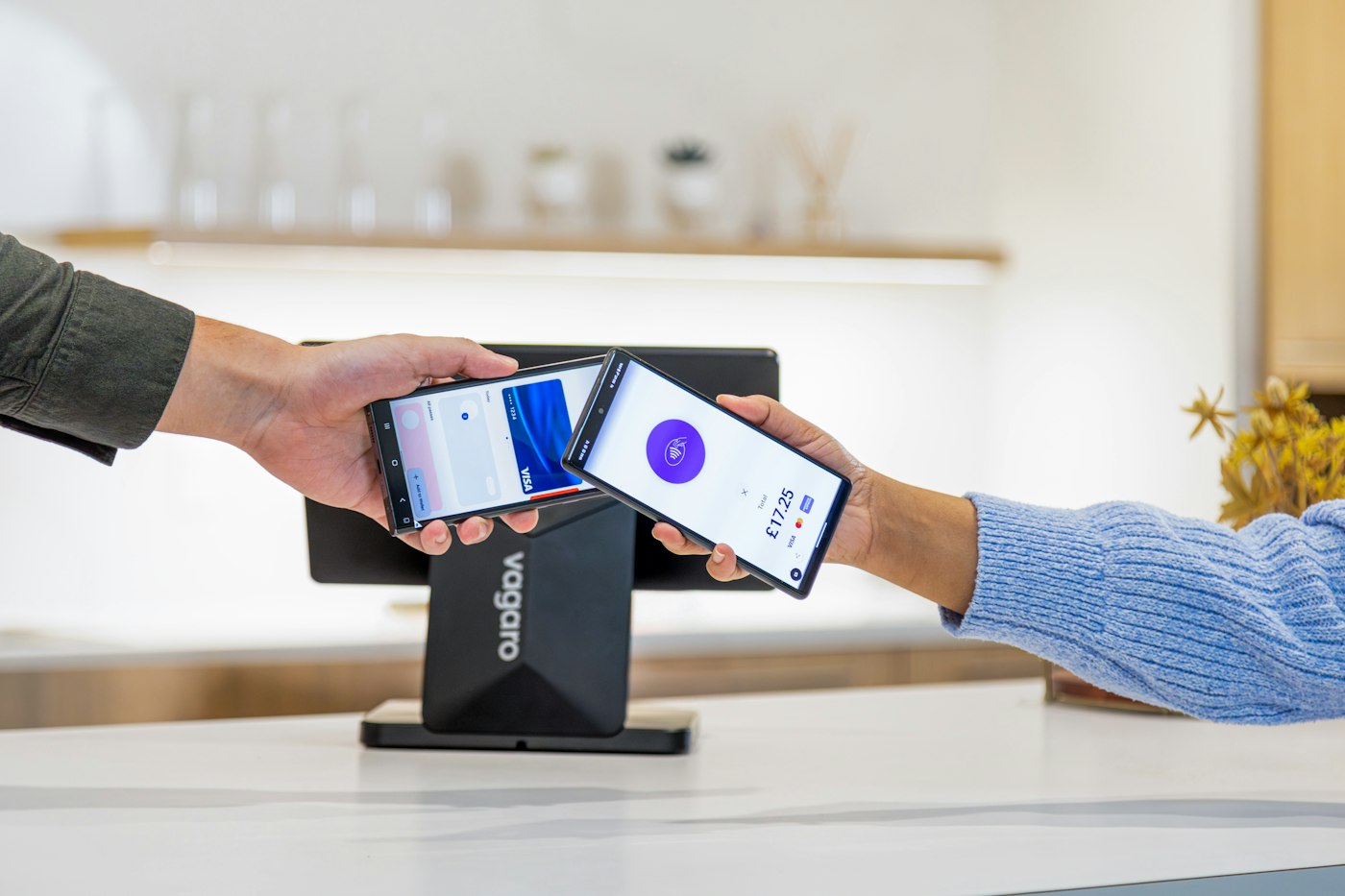
A customer paying with a smartphone at a payment terminal on a shop counter
Accessory scanned, payment taken, count reduced.

01 · Accessory checkout

Scan the accessory wall instead of searching it.

Give every case, cable and charger its barcode in the catalogue and it goes into the sale in one movement. Use categories that mirror the wall, such as cases by brand, chargers and power banks, screen protection and audio, so anything without a barcode is still a couple of taps away. A product image lets staff confirm the case matches the customer's model before it is bagged.

For a bundle, add the case and screen protector, apply a discount, and the reduced price is saved with the sale.

Barcode scanning

Packaged accessories scan straight into the sale.

Product images

Tell a case for one model from its near twin before it leaves the counter.

Bundle discounts

Discount the sale and keep the price actually paid on record.

How POS Sales works
A woman checking a tablet among clothing rails in a shop
The expected count is on screen whenever you check the cabinet.

02 · Handset stock

High-value handsets, counted and checked.

Set each handset model up as its own product, named by model, storage size and condition, with its cost and selling price. Every sale lowers the count straight away, every purchase raises it, and the stock screen shows what should be in the cabinet right now. A quick count at opening and closing can be checked against that figure in a minute.

When the numbers do not match, or a phone comes back damaged and cannot be sold as new, record a stock adjustment so the change is on record. POS2026 tracks quantities per product rather than individual devices, so if your shop keeps an IMEI log for trade-ins, keep it alongside.

Stock adjustments

Correct a count or write off a damaged unit, with the change recorded.

Low-stock alerts

Know when your best-selling model is down to its last one or two.

One product per model

Model, storage and condition kept as separate lines, so counts stay precise.

How Stock works
A customer paying at a shop counter with a tablet point-of-sale screen
Part paid today, the rest on record until it is cleared.

03 · Paying in instalments

Customers who pay for a phone over time.

When a customer takes a handset and pays part of the price today, record the sale against their customer record. The amount still owed appears on the Due List with the date you agreed, and reminders prompt you to follow up when it falls due. Each payment is recorded against the customer as it comes in, so you and the customer can always see exactly what is left.

If you offer this kind of arrangement, check whether consumer credit rules apply to your business. In the UK the Financial Conduct Authority publishes guidance; in the US, rules vary by state.

Due List

Every outstanding balance with its deadline, in one list.

Customer records

Contact details and full payment history for each customer.

Reminders

A prompt to follow up when a payment falls due.

How Due List works
A person using a calculator at a desk beside a coffee mug
Accessories and handsets compared on real costs.

04 · Profit by product

Know which lines really pay the rent.

Loss/Profit works from the cost and selling price of every product sold, less the expenses you record, so you can see what accessories contribute compared with handsets. Product reports show sales by model and by category, which tells you which cases to reorder in bulk and which handset models to stop buying in.

Record rent, wages and your card provider's fees as expenses, and the profit figure reflects the real cost of opening the doors.

Loss/Profit

What the shop made after costs, for any period.

Product reports

Sales by model and category, with filters and export.

Expenses

Running costs counted against profit, not forgotten.

How Loss/Profit works

Getting started

Set up your mobile shop software in an afternoon.

Start with the accessory wall and the handset cabinet, then add the rest as you go.

  1. Open a free trial account at my.pos2026.com.
  2. Add your accessory lines with barcodes, categories and images, beginning with the fastest sellers.
  3. Add each handset model as its own product with its cost, price and current count.
  4. Set low-stock alerts on best-selling models and accessories.
  5. Add your suppliers and any customers who are part-way through paying for a phone.
  6. Sell your first case or charger through POS Sales.

Questions

Common questions.

Straight answers for shop owners, based on what POS2026 actually does.

Can POS2026 track IMEI or serial numbers?

No. POS2026 counts stock per product and does not record IMEI or serial numbers against a device or a sale. Phone shops that need an IMEI log, for trade-ins or warranty checks, keep it separately, while POS2026 handles the count, the sale and the money.

Can I use it as a phone repair shop POS?

Partly. You can sell parts and accessories and record what a customer pays for a repair as a sale, so the income and the parts used are counted. POS2026 does not manage repair jobs: there are no repair tickets, device check-in records or job status tracking.

Can customers pay for a phone in instalments?

You can record the sale against the customer and track the remaining balance on the Due List, with a deadline and reminders, recording each payment as it arrives. POS2026 is not a finance provider and does not run credit checks or collect payments automatically.

Does it work on a phone or tablet?

Yes. POS2026 runs in the web browser, so you can use it on a computer, laptop, tablet or phone at my.pos2026.com. Dedicated phone and tablet apps are coming soon but are not available yet.

Does it work as a cell phone store POS in the US?

Yes. Set your currency to US dollars and the same checkout, stock and Due List features apply. Your card terminal stays as it is, because POS2026 records the payment method rather than processing cards. See also our electronics store POS page.

Run your phone shop from one connected EPOS.

Start your free trial, scan your accessory wall into the catalogue and make your first sale today.

Explore Features Get Started