
Electronics store POS

An electronics store POS system that knows what every unit cost you.

POS2026 gives electronics and electrical shops a barcode checkout, careful records for expensive stock, supplier purchases that keep costs current and profit by product, all in one browser-based app.

A person tapping the touchscreen of a point-of-sale terminal in a store
Every unit sold, adjusted or bought in leaves a record.

In short

An electronics store POS system records each sale, keeps stock counts accurate and shows what you earn on each product. POS2026 does this for independent electronics and electrical shops: barcode checkout, stock adjustments with every change on record, supplier purchases that keep cost prices current, and Loss/Profit reports that show the margin product by product.

Electronics retail is a trade of expensive boxes and shifting prices. A shop might carry televisions, laptops, games consoles, speakers, kettles and toasters alongside the cables, plugs, batteries and light bulbs customers pop in for every day. The big items tie up a lot of cash in very few units. The small items sell constantly and are easy to lose track of.

Costs move too. Distributors revise their price lists, a new model pushes the old one down, and the same television can cost you a different amount from one delivery to the next. POS2026 works as electronics inventory software as well as a till: it keeps each purchase on record against its supplier and uses product costs to work out profit, so a shrinking margin shows up in your figures rather than in the bank balance months later.

Why electronics retailers switch

Where an electronics shop loses money quietly.

Rarely in one big mistake. Usually in out-of-date costs, unrecorded write-offs and stock that has stopped selling.

  • Cost prices that keep changing

    The price you paid last month is not the price on today's invoice. If the cost in your system is stale, so is every margin you calculate from it.

  • Display, damaged and returned units

    An opened box, a display model or a unit returned faulty is no longer worth full price. Unless each change is recorded, the stock value is fiction.

  • Cash tied up in a few big boxes

    Five televisions that are not selling can hold more money than the whole cable wall. Slow movers need spotting before the next model makes them harder to sell.

  • Turnover that hides thin margins

    Big-ticket sales make takings look healthy while the profit on some models is slim. Margin by product shows which lines deserve the shelf space.

A woman checking a delivered parcel with her phone beside a laptop and boxes
Delivery in, stock up, cost kept on record.

01 · Supplier purchases

Buy in at today's cost, not last quarter's.

Record each delivery from a distributor or wholesaler as a purchase against that supplier, with the products, quantities and amounts on the invoice. Stock rises when the order arrives, the delivery status shows what is still on its way, and the cost you paid is kept for comparison next time.

When a supplier puts prices up, update the product cost so the margin on that line is worked out on real figures. Before you reorder, the purchase history shows what each supplier charged you for the same item.

Delivery status

Follow an order from placed to delivered.

Purchase history

Past invoices to compare before the next reorder.

Supplier records

Contacts and the balance you owe each supplier.

How Purchase works
Two shop employees in aprons standing with arms folded in a large store
Spot checks take minutes when the expected count is on screen.

02 · Careful adjustments

Every change to expensive stock leaves a trail.

Sales and purchases move the count automatically, so anything else that changes it should be deliberate: a unit opened for display, a box damaged in delivery, a faulty return heading back to the supplier. Record each one as a stock adjustment and the change is kept on record instead of vanishing into a year-end difference.

Spot checks on the most valuable lines take minutes when the expected count is on screen. If a count comes up short, you find out the same week.

Stock adjustments

Correct the count for display, damaged or returned units.

Low-stock alerts

A warning before a popular model sells out.

Transfers

Move units between branches on plans that include multi-branch.

How Stock works
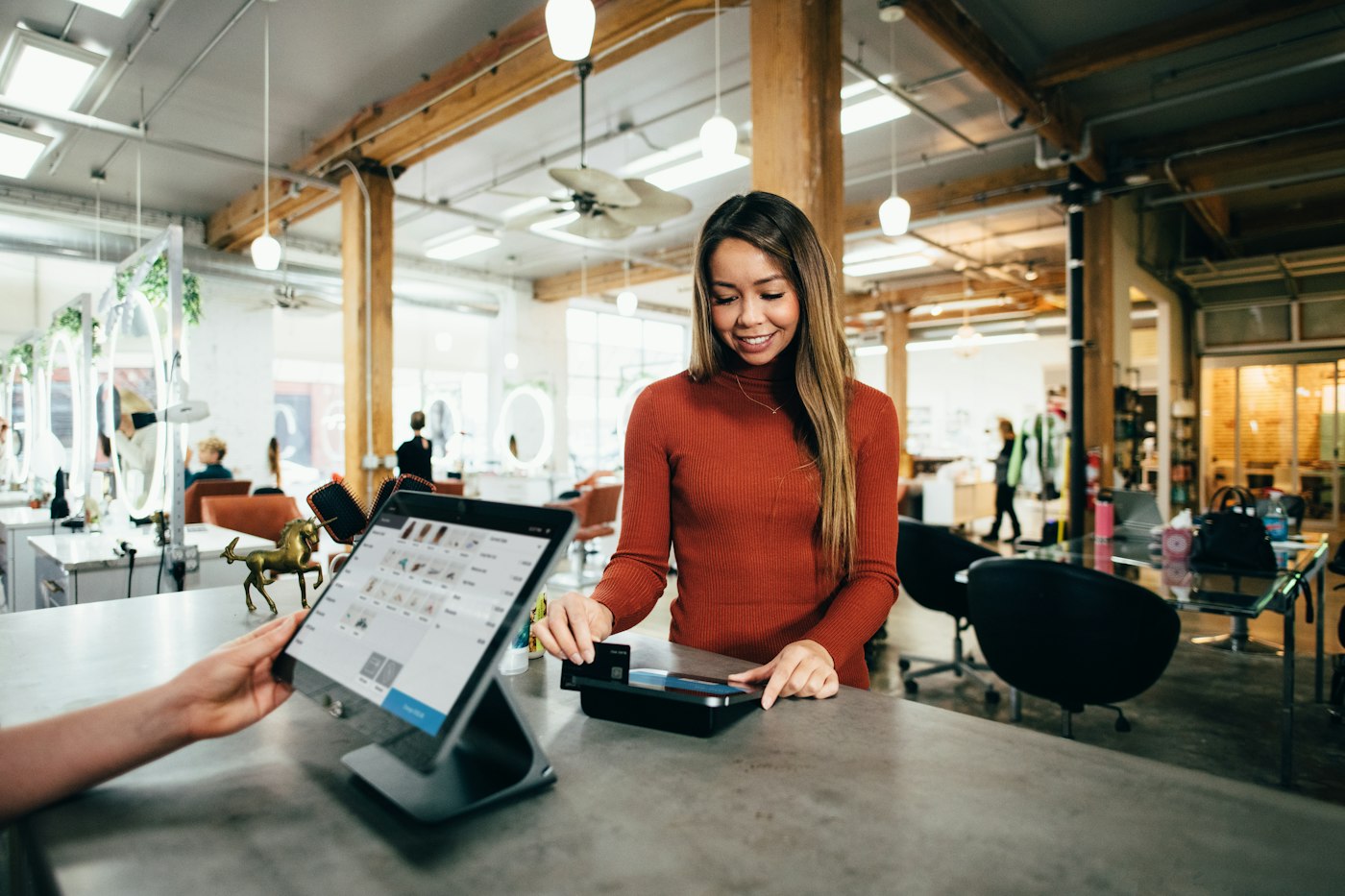
A customer paying at a shop counter with a tablet point-of-sale screen
Small sundries and big boxes, one checkout.

03 · Checkout

From a pack of batteries to a 65-inch television.

The checkout treats both ends of the range the same way. Scan the barcode on the box or pick the product from its category, apply any discount and record how the customer paid. The invoice prints where a printer is set up, which matters when a customer needs proof of purchase for a warranty claim.

Every transaction stays in the sales history, so when an item comes back you can find the original sale and see what was paid.

Barcode scanning

Boxed products scan straight into the sale.

Printed invoices

Proof of purchase in the customer's hand.

Sales history

Find the original sale when an item comes back.

How POS Sales works
A woman working on a laptop that shows charts and graphs
Margin by model, not just total takings.

04 · Margin by product

See the margin on every model you stock.

Loss/Profit compares what each product cost with what it actually sold for, including discounts, and takes off the expenses you record. Product reports filter by category or date, so you can set the margin on televisions against cables and accessories, and see which models have stopped earning their place.

Test a new price with the profit margin calculator before you set it, then let the reports show what that price really earned.

Loss/Profit

Real profit once costs and overheads are counted.

Product reports

Sales and margin by product and category.

Export

Take the figures to a spreadsheet or your accountant.

How Loss/Profit works

Getting started

Get your electronics shop EPOS running.

Begin with the lines that hold the most cash, then fill in the rest.

  1. Start the free trial and choose your language and currency.
  2. Add products by category with barcode, cost and selling price, starting with the most valuable lines.
  3. Enter your current stock and set low-stock alerts on popular models.
  4. Add your distributors and wholesalers as suppliers.
  5. Record the next delivery as a purchase so costs are current from day one.
  6. Make your first sale in POS Sales.

Questions

Common questions.

Straight answers for shop owners, based on what POS2026 actually does.

Can POS2026 track serial numbers on electronics?

No. POS2026 tracks quantities per product and does not record serial numbers or IMEI numbers. If you need a serial number log for warranties, keep it alongside POS2026. The sale itself, with its date and invoice, stays in the sales history.

Does it work as an electrical shop POS for small parts?

Yes. Plugs, fuses, bulbs and cable can each be set up with the unit you sell them in, such as each, pack or metre, then scanned or picked from a category at the till.

How does it handle supplier price changes?

Record each delivery as a purchase and update the product cost when it changes. Loss/Profit uses product costs, so margins reflect the latest price you paid, and the purchase history keeps earlier prices for comparison.

Can I see which products make the most profit?

Yes. Loss/Profit and product reports show sales and margin by product and category, with filters for date range and export for your accountant. Phone retailers should also see our mobile phone shop EPOS page.

What equipment does an electronics shop need?

Only a device with a web browser: the computer, laptop or tablet you already have will do. Adding a barcode scanner and receipt printer speeds up the counter but is not required. POS2026 is not a card processor, so you keep your existing card terminal.

Know the margin on every box you sell.

Start your free trial, add your most valuable lines and record your next delivery today.

Explore Features Get Started