Bakery POS

A bakery POS system that helps you bake the right amount tomorrow.

POS2026 gives independent bakeries a quick counter till, a clear record of what sold each day, a place to log what did not, and a simple way to track deposits on celebration cakes and other special orders.

Two café owners standing proudly together in their shop
The morning queue, the afternoon count and tomorrow's plan.

In short

A bakery POS system records counter sales and shows what sold, so you can plan the next bake. POS2026 gives bakeries a quick till, sales history by product and day, unsold items recorded as stock adjustments, ingredient purchases from suppliers and deposits on special orders tracked on the Due List. It does not do recipe costing or production planning.

A bakery's day starts hours before the door opens, and the most important decision is made the afternoon before: how much to bake. Get it right and the shelves are full until mid-afternoon with little left at close. Get it wrong one way and customers find empty trays; get it wrong the other and the day ends with bread nobody will buy.

That decision is better made from numbers than from memory. POS2026 records every loaf, pastry and cake sold, so you can look back at the same weekday last week, or last month, before you set tomorrow's quantities. It also keeps the rest of the bakery straight: waste, flour and butter deliveries, and the cake orders written on the calendar behind the counter. If you also serve coffee, our coffee shop POS page covers that side of the counter.

Why bakeries switch

The daily guessing game behind the counter.

Baked goods have a shelf life measured in hours, which makes every planning mistake visible by closing time.

  • Baking blind for tomorrow

    Bake too little and the shelves are bare by eleven. Bake too much and the day ends with trays of unsold bread.

  • Unsold goods with no record

    Day-old stock goes to a reduced shelf, a food charity or the bin, and none of it is written down, so the cost of waste stays hidden.

  • Ingredient prices creeping up

    Flour, butter, eggs and sugar all move in price. Without a purchase history, you notice only when the margin has already gone.

  • Cake orders and deposits on paper

    A deposit taken on Tuesday for a cake collected on Saturday lives in an order book. Lose the page and you lose the record.

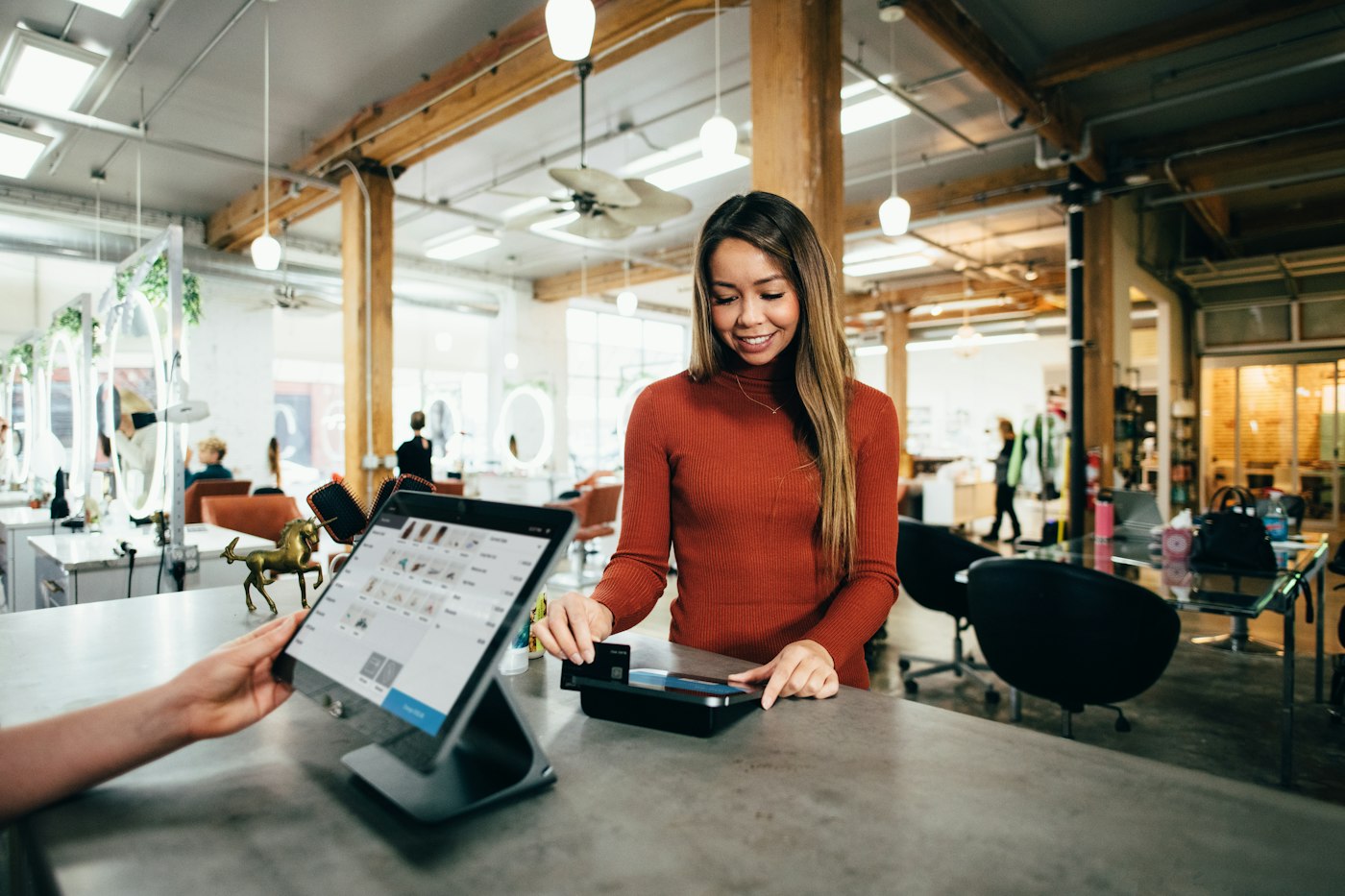
A woman in a rust-coloured sweater paying by card at a counter
Quick counter sales, each one recorded by product.

01 · Bakery till system

A counter till for the morning rush.

Add each bake as a product with a photo, a price and a category such as bread, viennoiserie, cakes and savouries. At the counter, staff tap the items, adjust quantities, record how the customer paid and print an invoice if they want one. A box of six or a dozen rolls can be its own product at its own price.

Late in the day, apply a discount at the till to clear what is left, and the reduced price is stored with the sale.

Tap by photo

Find the right pastry fast when the queue is long.

Categories for each bake

Bread, cakes and savouries reported separately.

End-of-day reductions

Clear the shelves and keep the true price on record.

How POS Sales works
A woman at a laptop looking over charts and graphs
Last month's Tuesdays, side by side, before tomorrow's bake.

02 · Planning the bake

Use sales history to plan the next bake.

Before writing tomorrow's bake sheet, run a sales report by product for the same weekday in each of the past few weeks. You see how many sourdough loaves, croissants and sausage rolls actually sold on a typical Tuesday, and how a bank holiday or school holiday changed things.

POS2026 does not forecast or plan production for you. It gives you accurate history, and your judgement about weather, events and orders does the rest.

Sales by product

How many of each item sold, for any period.

Same day, previous weeks

Compare like with like before you plan.

Trends over time

See which lines are growing and which are fading.

How Report works
A person walking past a bright orange shop front
What is left at closing becomes a number, not a guess.

03 · Unsold items

Waste and unsold items, recorded as adjustments.

At close, count what is left on the shelves. Anything that will not be sold tomorrow is recorded as a stock adjustment, whether it goes to the bin, a food charity or the staff. Over a few weeks you see which lines are regularly over-baked and by how much.

Stock adjustments

Unsold items taken off the count at close.

Waste you can see

Spot the lines that are always over-baked.

How Stock works
Two women walking down a warehouse aisle lined with blue shelves
Ingredient deliveries recorded against each supplier.

04 · Ingredients

Flour, butter and eggs bought through Purchase.

Add your main ingredients as products in their own category, and record each delivery from the mill, the dairy or the wholesaler as a purchase. The purchase history shows what each ingredient cost and when it went up.

POS2026 does not cost recipes. If you know roughly what a loaf costs to make, enter that as its cost price, and Loss/Profit will use it. Revisit the figure when the purchase history shows flour or butter has gone up.

Ingredient deliveries

Every order from every supplier on record.

Your own cost per item

A cost price you set, used in profit reports.

How Purchase works
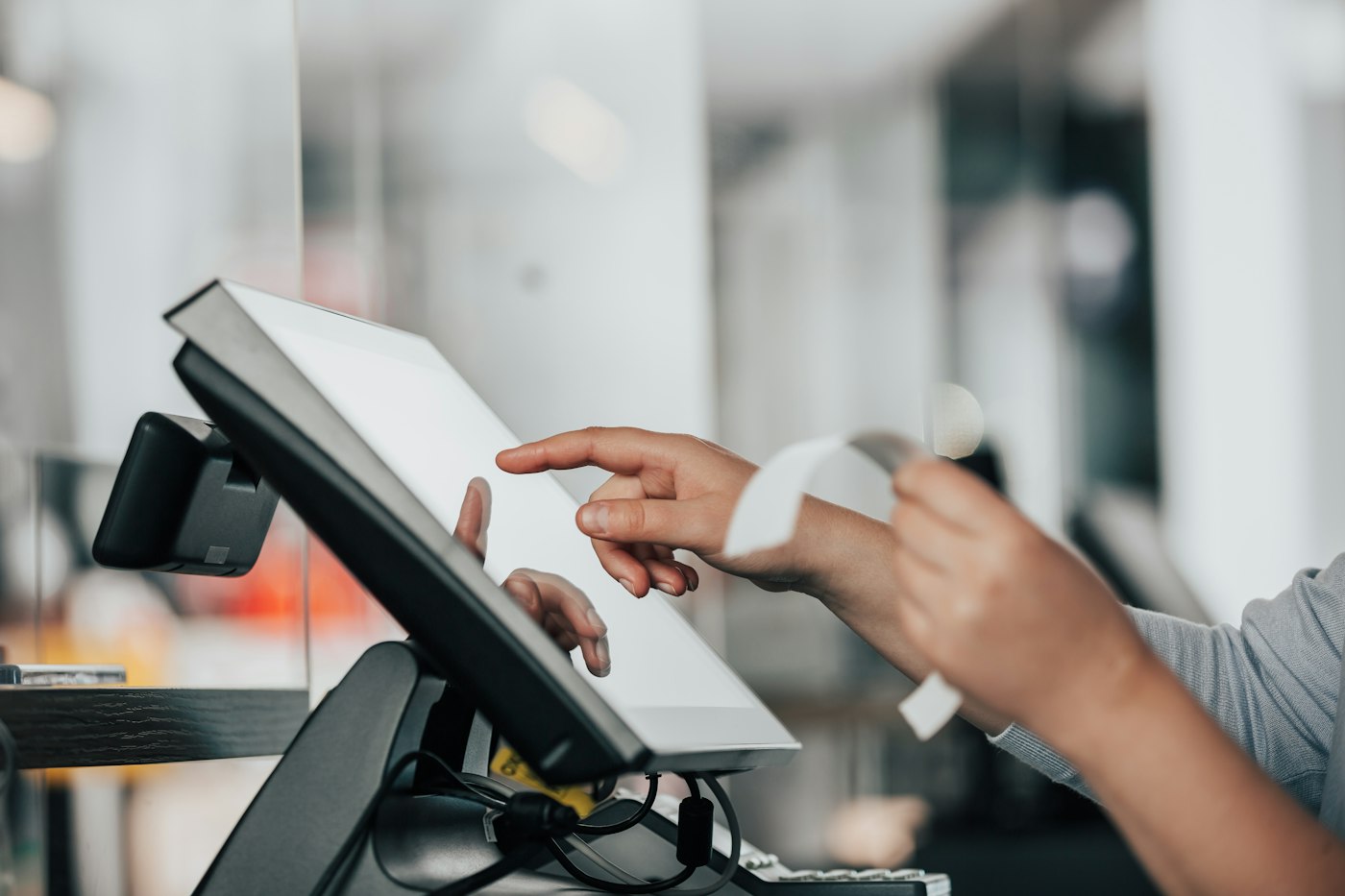
Shop worker using a POS machine at the counter
Deposit taken, balance and date on record.

05 · Special orders

Celebration cakes and deposits on the Due List.

When a customer orders a birthday or wedding cake, record the order as a sale to them at the full price and take the deposit as a part payment. The balance appears on the Due List with the collection date as its deadline, and a reminder prompts you before the day. When they collect and pay, the balance clears.

Customer details kept

Name and number on the order, not on a scrap of paper.

Balance and collection date

What is still owed and when the cake is due.

A reminder before the day

No order forgotten in a busy week.

How Due List works

Getting started

Get your bakery set up in a quiet afternoon.

Start with what goes on the shelf every day, then add the extras.

  1. Create a free trial account and choose your currency.
  2. Add your everyday bakes with a photo, price and category.
  3. Enter an estimated cost price for each item if you know it.
  4. Add your ingredient suppliers and record the next delivery as a purchase.
  5. Sell for a week, recording unsold items at each close.
  6. Run a sales report by product before writing next week's bake sheet.

Questions

Common questions.

Straight answers for shop owners, based on what POS2026 actually does.

What is the best POS system for a bakery?

For a counter bakery, the essentials are a quick till, sales by product to plan the bake, a way to record waste and somewhere to track special orders. POS2026 does all four. If you need recipe costing or production schedules built in, you will need specialist bakery software alongside it.

Can POS2026 work out the cost of a recipe?

No. There is no recipe costing. Work out your cost per item yourself and enter it as the product's cost price, and Loss/Profit will use it in your profit figures.

How do I take a deposit on a cake order?

Record the order as a sale to the customer at the full price and take the deposit as a part payment. The remaining balance sits on the Due List with the collection date as its deadline.

Is it suitable for a home bakery?

Yes, if you sell at a counter, a market or by collection. It runs in a browser on a phone, tablet or laptop, needs an internet connection, and the free trial lets you test it with your own range.

Bake to the numbers, not the guesswork.

Start your free trial, add your everyday bakes and see what really sells by the end of the week.

Explore Features Get Started