Butcher shop EPOS

A butcher shop EPOS that sells by the kilo and knows your margins.

POS2026 gives independent butchers a counter till that works in kilograms, cost prices you can update as the market moves, proper accounts for trade customers and a record of every kilo that never reaches a customer.

A man in a grey T-shirt smiling at a woman across a shop counter
Weighed, priced and recorded at the counter.

In short

A butcher shop EPOS records counter sales, usually by weight, and keeps stock, costs and customer accounts behind them. In POS2026 you give products a kilogram unit, enter the weight from your scale at the till, update cost prices as wholesale prices move, invoice restaurants on account and record trim and waste as stock adjustments. It does not connect to weighing scales.

A butcher's counter is a skilled trade with simple-looking sales. A customer asks for a kilo of braising steak, six sausages and a chicken for Sunday. Behind that sale sit carcasses bought at a price that changed since last week, hours of cutting, trim that becomes mince or waste, and a margin that depends on getting every one of those numbers right.

Many butchers also supply local restaurants, pubs and cafés, which means invoices, credit terms and chasing payments on top of the counter trade. POS2026 brings the counter, the cold room and the trade book into one browser-based system. If your counter sits inside a farm shop, see our farm shop EPOS page; for a halal counter in a world food store, the international grocery POS page covers the rest of the shop.

Why butchers switch

Where the margin goes in a butcher's shop.

The meat is the easy part. The money is lost in weights, moving costs, trade credit and waste nobody writes down.

  • Everything sold by weight

    Half a kilo of mince, a joint for six, a few hundred grams of bacon. Prices depend on the scale, and the till has to cope with odd quantities all day.

  • Cost prices that never sit still

    Wholesale prices for beef, lamb and pork move from week to week. A margin that worked in spring can be gone by autumn if shelf prices stay put.

  • Trade customers on account

    Restaurants and pubs order weekly and pay monthly. Their invoices must be right and their balances need chasing.

  • Trim, bone and unsold product

    Not every kilo you buy is sold. If waste is never recorded, stock figures and margins look healthier than they are.

Someone using a POS machine at a shop counter
Weigh on your scale, enter the weight, complete the sale.

01 · Selling by weight

A butchers till system that works in kilograms.

Give each loose product a kilogram unit and a price per kilo: rump steak, diced lamb, pork belly, mince. At the counter, weigh the cut on your own trade-approved scale, then enter that weight as the quantity in POS2026 and the line price follows. Pre-packed items such as a pack of six sausages or a ready-made pie stay as single items.

POS2026 does not link to weighing scales, so the weight is keyed in rather than sent from the scale. For most counters that is a few seconds per item.

Priced per kilo

A kilogram unit and price on every loose product.

Weight as quantity

Key in the scale reading and the price is worked out.

Packs as single items

Sausage packs, pies and burgers sold by the piece.
How POS Sales works
A calculator on a desk beside an open laptop
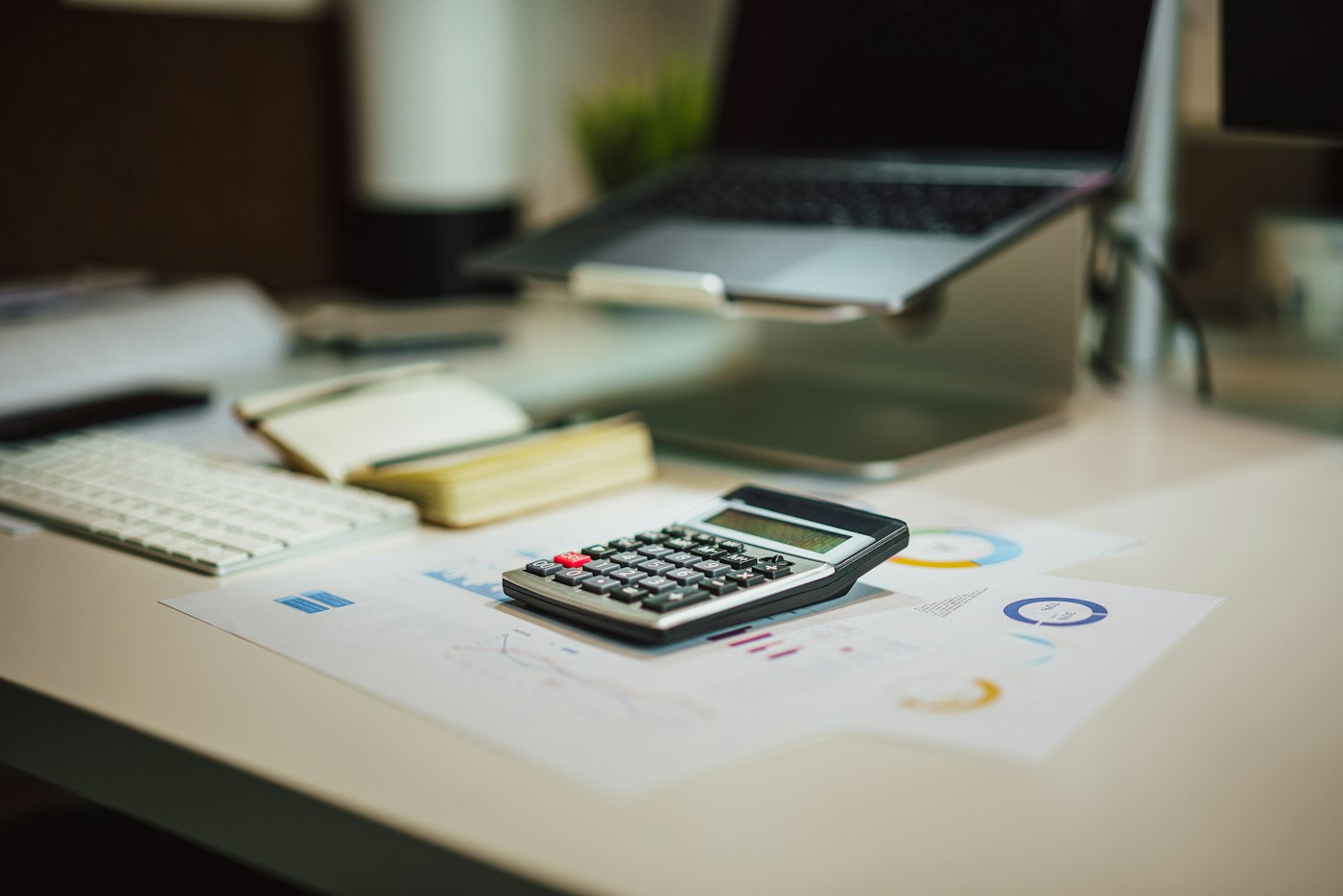
This week's cost price, not last spring's.

02 · Moving cost prices

Cost prices that keep up with the market.

Record each delivery from your abattoir or wholesaler as a purchase, at the price you actually paid. When a price changes, update the cost price on the products it affects. Loss/Profit then works from current costs instead of last season's.

The purchase history becomes a record of how your buying prices have moved, which helps when deciding whether to raise counter prices. To work out the price per kilo you need for a target margin, use the free profit margin calculator.

Deliveries at real prices

Each purchase stored with what you paid.

Price history

See how buying prices have moved over months.

Margins on current costs

Profit worked out from this week's prices.

How Purchase works
A smartphone, a pen and paperwork on a white folder
Trade invoices and balances, without the paper chase.

03 · Trade accounts

Trade accounts for restaurants, pubs and cafés.

Set up each trade customer in Parties with their contact details. Record their orders as sales on account and produce an invoice for each delivery. The amount goes onto the Due List with the deadline you agreed, and a reminder prompts you as it falls due.

When the restaurant pays, record the payment and their balance updates. Their record shows every order and payment, which makes month-end conversations short and friendly.

Invoices per delivery

A proper invoice for every trade order.

Agreed payment terms

A deadline on each amount owed.

Reminders

A nudge before a balance becomes overdue.

How Due List works
A man sorting products on a store shelf
What was bought, what was sold and what was lost, all on record.

04 · Waste and stock

Waste recorded as stock adjustments.

At the end of the day, or after a cutting session, record trim that went to waste, bone, and product past its best as a stock adjustment. Stock stays true to what is in the cold room, and over a few weeks the adjustments show where losses are coming from.

POS2026 has no production or recipe feature. If you make sausages or burgers in-house, a simple method is to adjust the finished product's stock up when a batch is made and the trim or mince stock down by what went into it.

Adjust for waste

Trim, bone and spoiled product taken off stock.

Stock reports

See what you hold and how it has changed.

Low-stock alerts

Warned before a popular cut runs out.

How Stock works

Getting started

Set up your butcher's counter.

Start with the cuts and packs you sell every day.

  1. Create your free trial account and set your currency.
  2. Add loose cuts with a kilogram unit, a price per kilo and a cost price.
  3. Add packs and pies as single items with their own prices.
  4. Enter your opening stock after the next cutting session.
  5. Add your suppliers and trade customers, with agreed payment terms.
  6. Sell at the counter, and record waste as adjustments at close.

Questions

Common questions.

Straight answers for shop owners, based on what POS2026 actually does.

Does POS2026 connect to my butcher's scales?

No. There is no scale integration. Weigh on your own trade-approved scale and enter the weight as the quantity at the till; POS2026 calculates the price from the price per kilo.

What is the best POS system for a butcher shop?

Look for selling by weight, easy cost price updates, trade accounts with invoices and a way to record waste. POS2026 covers those. If you need scales that print labels and send weights to the till automatically, you will need a scale-integrated system instead.

Can I invoice restaurants and pubs?

Yes. Record their orders as sales against their customer record and produce an invoice. Outstanding amounts appear on the Due List with your agreed deadline.

How do I record meat that goes to waste?

As a stock adjustment. Reduce the stock of the product by the weight lost, so stock reports and margins reflect what really happened.

Does it work for a meat shop that also sells groceries?

Yes. Packaged groceries sell by barcode alongside your weighed meat, all in one catalogue and one set of reports.

Know your margin on every kilo.

Start a free trial, add your cuts with prices per kilo and keep cost prices current from this week.

Explore Features Get Started