Garden centre EPOS

Garden centre EPOS that keeps pace with the planting season.

POS2026 helps garden centres, plant nurseries and plant shops sell living stock and hard goods from one till, record plant losses honestly and buy for next season from accurate figures.

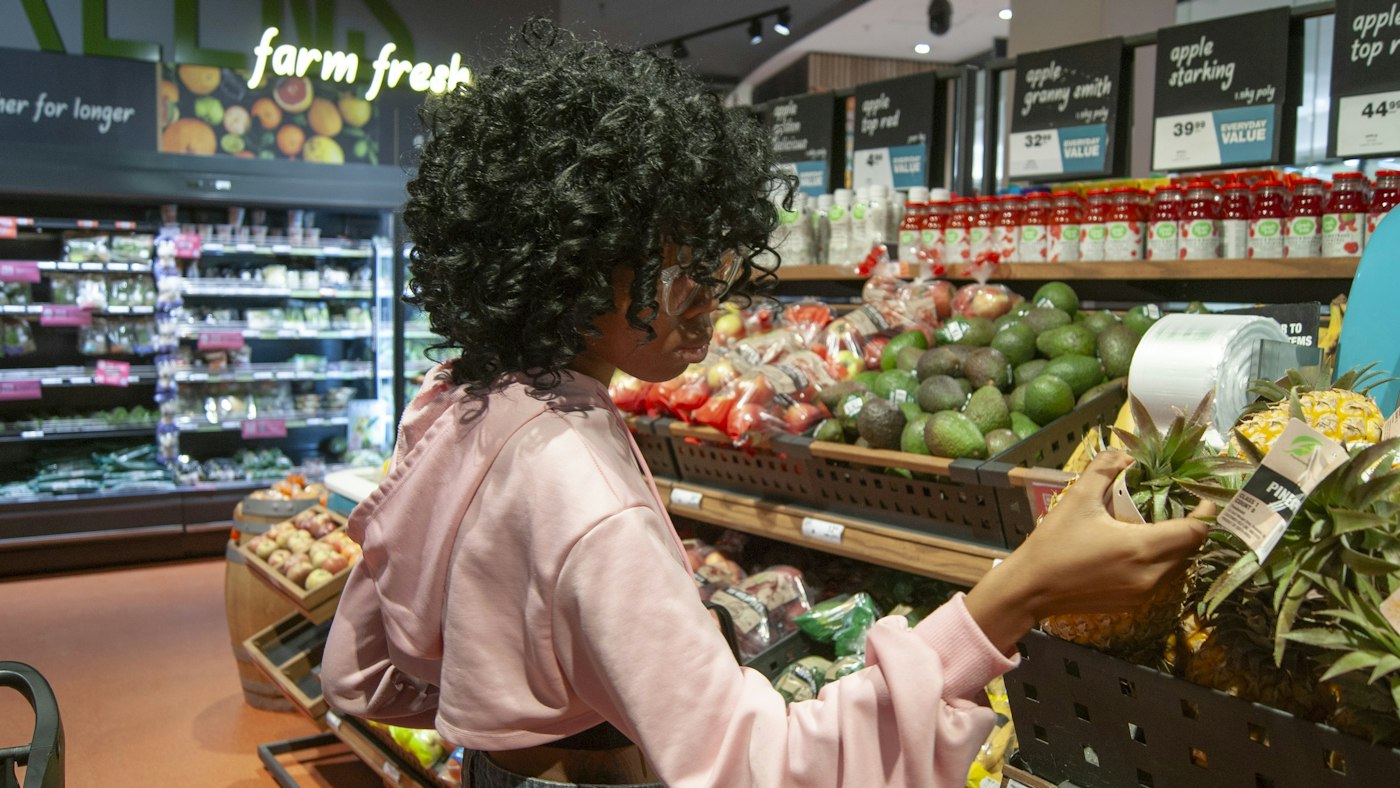
A shopper picking up a pineapple in a store's fresh produce section
Living stock sells fast in season and spoils if it does not.

In short

Garden centre EPOS is a till and stock system that handles plants, compost, tools and gifts in one place. POS2026 gives garden centres, and US garden centers and plant nurseries, a barcode checkout, units such as each, tray or bag, stock adjustments to record plants lost to weather or pests, and supplier purchases for seasonal buying.

A garden centre runs two businesses under one roof. Hard goods such as compost, pots, tools, seed, feed and garden furniture behave like any other retail stock. Living stock does not. Bedding plants, shrubs, perennials and houseplants arrive in waves, need care every day and lose value quickly when they wilt, flower out or are caught by frost.

The calendar drives everything. A few spring weekends can bring more trade than the whole winter, and buying for them starts months earlier. POS2026 helps by keeping a true count of what is on the benches, recording losses as they happen rather than at the end of the season, and keeping every supplier delivery on record, so next year's orders are built on this year's real sales.

Why garden centres switch

The trouble with selling living stock.

Plants do not wait, the weather does not cooperate and the season is short.

  • Short, intense seasons

    Spring and early summer bring the busiest weekends of the year. The till has to cope and the stock has to be there when the customers are.

  • Plants that do not keep

    Bedding that flowers out, shrubs hit by frost and houseplants that wilt all have to be written off. Unrecorded losses make the stock figures meaningless.

  • Singles, trays and bags

    Plants sell singly and by the tray, compost by the bag, seed by the packet. The till and the count have to use the same units.

  • Buying months ahead

    Seasonal orders are placed long before the season starts. Without last year's figures, ordering is guesswork.

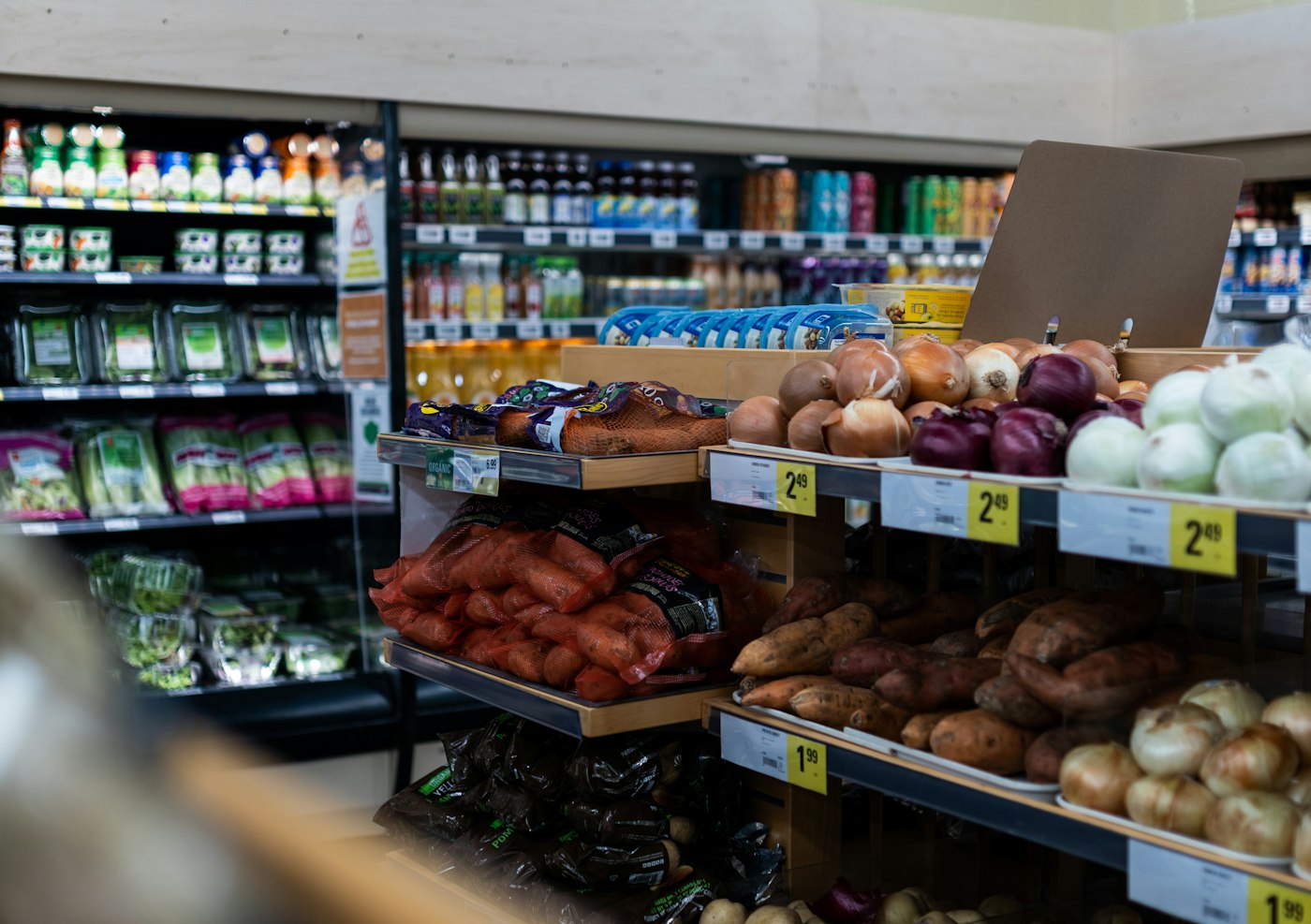
A store with shelves of fresh produce and price labels
Plants and hard goods through the same checkout.

01 · Plants and hard goods

A garden centre till system for plants, compost and gifts.

Hard goods usually come with barcodes, so compost, pots, tools and gifts scan straight into the sale. Plants often arrive with supplier labels or none at all, so give them categories such as bedding, perennials, shrubs, trees, houseplants and herbs, each with a picture, and staff can pick them in a tap.

Set the unit to match how each line is sold: a single plant, a tray, a bag of compost. If you sell the same plant singly and by the tray, set each up as its own product. Multi-buy offers on bedding are applied as a discount at the till and saved with the sale.

Barcode scanning

Hard goods scan straight into the sale.

Plant pictures

Staff pick the right plant by sight.

Units per product

Each, tray, bag or packet.

How POS Sales works
A store worker holding a crate of fresh tomatoes
Perishable stock, counted honestly.

02 · Wastage

Record plant losses as they happen.

When plants are lost to frost, pests, disease or simply going over, record a stock adjustment. The count drops to what is really on the benches, and the loss stops hiding inside the stock figure. Over a season, comparing what you bought with what you sold shows which lines you are over-buying.

Plants past their best but still saleable can go on a reduced bench with a discount at the till, so you recover part of the cost instead of none.

Stock adjustments

Write off dead or damaged plants as you find them.

Reduced to clear

Tired stock sold at a discount, recorded properly.

Bought versus sold

See where the season's losses came from.

How Stock works
A calculator on a table next to a laptop
This season's figures, next season's order.

03 · Seasonal buying

Buy for next spring from this spring's sales.

Record each delivery from growers, nurseries and sundries suppliers as a purchase against that supplier, with its delivery status, so stock rises when it arrives. The purchase history shows what you bought, from whom and at what cost, and sales reports filtered by date show what sold in each week of the season.

Put the two side by side and next year's order rests on evidence: more of what sold out early, less of what ended up on the reduced bench.

Grower deliveries

Each one recorded with its delivery status.

Purchase history

What you bought, from whom and at what cost.

Sales by date

Week-by-week sales across the season.

How Purchase works
A row of shops and parked cars on a small-town street
A full-year view, not just the busy weekends.

04 · Through the year

Steady through the quieter months.

The Dashboard shows sales and trends at a glance, so a slow start to spring is obvious early. Recording rent, glasshouse heating, water, wages and van costs as expenses means Loss/Profit shows what the centre really made across the whole year, not just in its best months. Landscapers and other trade customers who buy on account can be tracked on the Due List.

Dashboard

Sales, trends and alerts at a glance.

Expenses

Heating, water, wages and vans counted against profit.

Trade accounts

Landscapers' balances on the Due List.

How Dashboard works

Getting started

Get your garden centre ready for the season.

Set up before the spring rush, not during it.

  1. Start a free trial before the season begins and set your currency.
  2. Create categories for plant types and hard goods.
  3. Add products with a picture, unit, cost and price, starting with the lines you sell most in spring.
  4. Record current stock on the benches and in the store.
  5. Add your growers and suppliers.
  6. Sell your first tray of bedding through POS Sales.

Questions

Common questions.

Straight answers for shop owners, based on what POS2026 actually does.

Can I sell plants by the tray and individually?

Yes. Set up the single plant and the tray as separate products, each with its own unit, price and stock count, so both are sold and counted correctly.

How do I record dead or damaged plants?

Record a stock adjustment for the plants lost. The count drops to what is really there, and comparing purchases with sales over the season shows where the losses are.

Does POS2026 work with weighing scales?

No. POS2026 does not connect to weighing scales. Sell loose goods in a fixed unit such as a bag, a scoop or each, priced accordingly.

Does it work as a nursery POS system in the US?

Yes. Garden centers, nurseries and plant shops can set the currency to US dollars and use the same checkout, stock and purchase records, with landscapers and other trade customers on account.

Does it work without an internet connection?

No. POS2026 runs in a web browser and needs a connection. If Wi-Fi is weak in an outdoor sales area or polytunnel, keep the main till where the signal is reliable.

Be ready for spring before it arrives.

Start your free trial, add your plant categories and record your first grower delivery today.

Explore Features Get Started