

Inventory management

Inventory management software that moves with every sale.

POS2026 ties inventory to the register, so every sale, delivery and adjustment changes the count as it happens. Set reorder levels, see what is running low and use inventory reports to buy what actually sells.

Two women walking through a warehouse aisle with blue shelving units
Inventory you can trust on a Tuesday afternoon, not just after a count.

In short

Inventory management software for a small business tracks how much of each item you hold, tells you when to reorder and reports what is selling. POS2026 is a POS with inventory management built in: sales lower inventory in real time, vendor deliveries raise it, reorder levels trigger low-stock alerts, and inventory reports set stock beside sales so you buy what sells.

For a small store, inventory is often the biggest thing the business owns after the lease. Yet in many stores it is tracked on a spreadsheet updated on Sunday nights, or not tracked at all until a customer asks for something that is not there.

Standalone inventory apps help, but they leave a gap: every sale still has to reach the inventory somehow. POS2026 closes that gap by keeping inventory inside the point of sale. Here is how reorder levels, inventory reports and real-time tracking work when the register and the stockroom share one set of records.

Inventory headaches

Why small business inventory drifts.

The count is only as good as the last time someone updated it.

  • Accurate one day a year

    The figures are right the morning after a full count and wrong again by the end of the week.

  • Reordering by gut feel

    Without a reorder level on each item, you notice a stockout only when the shelf is already bare.

  • Cash tied up in slow movers

    Items that sell twice a year take shelf space and money you could spend on lines that turn.

  • Shrink nobody records

    Damaged, expired or missing items quietly make the count wrong until nobody trusts it.

A man sorting items on a grocery store shelf
Each sale moves the count. No end-of-day sync.

01 · Tied to the POS

POS with inventory management, not beside it.

In POS2026 the register and the inventory are the same records. Ring up a sale and the item's quantity drops at that moment. Record a delivery from a vendor in Purchase and it rises. There is no nightly sync to wait for and no second app to keep open.

That makes the inventory figure something you can act on during the day, not just after a count. Inventory Sales shows stock and sales side by side, so a fast-selling item and its remaining quantity sit on the same screen.

Linked to sales

Each sale updates inventory instantly.

Linked to purchases

Vendor deliveries add inventory back.

Real-time levels

The current quantity of every item.
How Inventory Sales works
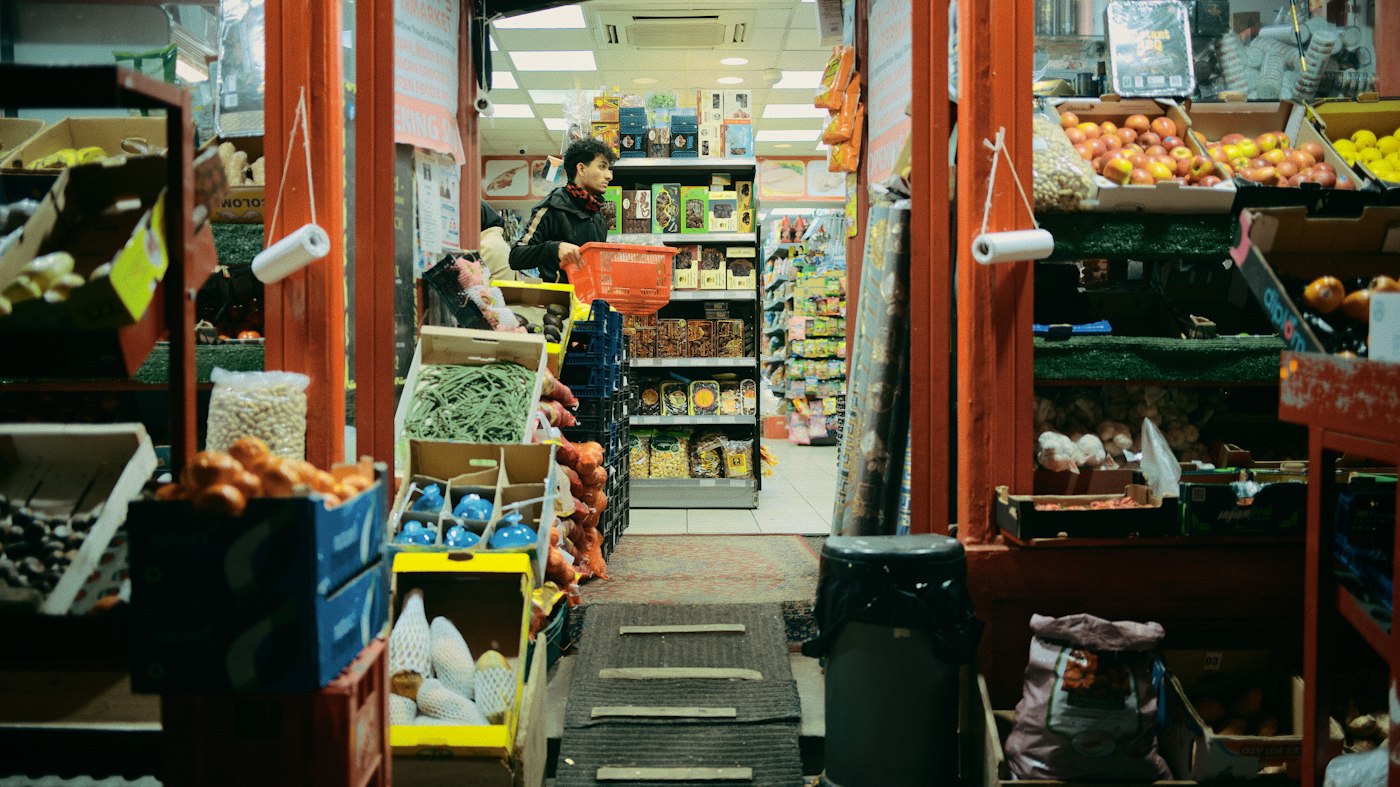
Inside a small grocery store filled with produce
Set the level once and let the alerts watch the shelves.

02 · Reorder levels

Reorder levels and low-stock alerts for every item.

Give each product a low-stock level: the quantity at which you want to reorder. When inventory falls to that level, POS2026 flags the item and the alert shows on the Dashboard. Set it higher for items your vendor takes a week to deliver, and lower for things you can pick up at the wholesale club tomorrow.

A simple starting point is average daily sales multiplied by the number of days a delivery takes, plus a little safety stock for busy weeks; the reorder point calculator does the sum for you. Review the levels every season, because what sells in December is not what sells in July.

Low-stock alerts

Flagged when an item reaches its level.

On the Dashboard

Alerts where you see them first.

Reorder through Purchase

Turn the alert into a vendor order.

How Stock works
Woman working on a laptop showing charts and graphs
What sold against what is left, before you place the order.

03 · Inventory reports

Inventory reports that show what to buy and what to drop.

Stock reports list what you hold, what is low and what has moved. Product reports set each item's sales next to its stock, and filters narrow them by category, product or date range. Export the result if you want to work on it in a spreadsheet or share it with a business partner.

Use them before every order. Restock the items that sell steadily, cut back on the ones that have barely moved, and check whether a seasonal line needs a bigger order than last year. Our guide on how to manage inventory covers the habits behind it.

Stock reports

Holdings, low stock and movements.

Filters

By category, item and period.

Fast and slow movers

Spot both before they cost you.

How Report works
A grocery store worker holding a box of tomatoes
Damaged or expired? Record it and the count stays right.

04 · Keeping it accurate

Inventory tracking software that stays honest.

Even the best inventory tracking software needs a physical count now and then. When the shelf and the system disagree after a count, a breakage or expired product, record an adjustment and the figure is right again. On plans that include multi-branch, inventory can be transferred between stores with the move recorded.

Each product also carries its cost, so Loss/Profit can show what your inventory actually earns once it sells, after the cost of goods and your expenses.

Adjustments

Correct counts after damage or a stock count.

Transfers

Move inventory between stores.

Cost per item

Feeds the profit calculation.

How Products works

Getting started

Get your inventory into POS2026.

Start with the items that matter most and widen from there.

  1. Start the free trial and set your currency to US dollars.
  2. Add your items with cost, price, category, unit and UPC barcode.
  3. Count what is on the shelf and enter each starting quantity.
  4. Set a low-stock level on the items you never want to run out of.
  5. Add your vendors so deliveries can be recorded against them.
  6. Sell as normal and review the stock report every week.

Questions

Common questions.

Straight answers for shop owners, based on what POS2026 actually does.

What is the best inventory management software for a small retail store?

For a store that sells over a counter, inventory tied to the POS is usually the most useful, because sales update stock without extra work. POS2026 does that. If you sell mainly online, you will need software that connects to your ecommerce platform, which POS2026 does not.

Does POS2026 integrate with QuickBooks or Shopify?

No. POS2026 does not integrate with accounting or ecommerce platforms. Inventory and sales reports can be filtered and exported for your bookkeeper.

Can I use barcodes to manage inventory?

Yes. Store the UPC or other barcode on each product, and scanning it at checkout adds the item to the sale and lowers inventory. Test your scanner during the free trial. Label printing is not included, so items without a manufacturer barcode are picked from the catalogue.

Can it track sizes and colours?

There is no variant or matrix inventory. List each size or colour as its own product, and group them in a category so they sit together in reports.

Is there an inventory app for my phone?

POS2026 runs in your phone's web browser, so you can check inventory on the sales floor. Phone and tablet apps of its own are coming soon.

Inventory that keeps up with the register.

Start the free trial, add your top items with their counts and watch them move with every sale.

Explore Features Get Started