
Sports shop POS

The sporting goods POS system for every season and every size.

POS2026 helps independent sports shops sell kit and equipment, count every size of boots and clothing, and supply local schools and clubs on account, with an invoice for every team order.

A person using a payment terminal in a shop
Kit for the season, sold size by size.

In short

A sporting goods POS system should track kit in every size, handle equipment with barcodes and look after schools and clubs that order on account. POS2026 sets up each size as its own product with its own stock count, keeps club and school balances on the Due List and produces an invoice for every team order, from any web browser.

A local sports shop sells two kinds of stock. Equipment such as balls, rackets, bats, pads and bottles behaves like any other retail line. Kit and footwear come in sizes: shirts from junior to adult, boots in every half size, gloves, socks and base layers. And each sport has its season, the start of which is when everybody needs new kit at once.

Many sports shops also supply the community around them: school PE departments, junior football and netball clubs, running groups and gyms. Those orders are larger, often paid later and need an invoice. POS2026 handles the shop and the accounts in one place, with a stock count for every size, a record for every club and school, and a list of balances still to be paid.

Why sports shops switch

Seasons, sizes and club orders, all at once.

A sports shop is a fashion shop, an equipment store and a team supplier rolled into one.

  • Every sport has its season

    Boots and shin pads before the football season, rackets in spring, swimwear before summer. Miss the window and the stock waits a year.

  • Sizes from junior to adult

    A team shirt in ten sizes is ten counts to keep right. Guess, and you are short of the sizes everyone needs.

  • Club and school orders on account

    A club orders kit for a whole squad and pays next month. Without a record, balances drift and invoices go missing.

  • Bulky equipment that waits

    Goals, nets and kit bags take up space. Over-buy and they sit in the stockroom for a season.

Two shop employees smiling at the camera
Kit in every size, each with its own count.

01 · Kit in every size

Every size of shirt, boot and glove, counted.

Kit is where a sports shop differs from other retail. Because there is no size grid in POS2026, a junior football boot in size 4 is a product in its own right, carrying a barcode, a price and a count of the pairs you hold. A shared category such as Football boots or Team kit keeps a whole run of sizes side by side on screen.

Equipment is simpler: a ball, a racket or a bag is usually one product with its manufacturer barcode. Whatever it is, the count drops the moment it is sold. Our shoe shop POS page goes deeper on footwear sizes.

A count for every size

Junior to adult, each size separately.

Barcodes on kit and equipment

Scan the label and the right size comes up.

Lines grouped by category

Boots, team kit, rackets and accessories.
How Products works
A street of shops and restaurants with parked cars in Anstruther, Scotland
Before the season starts, the whole town needs kit.

02 · Seasonal kit

Ready before each season starts.

The weeks before a season starts are when clubs and parents buy. After a full year on POS2026, the reports for those same weeks show what sold and in which sizes, so the next order is based on facts. Each order goes into Purchase against its supplier, where you can follow it until the boxes arrive.

While kick-off approaches, alerts warn you as popular sizes thin out. Once the season is under way, discounts at the till or new prices on the products help clear what is left before the next lot of stock arrives.

Plan from last season

Sales by date, line and size.

Orders tracked

Know when each supplier's delivery is due.

Sizes running low

Junior sizes flagged before the first training night.

How Purchase works
A pile of British coins on a table
Club balances tracked until the treasurer pays.

03 · Schools and clubs on account

Team orders on account, invoiced item by item.

Set up the PE department, the junior football club or the local gym in Parties, noting which coach places orders and which treasurer settles them. Ring each team order through against that record, with any club discount you agree, and hand over an invoice listing every item, size and price.

Orders paid later show up on the Due List, so you can see which clubs owe money and how long it has been outstanding. Once the treasurer pays, the balance comes off the list, and the account's history shows every order and payment if a figure is ever queried.

Club and school records

Who orders, who pays and what they bought.

Invoices for team orders

Every item and size, from the sale record.

Balances on the Due List

Every club that still owes you, in one list.

How Due List works
Woman working on a laptop showing charts and graphs
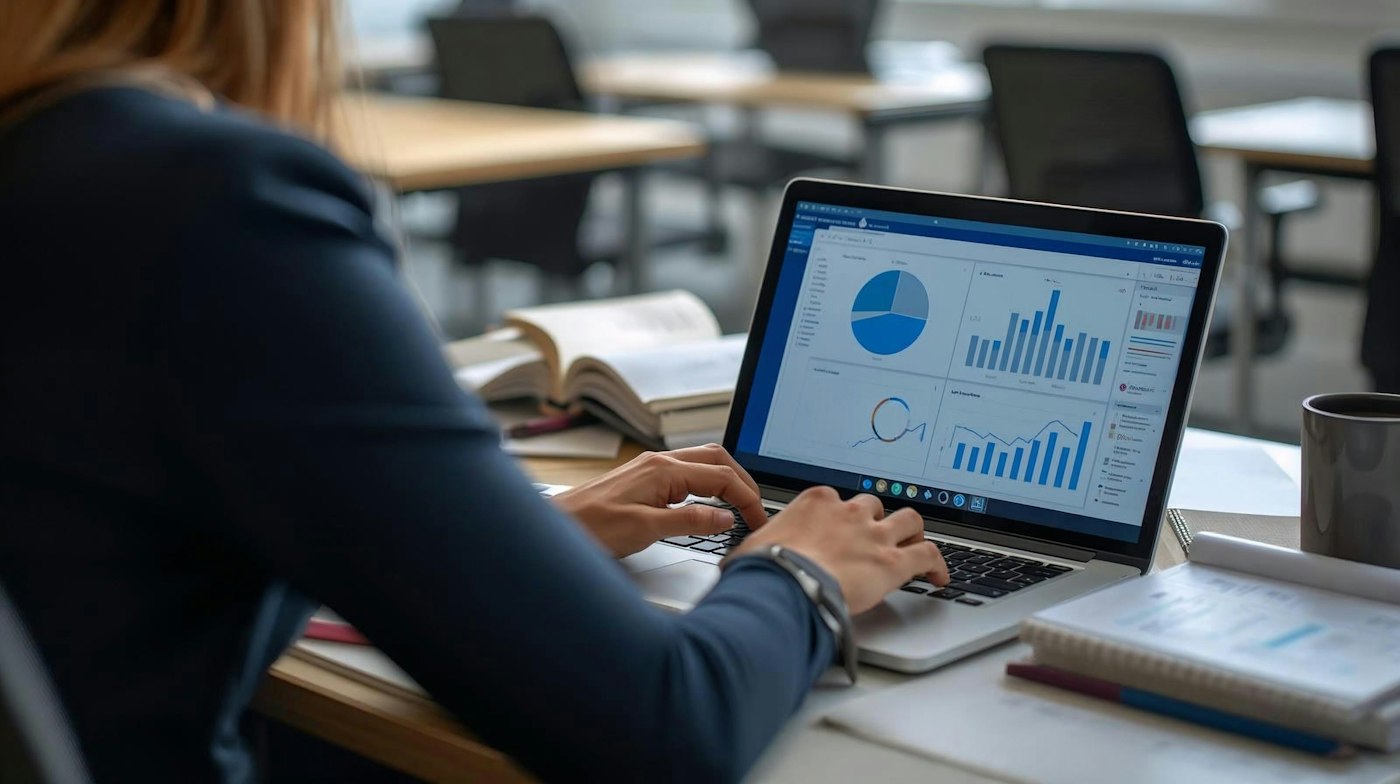
Stockroom, season and profit in one view.

04 · Stock and profit

Know what the stockroom holds and what the shop makes.

Bulky equipment ties up space and money, so it pays to know exactly what is in the stockroom. Stock reports list every line and size on hand, an adjustment fixes the figure when a count turns up a difference or a net arrives torn, and if you run more than one shop on a plan with multi-branch, transfers move kit to where it will sell.

With expenses recorded alongside sales, Loss/Profit shows what the shop earns after stock costs, club discounts and running costs, so you can see whether a big team order really paid.

Stock reports

Every line and size on hand.

Adjustments

Fix the figure when the count and the shelf disagree.

Profit after discounts

See what club orders really earn.

How Stock works

Getting started

Kit out your sports shop on POS2026.

Set up before the next season starts, beginning with the kit that sells fastest.

  1. Sign up for a free trial and select your language and currency.
  2. Create categories such as Team kit, Footwear, Rackets and Accessories.
  3. Add equipment with its barcodes, and kit and footwear size by size.
  4. Enter the stock you hold in every size.
  5. Add your suppliers and the schools and clubs you supply.
  6. Sell your first item of kit at the till.

Questions

Common questions.

Straight answers for shop owners, based on what POS2026 actually does.

Which POS features matter most for a sports shop?

A stock count for every size, quick barcode checkout, supplier orders ahead of each season, and accounts with invoices for schools and clubs. POS2026 includes all four in one app.

Does POS2026 handle sizes?

It does, with each size entered as a product of its own. Colours work the same way, so a training top in two colours and eight sizes means sixteen products, each with an exact count.

Can a club or school pay for kit later?

Yes. Orders rung through against a club or school build a balance that shows on the Due List, with reminders, until the treasurer pays. Each order can be given an invoice.

Is it sporting goods inventory software as well?

Yes. The till and the stockroom share the same figures, so a sale or a delivery changes the count at once, and alerts, adjustments, transfers and stock reports are all part of the package.

Does it handle printing or embroidery on kit?

There is no job tracking for printing or embroidery. You can add a printing or embroidery charge as a product so it rings through with the order, and keep the job details wherever you track them now.

Kit for every season, an invoice for every club.

Set up your team kit and the clubs you supply on a free trial, before the next season starts.

Explore Features Get Started