Furniture store POS

A furniture store POS system for deposits, balances and big tickets.

POS2026 helps furniture shops record high-value sales, take deposits, keep every balance owed in view until it is paid and spot the pieces that have sat in the showroom too long.

A person walking past a bright orange shop front on a brick terrace
Fewer sales, bigger tickets, every balance in view.

In short

A furniture store POS system records high-value sales and the money still owed on them. POS2026 lets furniture shops take a deposit, keep the balance against the customer on the Due List with its due date, print an invoice for the order and see which pieces are moving slowly. Every part-paid order stays visible until it is settled.

A furniture shop can make a handful of sales on a quiet weekday and still have a good day. Each sale is a sofa, a bed, a wardrobe or a dining set, and many are not paid in full on the day. The customer puts down a deposit, the piece is ordered from the maker or held in the stockroom, and the balance is due before it leaves.

That pattern makes the money owed as important as the money taken, and furniture store software has to track both. POS2026 records the full sale against the customer, the deposit as their first payment and the balance on the Due List with its due date. Stock is counted piece by piece, so you know what you hold and what has not sold in months.

Why furniture retailers switch

Where furniture retail POS gets complicated.

Fewer transactions, but each one carries more money and more follow-up.

  • Deposits and balances to chase

    A deposit on a sofa can leave a large balance outstanding. Lose track of one and the shop is out of pocket on its biggest sale of the week.

  • Customers who need paperwork

    Big purchases bring questions later. Customers expect an invoice that shows what they ordered and what they paid.

  • Stock that moves slowly

    A dining set can sit on the floor for months. Every slow piece ties up cash and space a better seller could use.

  • Supplier costs on big items

    Makers and importers change prices between collections. A small cost rise on a large item is real money if the price tag stays the same.

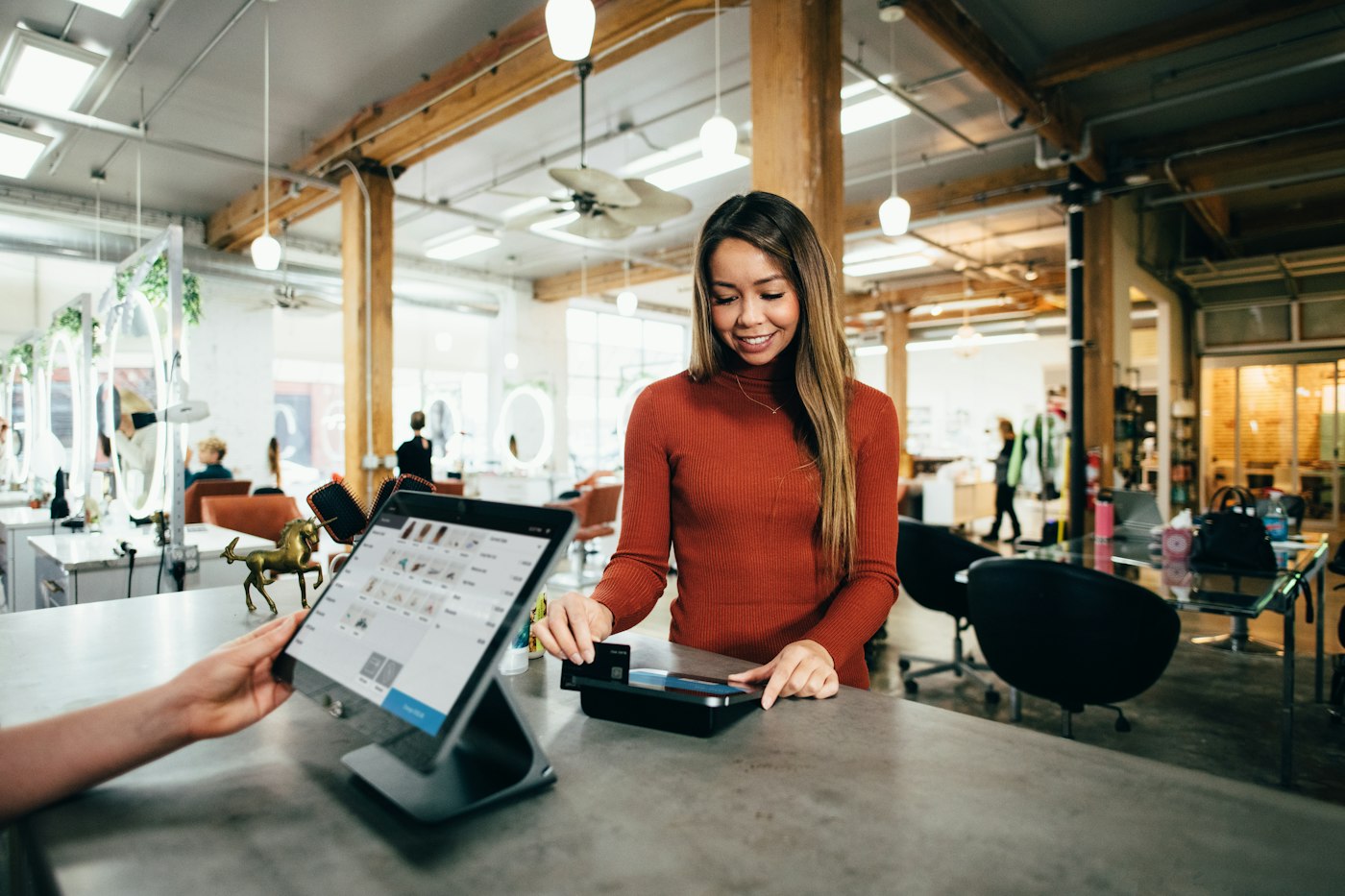
A customer paying at a shop counter with a tablet point-of-sale screen
Deposit today, balance on record until it is paid.

01 · Deposits and balances

Take a deposit, keep the balance in view.

Record the sale against the customer for the full amount, then record the deposit they pay today. The remainder becomes a balance due, listed on the Due List with the date you agreed, such as before the piece leaves the shop. Reminders prompt you as the date approaches, and each further payment reduces the balance until it clears.

Because the balance lives on the customer's record, anyone in the shop can answer "how much do I still owe?" in seconds, with every payment listed by date.

Due List

Every open balance with its due date.

Reminders

A prompt before a balance falls due.

Customer records

The order, the deposit and every payment since.
How Due List works
A smartphone calculator and a pen on top of printed financial papers
Paperwork that matches the sale, every time.

02 · Invoices

An invoice for every order, deposit or not.

Each sale can produce an invoice for the customer, printed on the spot where a printer is set up. It shows what was bought and the total, and the sale behind it holds the payments made, so the paperwork and the figures always agree.

For high-value sales, the invoice and the sales history are also your record when a customer comes back with a question about an order months later.

Printed invoices

Handed over at the counter, matching the sale.

Sales history

Every order kept and easy to find again.

Customer reports

What each customer bought and what they owe.

How Sales works
An older man with glasses standing in a shop with clothing rails behind him
Know which pieces are earning their floor space.

03 · Slow-moving stock

Spot the pieces that have sat too long.

Stock and product reports show what has sold and what has not over any date range. Run them monthly and the sofa that has not moved since spring stands out, so you can discount it, move it to a better spot or stop reordering that range. Low-stock alerts work the other way, warning you when a popular bed frame is down to its last one.

Sell a display piece as ex-display with a discount at the till, and record a stock adjustment if a piece is damaged beyond sale. On plans that include multi-branch, stock can be transferred between a showroom and a second site.

Product reports

What has and has not sold, by date range.

Adjustments

Damaged pieces taken out of stock.

Transfers

Move pieces between sites on multi-branch plans.

How Stock works
A smiling man in a patterned shirt standing outside a large historic building
From the maker to the showroom, every cost recorded.

04 · Makers and importers

Orders from makers, recorded with what they cost.

Furniture is often ordered from a maker or importer once the customer has paid a deposit. Record the order as a purchase against the supplier and update its delivery status as it progresses, so you know what is on its way to you. The cost of each piece stays current, and Loss/Profit shows the margin you actually made once the sale, the purchase and expenses such as showroom rent and van costs are counted.

Incoming orders

Delivery status for stock on its way to you.

Current costs

The latest price from each maker on every piece.

Loss/Profit

Real margin after costs and expenses.

How Purchase works

Getting started

Bring your furniture shop onto POS2026.

Start with open orders, because that is where the money owed sits.

  1. Create a free trial account and set the showroom currency.
  2. Add your range by category, with an image, cost, price and current stock for each piece.
  3. Add customers with open orders, recording the deposits paid and the balances due.
  4. Add the makers and importers you buy from as suppliers.
  5. Record regular costs such as rent and van running as expenses.
  6. Make your first sale and take a deposit through POS Sales.

Questions

Common questions.

Straight answers for shop owners, based on what POS2026 actually does.

Can POS2026 schedule furniture deliveries?

No. POS2026 does not plan delivery dates, routes or drivers for your customers. It records the sale, the payments and the balance due, and the delivery status of orders coming in from your suppliers. Keep your delivery diary alongside it.

How do I take a deposit?

Record the sale against the customer, record the deposit as their first payment, and the remaining balance appears on the Due List with the date it is due. Each later payment reduces it until it clears.

Can I see every customer who still owes a balance?

Yes. The Due List shows every outstanding amount across your customers, with deadlines and reminders, and each customer record shows their full payment history.

Does it handle special orders from suppliers?

You can record the order as a purchase against the supplier and update its delivery status as it progresses. There is no workflow that ties a supplier order to a particular customer's sale, so keep the customer's name on your order paperwork.

Will it work on a tablet in the showroom?

Yes. POS2026 runs in a web browser, so a tablet on the showroom floor works as well as a computer at the counter. Dedicated tablet apps are coming soon but are not available yet.

Never lose track of a balance again.

Start your free trial, add your open orders and see every deposit and balance in one list.

Explore Features Get Started