Discount and pound shop POS

The dollar store POS system for big ranges and small margins.

POS2026 helps dollar stores, pound shops and variety stores sell at fixed price points, keep thousands of lines counted and see which ones still make money at the price on the shelf.

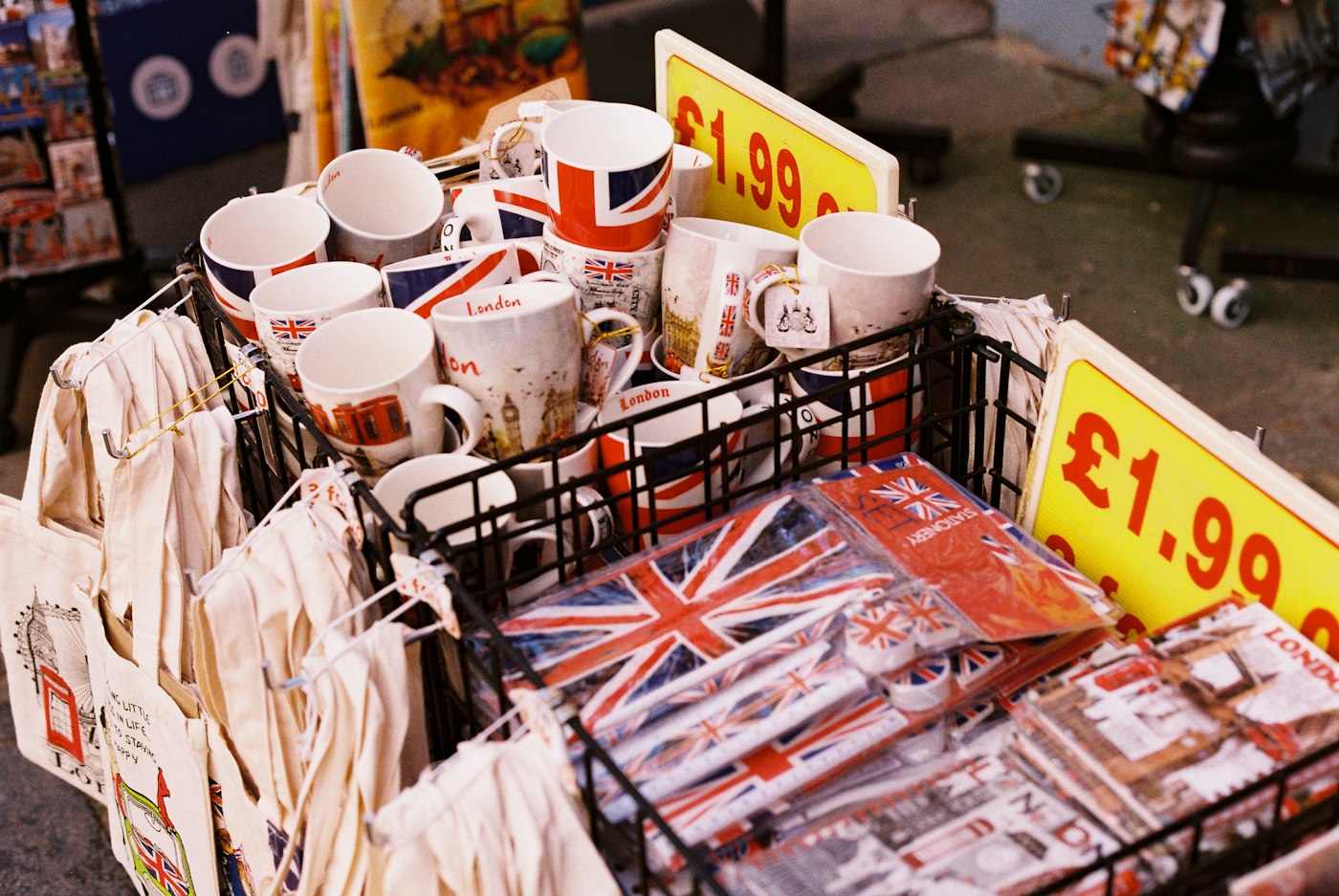
Souvenir mugs and tote bags on display with £1.99 price signs
One price point, a huge range, every line counted.

In short

A dollar store POS system is checkout and inventory software for stores that sell large ranges at a few fixed prices. POS2026 suits dollar stores, pound shops and variety stores: fast barcode scanning for high volume, products grouped by price point, purchase records from your wholesalers and Loss/Profit by product, so you can see which lines still earn their place at the shelf price.

Discount retail is a volume game. A pound shop or dollar store may carry thousands of lines, from cleaning products and party goods to snacks, stationery and seasonal decorations, most of them at one or two set prices. Each sale is small and the margin on each item is thin, so the store only works if the till is quick and the range is right.

The hardest part is that the price stays still while costs move. When a wholesaler raises the cost of a line you sell at £1 or $1.25, the selling price cannot follow, and the margin quietly shrinks. POS2026 keeps the cost of every product beside its price and works out profit from both, so you can see which lines have stopped paying for their shelf space and swap them out.

Why discount stores switch

The maths of a fixed price point.

When the shelf price cannot move, everything else has to be managed closely.

  • Queues on high-volume days

    Weekends, paydays and the run-up to holidays bring baskets of twenty or thirty small items. Every second at the till multiplies.

  • Fixed prices, moving costs

    The shelf price is the promise. When a supplier raises a cost, the margin absorbs it unless you notice and change the range.

  • Ranges in the thousands

    Thousands of low-value lines are easy to lose track of. Overstock in one aisle and gaps in another cost both sales and cash.

  • Seasonal peaks

    Halloween, Christmas, Easter and back-to-school lines arrive in bulk and must sell through before the season ends.

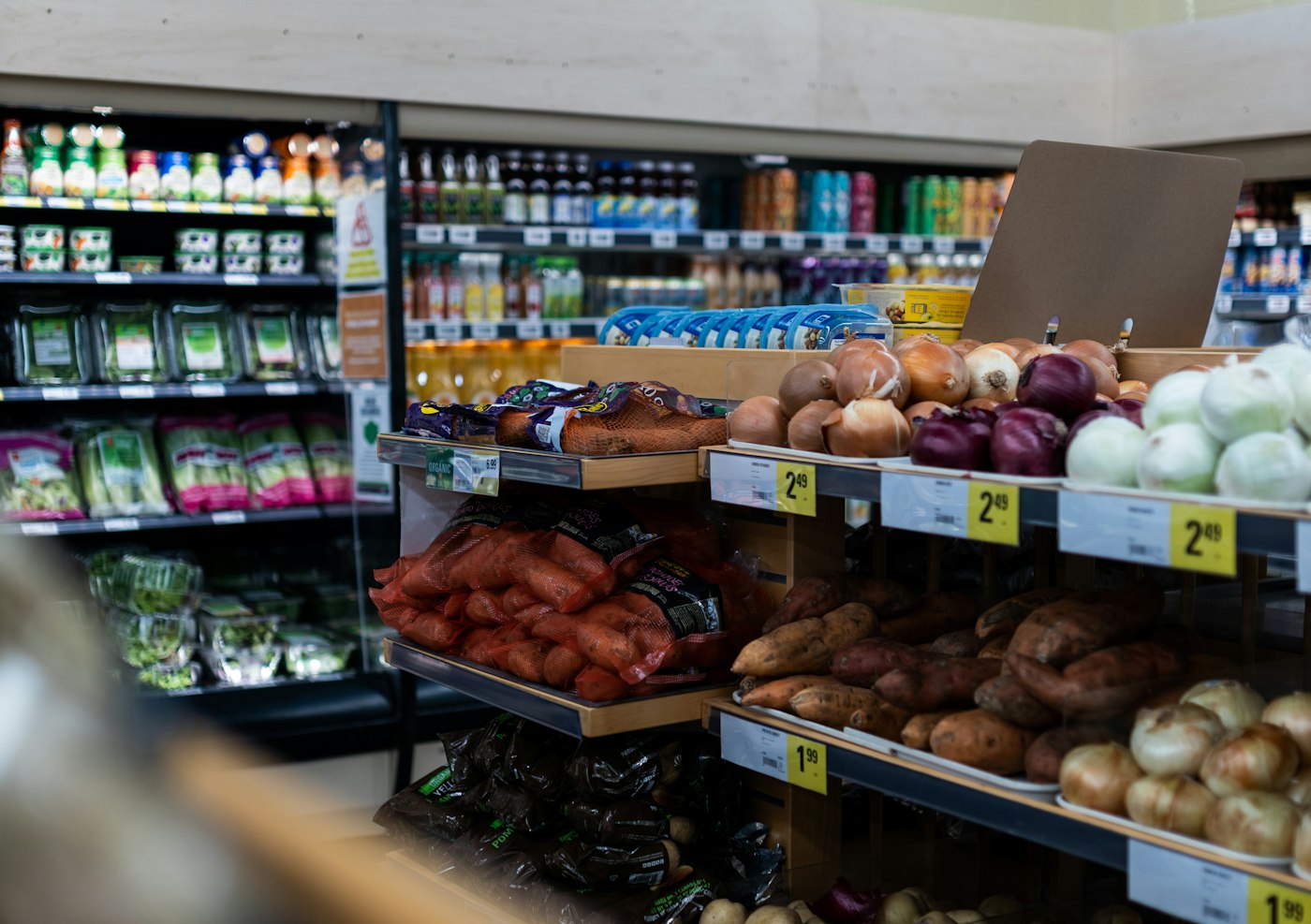
A store with shelves of fresh produce and price labels
A full basket, scanned at speed.

01 · High-volume checkout

Scan twenty items as quickly as two.

Most discount stock arrives with a barcode, so the checkout is scan, scan, scan, then payment. Lines can also sit in a price-point category such as "£1 lines" or "$1.25 lines", so anything with a damaged label is a tap away at the right price. Record how the customer paid and print the invoice where a printer is set up.

Multi-buy offers, such as three for a set price, are applied as a discount at the till, and the real amount paid is saved with the sale.

Barcode scanning

Packaged lines scan straight into the basket.

Price-point categories

Every line grouped by the price it sells at.

Multi-buy discounts

Offers applied at the till and kept on record.

How POS Sales works
A person using a calculator at a desk beside a coffee mug
Is this line still worth its shelf?

02 · Profit by product

Find the lines that no longer pay at the shelf price.

Every product carries a cost and a selling price, and Loss/Profit works from both, less the expenses you record. Product reports filtered by category or date range show which lines sell and what they earn. When a cost rise turns a good line into a loss maker, you can see it and decide whether to drop it, move it to a higher price point or buy it elsewhere.

The free profit margin calculator is handy for checking a new line before you commit to a pallet of it.

Loss/Profit

Earnings per line once overheads are taken off.

Product reports

Sales and earnings per line, filtered and exported.

Current costs

The latest cost beside every fixed price.

How Loss/Profit works
Two shop employees in aprons standing with arms folded in a large store
Fewer suppliers, more lines from each.

03 · A few big suppliers

Huge ranges from a handful of wholesalers.

Discount stores tend to buy most of their range from a small number of wholesalers and importers, often by the case. Record each order as a purchase against that supplier, with the products and quantities on the invoice. Stock rises when it arrives, the cost on each product stays current and the supplier record shows what you owe.

Purchase history by supplier makes it easy to compare what the same line cost from two wholesalers, and to see how much of the store depends on each one.

Purchase orders

Each delivery recorded against its wholesaler.

Purchase history

Compare costs across suppliers and orders.

Supplier balances

What you owe each wholesaler, at a glance.

How Purchase works
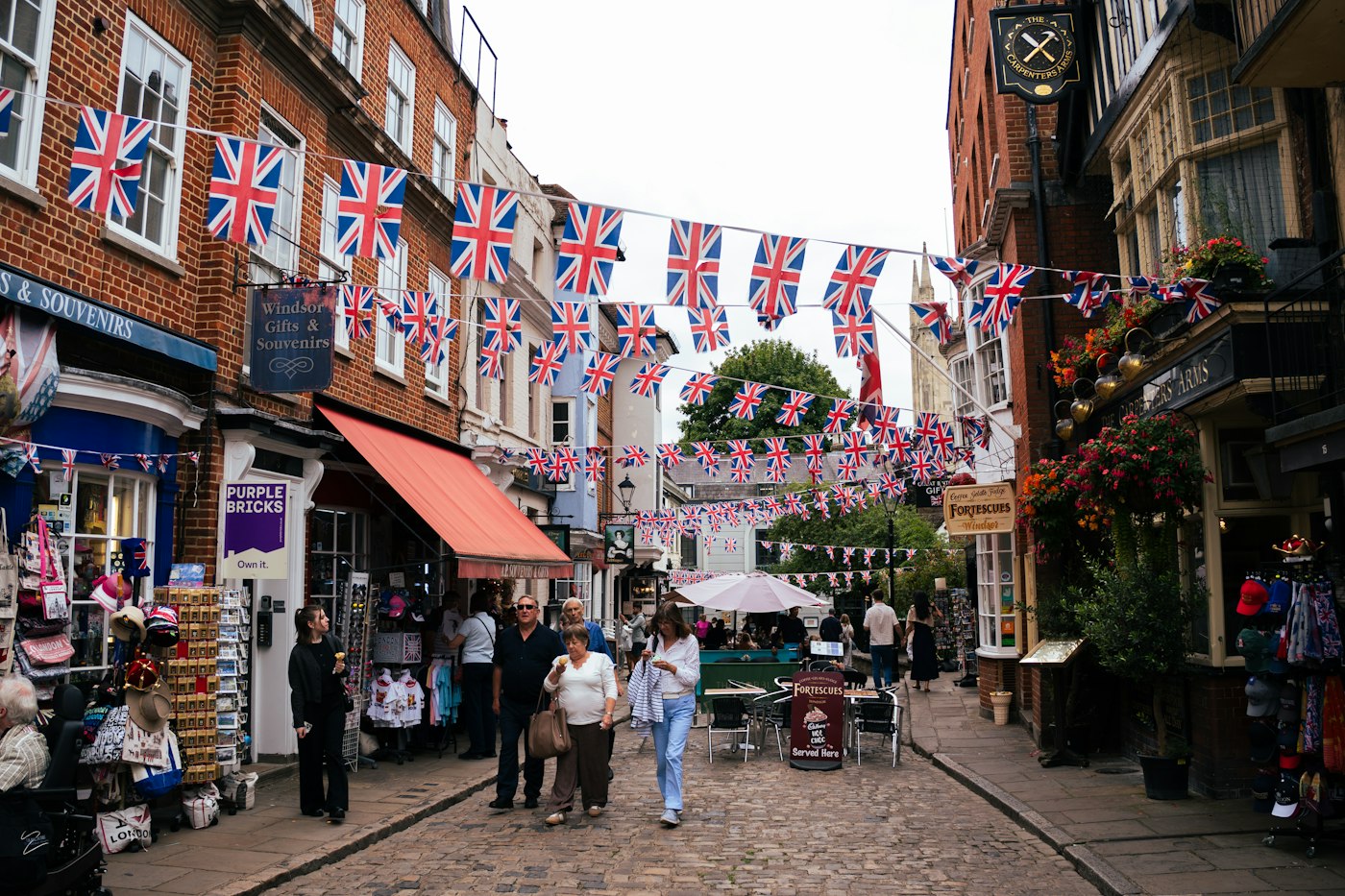
A shopping street decorated with strings of British flags for a celebration
Every season has a sell-by date.

04 · Seasonal stock

Seasonal lines that sell through instead of sitting around.

Put seasonal stock in its own category, such as Halloween or Christmas, so its sales and remaining stock can be reported separately. Low-stock alerts flag the lines selling fastest while there is still time to reorder, and the stock report shows what is left as the season winds down, so you can mark it down early rather than box it up for next year.

Seasonal categories

Report each season's sales and leftovers on their own.

Low-stock alerts

Reorder the winners while the season lasts.

Markdowns and write-offs

Clearance discounts at the till, adjustments for damaged stock.

How Stock works

Getting started

Get your variety store POS scanning.

Scan in the everyday sellers first; the long tail can follow over a few days.

  1. Sign up for the free trial and pick pounds or dollars.
  2. Create categories for each price point and for seasonal ranges.
  3. Add your best sellers first, each with its barcode, cost and price.
  4. Add your wholesalers as suppliers and record the next delivery as a purchase.
  5. Set low-stock alerts on the everyday lines customers come in for.
  6. Open POS Sales and start scanning.

Questions

Common questions.

Straight answers for shop owners, based on what POS2026 actually does.

Can I organise products by price point?

Yes. Create a category for each price point, such as £1, £2 and £5 or $1.25 and $5, and add each line to the right one. Staff can then find any item with a damaged label at the correct price.

Is it suitable for a pound shop in the UK?

Yes. Set the currency to pounds sterling and the same checkout, stock and profit tools apply. Pound shops and variety stores use it the same way as US dollar stores.

How do I see which products lose money?

Loss/Profit compares each product's cost with what it sold for, after discounts, and product reports let you filter by category or date. Keep costs current by recording each delivery as a purchase.

Do I need a barcode scanner?

Not to start, as products can be picked from categories on screen. In a high-volume store, though, a barcode scanner is what makes a full basket quick, and POS2026 works with one.

Does POS2026 include a card machine?

No. POS2026 is not a card processor and does not sell hardware. It records how each customer paid, so you keep using your existing card terminal.

Keep every price point profitable.

Start your free trial, scan in your best sellers and see which lines really earn their shelf space.

Explore Features Get Started