Liquor store POS

A liquor store POS system that accounts for every case and every bottle.

POS2026 gives independent liquor stores and bottle shops a barcode checkout, inventory you can trust from the back room to the top shelf, a record of every distributor order and reports that show where bottles are going missing.

A shopkeeper in a pink shirt and blue cap inside his store
Inventory tracked from the case in the back to the bottle on the shelf.

In short

A liquor store POS system rings up sales by barcode and keeps inventory accurate across wine, beer and spirits. POS2026 records each sale, tracks stock in the unit you choose, logs purchases from distributors, flags low inventory and produces inventory reports that help you spot shrinkage on high-value bottles. It runs in a web browser and comes with a free trial.

A liquor store is an inventory business with a cash register at the front. Cases come in from distributors on a weekly cycle, bottles go out one or two at a time, and the most valuable products in the store are also the smallest and easiest to walk off with. The difference between a profitable year and a flat one often sits in the back room and on the top shelf rather than at the register.

POS2026 is built around that reality. Every bottle scanned at checkout comes off inventory, every distributor delivery goes back on, and the reports show what should be in the store at any moment. If your store also carries snacks, mixers and ice, our convenience store POS page covers that side of the business.

Why liquor stores switch

The inventory problems every bottle shop knows.

Sales are the easy part. Keeping the count right across a back room full of valuable stock is where a basic register falls short.

  • Cases in, bottles out

    Distributors deliver by the case, most customers buy by the bottle, and some want the whole case at a case price. Inventory has to make sense of all three.

  • Shrinkage on the top shelf

    Premium bourbon, tequila and cognac are small, valuable and easy to pocket. A few missing bottles a month add up quickly.

  • Distributor orders every week

    Several distributors, each with their own sales rep, order days, minimums and monthly deals. Keeping track of what you ordered from whom is a job in itself.

  • Dead stock tying up cash

    Slow wines and seasonal beers can sit for months. Without inventory reports, you keep reordering lines that do not sell.

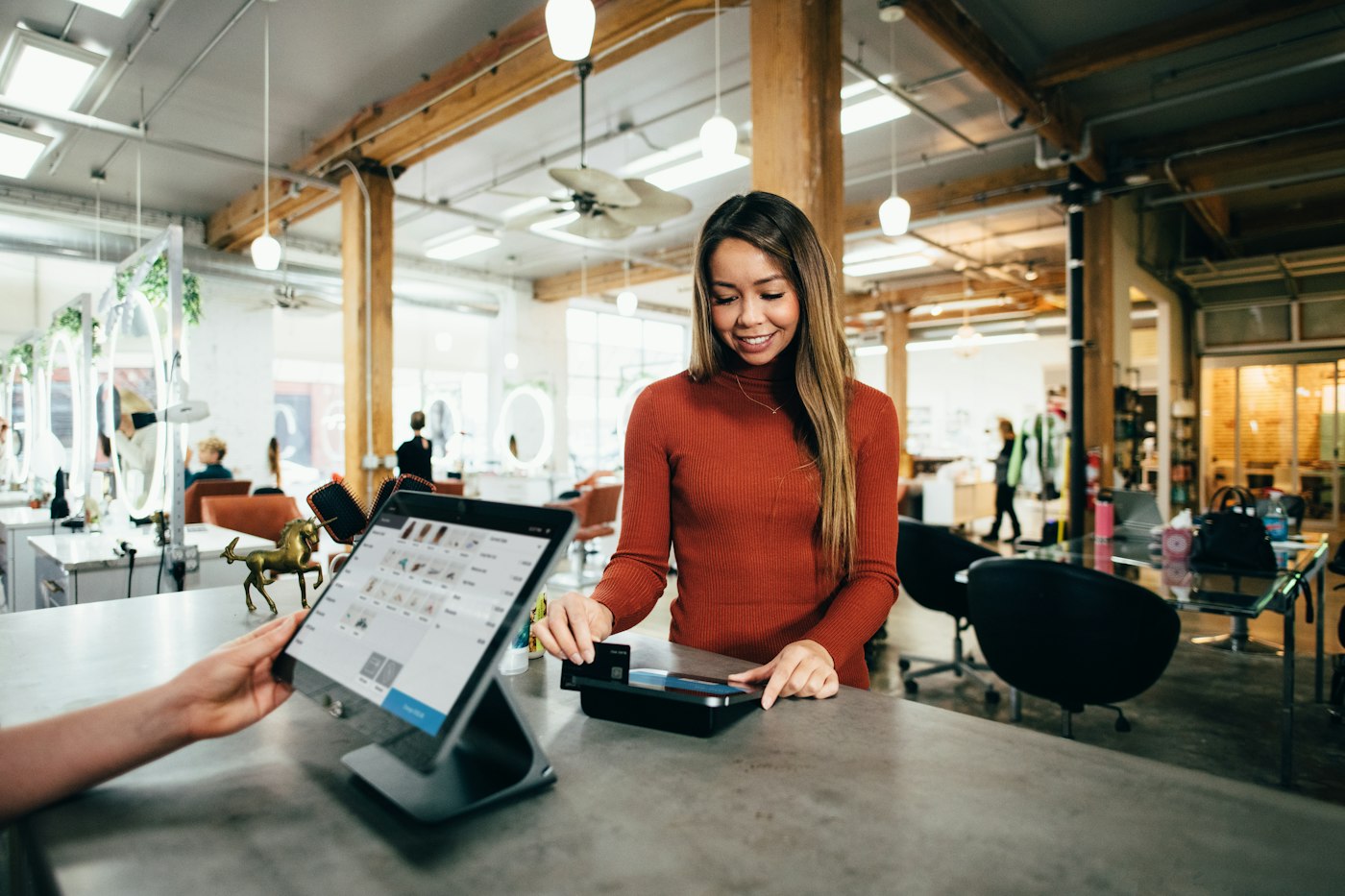
A customer in a rust-coloured sweater paying by card at a counter
Scan, pay, and inventory is already up to date.

01 · Barcode checkout

Barcode checkout that replaces the old cash register.

Scan the bottle and it comes up with its price; scan the six-pack and it comes up as the six-pack. Apply a discount, record how the customer paid and print a receipt if they want one. Each sale takes the product off inventory the moment it is complete.

POS2026 runs in a browser on the counter computer or a tablet, so there is no special register to buy. It does not process cards, so you keep your own card terminal, and it does not scan IDs. Carding customers who look under the age your store policy sets, and refusing sales to anyone under 21, stays with your clerks.

Scan every format

Bottles, cans, six-packs and cases each scan as their own product.

Discounts at checkout

Case discounts and markdowns saved with the sale.

Inventory updated instantly

Each sale comes straight off the count.
How POS Sales works
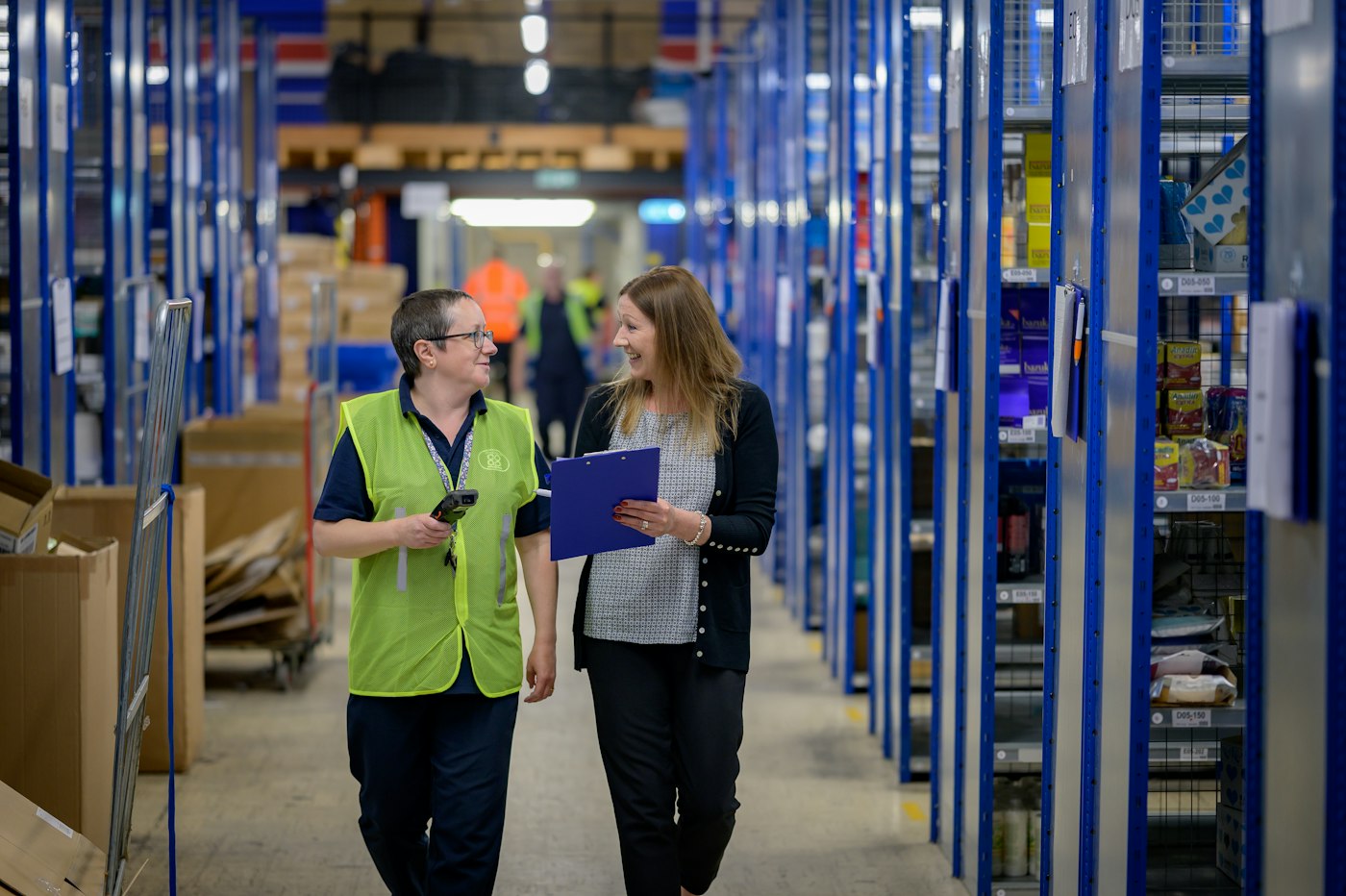
Two women walking through a stockroom aisle with blue shelving
Count the back room in the same unit you sell from the shelf.

02 · Case and bottle units

Case and bottle units, set up your way.

Give each product the unit you count it in. For wine and spirits, most stores keep inventory in bottles: when two cases of twelve arrive, record twenty-four bottles on the purchase. If a customer buys a full case, ring up twelve bottles and apply your case discount, so inventory stays in one unit.

Beer is different because six-packs, twelve-packs and thirty-packs usually carry their own UPC. Set each pack up as its own product with its own price and stock count. The rule that keeps inventory clean is simple: receive stock in the same unit you sell it in.

A counting unit per product

Bottles for wine and spirits, packs for beer.

Receive in selling units

Two cases of twelve go in as twenty-four bottles.

Case pricing

A case discount on twelve scanned bottles.

How Products works
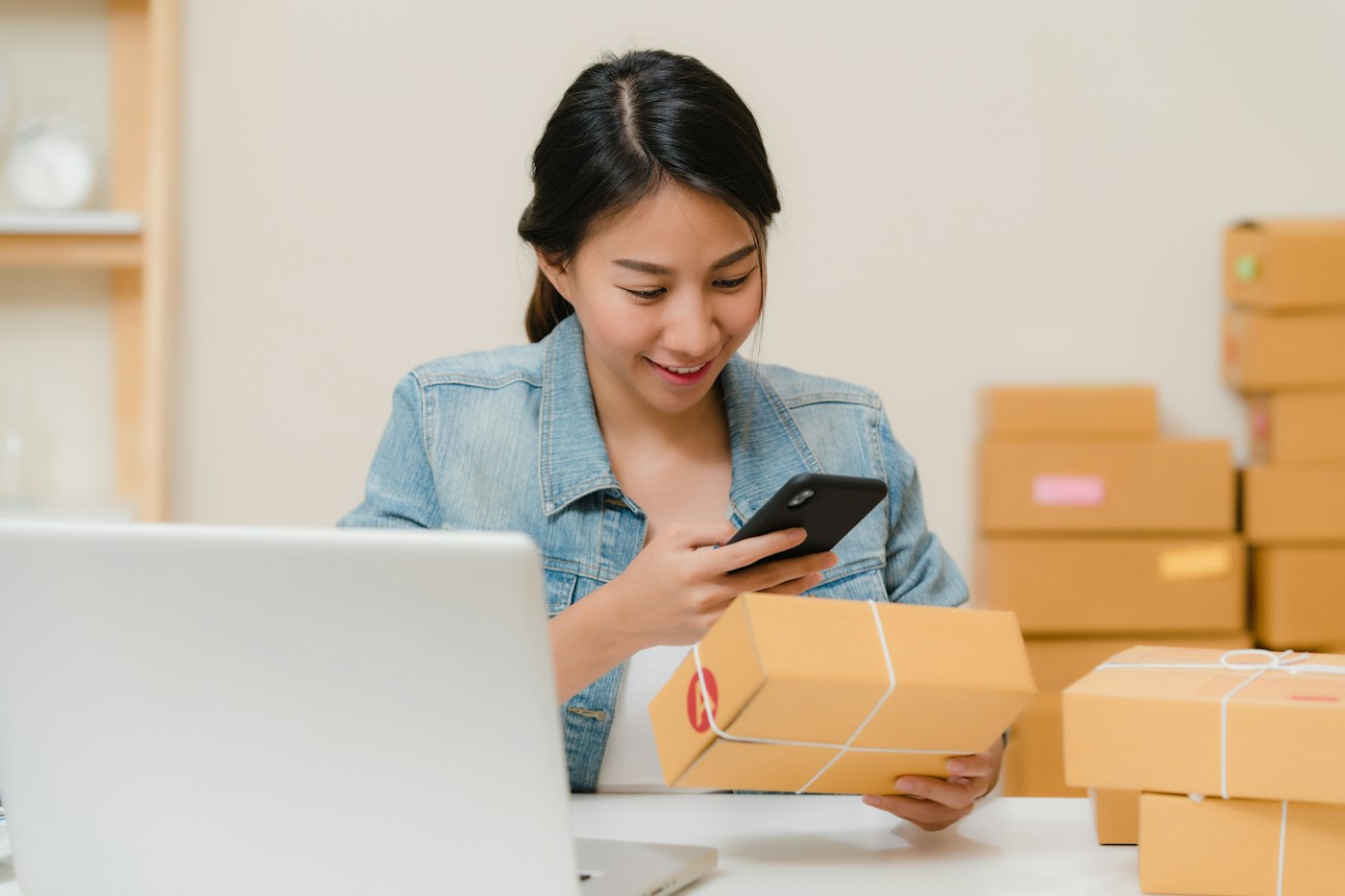
A woman checking a package with her phone next to boxes and a laptop
Check the delivery against the order, then record it.

03 · Distributor purchases

Every distributor order, on record.

Depending on your state, your suppliers may be private distributors, a state agency or both. Add each one as a supplier and record every order as a purchase with its products, quantities and costs. Update the delivery status when the truck arrives, and inventory rises.

The purchase history shows what you paid each distributor for each line over time, which helps when a rep offers a deal and you want to check whether it really is one. Balances owed to each supplier are on their record.

Orders and deliveries

What is on order and what has arrived.

Cost history per line

Compare what you paid month by month.

What you owe

Supplier balances on each distributor's record.

How Purchase works
Someone working a calculator at a desk next to a coffee mug
The count you expect against the count on the shelf.

04 · Shrinkage and inventory reports

Liquor store inventory software that catches shrinkage.

Put high-value spirits in their own category and cycle count them weekly. Compare the shelf with the quantity in POS2026: breakages go in as adjustments, and any unexplained gap tells you where to look. Moving the most expensive bottles behind the counter after a pattern shows up is a common, low-cost fix.

Inventory reports show what you hold, what is low and what has moved. A sales report by product filtered to the last ninety days finds the dead stock, and Loss/Profit shows what the store made after product costs and expenses.

Cycle counts and adjustments

Breakage and corrections recorded against the count.

Inventory reports

Current stock, low lines and movement.

Dead stock found

Lines that have not sold in months.

How Stock works

Getting started

Move your liquor store onto POS2026.

Begin with the top shelf and the fastest sellers, then work through the aisles.

  1. Start a free trial and set US dollars as your currency.
  2. Create categories for spirits, wine, beer, mixers and snacks.
  3. Add products with UPC, price and cost, deciding bottle or pack as the unit for each.
  4. Count the high-value shelf and enter it as opening inventory.
  5. Add your distributors and record the next delivery as a purchase.
  6. Schedule a weekly cycle count of spirits from the first week.

Questions

Common questions.

Straight answers for shop owners, based on what POS2026 actually does.

What is the best POS system for a liquor store?

Look for fast barcode checkout, sensible case and bottle handling, distributor purchase records and inventory reports. POS2026 handles all of these from a web browser. If you need built-in ID scanning or integrated card processing, choose a system that offers them.

Does POS2026 scan IDs?

No. There is no ID scanning or age-verification feature. Your clerks check IDs under your store policy and state law, just as they do with a standard cash register.

Can I buy by the case and sell by the bottle?

Yes, by receiving stock in bottles. When a case of twelve arrives, record twelve bottles on the purchase, and each bottle sold comes off that count. Keeping one unit per line avoids mismatched inventory.

Will it help with shrinkage?

It shows you where it happens. With accurate inventory, regular counts and adjustments, missing bottles show up as gaps between the count and the record at your next count rather than at year end.

Does it work for a wine and spirits store?

Yes. Each wine and spirit is a product with its own barcode, cost and stock count, and categories let you report on wine and spirits separately.

Know where every bottle went.

Start your free trial, scan in the top shelf and run your first cycle count this week.

Explore Features Get Started